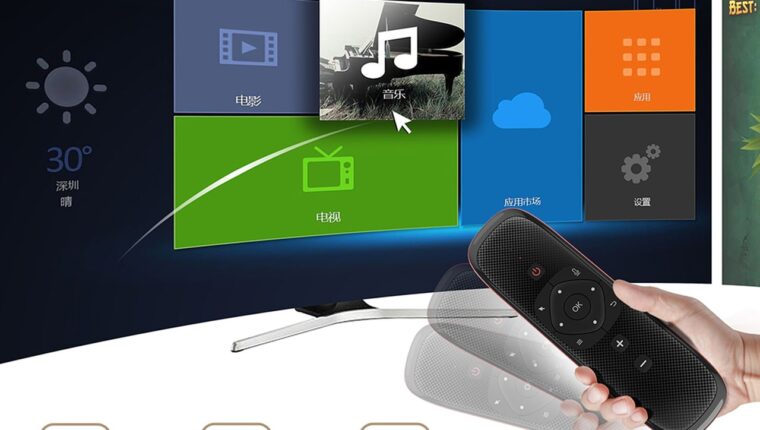
A remote control with voice search, touchpad, and gyroscope – a dream for all owners of Android set-top boxes and Smart TVs. It’s strange that until the end of 2019, manufacturers hadn’t come up with something similar for buyers. Having appeared on the Chinese market, the Air Mouse Wechip W2 remote control for Android TV simply could not go unnoticed. The only thing that held it back was the lack of at least some reviews from buyers.
The Technozon channel decided to fix the situation and released a wonderful video review of the new product. All channel links are provided below the article.
Air Mouse Wechip W2 Remote Control for Android TV: specifications
| Device Type | Air mouse (remote control) |
| Platform | Windows, Android, Mac OS, Linux |
| Connection | IrDa + USB Wireless 2.4 GHz |
| Purpose | Media control, setup, browsing |
| Supported devices | PC, laptop, projector, TV box, television |
| Number of buttons | 59, QWERTY keyboard |
| Button backlight | No |
| Programmable keys | Yes (only on the main panel) |
| Button localization | Yes (requires finding the version from the seller) |
| Air mouse | Built-in gyroscope |
| Voice control | Yes |
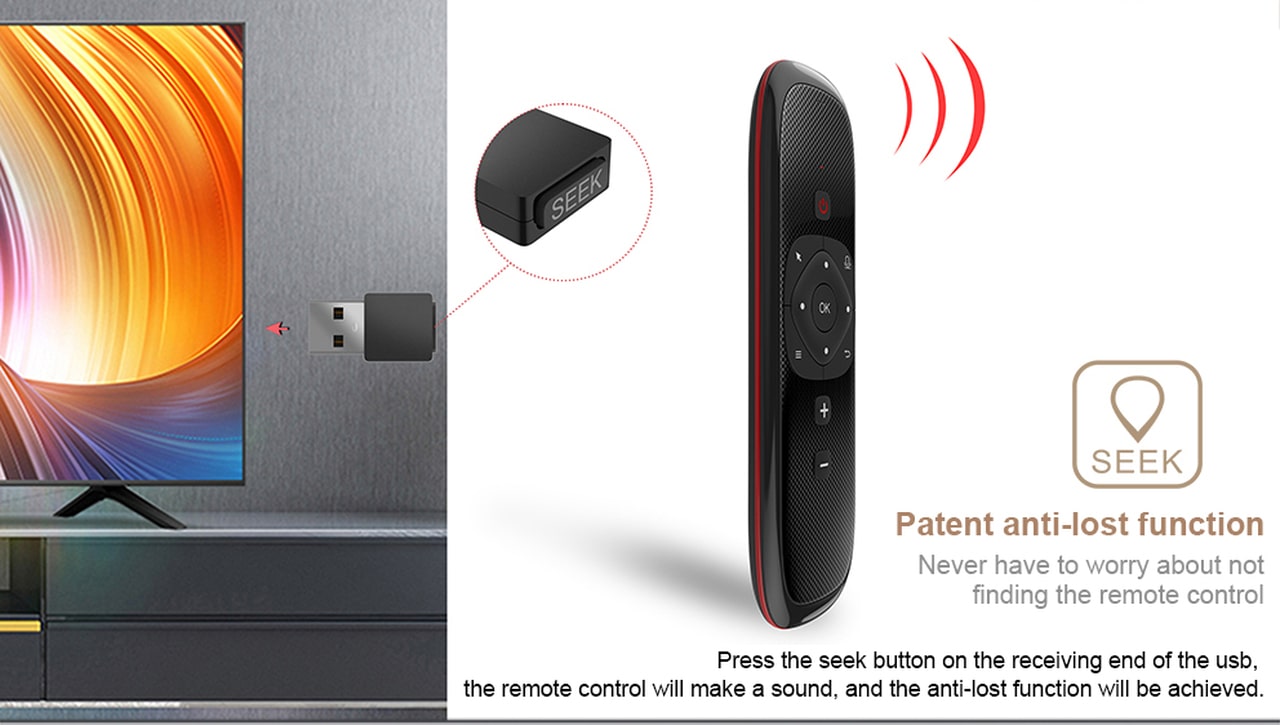
| Remote search | Yes, sound signal (button on USB receiver) |
| Touchpad | Yes (6 touches) |
| Battery type | 300 mAh, lithium battery 3.7 (included) |
| Dimensions | 193x96x16.7 mm |
| Price | $15-17 |
Air Mouse Wechip W2: First Impressions
The remote control comes in a non-standard box along with a USB-micro-USB cable for charging the batteries and an instruction manual. The user guide is available in English and Chinese. The manual includes an algorithm for programming the buttons for the air mouse.
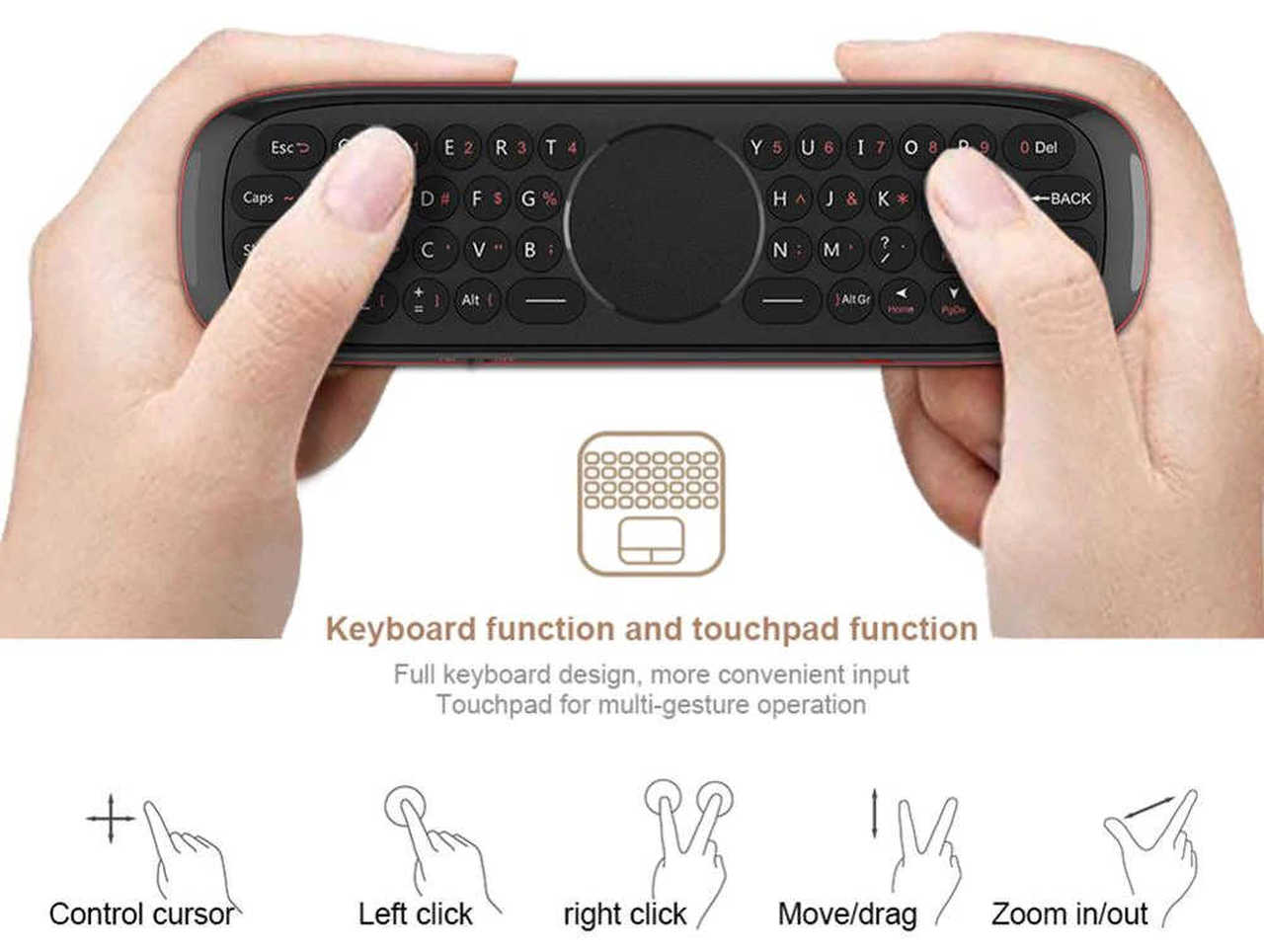
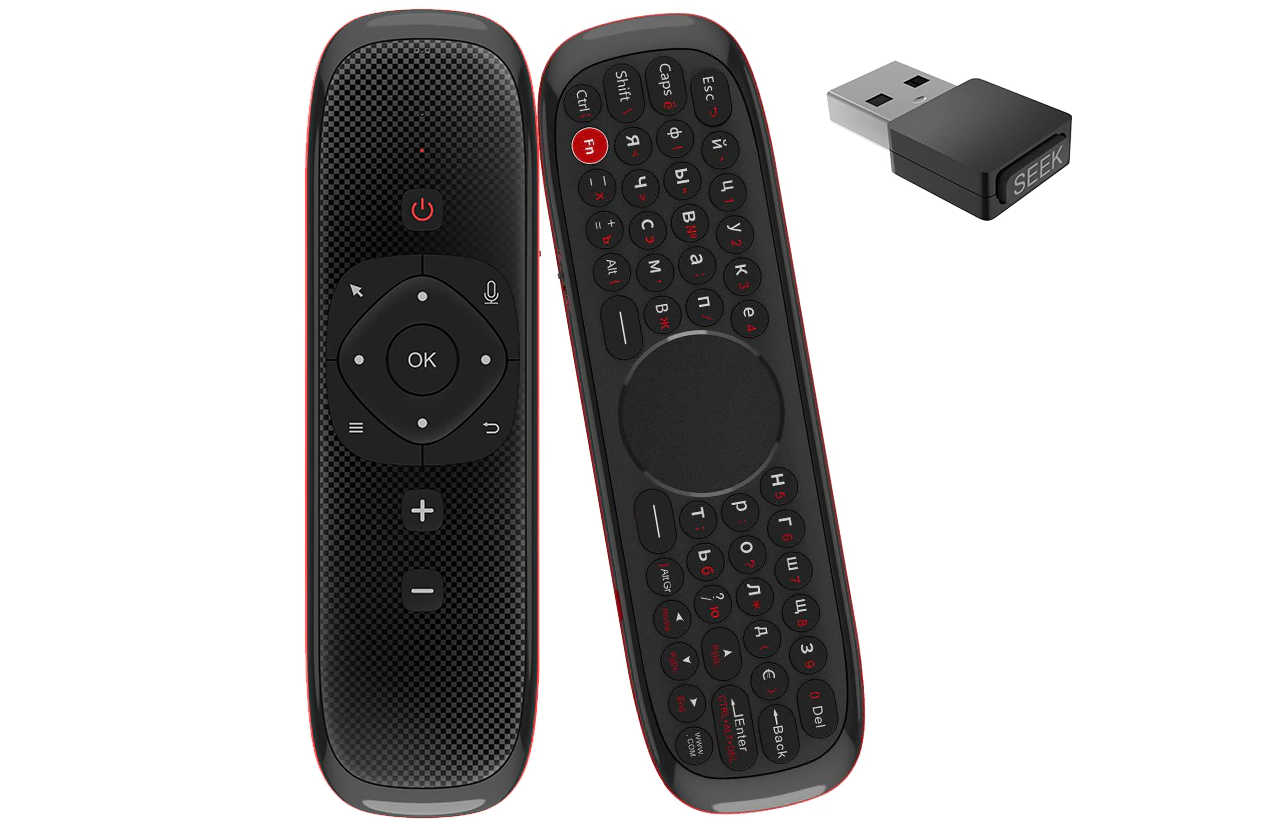
The quality of the remote control itself is excellent. Great build quality and maximum comfort for control. The remote has dual control:
- Classic TV remote with buttons like “OK”, “Power”, volume control, etc.
- Full QWERTY keyboard with a touchpad in the middle.
There are no complaints about the device’s appearance and convenience. Everything is designed in a conservative style. The only thing that irritates is the lack of backlit keys.
Remote Control Wechip W2: Testing
In his video, Bubble tries to determine the functionality of the air mouse by trial and error. The problem is that neither the manufacturer’s website nor the manual provides any information about how to operate the remote control. This is the main drawback of the device. At first glance, you might want to throw the remote control into the trash. As most functions typical of cheap air mice ($8-15) simply do not work properly.
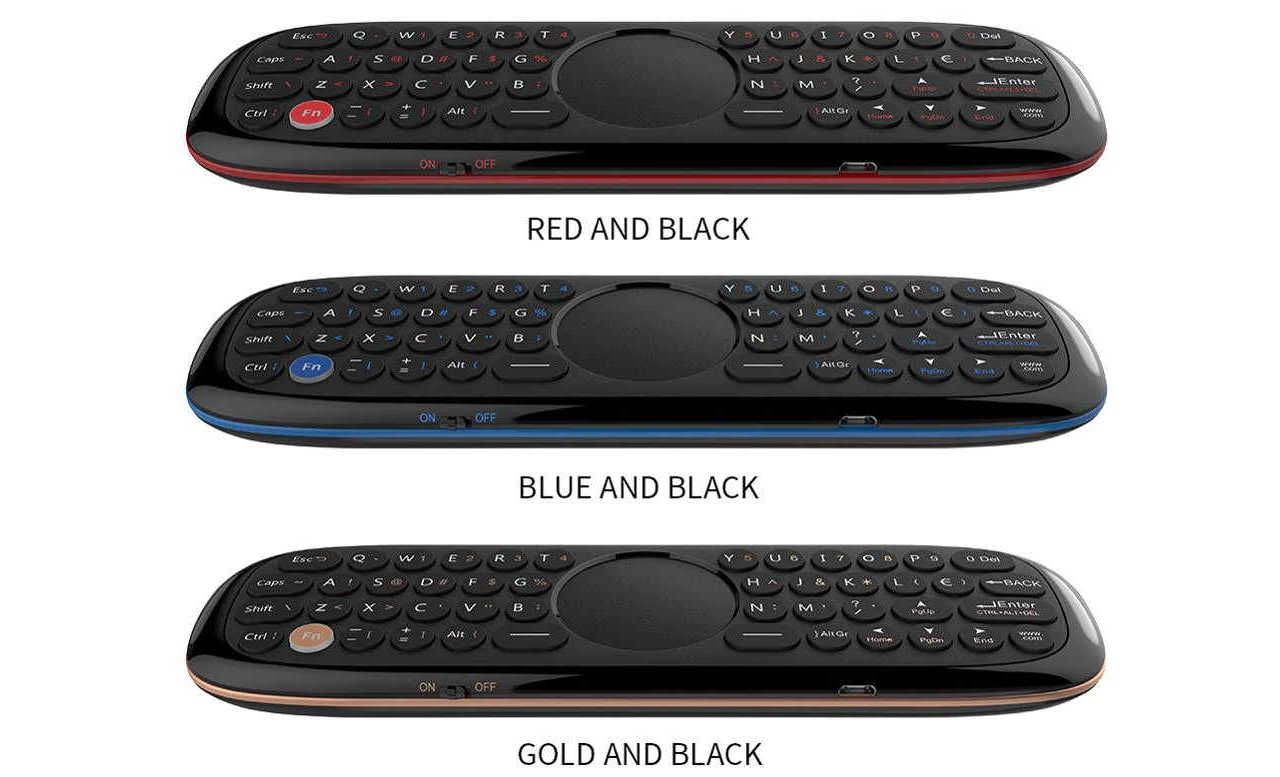
However, once you figure out the device, your attitude towards it changes. The Air Mouse Wechip W2 remote control for Android TV is very convenient. Not only for working with TV set-top boxes but also with PCs or laptops.