Configuring an advanced TV set-top box from scratch affects all users without exception. After all, the set of programs for the TV box available “out of the box” is very limited. Considering the technical capabilities of the set-top box, this shortcoming needs to be quickly fixed. Naturally, you want to have a ready-made list of programs. And it exists.
The Technozon channel released a wonderful review specifically on this topic. The author details the necessary programs and offers setup solutions. And to save users valuable time on searching, the author placed 3 download links for an archive with programs below the video. To install, only a USB flash drive and a desire to turn your set-top box into a full-fledged media center are needed.
Set of Programs for TV Box: Google Play
The Android-based set-top box works with the Google Play service. Therefore, the first step before installing applications is to authorize the device in the service. To do this, tap the “Google Play” icon and log in with a Gmail account. The set-top box offers 2 options for authorization:
- Enter credentials manually;
- Use a mobile device.
The second option simplifies authorization – less hassle with entering login and password. A short code is sent to the phone, which is simply entered into the TV box window.
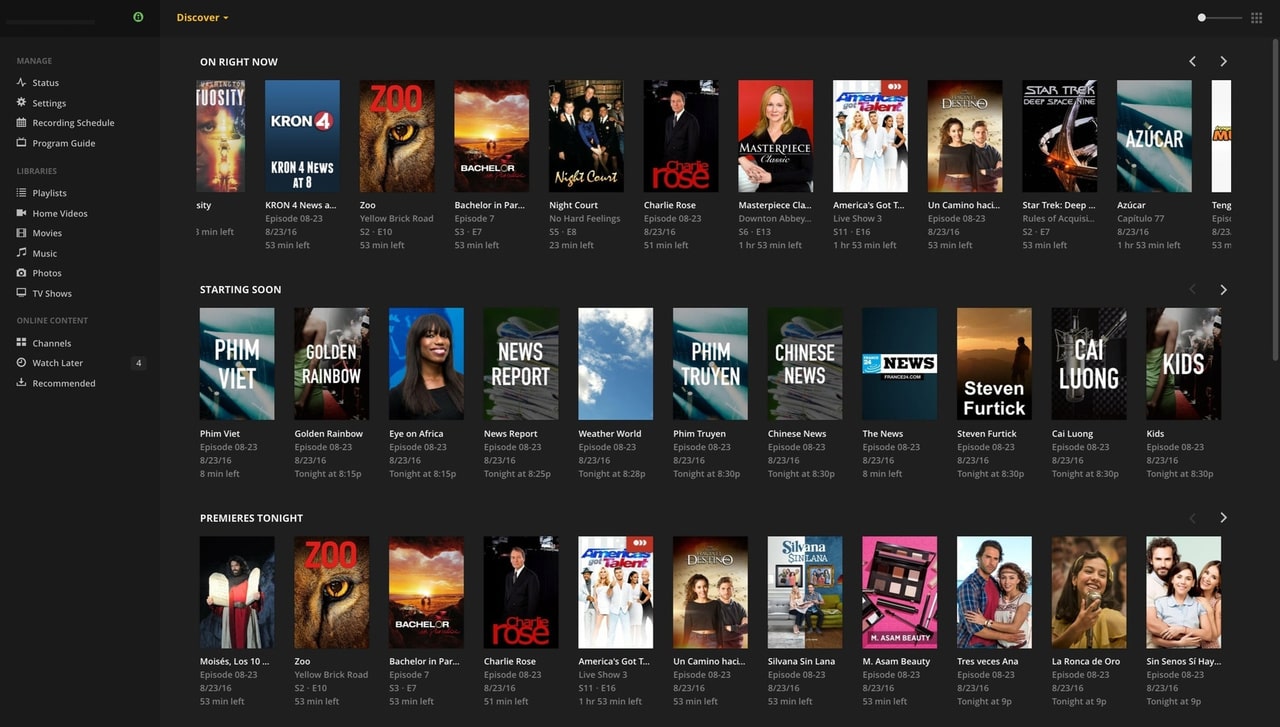
On first login, Google Play suggests installing a standard set of applications for the set-top box. You can agree with the recommendations or uncheck and decline to install the list of programs.
It is recommended to install:
- MeGoGo TV (for those who use the service with an account);
- Aida64;
- X-plore File Manager – a file management program. It will be needed for working with the flash drive;
- VLC player. For playing video files.
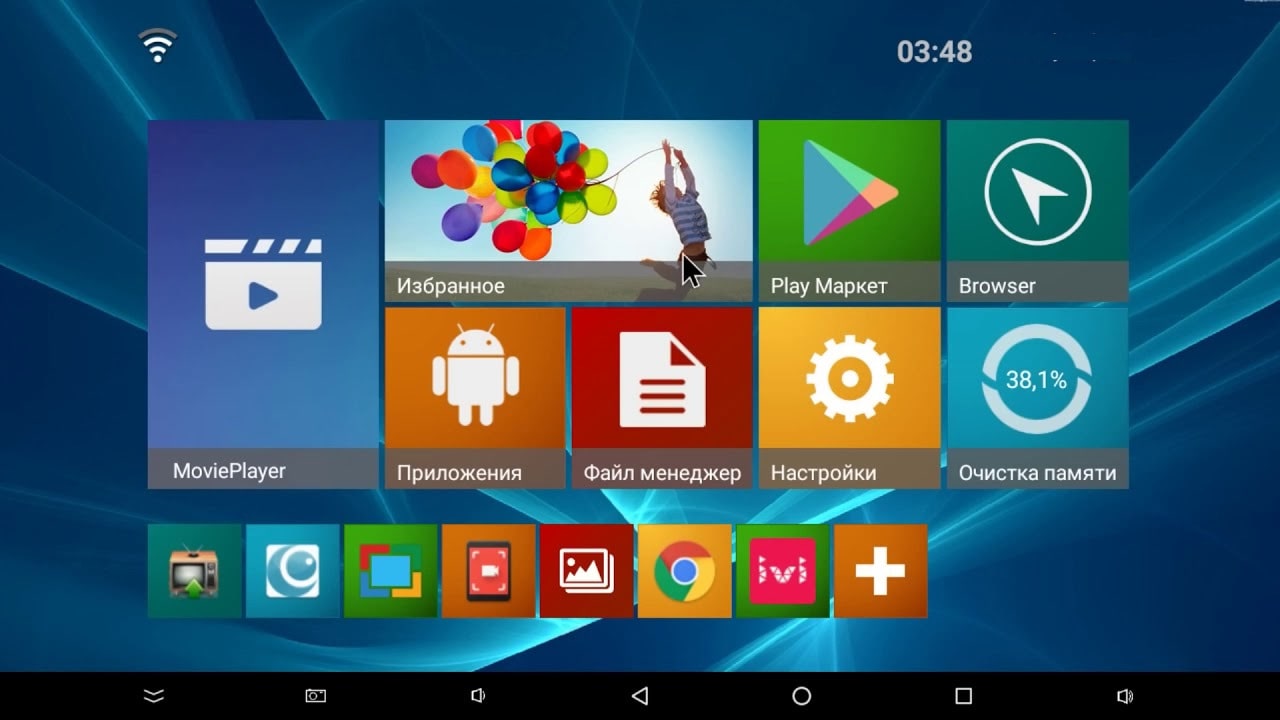
After the selected programs are installed, go to the “My Applications” menu and click “Update All” if available. For proper operation of the TV box, all programs need to be up-to-date.
Set of Programs for TV Box: USB Flash Drive
A storage device with preloaded application installers is inserted into the USB port of the set-top box. Launch X-plore File Manager on the TV box. Create any folder in the root directory of the set-top box and copy the contents of the flash drive into it. To bring up the “Copy” menu, place the cursor on the folder with programs and hold the “Select” button.

Before installing programs, go to the TV box system settings and allow installation of unknown apps from other sources.
Programs:
- AceStreamATV – an app for watching torrent TV.
- Aptoide and AptoideTV – alternatives to Google Play, where you can find more useful free programs. In some cases, cracked versions of paid apps are available.
- Google Chrome – a must-have browser for owners of set-top boxes that lack this excellent browser.
- CpuMonitor and CPUtrotl – service programs for monitoring and testing the performance of the chipset. Install only for TV boxes with Root access.
- ESexplorer – an alternative to X-plore File Manager (for enthusiasts).
- Sideload Launcher – much more convenient and visually appealing than the standard one from the Market.
- FryTV – an app for watching torrent TV.
- HDvideoBOX – a great program for searching video content from open sources.
- IPTV Pro – for enthusiasts (install if the user has a purchased license, otherwise it will not work correctly).
- Kino Trend – the best app for searching and watching new releases in the world of cinema.
- Klay – an app for working with Elementum.
- Lazy Media Deluxe – an excellent movie cataloger (similar to HDvideoBOX).
- LeanKeyKeyboardPro – an alternative keyboard for TV boxes (feature – input of symbols using a mouse pointer).
- TVguide – a TV guide for enthusiasts. Only for reviewing movie reviews, viewing from it is not possible.
- MXplayer – another video player. Notable for fine-tuning video and audio settings.
- NUM – another cataloger. Easy to use.
- VLC and Kodi – installed when applications cannot be installed from Google Play.
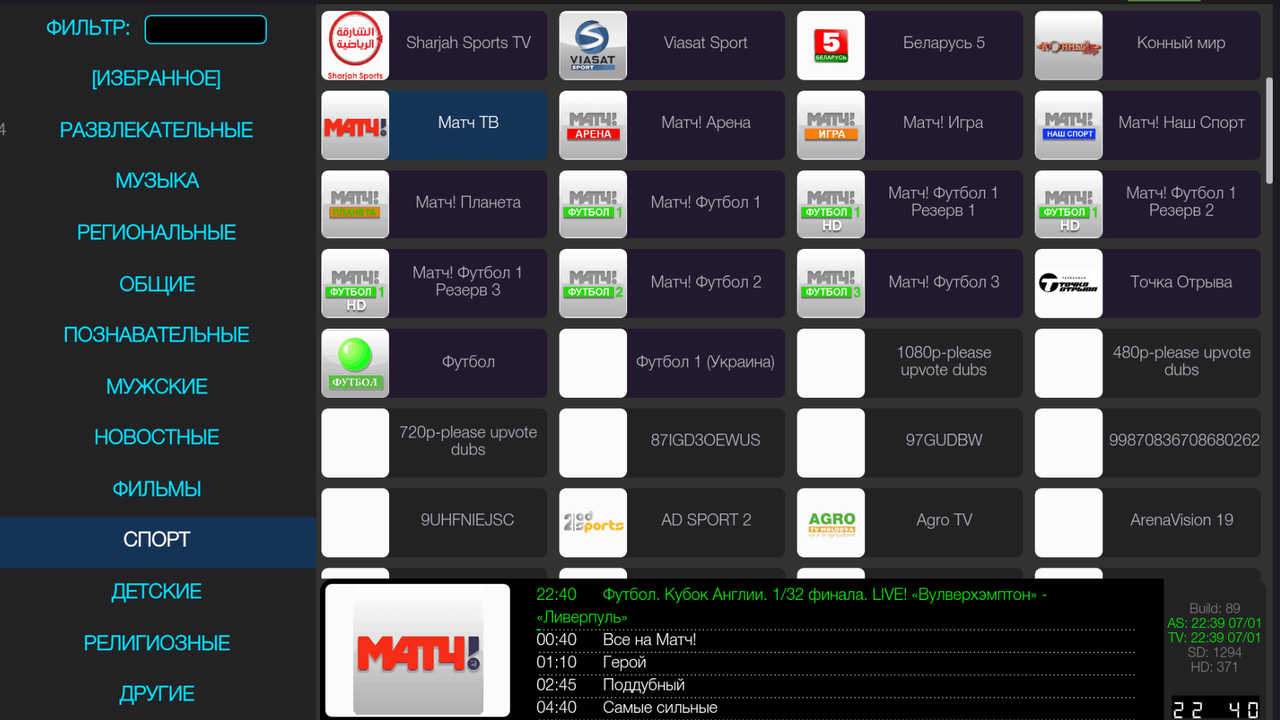
- Perfect Player – an app for watching IPTV.
- RuCobra – an app only for Aimylogic processors and set-top boxes with root access. It switches the vertical scan frequency.
- Smart YouTube TV – an excellent replacement for the standard app. Allows watching YouTube without ads.
- Speedtest – a service program for checking Internet speed.
- TiviMate – an IPTV player.
- TorrServe – online torrent viewing for free.
- TV Bro – a browser tailored for Android set-top boxes.
- TVirl – a Live Channels app (optional installation).
- Vimu Media Player – an excellent app for searching and viewing videos in quality. The program from the flash drive may not work quite correctly. The license costs a couple of US dollars. If the user likes Vimu, it’s better to buy once and enjoy maximum benefits.
In conclusion
Almost all applications installed from the flash drive do not require special setup knowledge. If, for some reason, the desired result cannot be achieved, the links on the Technozon channel contain detailed video material. Also, the main video “Set of Programs for TV Box” includes setup recommendations for each application.