The issue affects many Xiaomi smartphones that have been in use for more than 2-3 years. The phone turns into a “brick” after:
- Talking with a caller over GSM or a quick messaging app.
- While charging.
- When fully discharged.
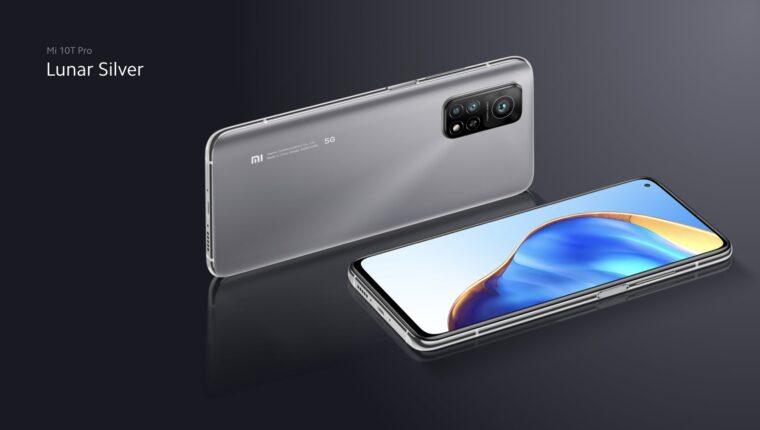
Xiaomi Mi 10T Smartphone Does Not Respond to Buttons
The main thing is not to panic, but to perform the following procedure:
- Connect power (plug in for up to 10 minutes to ensure the battery is charged).
- Press and hold the volume control buttons simultaneously for 30 seconds.
- Release the buttons.
- Wait for 1 minute – the phone will boot up on its own.
- If there is no response after pressing the volume buttons, try pressing the “power” button.

The response to pressing the power button may be:
- The disappearance of the charging indicator (white LED) if it was on at the time of freeze.
- During complete discharge and partial charging of the battery, the indicator may light up – this is also a response.
- A single vibration of the motor in the phone – a rare but pleasant occurrence.
What is the “bug” – it’s unclear. Firmware updates do not fix the glitch. It simply appears on its own. On flagship and budget Xiaomi smartphones. After a successful boot, which will definitely happen, there is no point in going to a service center. You will waste money, and the problem will not disappear. Such situations occur twice a year, regularly.
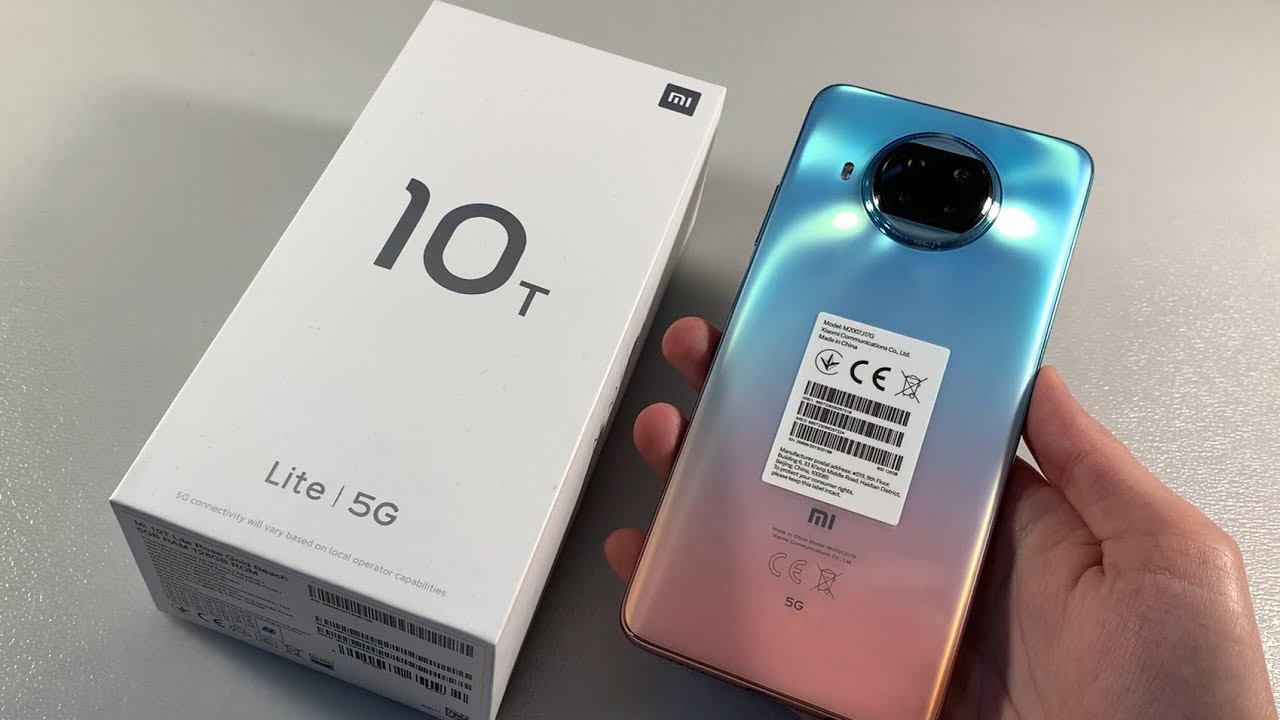
Here, either buy a smartphone from another brand, or, agreeing to this misunderstanding, be prepared to press the forced reset buttons for power.