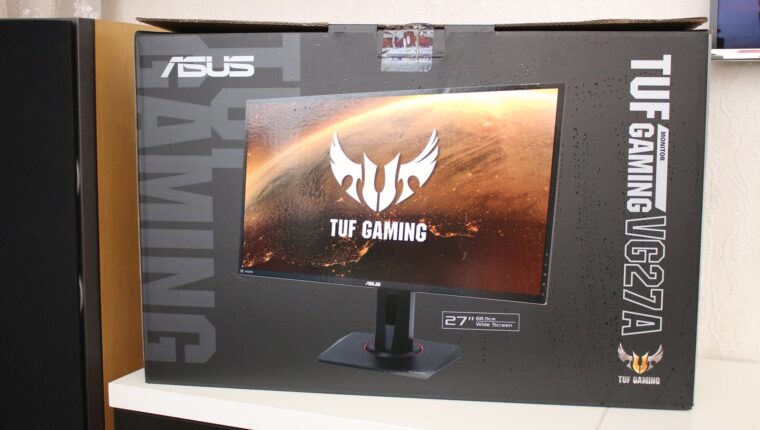
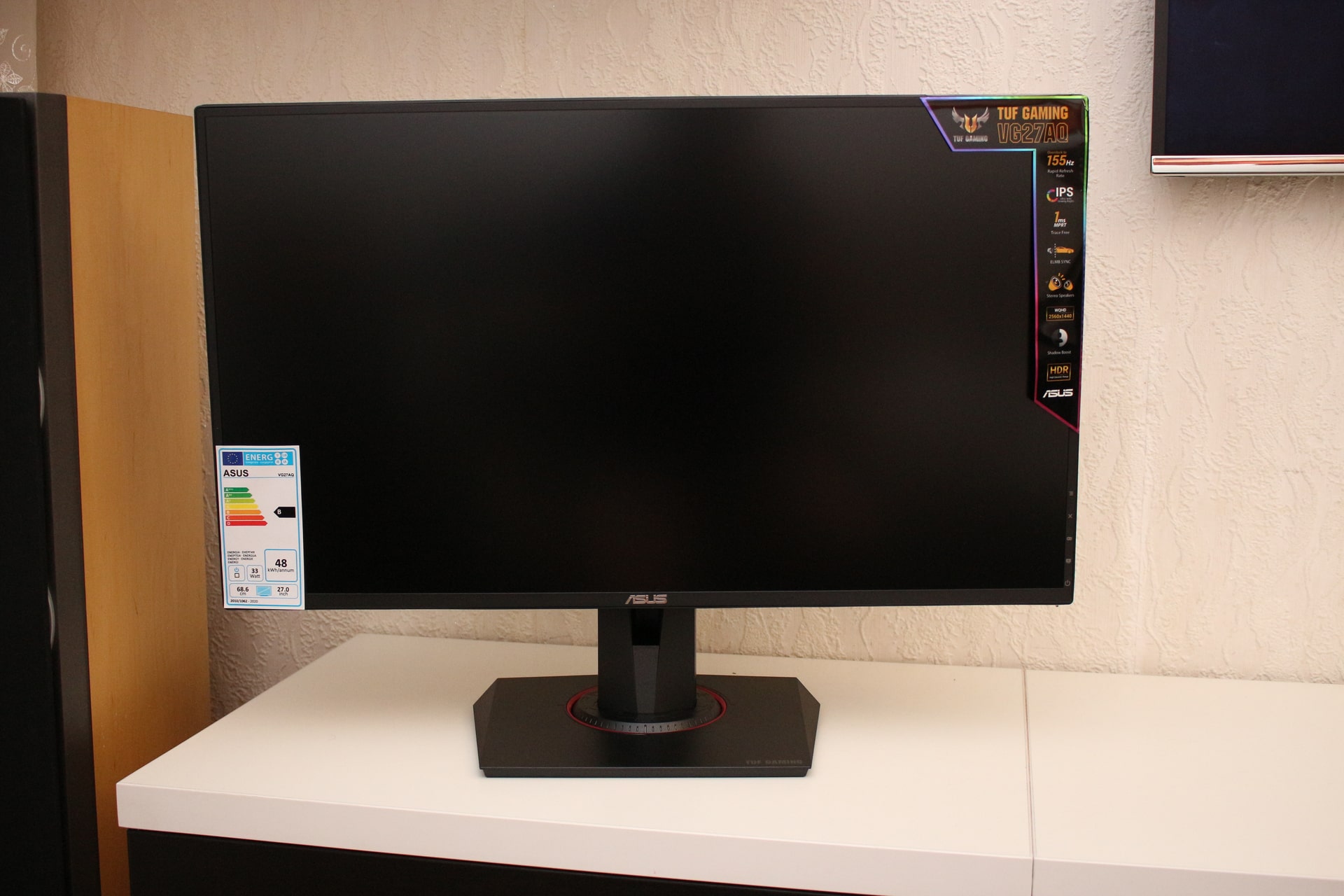
After the Asus TUF Gaming VG27AQ monitor was released, online resources began praising the new product. Most of the information was taken from the manufacturer’s official website. Such extensive advertising led to the purchase of this monitor. As a result of testing, many shortcomings were discovered, which the authors of the reviews somehow omitted. Either they copied the text from the official website, or the articles were paid for by stores.
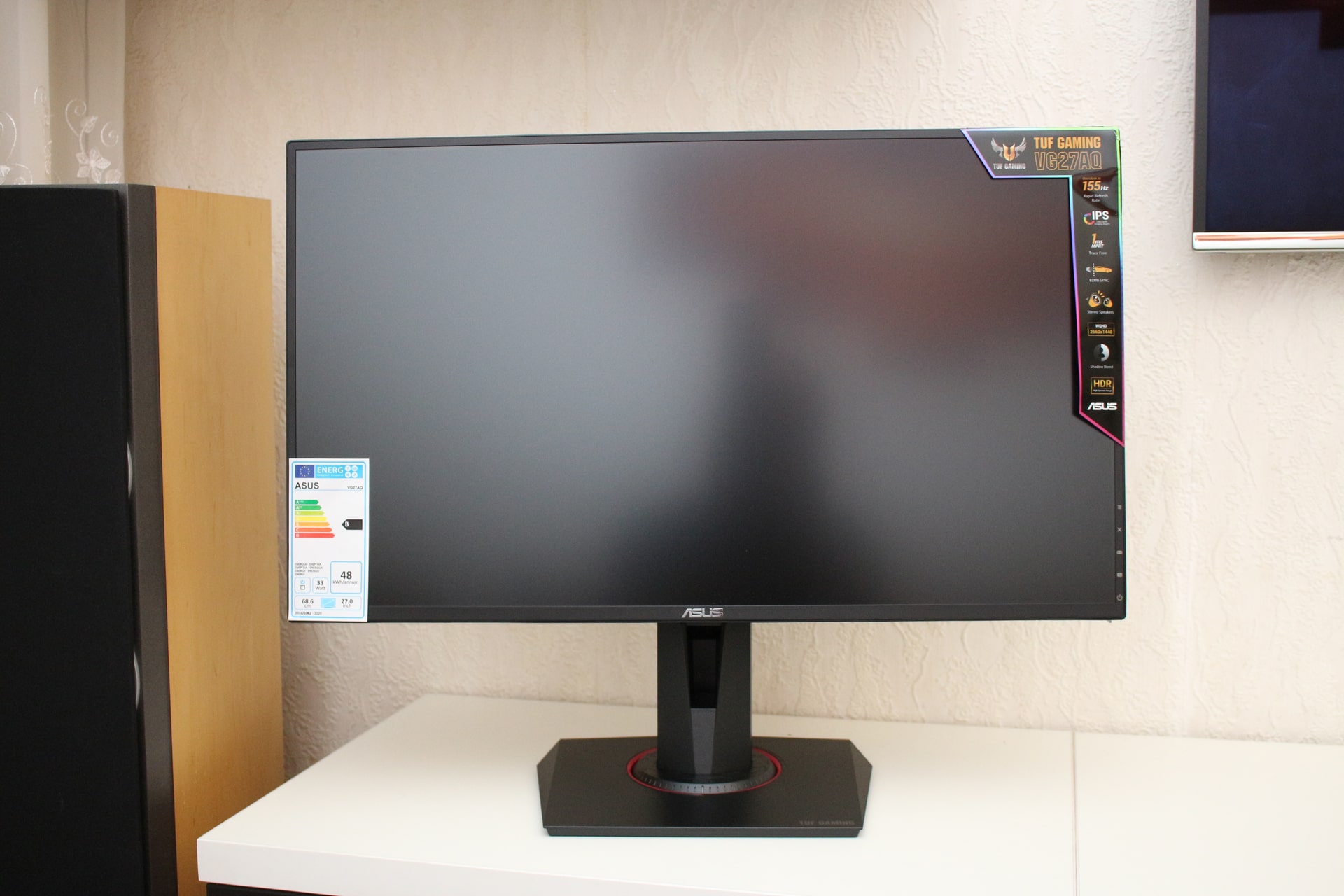
In our review, we will be as honest as possible with readers – sharing first, second, and third impressions. If anyone has questions, there is Disqus at the bottom of the article – write there.
Asus TUF Gaming VG27AQ Monitor: Advantages
Among all monitors on the market with a refresh rate of 165 Hz, this is the most affordable option. The display with an IPS matrix and a 2K resolution (2560×1440 pixels) shows an incredibly colorful and pleasant picture. Excellent viewing angles, contrast, and brightness. There are no questions about the quality of the screen. It is made honestly.
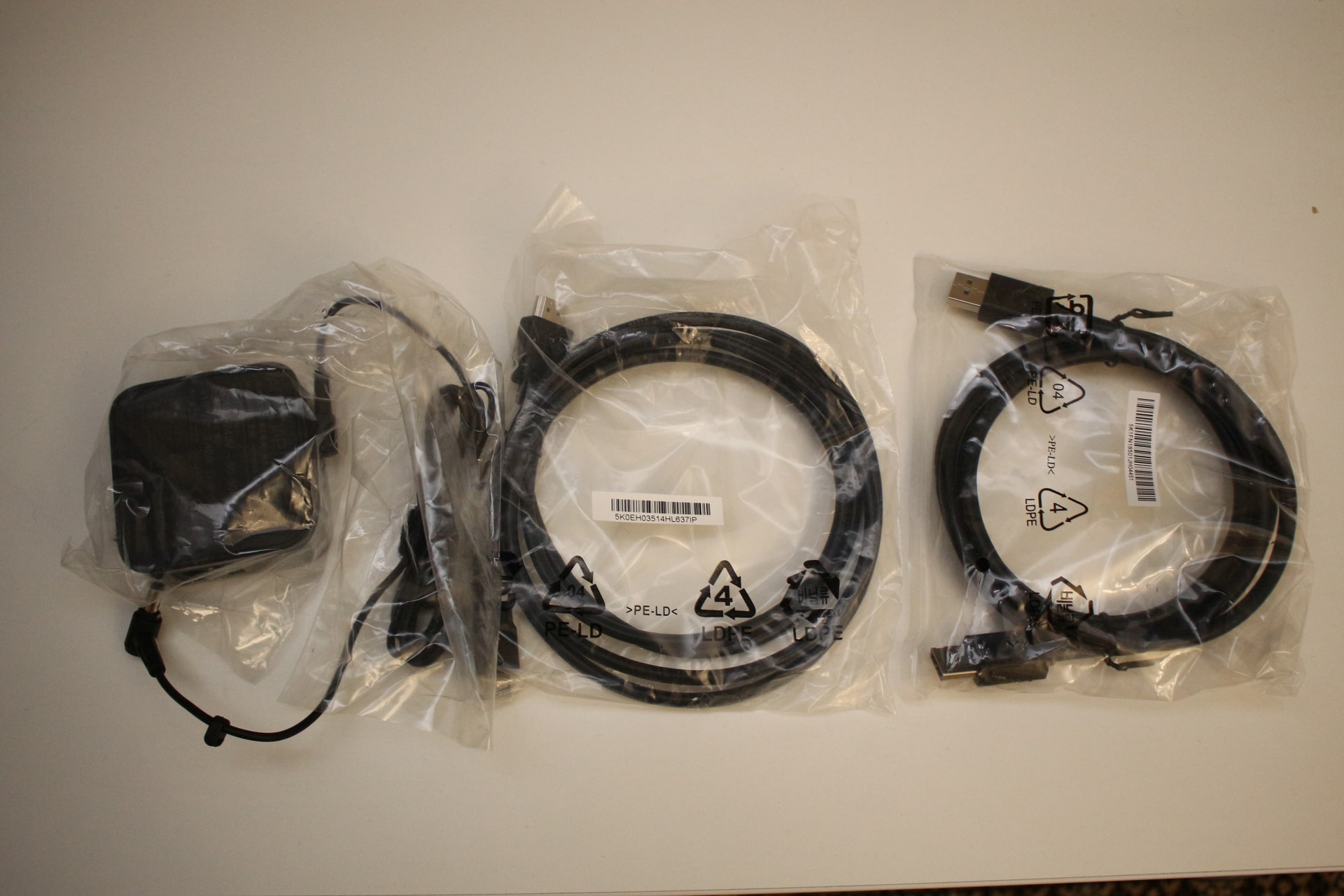
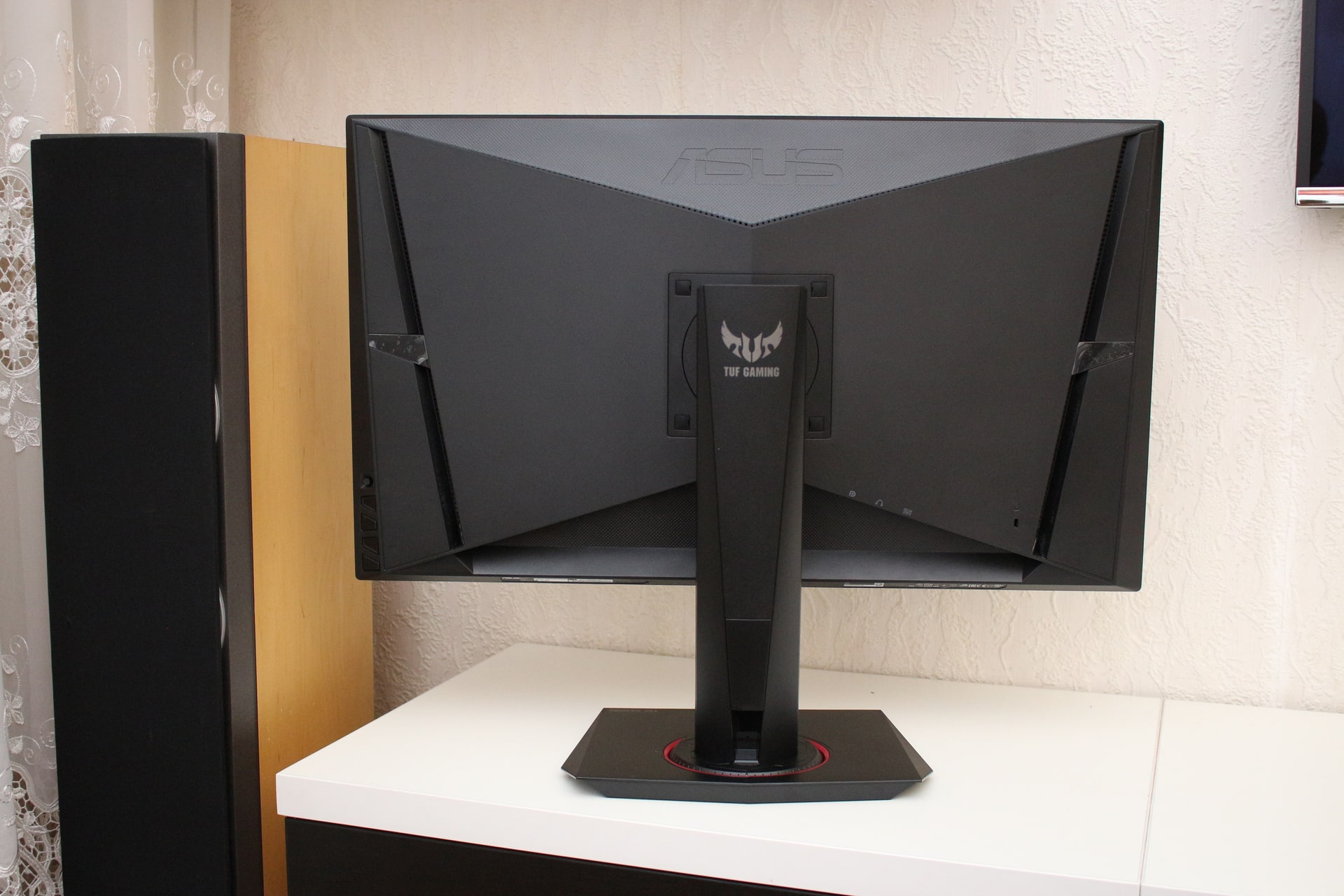
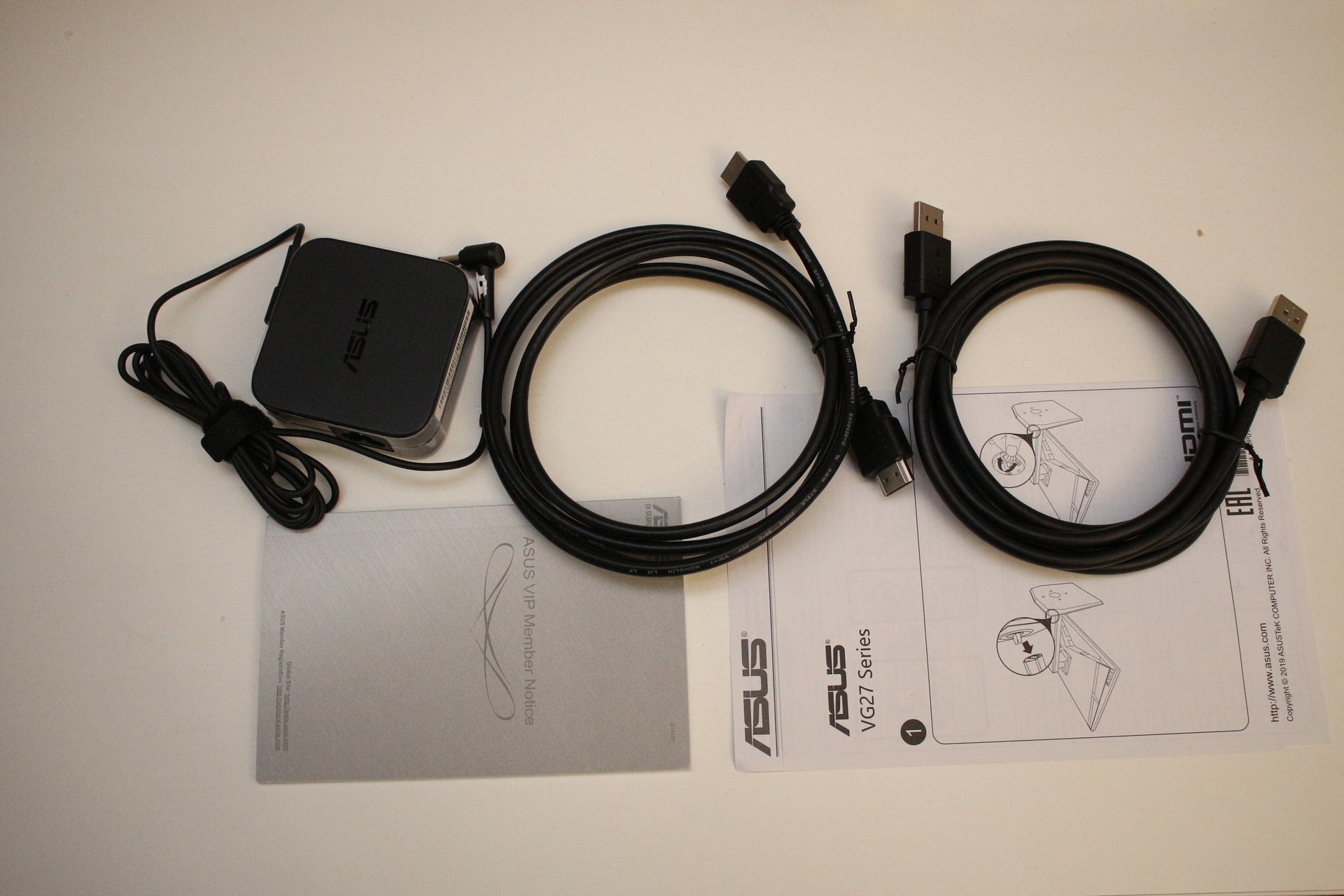
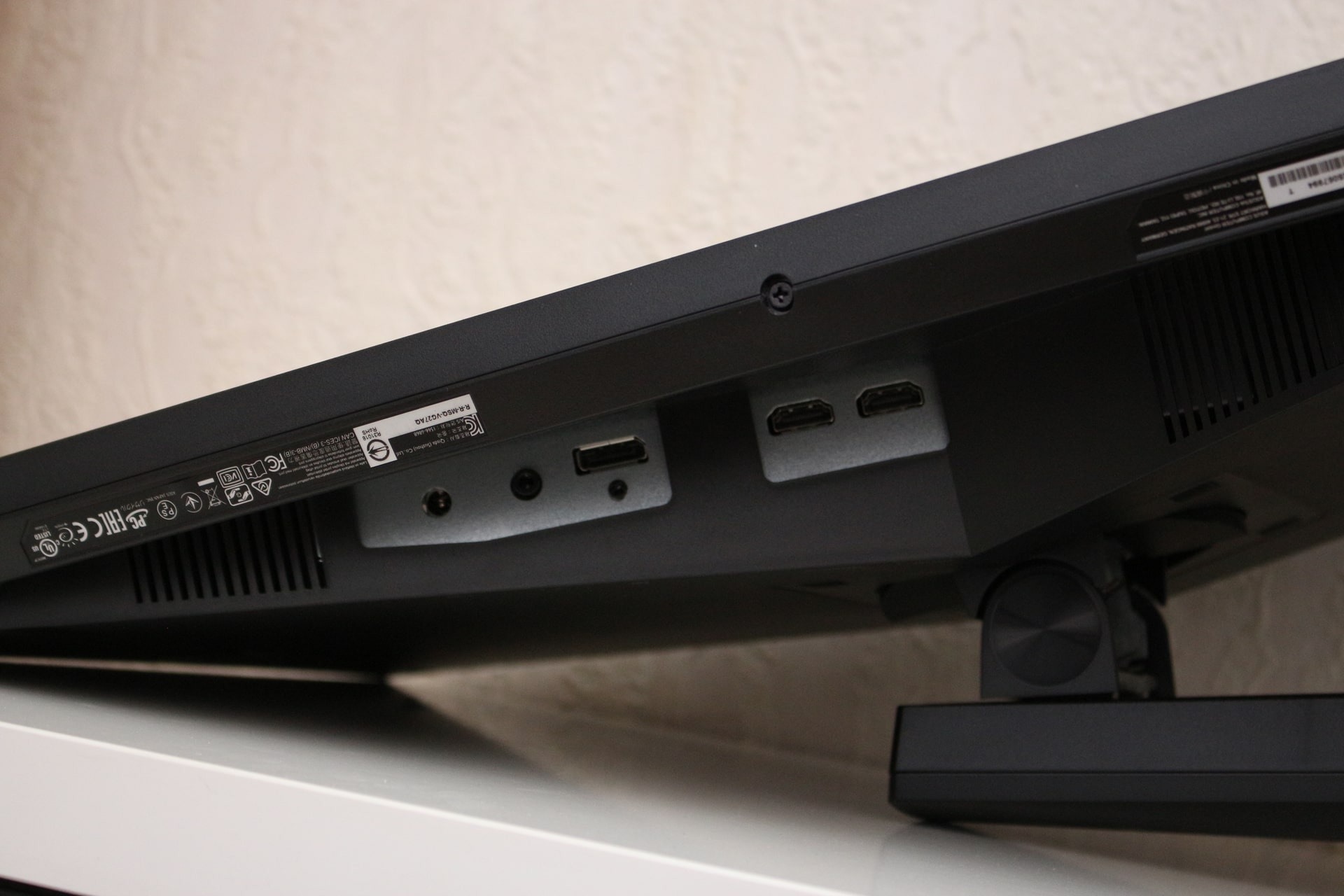
The monitor comes with 2 cables (HDMI and DisplayPort). Although the manual states that cables are purchased separately. Strange. The external power supply is a plus. VESA mounting is available. It’s only unclear why the stand was made so complicated. Disassembly takes a lot of time.
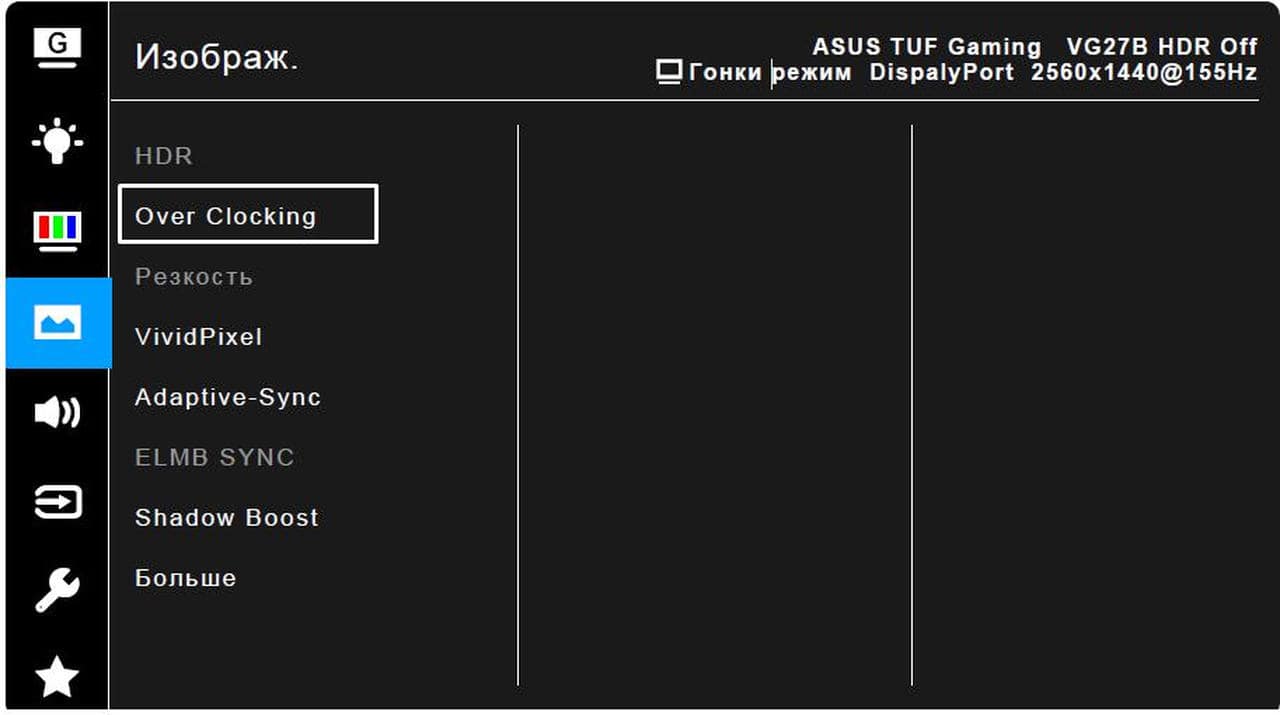
The monitor’s menu is well implemented. It has extensive functionality, capable of fully managing the signal transmitted to the screen. There is even overclocking up to 165 Hz and a blue light filter.
The declared response time of 5 ms is confirmed. No artifacts or trails were observed during testing in racing and shooting games. Playing and working with this monitor is very pleasant.
Asus TUF Gaming VG27AQ: Support for 165 Hz Refresh Rate
Any buyer, first thing, connects the monitor and dives into the settings. To set their 165 Hz and get that unforgettable surge of energy from self-satisfaction.
But that’s not so!
The Windows operating system (in our case, licensed Windows 10 64-bit) identified our monitor as “Generic PnP Monitor”. And offers us a maximum refresh rate of 144 Hz.
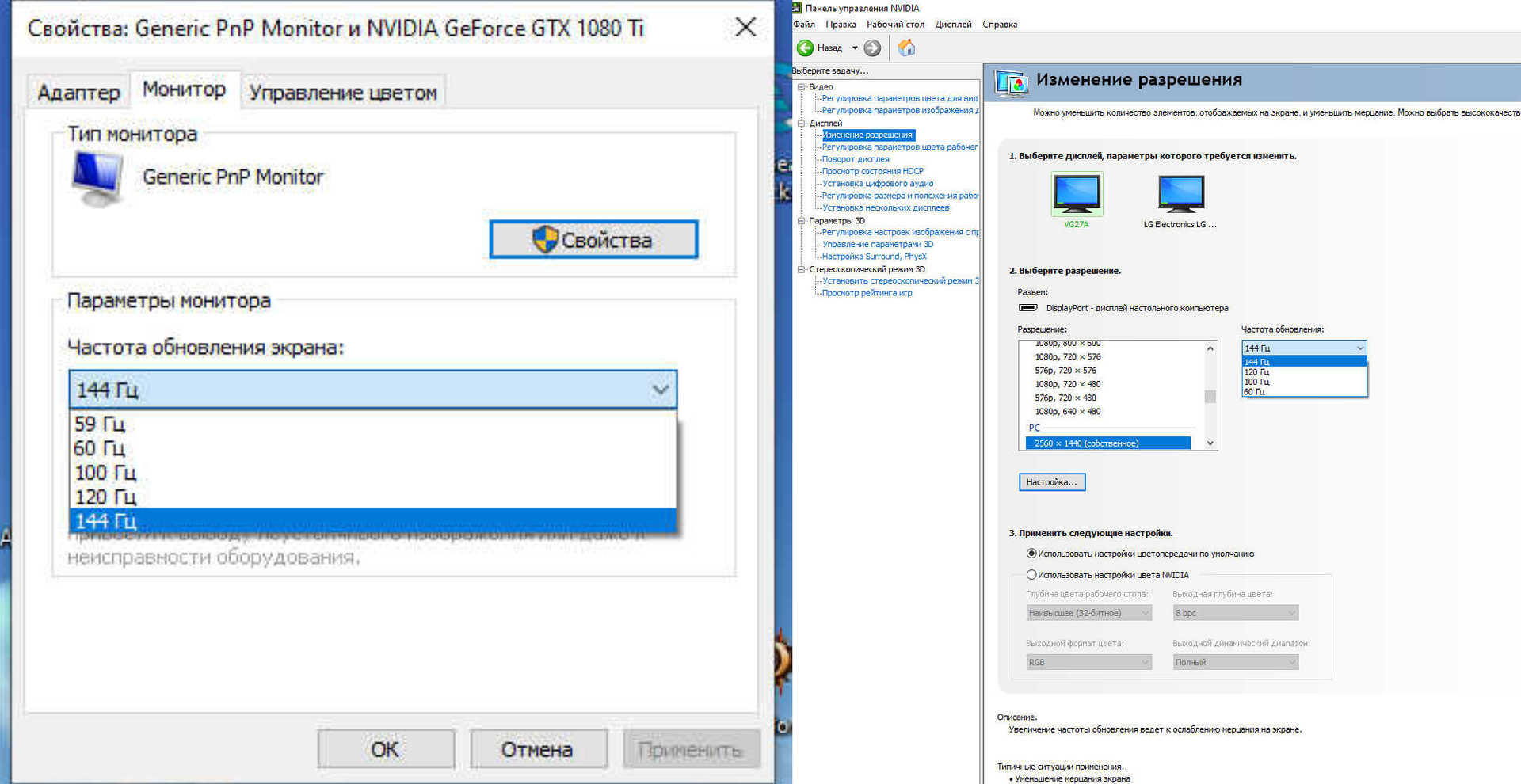
Alright. Moving to Nvidia settings. Display, resolution change. And we see that the application identified the device ID – VG27A. But, for our resolution of 2560×1440 (DisplayPort), the maximum is also 144 Hz.
The first thought – drivers didn’t load!
We visit the official Asus website. Find our Asus TUF Gaming VG27AQ monitor, and discover an empty field in the “drivers and utilities” section. Okay. We officially register the purchased product on the site and contact technical support. The team responded quickly, but no positive results. According to the manufacturer, the monitor’s drivers should be provided by Microsoft.
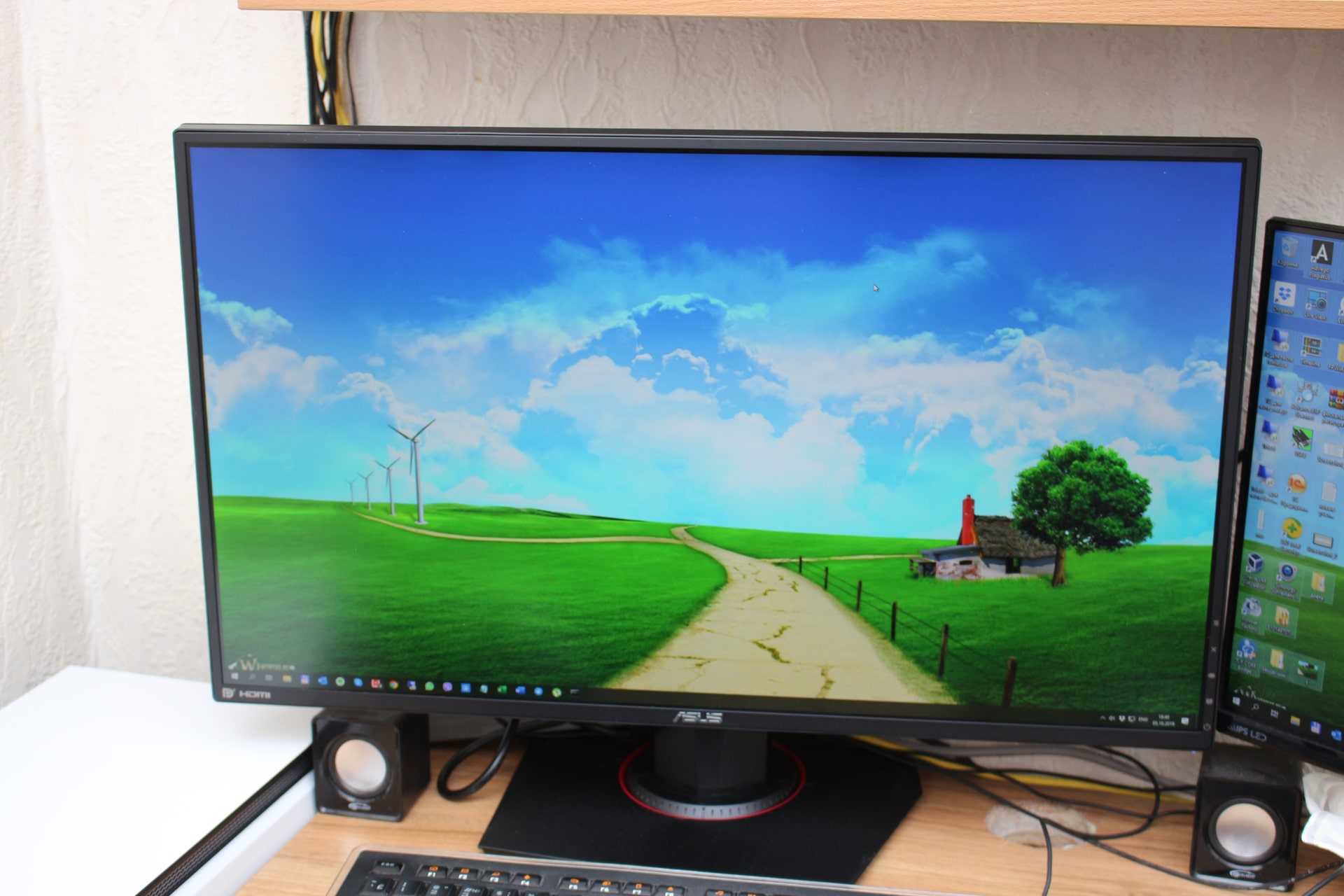
In other words, the Asus TUF Gaming VG27AQ monitor doesn’t support 165 Hz, not even 155 Hz!
Let’s continue with negatives!
- Sound. Built-in speakers are terrible. The cheapest multimedia speakers sound better compared to the VG27A speakers. Even a Chinese tablet produces quality sound. Asus has tarnished its reputation here.
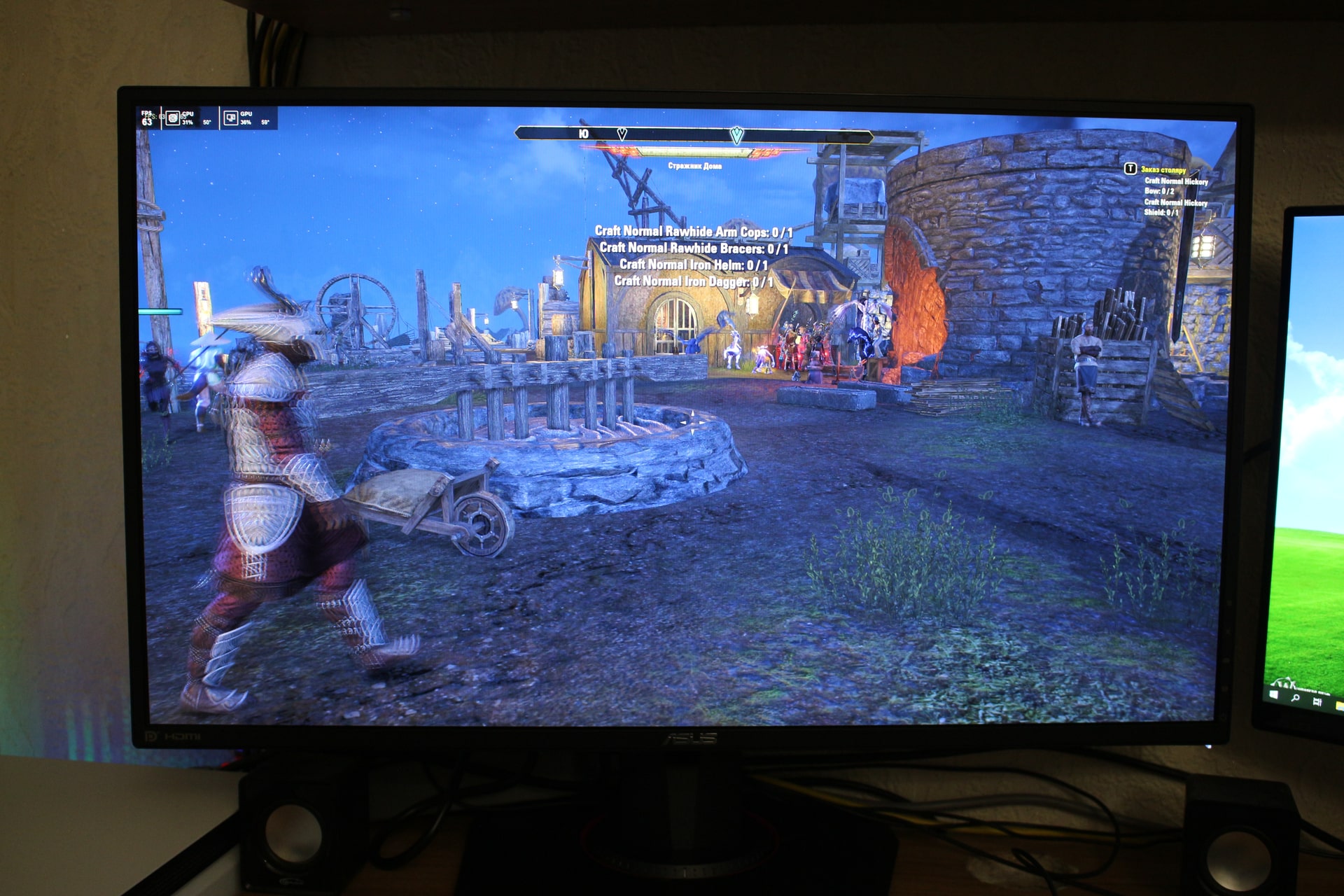
- Promised frame rates in games. With native 2K resolution on an Asus GTX 1080ti graphics card, it was not possible to exceed 80 frames per second. At 144Hz, a frame should change every 6 ms. But this does not happen. It’s intuitive that a top-tier graphics card alone cannot handle it. Perhaps in SLI mode, a pair of 1080ti cards will give the desired result. But Asus should have told the buyer about this on the website. Developers tested the Asus TUF Gaming VG27AQ monitor in games, took screenshots. But in reality, there is a discrepancy.
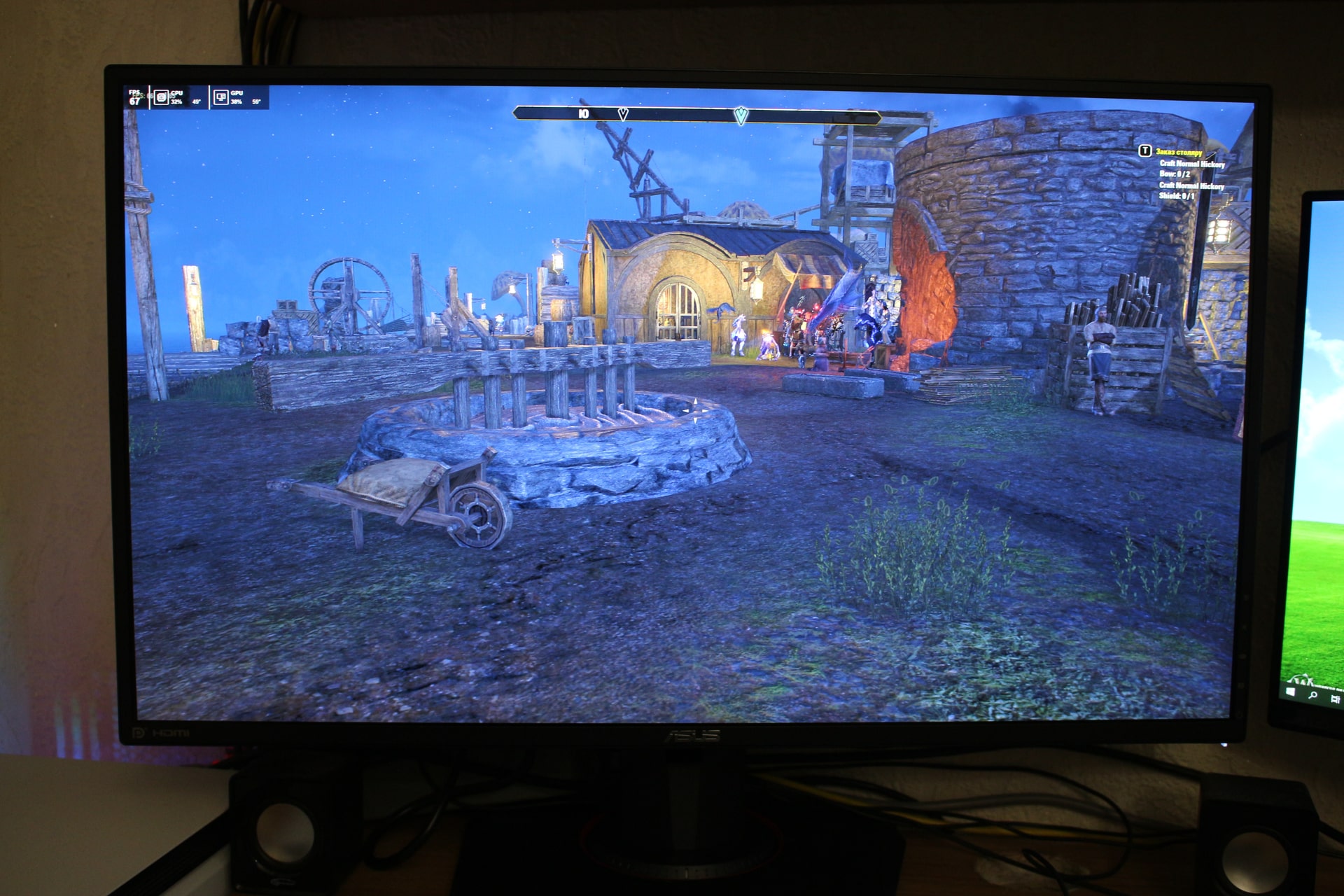
In general, the opinion of the product is mixed. A gorgeous screen with perfect image, design, and extensive settings. And confusion with drivers. The problem is not hardware-related, so we are waiting for a Windows 10 update. Horrible sound and low frame rate in games are the drawbacks. Overall, decide for yourself whether to buy or wait for new models on the monitor market.
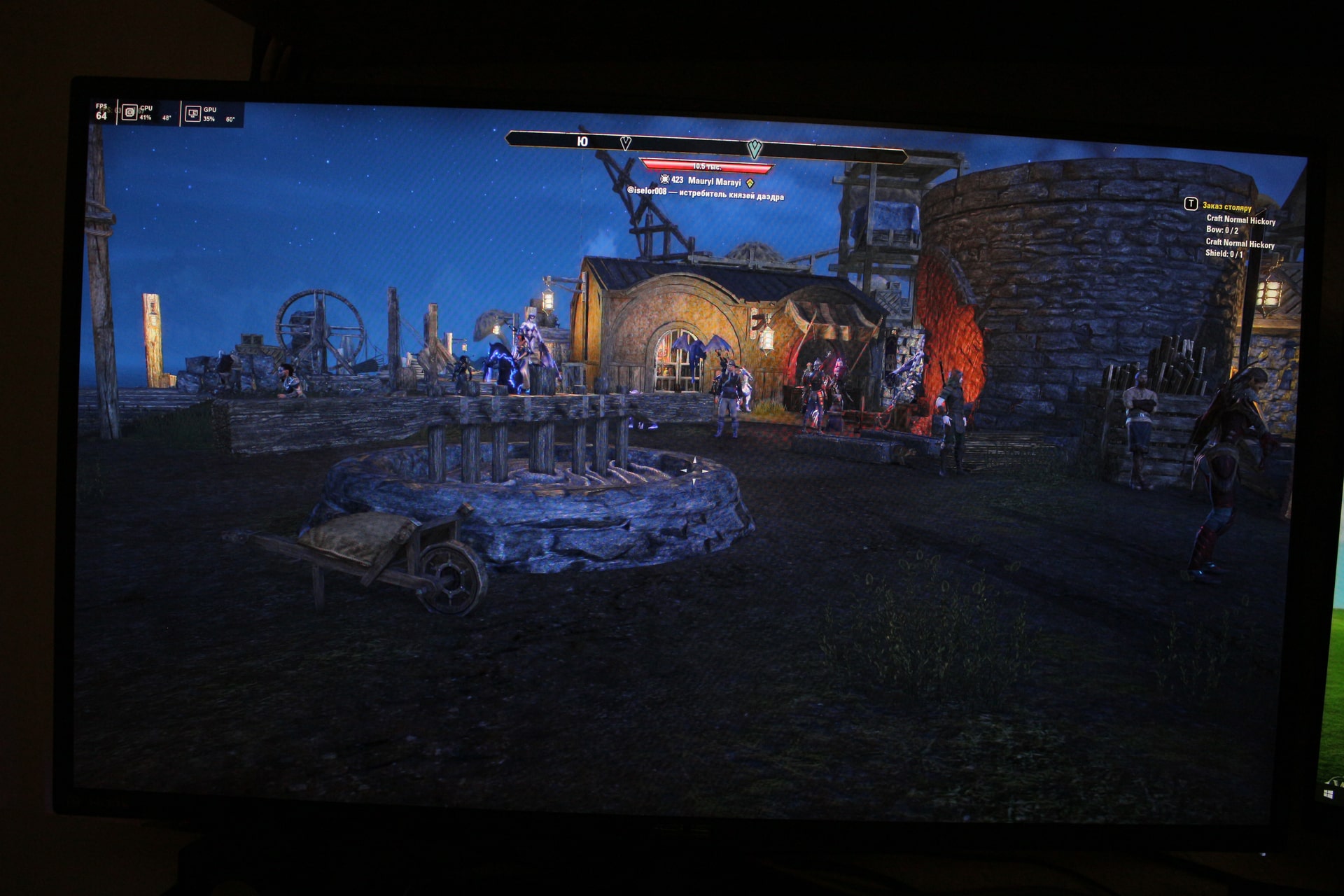
Important! Additional note! The toggle for 165 Hz was found!
After thoroughly studying the manual and not finding any mention of 165 Hz, we began exploring the monitor’s menu. Enabled all modes and checked the video adapter settings (from the dropdown list) for the required refresh rate. As a result, we learned how to tell the computer that we have a modern monitor.
If you enable Over Clocking mode in the settings, the Nvidia panel immediately shows the option for the required frequency. It’s a pity Asus didn’t mention this in the manual.