Buying a 64 GB flash drive is easy. After all, dozens of stores will gladly offer the “needed” product to the future owner. Elegant appearance, low price, and seller’s warranty – all seem quite convincing. But don’t rush. According to statistics, every second user is disappointed with their purchase. It turns out that the storage device does not meet other requirements that sellers often omit.
How to buy a 64 GB flash drive: characteristics
For any data storage device, whether a hard drive, SSD, or flash drive, there are two important criteria that determine the overall performance of the portable device.
- Write speed. Measured in megabytes per second. The memory chip is responsible for the write speed. Such microchips are produced by dozens of companies in China, Taiwan, Japan, and the USA. It’s impossible to say exactly which one is better, as they all have a range of cheap and expensive memory chips. But among flash drive manufacturers, it’s easy to find a high-speed device. Following international standards, the manufacturer indicates the maximum write speed on the packaging. If this information is missing, the flash drive is definitely of low quality.
A decent write speed for flash drives starts at: 17-30 MB/s (USB 2.0) and over 100 MB/s (USB 3.0).
What does this write speed give to the user?
Saves time. With a volume of 64 GB, files may be smaller, but they will still take a long time to write on a slow chip. Regarding time: 64 GB equals 65,536 megabytes.
For USB 2.0:
- Good speed (30 MB/s) – write time: 2184 seconds (about 36 minutes);
- Low speed (up to 17 MB/s) – write time: over 3855 seconds (more than an hour).
For USB 3.0:
- Good write speed (over 100 MB/s) – write time: no more than 655 seconds (10 minutes);
- Poor write speed (around 50 MB/s) – 20 minutes or more.
If time is not critical – buy any flash drive. But remember, all calculations refer to the maximum possible speed of the memory chip for writing a single file. When dealing with ten or hundreds of files, the speed drops by 20-50%.
Second criterion
- Read speed. Measured in megabytes per second. The read speed is controlled by the drive’s controller, which reads information from the memory chip. The target device is the playback device (recipient of the information). For playing music on a tape recorder, read speed is not critical. When it comes to a PC or playing a movie on a TV, the indicator should be at least 50 MB/s (USB 2.0) and at least 100 MB/s (USB 3.0).
What does the read speed give to the user?
When working on a PC or laptop – again, saving time on data transfer. When watching movies in high quality (Full HD or 4K) on a TV, it eliminates video lag issues. Especially for 4K, where the read speed from the flash drive must be higher than the bitrate of the movie itself. Otherwise, there will be lag in the picture and sound.
Which 64 GB flash drive to buy: brands
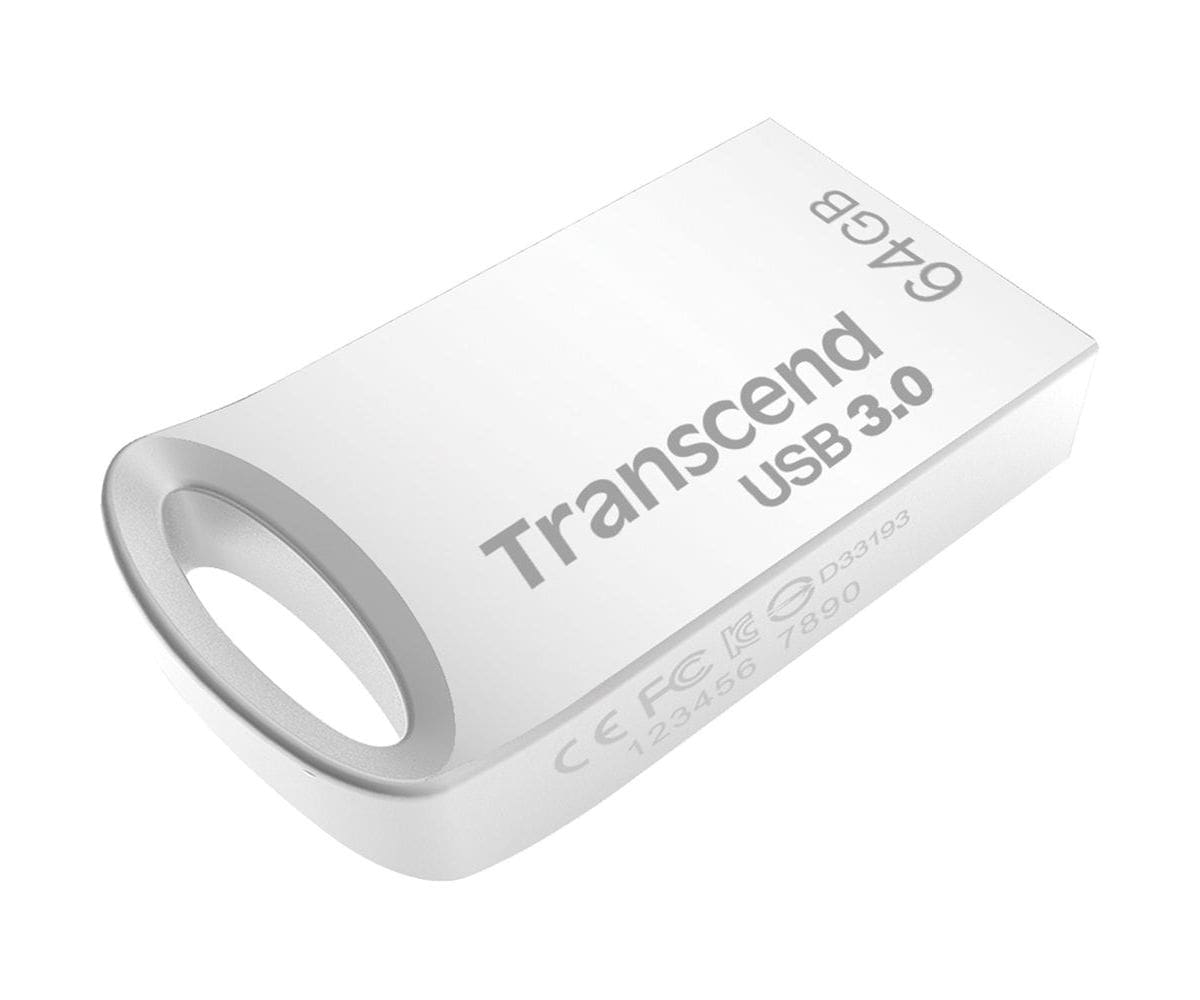
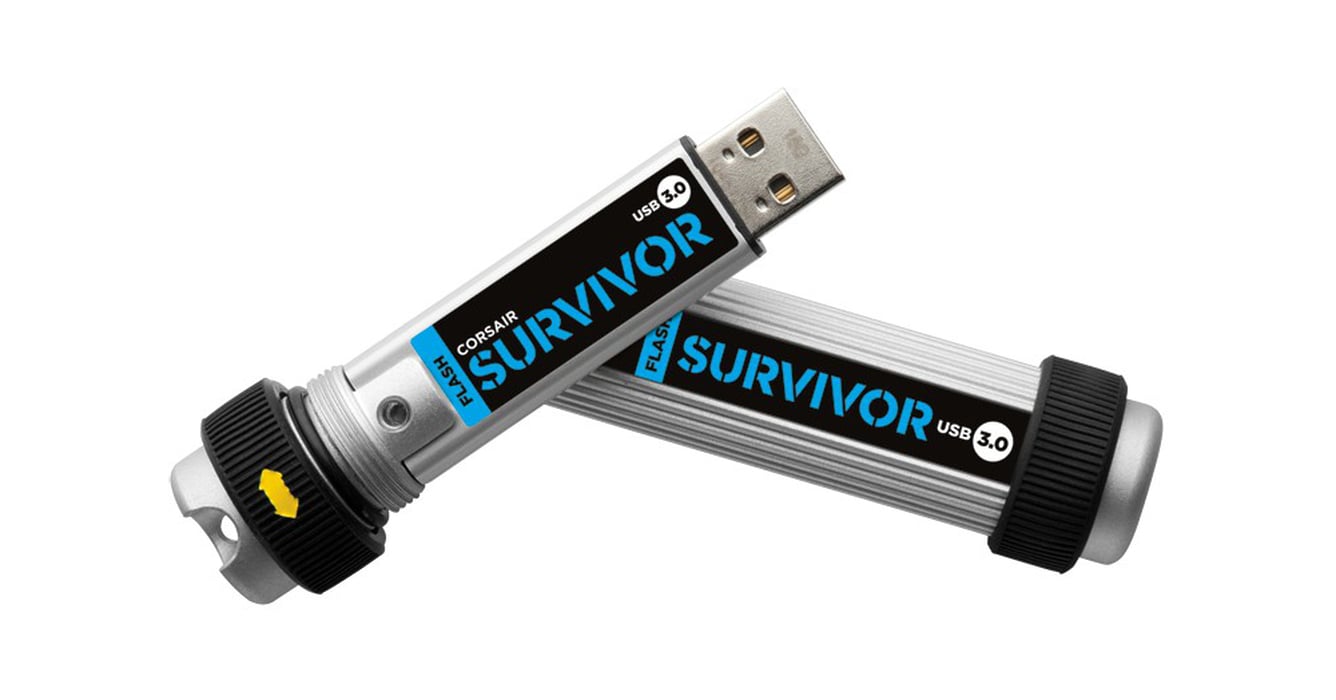
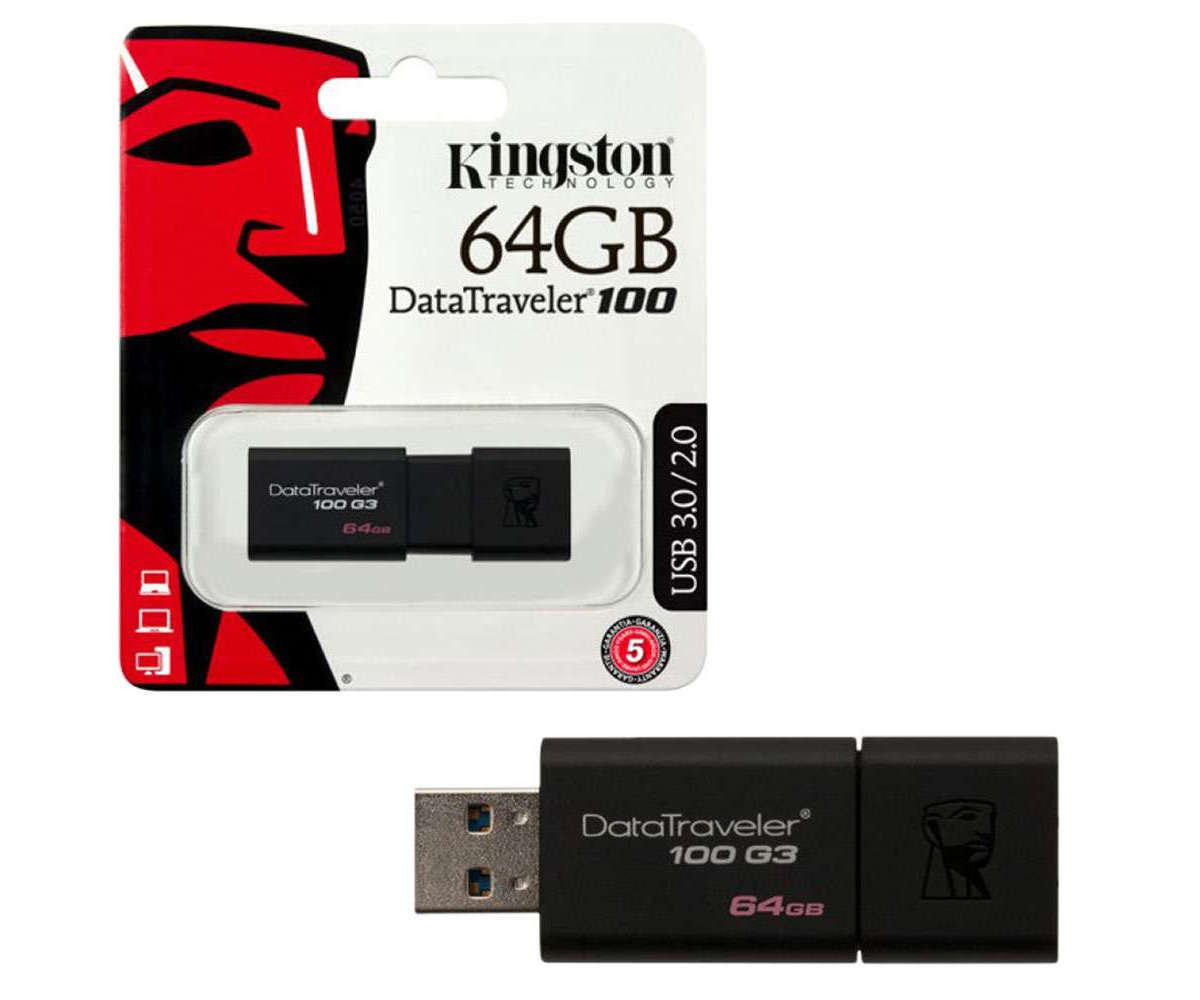
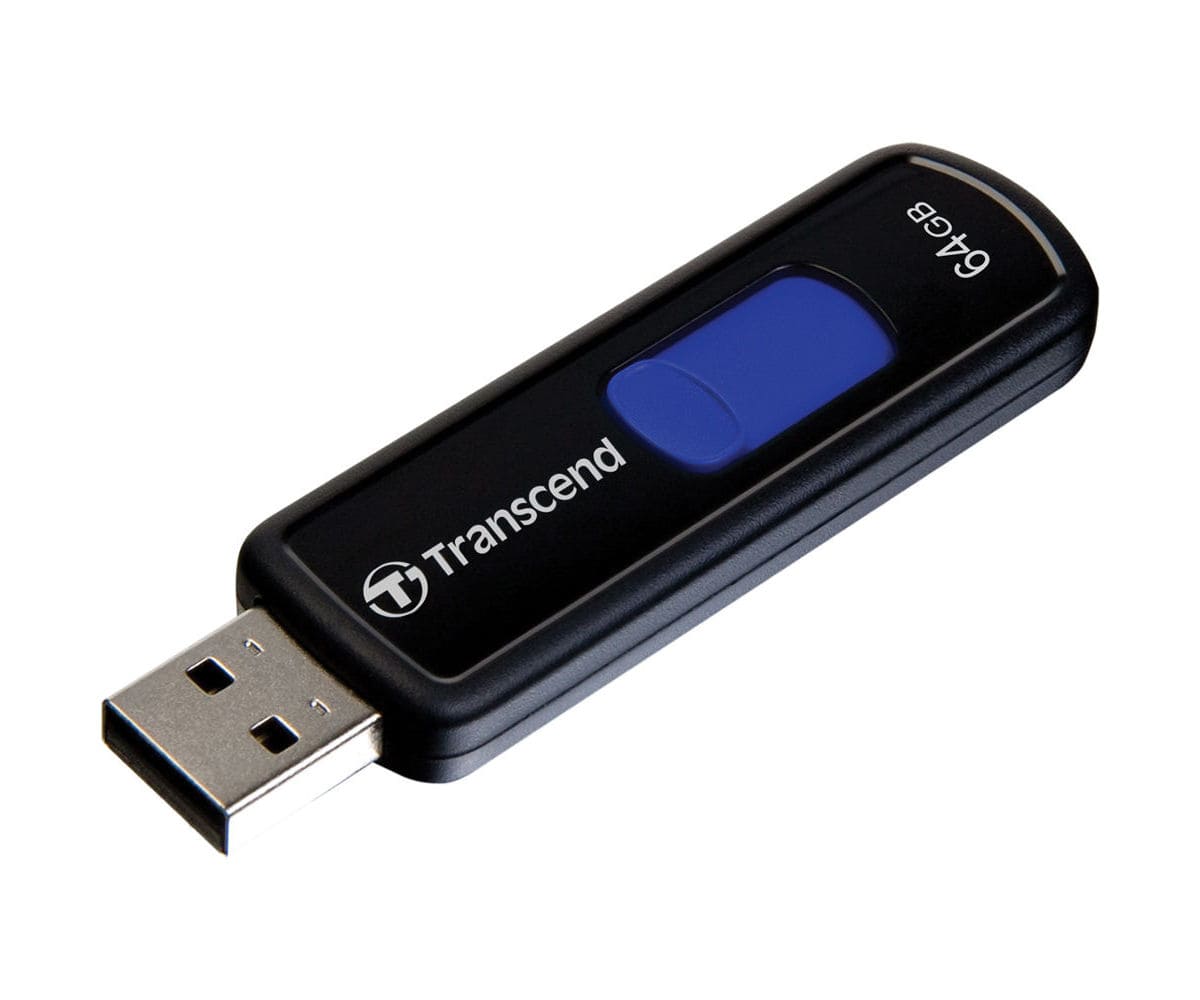
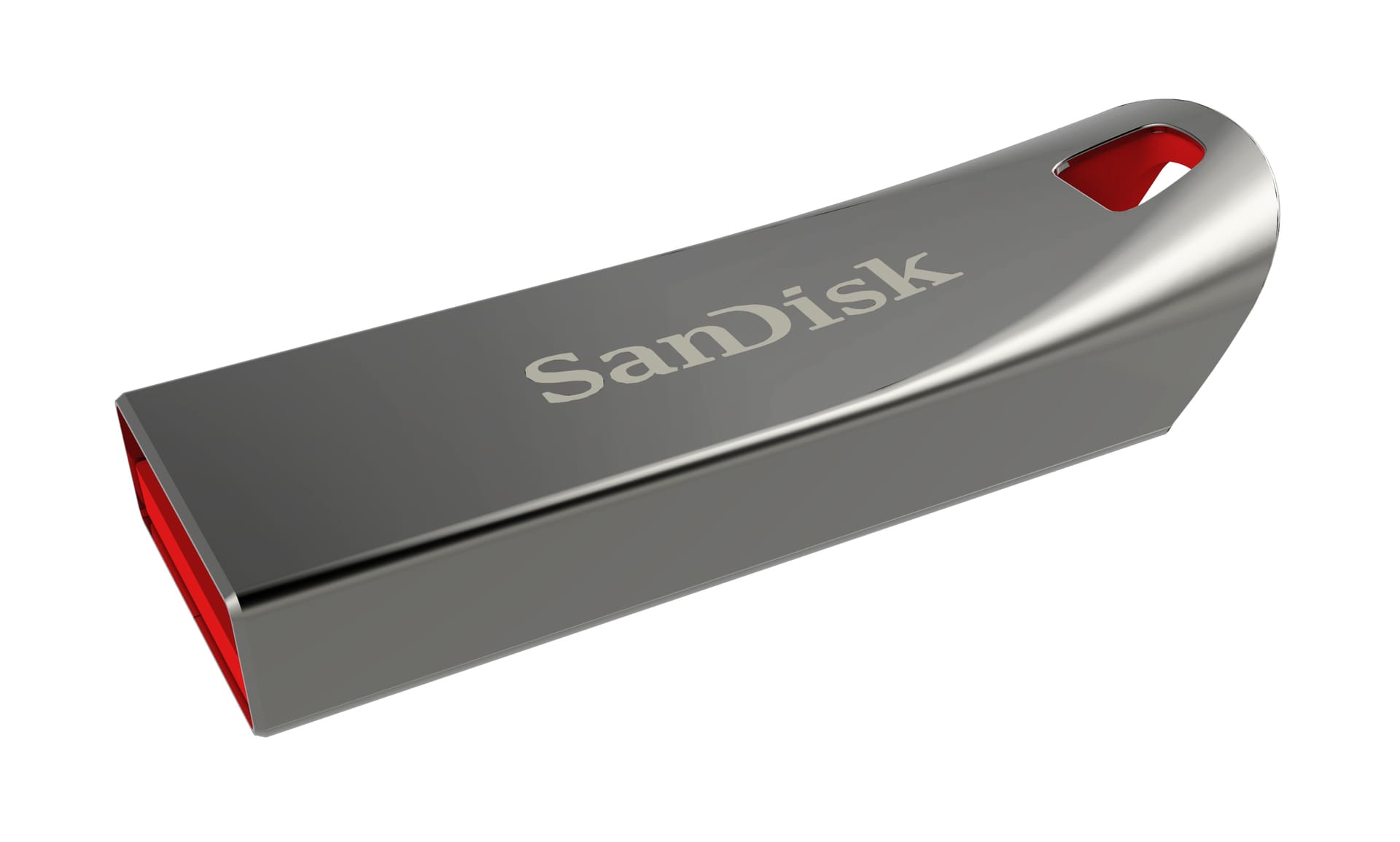
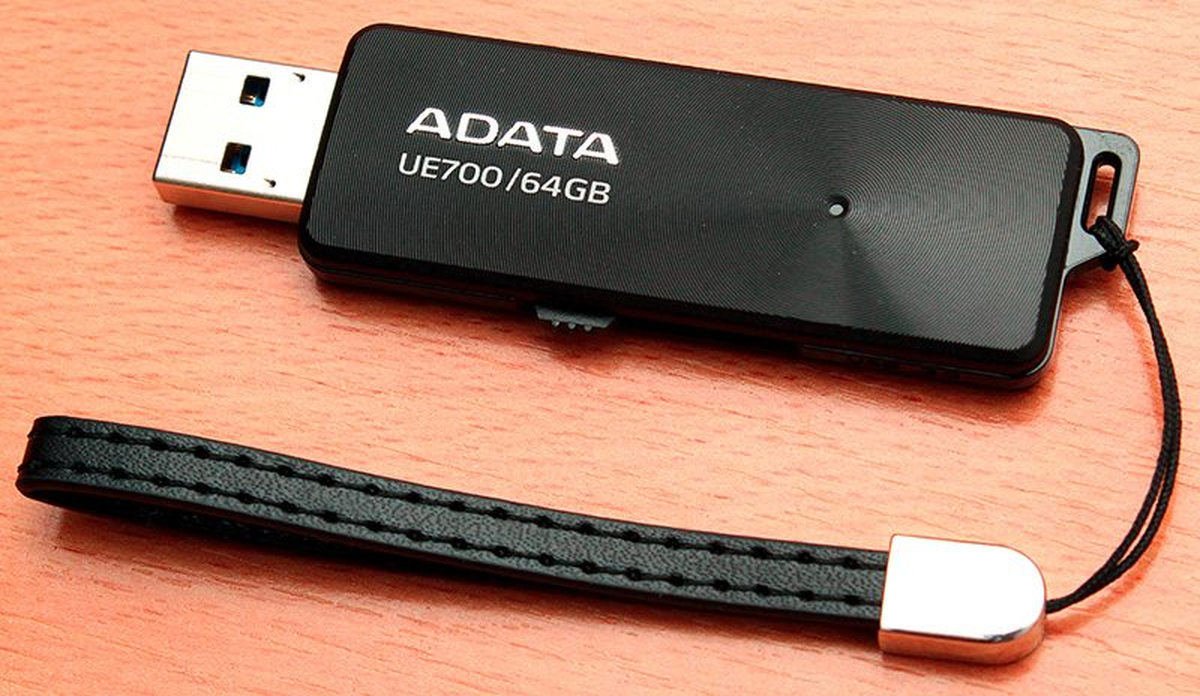
In terms of manufacturers of portable storage devices, well-established brands include: Transcend, Adata, Kingston, Apacer, SanDisk, Patriot, Pretec, Corsair. These manufacturers offer an official 5-year warranty on their products. This already indicates the seriousness of the brand. For reliability and durability, considering speed characteristics, it’s better to buy a 64 GB flash drive from these manufacturers.
Purchasing portable storage devices should be done in specialized stores in your area or trusted online stores in your country. Flash drives are not the product to buy on Chinese websites due to their low cost. Sellers, in pursuit of profit, send storage devices that do not meet the declared specifications. Often, a cheap chip is installed, and the firmware is programmed to pretend to be from a reputable manufacturer. In practice, such a device works very slowly and frustrates the user with lagging performance.