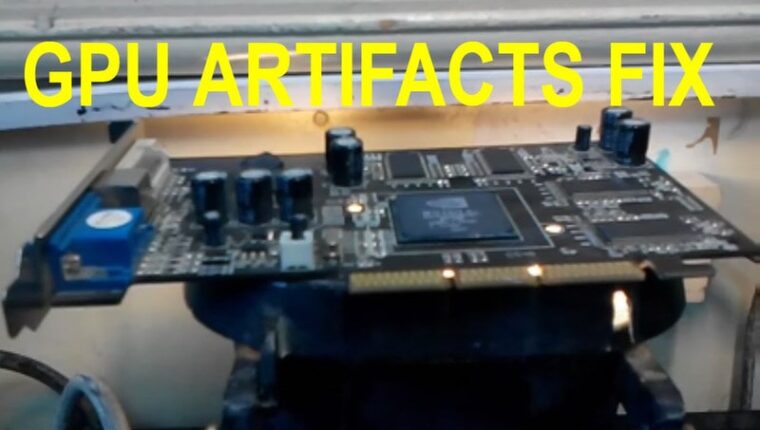
The reliability of a computer graphics card, compared to other PC hardware, has always been questionable. Especially for users who prefer to save on purchases by buying budget products. Overclocked with a proprietary utility – gained a performance boost. However, due to poor cooling, chips tend to burn out. But enthusiasts found a quick solution – preheating the graphics card with a hair dryer, which with a 70-80% probability, can revive the chipset.

The essence of preheating a graphics card is to restore the contact traces between the board and the graphics processor. When working under load at high temperatures, the solder melts and detaches from the contact trace. Reheating with a hair dryer increases the likelihood that the solder will reattach to the board.
GPU Preheating with a Hair Dryer: Supplies
To fully service a video adapter from scratch and up to installation in the system unit, you will need:
- Thermal paste. The graphics card must be disassembled, removing the cooler and radiator grille. When reassembling, applying paste is mandatory.
- Scalpel or knife. Manufacturers often attach the radiator to the graphics chip with thermal glue. For heating, it is undesirable to have foreign substances on the chip surface. Use a scalpel or knife for cleaning.
- Soldering flux. If the solder has come off the contact pad, it will not stick back even with high heat. Flux and preferably alcohol are needed to degrease the surface.
- Food foil. It will be wrapped around the adapter to protect other components of the graphics card.
- Pliers or tweezers. Holding the wrapped graphics card in hand under a hair dryer is problematic. It is better to use convenient tools.
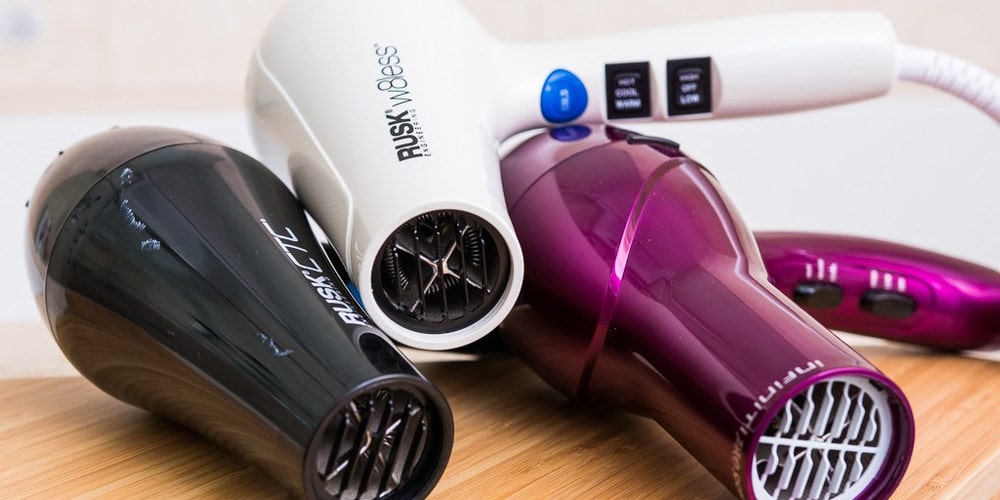
- Household hair dryer capable of outputting air at 200-220°C.
Preparation for Work
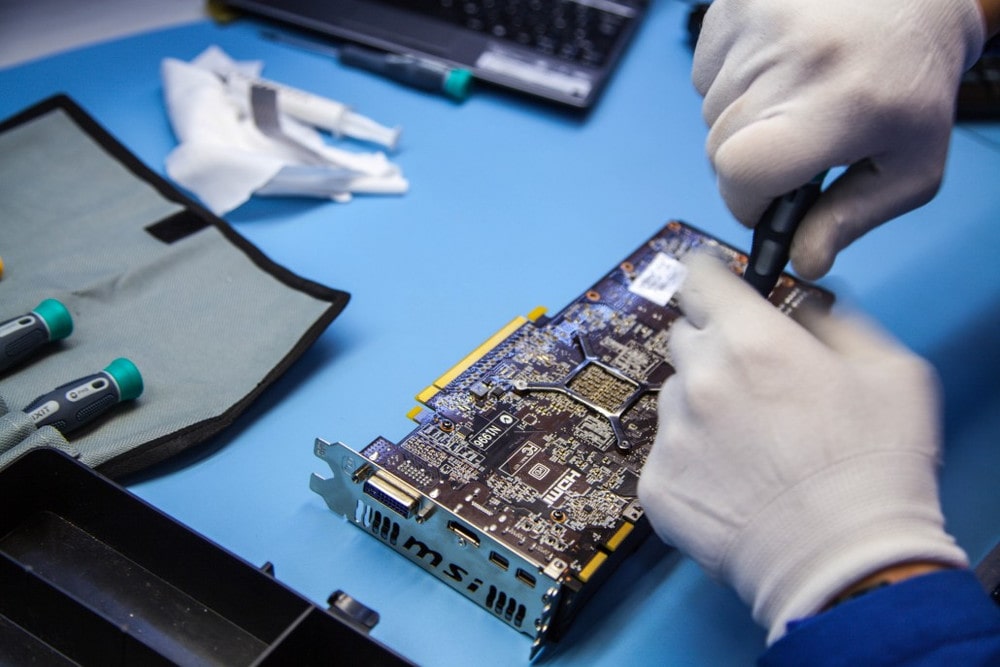
- Remove the protective cover, fan, and radiator from the graphics card;
- If the radiator is glued tightly to the chip, you can insert a scalpel or knife between the components without prying;
- Use the same knife to clean the graphics adapter from residual thermal paste and wipe it to a shine;
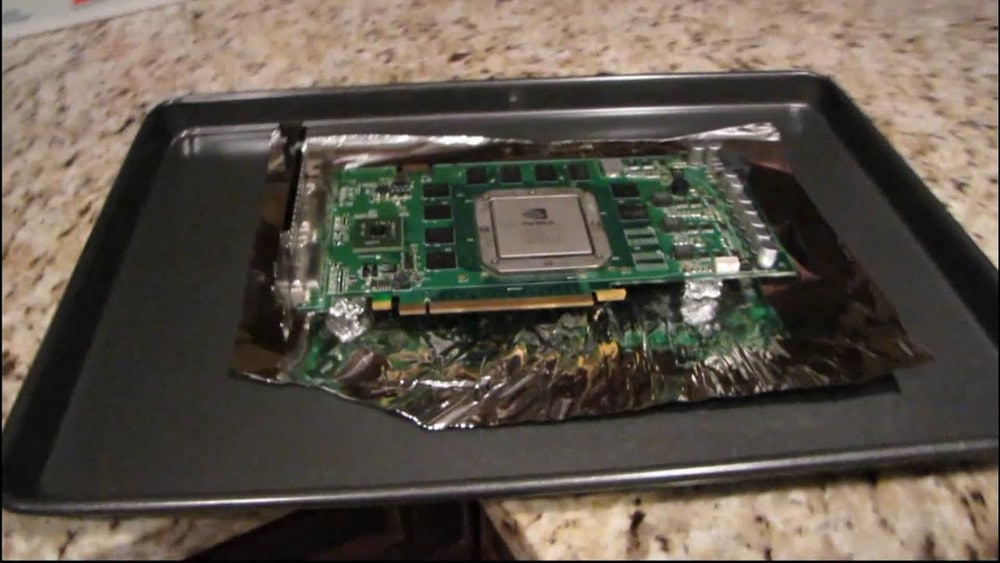
- The graphics card is fully wrapped in foil, and square cuts are made at the level of the graphics core on both sides so that the contact pins on both sides of the board are visible;
- Degrease the contacts with alcohol, dry, and thoroughly apply flux.
During preparation, it is necessary to create a comfortable workspace. During preheating, do not place the graphics card on a smooth surface. Forum users recommend taking a metal pot and placing the video adapter at an angle on the edges of the neck.
GPU Preheating with a Hair Dryer: Instructions
- The adapter is placed above the pot.
- The hair dryer is turned on to maximum heating temperature (wait 20-30 seconds for the household appliance to reach its power limit).
- The hair dryer nozzle is brought to the graphics chip of the graphics card at a distance of 9-10 mm (about the length of two classic matchboxes).
- The hair dryer is moved along the edges of the chip for 40 seconds.
- The graphics card is taken with tweezers and flipped over.
- The contact pads are heated from the back side of the graphics chip for another 40 seconds.
After preheating the graphics card with a hair dryer, do not rush to cool it down. Do not remove the foil immediately. Wait for the device to cool naturally to room temperature. After 15-20 minutes, remove the foil, ensure the chip has cooled. Apply thermal paste, install the radiator and cooler. If excess paste has spilled over the edges, remove it with a cotton swab. Reassemble the cover, connect the fan power, and install the graphics card into the system unit.
Again, with a 70-80% probability, the graphics card will start. If the miracle happens, try not to overclock the adapter again. Generally, smart users try to sell a working graphics card quickly and acquire a new device.