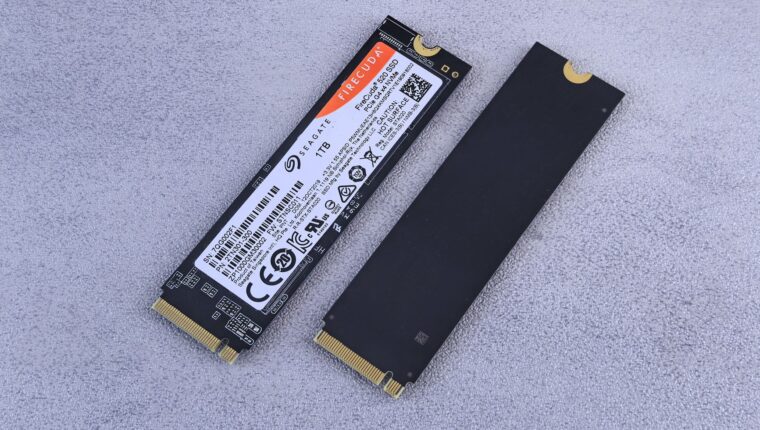
Before replacing a laptop drive or adding an SSD to a desktop PC, check exactly what the computer supports. M.2 does not automatically mean NVMe, and a board that fits the available space is not guaranteed to work. Start with the documentation for your specific laptop or motherboard: check the interface, dimensions, available clearance and any slot limitations.
This article contains affiliate links. TeraNews may earn a commission on purchases made through them, at no additional markup to you.
Below is a compatibility checklist and four options for different replacement scenarios. The product details in this selection come from seller titles. Technical guides from Kingston and HP help explain compatibility, but do not verify the quality, authenticity or reliability of these particular drives.
First decide: replacement or additional storage
Start with the exact model of your computer or motherboard. Find the storage section in its manual and check the connector diagram. You need to establish two things: whether there is room for another SSD, and which devices that slot supports. HP’s SSD buying guide includes checking for a free slot or whether an existing drive needs replacing as part of preparing to buy.
These are two different decisions. If there is a free, compatible slot, you can choose a drive to expand storage. If the suitable space is already occupied, plan a replacement: decide in advance which files to keep and how you will prepare the system to use the new drive. Before opening the computer, plan the steps and back up the files you need separately.
Do not assume that every configuration in a laptop series has the same storage options. Look for documentation for your exact device, and if it does not give a clear answer, check support for a drive against the precise model. Seeing the word SSD in a computer description does not tell you which interface or size a replacement needs.
SATA, NVMe and M.2 answer different questions
According to Kingston’s technical FAQ, M.2 is a form factor, and drives in that format can use SATA or PCIe. So you cannot choose a product just by looking at a picture of a narrow board. The computer documentation and the SSD listing need to match on both dimensions and supported interface.
HP notes that an M.2 connector may support NVMe only, SATA only, or both. The practical order is simple: read the slot requirements first, then look for a matching drive. If the manual specifies M.2 SATA, a listing for M.2 NVMe is not a suitable replacement just because it has a similar shape.
For replacing a drive in a bay for a 2.5-inch SATA device, start by considering drives of that type. They may suit a computer whose documentation confirms that connection. Consider NVMe only after confirming that the computer has a compatible slot. Comparing advertised speeds does not help if you have not established compatibility.
If the documentation requires M.2 SATA, look for a listing that explicitly confirms SATA and the required dimensions. The examples below are seller-listed 2.5-inch SATA and M.2 NVMe drives; none should automatically be treated as an M.2 SATA replacement. If this selection lacks the type you need, keep looking instead of choosing by appearance alone.
Check board length and clearance
In the M.2 2280 designation, Kingston explains, the first two digits indicate a width of 22 mm and the remaining digits a length of 80 mm. Other lengths are available. So “supports M.2” is not enough: check the permitted module length and the mounting point. A 2280 label in a product title is useful only if it matches those requirements.
Next, check the space around the drive. Kingston notes the difference between single-sided and double-sided component layouts, which can matter in a tight space. HP also recommends checking thickness limitations. For a thin laptop, confirm that the board’s construction is allowed if the manual sets such requirements.
Check separately whether a heatsink will fit. HP warns that an SSD with a heatsink may not fit in a thin laptop. Do not choose one just because it looks more substantial in a photo: compare its dimensions with the available clearance and the computer’s requirements first. For a 2.5-inch drive, also check the permitted thickness in the computer documentation.
Do not confuse M.2 with mSATA. Kingston says these are physically different formats and do not fit the same connectors. If an older computer’s manual specifies mSATA, a general search for a “small laptop SSD” may turn up an incompatible drive. Use the precise interface and form factor in your buying criteria.
When PCIe generation affects the choice
HP explains that a newer PCIe generation is backward compatible, but the slot limits the speed. A drive’s support for a newer generation does not by itself mean the computer can use its full capabilities. Check the generation supported by your device, then decide how much the differences between options matter to you.
There can also be a limitation that is not obvious from the SSD itself. Kingston notes that some M.2 connectors share PCIe lanes or SATA ports with other devices. When they are used at the same time, one connection may be disabled. If a desktop PC already has other drives installed, read the notes for its connector layout to find out what may happen when you add another device.
What to check with the seller before ordering
The listings below combine several capacity options, so they do not make clear which one corresponds to the item in the price card. This guide therefore does not compare capacities. Before buying, check the selected option in the order details and ask the seller to confirm its exact designation. A string of capacities in a general title does not establish which drive you will receive.
The seller titles also do not let you compare write endurance, sustained speed, board construction or warranty terms. Do not fill those gaps with assumptions based on the brand. If one of these details matters to your decision, request information for the precise model and option, then compare it with your computer’s requirements.
Before ordering, check the exact device model, whether you need a free slot or a replacement, the interface, dimensions, thickness limits and any effect on other connections. Then verify the exact product option and the return terms if it does not match the listing. If the documentation does not confirm compatibility, wait until you can clarify it.
Four options for confirmed scenarios
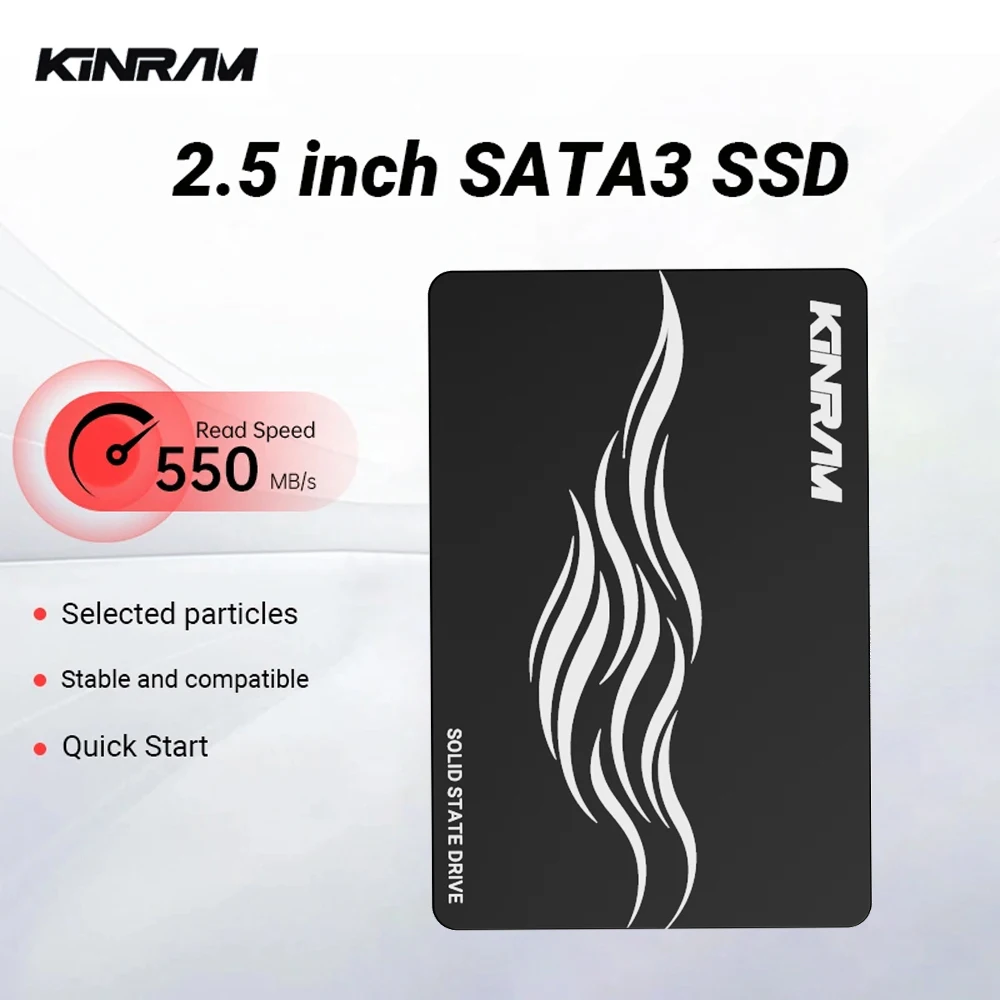
KinRam SSD: for a SATA drive bay
The seller title describes this as an internal 2.5-inch SSD with SATA 3. It may be worth considering if your computer manual confirms that type of drive and you need a replacement for a compatible bay. Its listed form factor does not suit an M.2 slot.
The title lists several capacities without making clear which option is selected. It does not give a precise model designation either. Before buying, ask the seller to confirm both the model and the drive’s thickness so you can check them against your computer’s limits. The connection type is a starting point for comparison, not evidence of particular performance.
Price checked 23.11.2026: 15.19 GBP
Sold: 17679+; Buyer rating: 98.0%
View on AliExpress
Netac SSD: another 2.5-inch SATA option
The seller also describes this as an internal 2.5-inch SATA 3 drive. The use case is similar: replacement or installation in a space where the documentation confirms support for a SATA drive of this form factor. If your laptop has a single M.2 slot, first look for a drive that matches the slot requirements.

Price checked 23.11.2026: 17.82 GBP
Sold: 11637+; Buyer rating: 96.8%
View on AliExpress
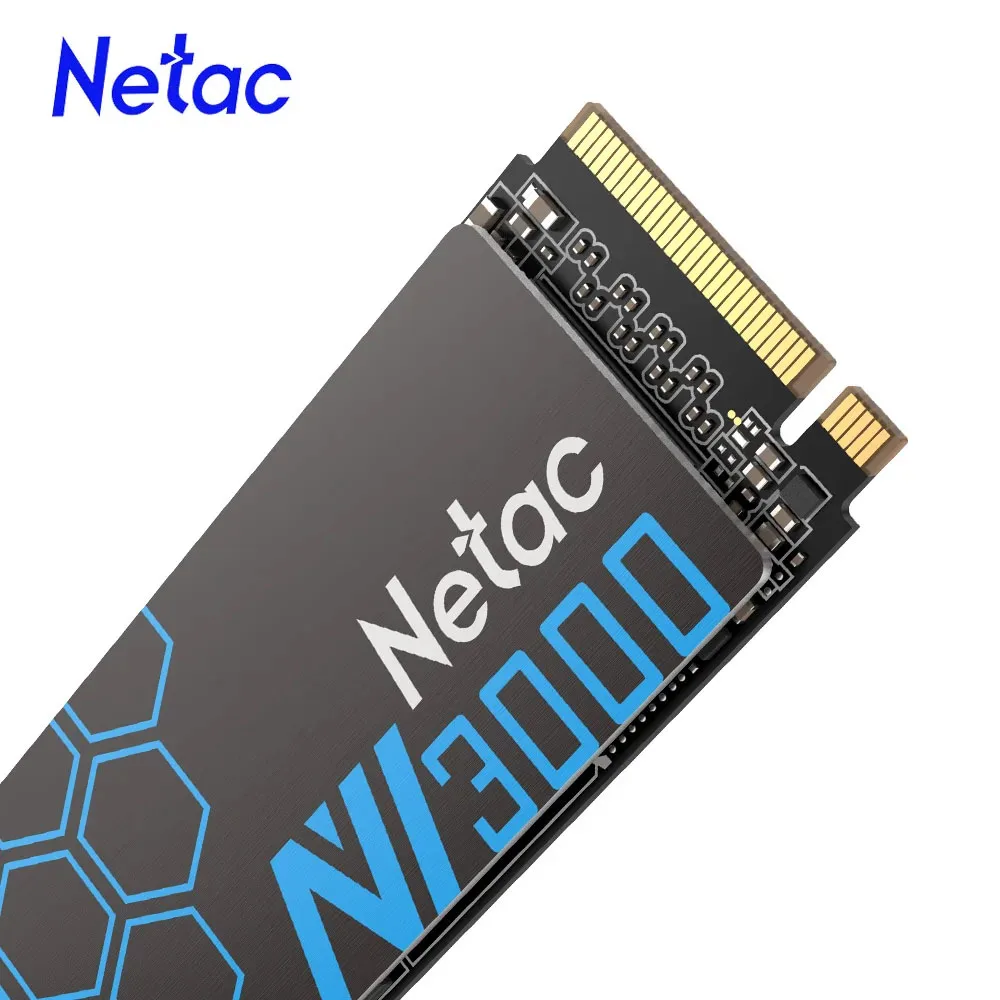
Netac NV3000: for a confirmed M.2 NVMe slot
The title lists the NV3000 model, M.2 2280 form factor, NVMe and PCIe 3.0. Consider it only if your computer documentation confirms support for this drive type and a board 80 mm long. Matching dimensions alone are not enough for a device that supports M.2 SATA only.
The seller claims speeds of up to 3,500 MB/s, but does not specify the conditions for reaching that figure or whether it applies to the selected option. It is a claim in the title, not an independent measurement.
Price checked 23.11.2026: 31.91 GBP
Sold: 24276+; Buyer rating: 96.2%
View on AliExpress
KOOTION X15Lite: another M.2 2280 option
The seller title lists the X15Lite as NVMe, M.2 2280 and PCIe 3.0 x4. It may be worth comparing for a computer whose documentation confirms support for this connection. The interface in the title does not establish the drive’s actual speed in your computer.

Price checked 23.11.2026: 47.07 GBP
Sold: 3645+; Buyer rating: 97.0%
View on AliExpress
This is the AliExpress catalogue price for the selected market when checked. Confirm stock, variant, delivery, taxes and the final total before paying.