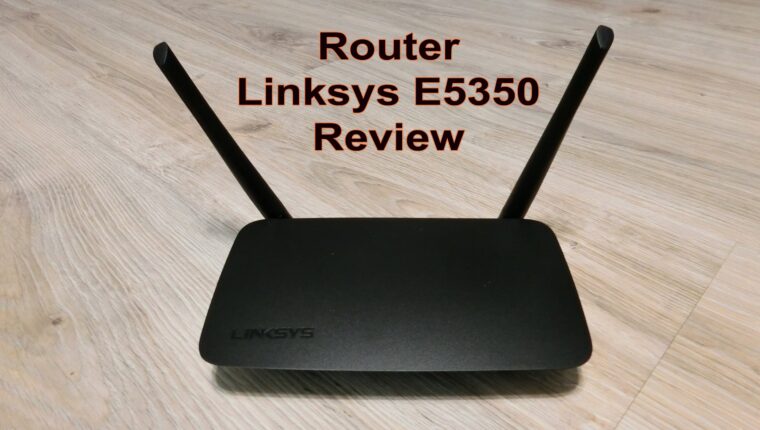
The Linksys E5350 router, which we are reviewing, is positioned in the budget segment. The router costs $30. An ordinary network device with all the functionality for home use. We have a long-standing love for the Linksys brand. It is equipment that can be set up once and hidden away from sight. The router does not require rebooting or other manual manipulations.
Linksys E5350 Router: Review of Specifications
| Router Model | Linksys E5350 (AC1000) |
| WAN | RJ-45 1×10/100 |
| LAN | RJ-45 4×10/100 |
| Wi-Fi Standard | 802.11b/g/a/n/ac, Dual Band 300+700 Mbps |
| Bands | 2.4 GHz and 5 GHz |
| Antennas | Yes, 2 external, non-removable |
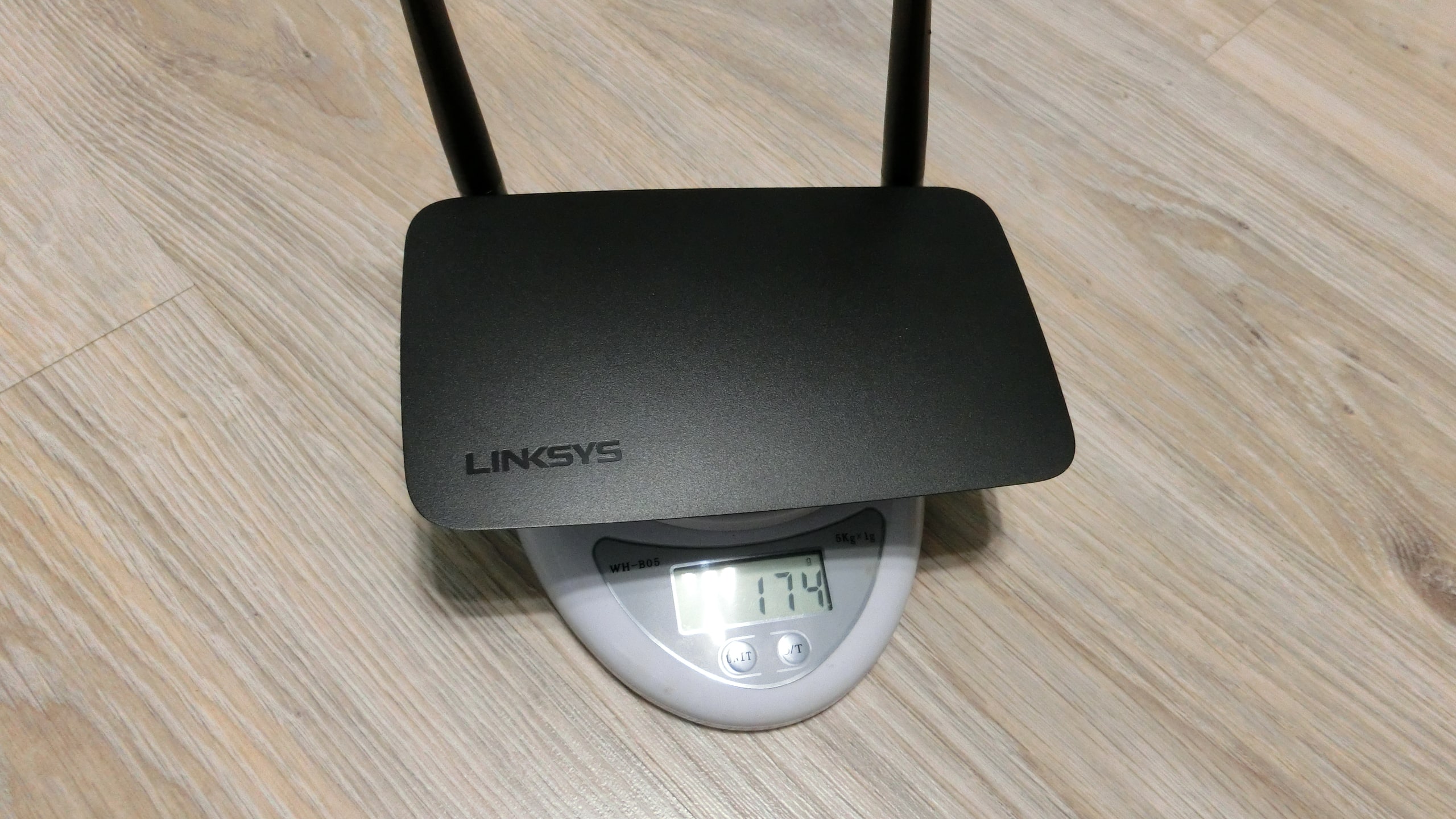
| Dimensions, weight | 170 × 112 × 33 mm, 174 grams |
| Firewall | Yes, SPI software |
| Encryption | 128-bit WEP
64-bit WEP WPA2-Enterprise WPA2-PSK |
| WPS | Yes |
| Bridge Mode | Yes |
| USB | No |
| NAT | Yes |
| DHCP Server | Yes |
| DMZ | Yes |
| VPN | Yes |
| FTP Server | No |
| Management and Monitoring | Web interface only |
| Price | $30 |
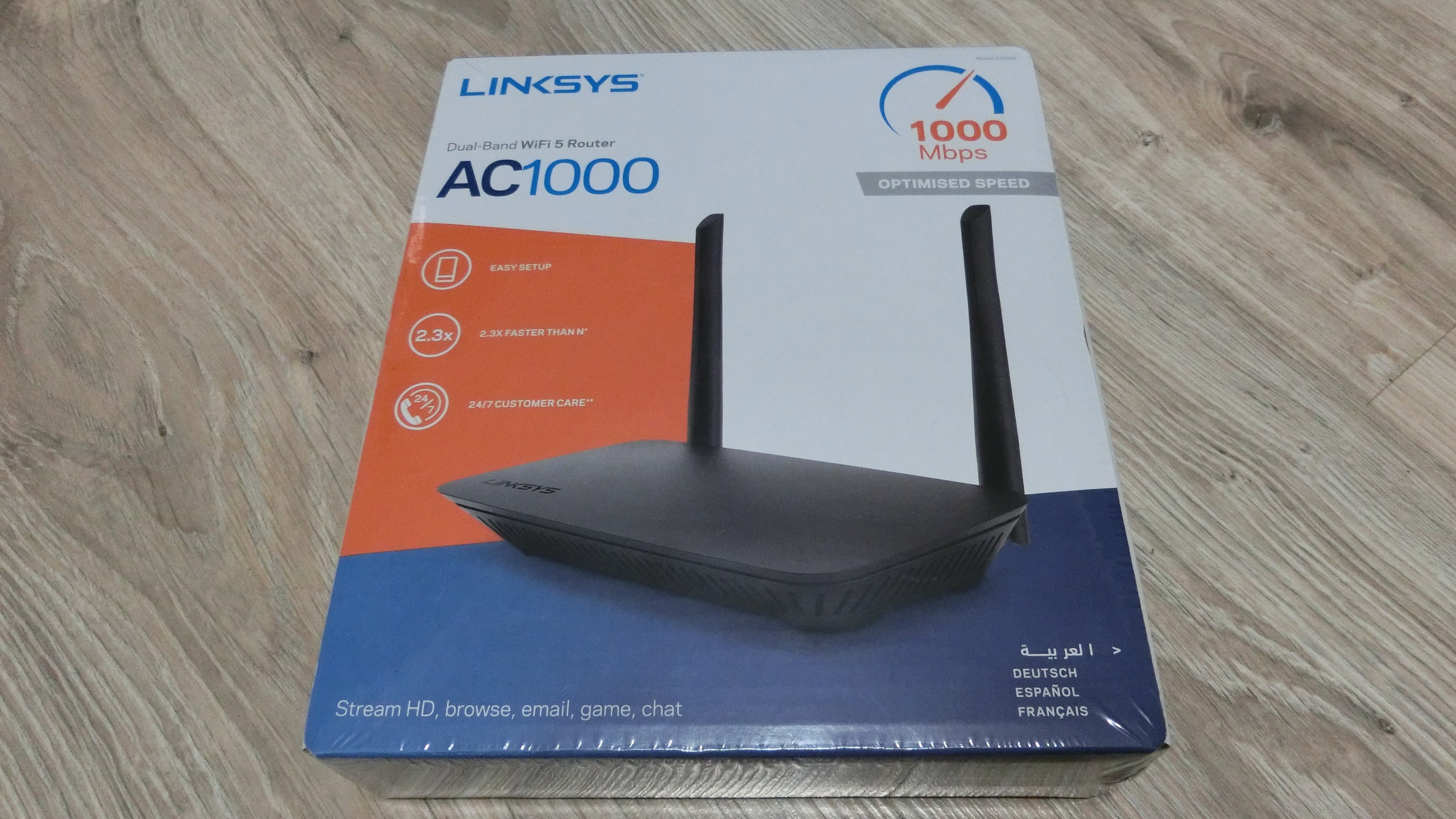
Among all the popular technologies and functionalities, the lack of a USB port is noticeable for complete happiness. However, based on experience in setting up routers at home, it can be noted that no one really needs it. For the budget segment, this is a very good router in terms of technical specifications.
Review of the Linksys E5350 Router: First Impressions
A standard cardboard box contains the typical set for budget-class networking equipment:
- Router.
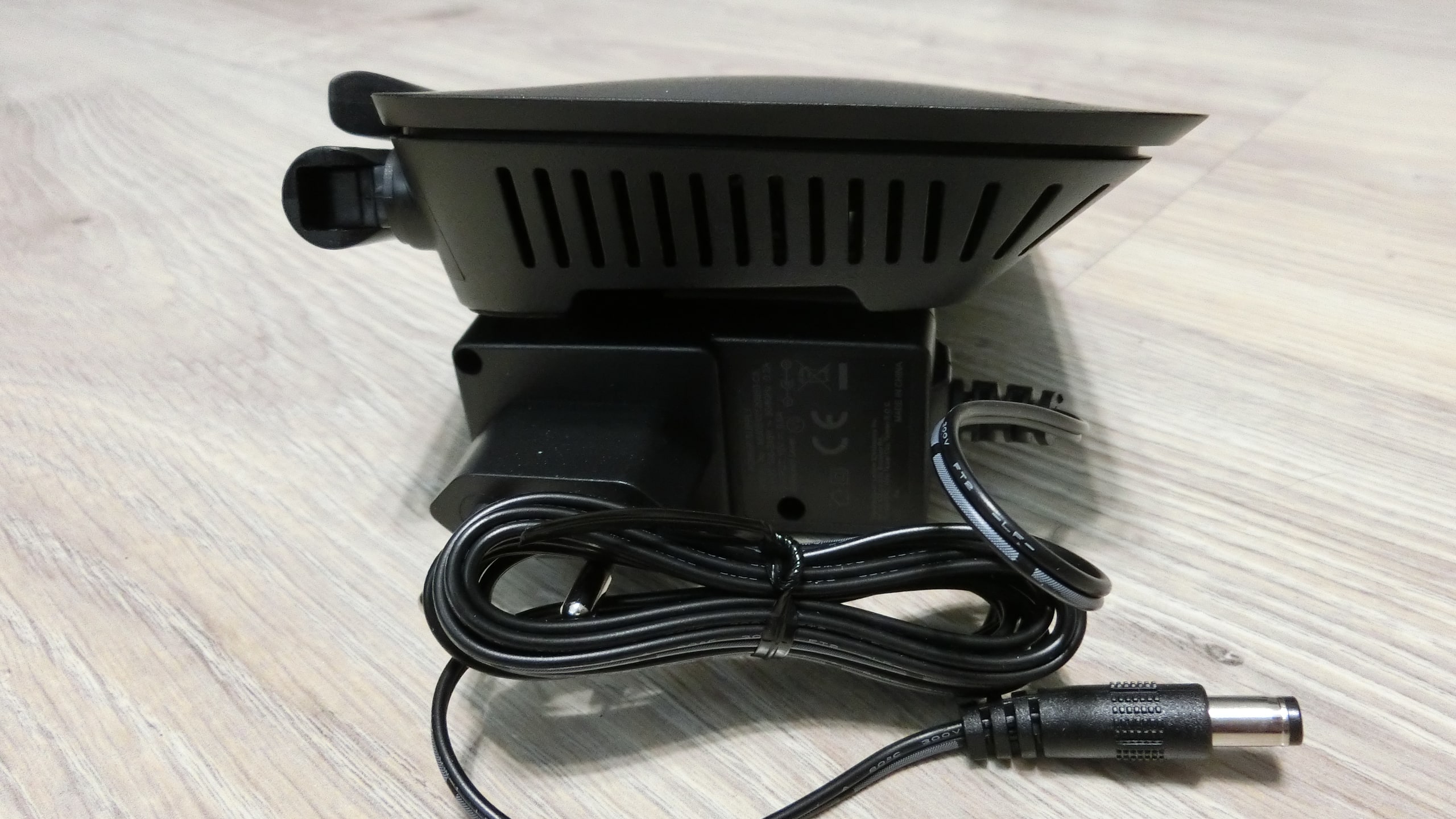
- Power supply with cable (integrated).
- Patch cord 100 cm, clips not in a molded sheath, UTP
- Instruction CD.
- Instruction booklet for setting up the router.

The router body is completely plastic. Feels matte to the touch, does not collect fingerprints. Very pleased that the bottom and sides of the Linksys E5350 are like a sieve. The well-thought-out cooling system completely prevents electronics from overheating. The bottom has wide soft material feet. However, the router still slides on a smooth table surface. There are also mounts for wall mounting, for example. Screws are not included.

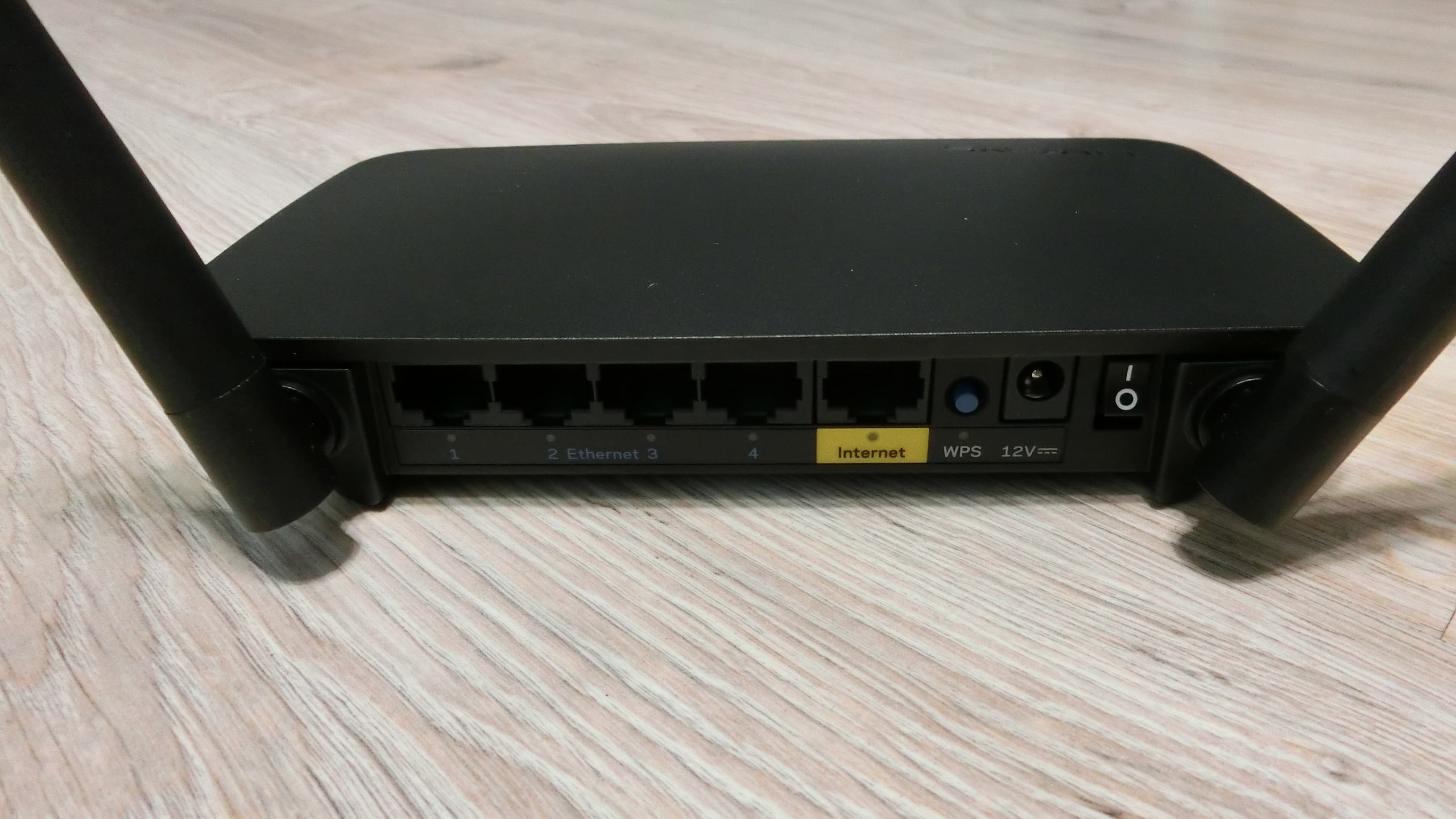
An advantage of the Linksys E5350 router is the complete absence of LEDs on the front panel. It can be confidently placed on a desk – it will not glow in the eyes. Indicators are only on the back panel – they illuminate the links. The power cable does not hang in the socket. There is a switch on the case to turn the router on.
First Boot of the Linksys E5350 and Impressions
At first turn-on, we once again confirmed that the American brand Cisco closely monitors the development of its subsidiary Linksys. Everything is automated. The device is easy enough for a child or an elderly person to handle:
- Insert the cable from the provider into the WAN (labeled Internet) port.
- Connect a cable from the box to any LAN port (1, 2, 3, or 4). The other end to the network card of a PC or laptop.
- Connect the power cable and switch the switch to the “I” position.
- The browser on the PC or laptop automatically opens, and the Linksys E5350 assistant offers to perform setup.
- Specify the names and passwords for the 2.4 GHz and 5 GHz Wi-Fi networks. Also, enter the administrator password.
- And that’s it. All other security settings are already installed and active. Just wait a couple of minutes for the router to update information and reboot.
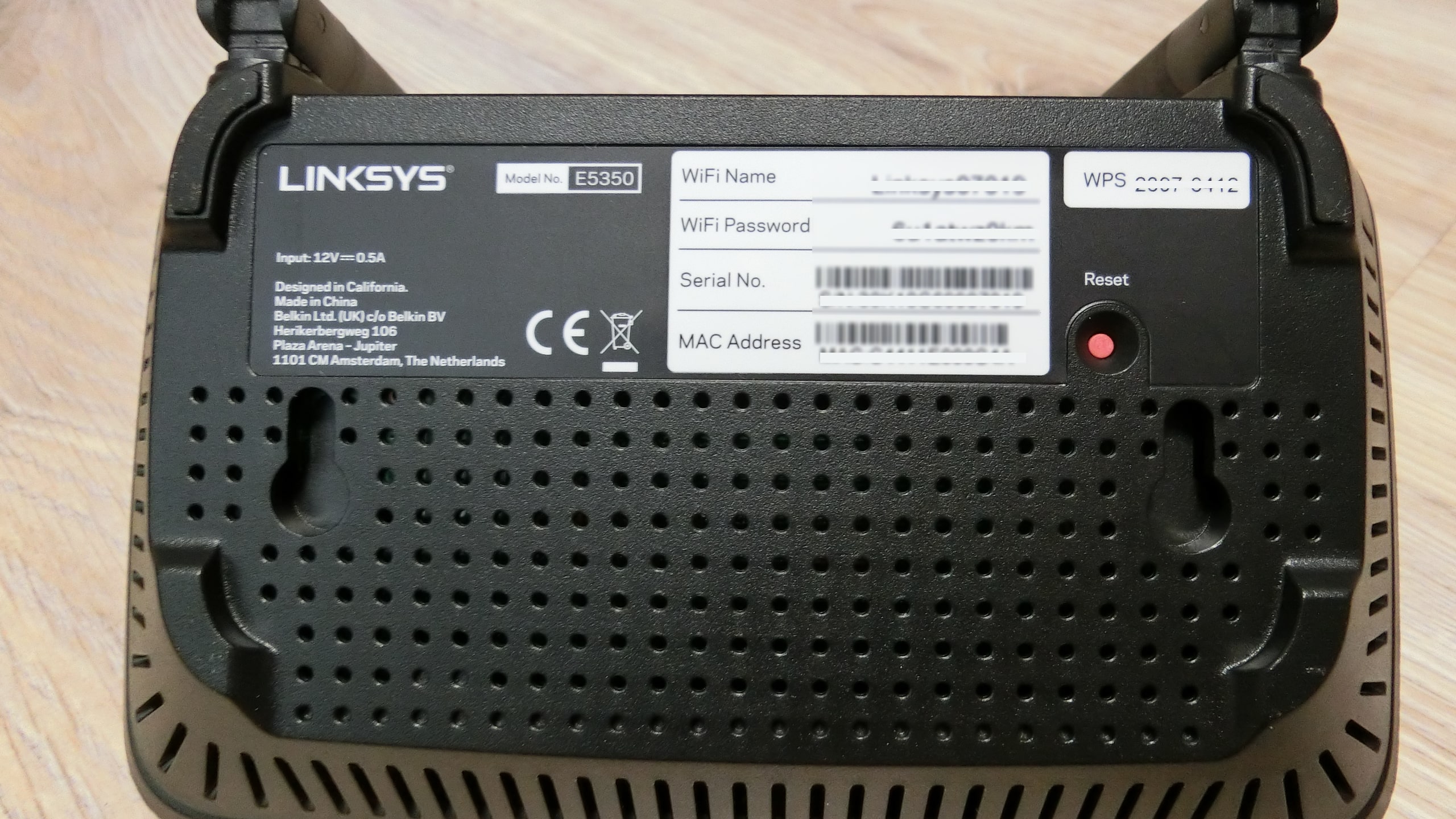
What if you need to set up the router wirelessly? Just flip the Linksys E5350 over. The bottom panel shows the router name and Wi-Fi password (factory settings). Just enter them for authorization.
Impressions of the Linksys E5350 Router
For a budget device, the network equipment is quite impressive. For $30, the user gets a smart gadget with loaded functionality for secure internet operation. Importantly, during operation, no issues arise with the router. It does not cut speed, and under load (torrent downloads from 2 PCs), it does not freeze. Our Linksys E5350 router works perfectly. The review of this high-quality American brand’s hardware once again confirms that it’s worth buying proven devices.
The reader might ask – what’s the point of buying routers costing $50 and above? It all depends on the needs. For a home with a couple of devices for entertainment, more is not necessary. But some users have a server, file storage, or streaming equipment at home. For protecting valuable information, a more functional device is required. One that can monitor activity from outside, block attacks, and notify the owner of unauthorized actions. For example, the ASUS RT-AC66U B1 router has hardware FireWall AI Protect and built-in antivirus.