After review of the cool G20S PRO remote control there was a desire to test the updated version of the gadget for controlling TV-BOX – G50S. Logically, the new product should be better. And advantages were quickly found, but also some drawbacks appeared. Let’s try to sort everything out to make it easier for the buyer to navigate the choice.
Remote Controls G50S vs G20S PRO – Features of Operation
Prolonged use of G20S PRO led to the disappearance of TV and home theater remote controls from the sofa near the TV. After programming the remote with basic commands and setting up the buttons, there was no need for native remotes. And this is a big plus for G20S PRO. It is truly good in everything:
- Works from any corner of the room.
- Fully controls necessary functions.
- Excellent voice search functionality.
- Has backlighting, which can be turned off.
- Nice body and proper placement of main buttons.
During long-term use of the G20S PRO remote, one problem was discovered. If you do not turn off the convenient backlight of the keys, the batteries last for 1 month. The set of AAA batteries from GP Ultra costs $1. So, the additional annual cost will be $12. If you turn off the backlight, it becomes inconvenient to call up the additional menu or turn on/off the air mouse.
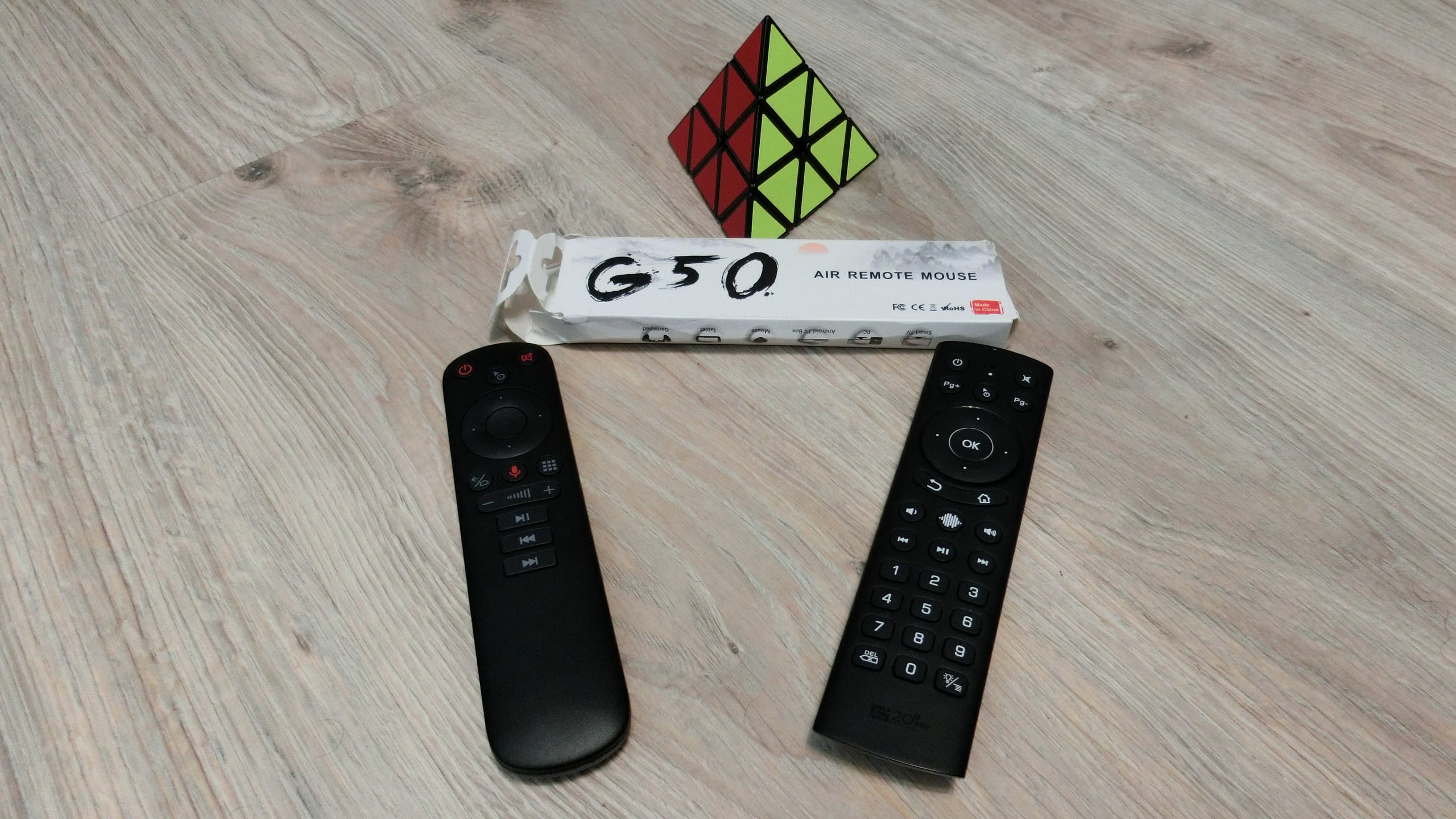
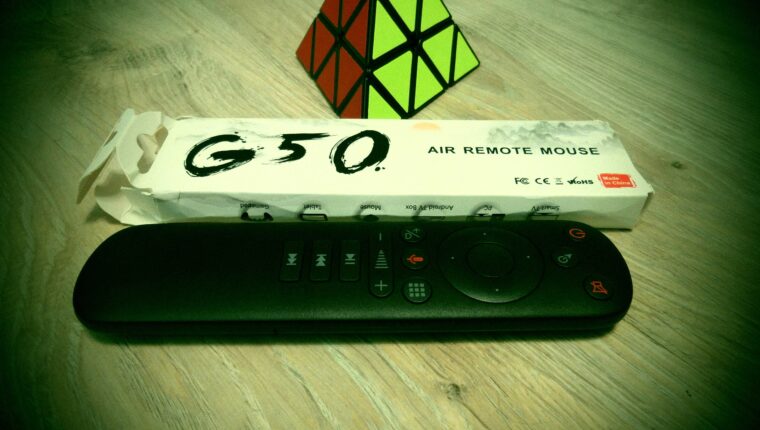
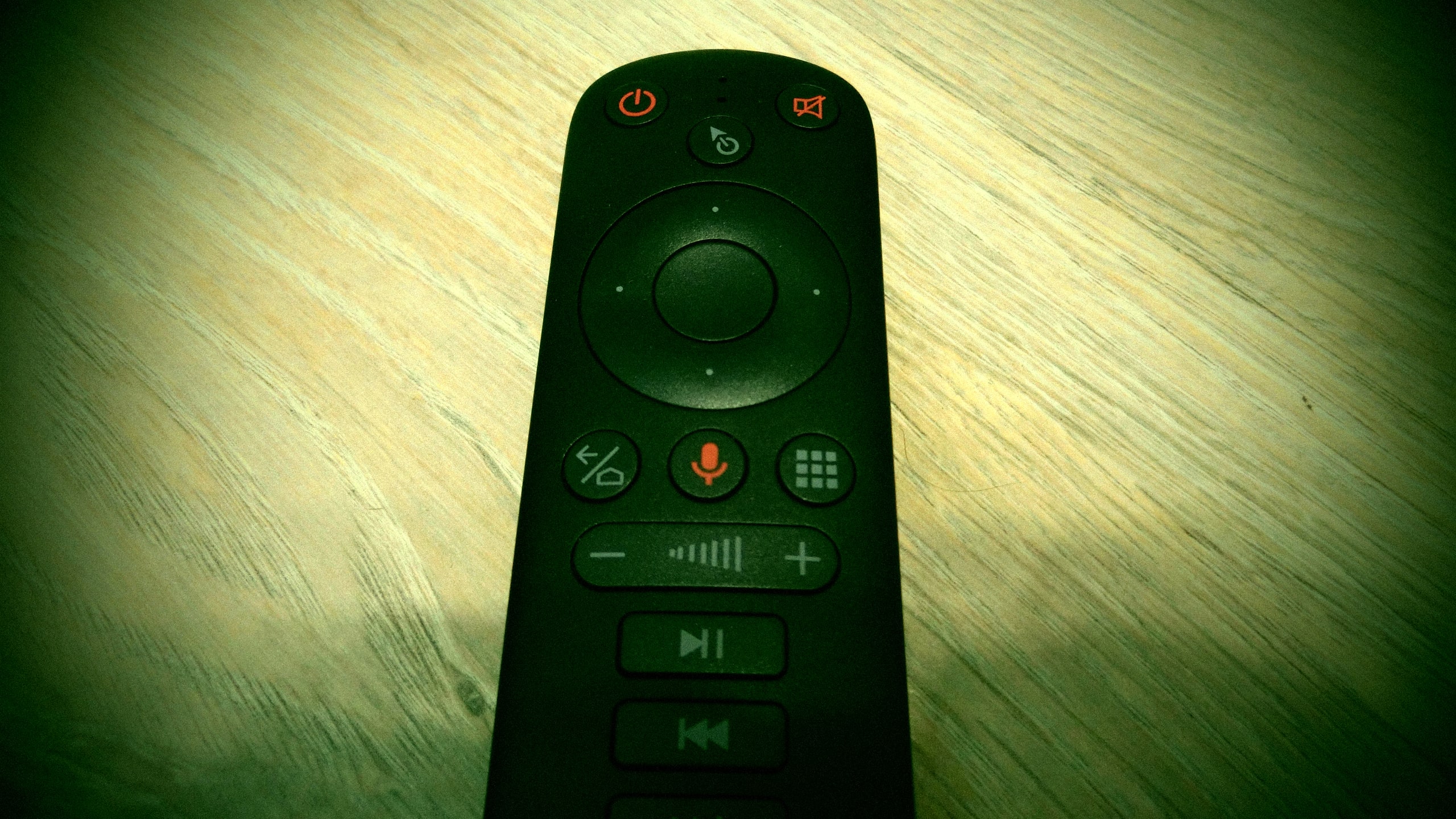
The G50S remote control does not have backlighting and can work on a single set of batteries for more than 3 months (the test was 3 months). The remote has minimal buttons, but all are perfectly suited for full control of the TV box:
- The voice control button is highlighted in red and located under the joystick.
- Excellent implementation of menu and multimedia control.
- It’s nice that there are no additional buttons for calling apps like YouTube or Netflix.
In the same price category, if choosing between G50S and G20S PRO, we preferred the second remote control. The backlight became a decisive factor. Even though the device consumes batteries mercilessly.
Technical Specifications of G50S Remote Controls
| Gyroscope | 3 G-sensors, works in any position. |
| IR Learning | Only the power button (see details in the manual) |
| Voice Control | Google Voice Assistant |
| Control Interface | Bluetooth 2.4 GHz (does not interfere with the router) |
| Manual Control | 4-way joystick |
Additional features of the G50S remote include the ability to control a SMART TV. No ROOT rights are needed for connection. All buttons work. However, installing Google Voice Assistant from Google Apps may be required.
Overall, the remote control is for enthusiasts. If the user previously managed the console or TV with native remotes, G50S will be an excellent solution for all problems. But we recommend opting for a more advanced remote – G20S PRO. It’s the pinnacle of perfection!