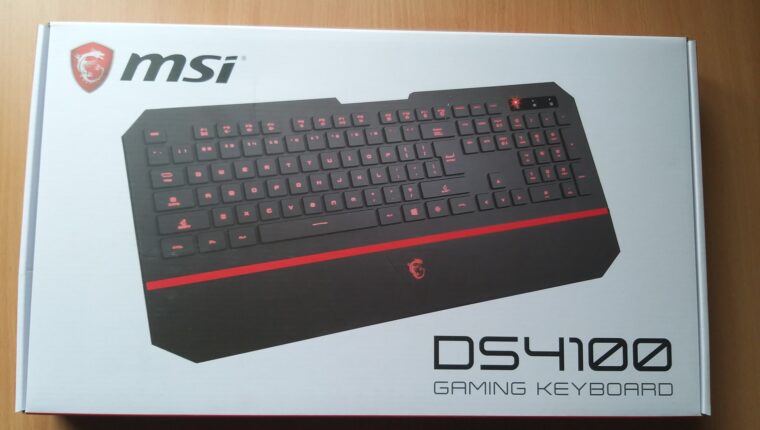
Renowned brand (MSI) and affordable price ($25) – what could be better if the product box bears the inscription Gaming. The MSI DS4100 gaming keyboard immediately caught attention. Colorful packaging, attractive design, and backlit keys. The desire to buy was unstoppable.
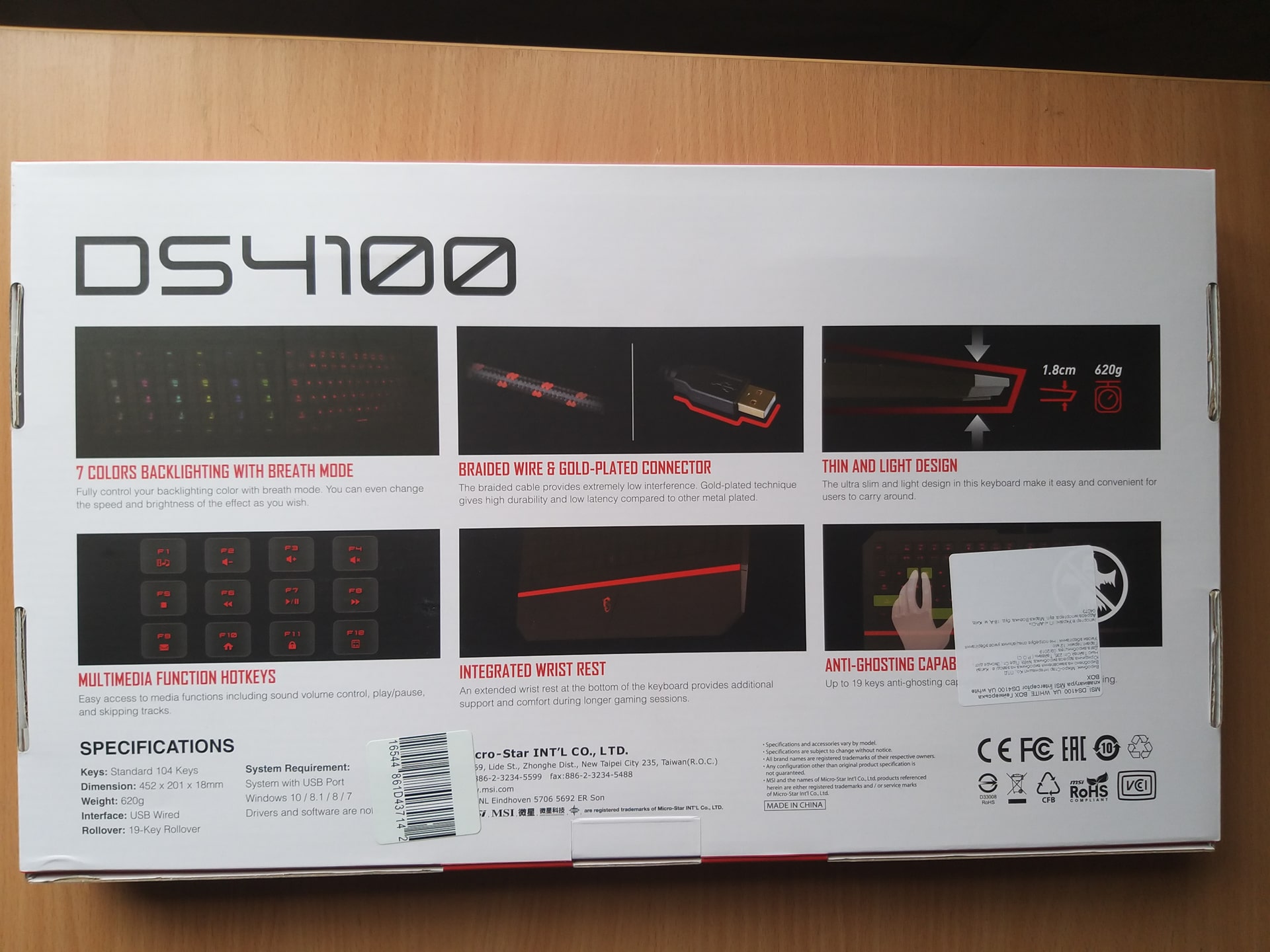
Gaming Keyboard MSI DS4100: Specifications
| Manufacturer | MSI (China) |
| Form factor | Full-size with numeric keypad |
| Type | Membrane |
| Intended use | Gaming, text input |
| Connection | Wired |
| Interface | USB (gold-plated) |
| Cable length | 1.8 meters (cable in protective braid) |
| Number of keys | 104 |
| Wrist rest | Yes, non-removable |
| Key press lifespan | 10 million |
| Backlight | Yes, 7 modes, backlight for Latin and Cyrillic characters |
| Functional keys | Yes, Fn switch (24 N-Key Rollover keys) |
| Key layout | Island-style (keys do not touch) |
| Key travel | 2 mm |
| Minimum actuation force | 55 grams |
| Material | Plastic (soft touch) |
| Weight | 620 grams |
| Dimensions | 452 x 201 x 18 mm |
Considering the specifications and price of the keyboard, the product looks quite good. Especially compared to our recent guest – Logitech G815, where Cyrillic backlighting had obvious issues. But once connected to a computer, a feeling of product rawness appeared. But more on that below.
Gaming Keyboard MSI DS4100: Review
It’s clear that with a price of 25 US dollars, you shouldn’t expect much from the manufacturer. But MSI marked the box with Gaming. Which means, the device must meet the declared specifications.
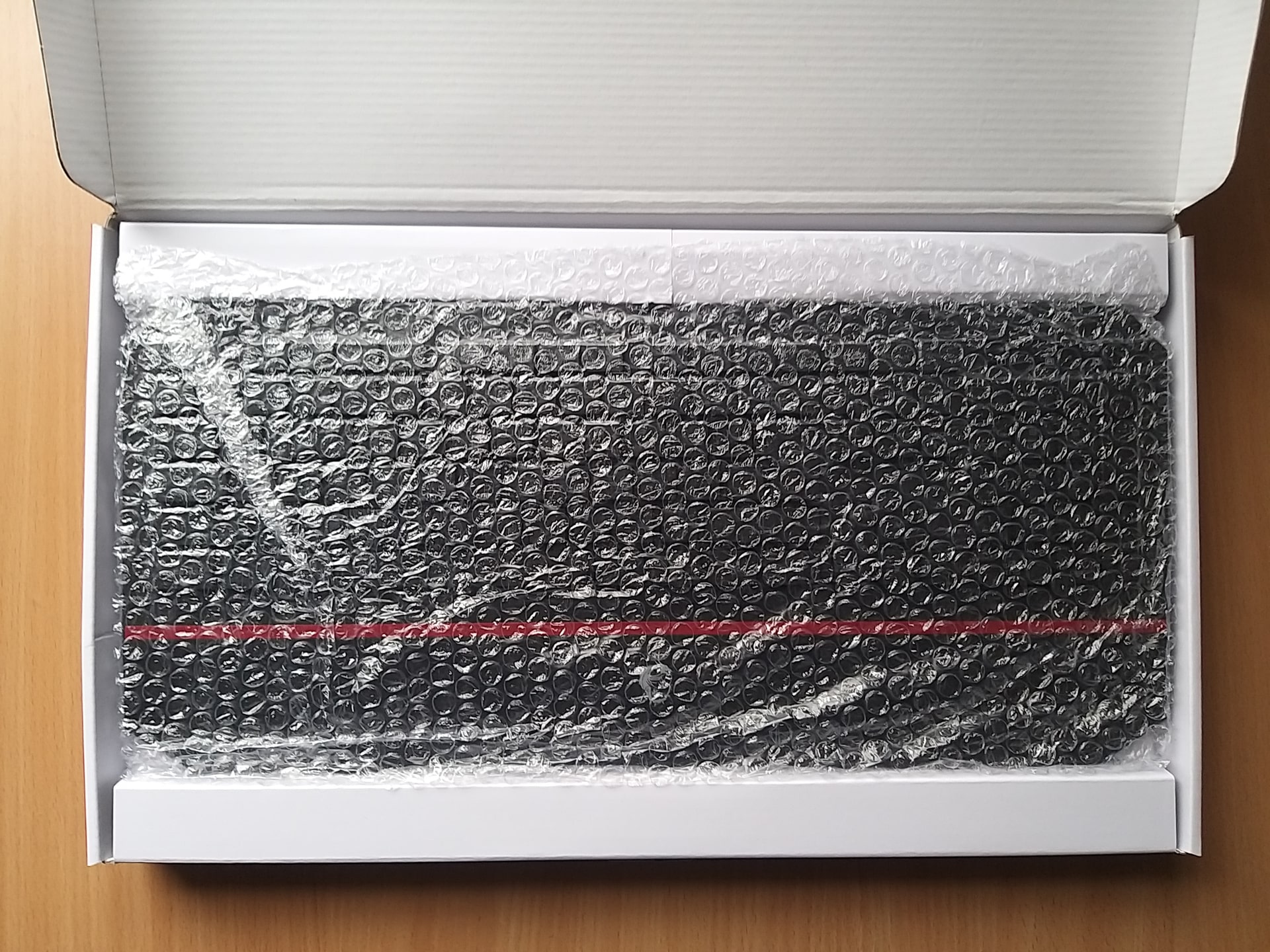
First of all, the implementation of the wrist rest is unclear. It is non-removable. As a result, the keyboard takes up more space on the desk. Plus, the brand logo has backlighting, which can be distracting in the dark. The keyboard plastic is very prone to fingerprints and dust. However, tactilely, it’s quite comfortable to work with.
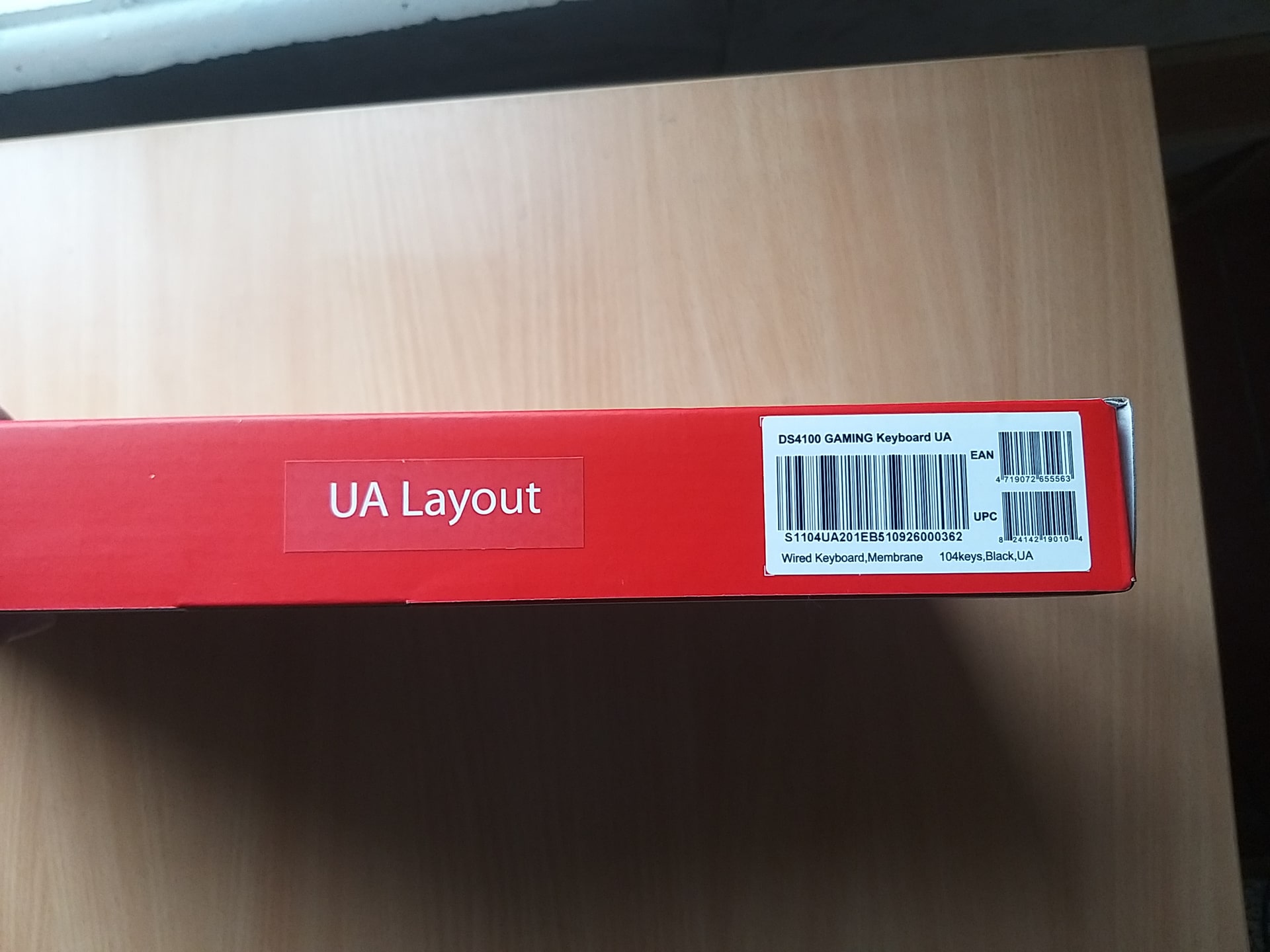
Backlighting is great. But the 7 RGB color modes look somewhat limited. Especially the red backlight – it appears brown, and the inscriptions on the keys are hard to read. Light shades of the spectrum glow excellently – no questions.
The N-Key Rollover technology saves the situation. You can configure simultaneous key presses and even set entire combinations. In MOBA and MMO – this includes 24 functional keys. Everything works well, no complaints. Just need to get used to it.
Opinions are divided when working with office applications (text input). The MSI DS4100 gaming keyboard did not win everyone’s hearts during testing. The keys have a very short travel, which is convenient. But the island layout, like on modern laptops, is slightly uncomfortable. Plus, the keys lack concavity. When typing blindly, in rare cases, you might press two keys at once without noticing.
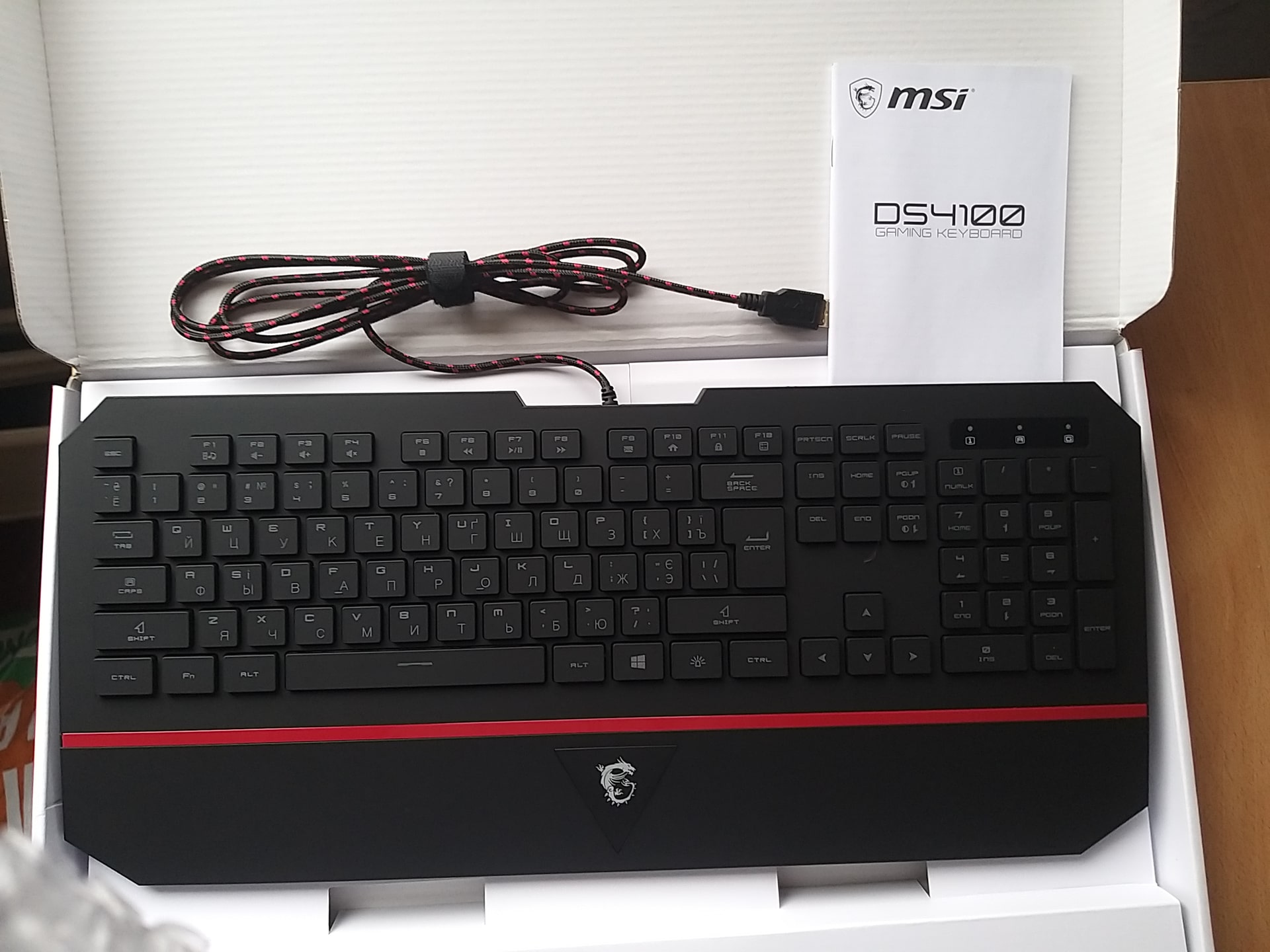
In general, the keyboard can be classified as gaming, but only for beginners. I really wanted to see dedicated functional keys on the device. But they are missing. Using Fn is not always convenient. But for home users who prefer sitting in front of the computer in the evening and at night, the device is perfect – mainly because of the backlit keys. Managing multimedia, social media chatting, and casual gaming that doesn’t require complex controls.