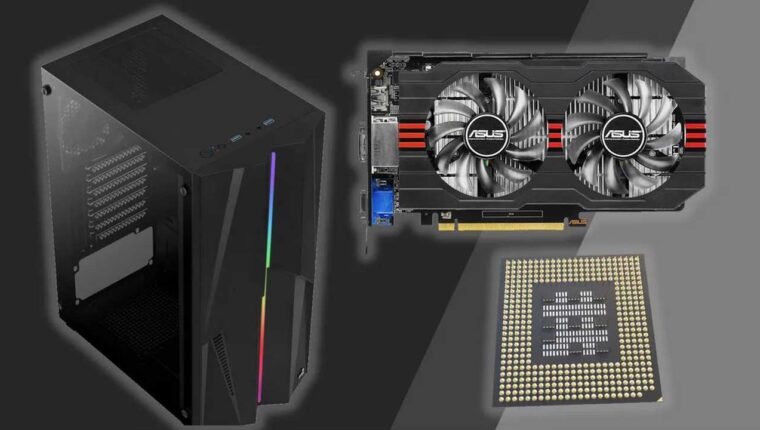
There is a strange trend observed in 2022 in the computer components market. Following logic, new technology should replace the morally outdated. But all new products are priced +30-40%. Consequently, buying a gaming computer will have to cost not $2000-3000, but already $4000-5000. Let’s talk about how to save money on building a gaming PC in 2022. In fact, it is possible. And not at the expense of performance. You just need to disable all these marketing tricks that manufacturers bombard us with.
How to Save Money on Building a Gaming PC in 2022
Let’s not argue about Intel, AMD, and nVidia platforms. The choice of “video card-processor” is up to the buyer. It is quite feasible to opt for classic components – GeForce RTX 3080 Ti paired with flagship Intel Core i7 on socket 1700. We will save on the rest:
- Memory. All store sellers unanimously claim that for gaming, at least 32 GB of RAM is needed. That’s false. Maybe before SSD appeared, it was relevant. Now – no. Virtual memory handles CACHE perfectly. It’s enough to take 16 GB of RAM. Preferably two sticks of 8+8 to run in DUAL mode. In the future, you can buy the same pair again (the motherboard should have 4 DDR5 slots). No need to chase timings. The memory frequency should match the processor – 4800 MHz.
- Motherboard. Trust proven brands and choose a board with the minimum price compatible with other components. AsRock, ASUS, MSI, Gigabyte – there are plenty of options.
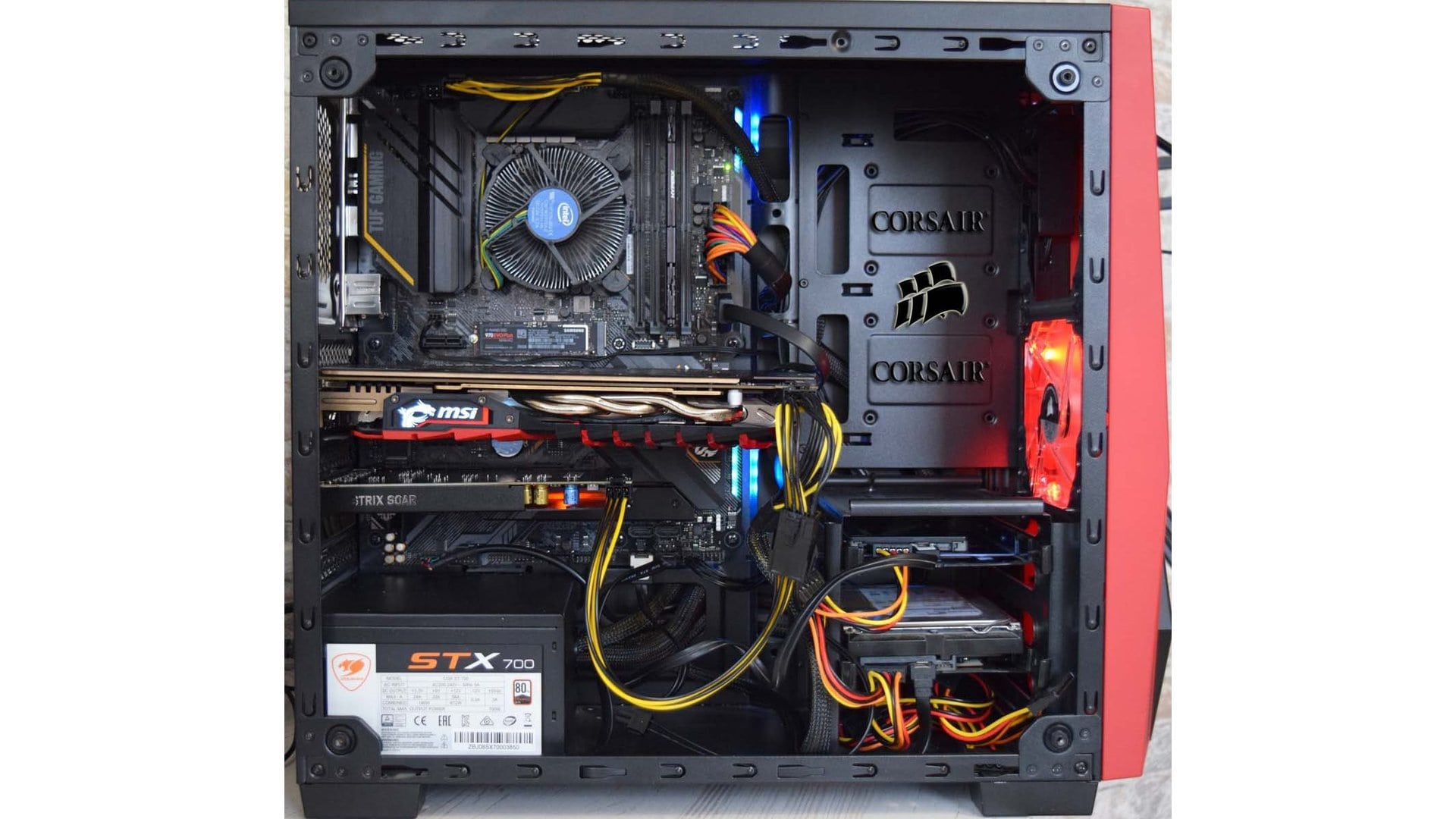
- Storage (SSD). For storing information, it’s better to buy more durable HDDs (2-8 TB). Use SSD (480-960 GB) for system and games. High-speed NVMe drives significantly increase game load times by 10%. Beyond that, their efficiency is comparable to regular SSDs.
- Expensive cases are also unnecessary. Choose a standard ATX case with a bottom compartment for the PSU.
- It’s better not to skimp on power supplies. A well-known brand (with a 3-5 year warranty) and at least Bronze certification. Preferably 80 PLUS GOLD. We recommend Seasonic (which will last at least 10 years).
- CPU cooling. Noctua is undoubtedly cool. But the same Core i7 BOX comes with a great cooler. Save immediately $400.
Saving on peripherals and monitor – definitely minus $500
Full HD monitors are twice as cheap as 4K. But gamers firmly believe that 4K provides a more detailed picture. No. Firstly, image quality depends more on color depth – 16.7 million or 1 billion shades. Secondly, for 4K gaming, you need not just one top-tier graphics card, but two. And this without ray tracing. It’s much more convenient to buy a Full HD monitor with a wider color coverage. It will be fast and beautiful.
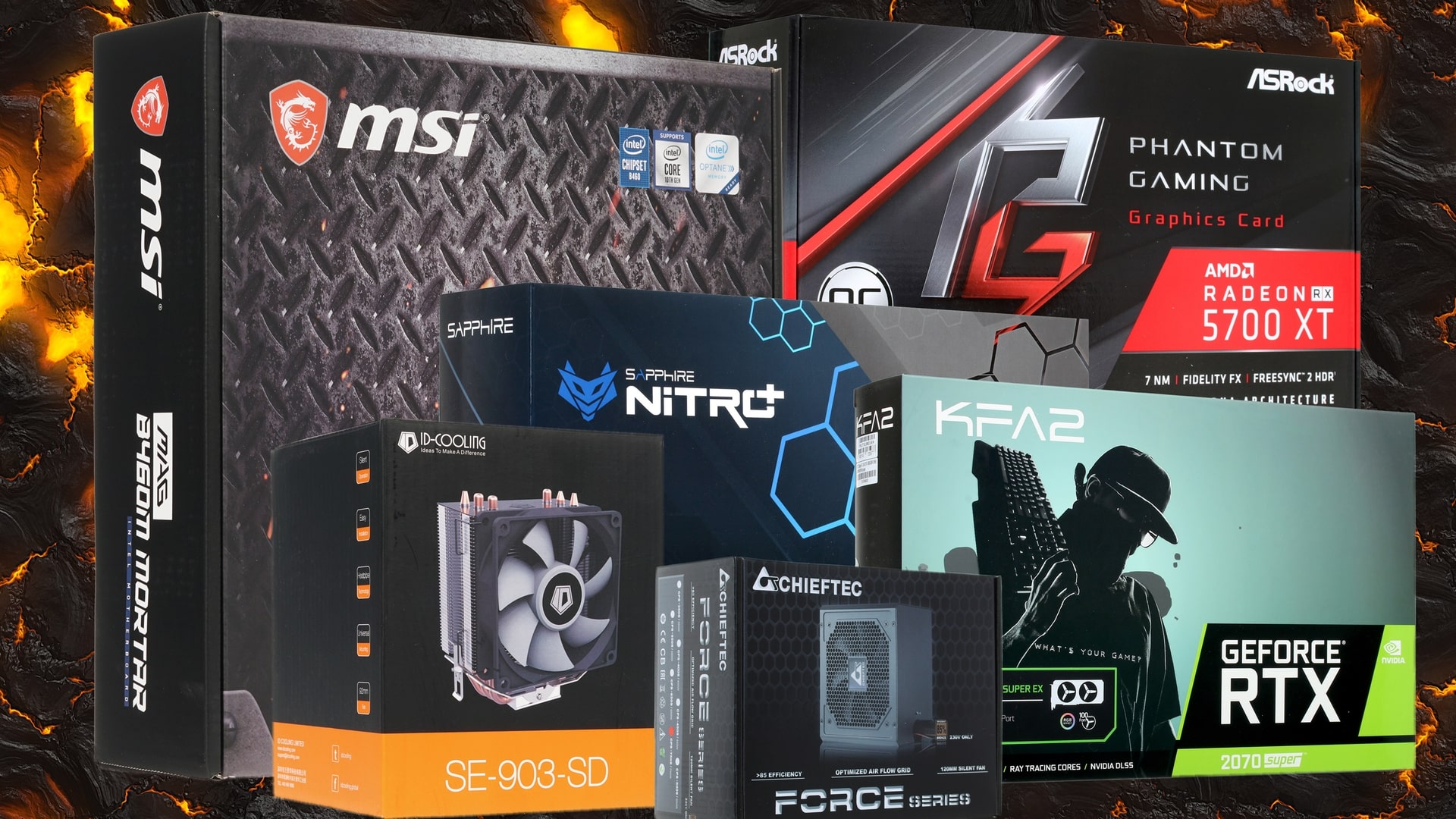
Gaming mouse, keyboard, and headphones can easily cost $1000 if you look at top brands. But you can tone down your enthusiasm and choose budget solutions from the same manufacturers. Let the design not be “fire,” but the savings will be very noticeable. Later, you can upgrade this little stuff when you have extra money. And many gamers already have all this equipment at hand.