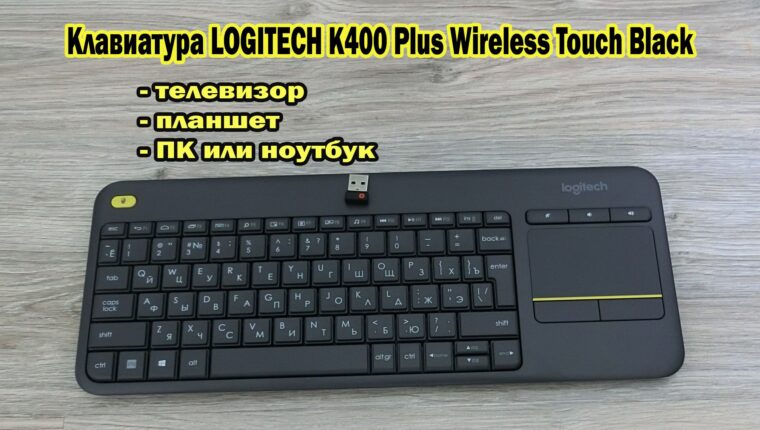
The Logitech K400 Plus Wireless Touch Black Keyboard is a wireless input device combining a “keyboard+mouse” set. The mouse manipulator is implemented as a touchpad, like on laptops. The device is positioned as a tool for working with multimedia equipment – primarily with TVs and set-top boxes.
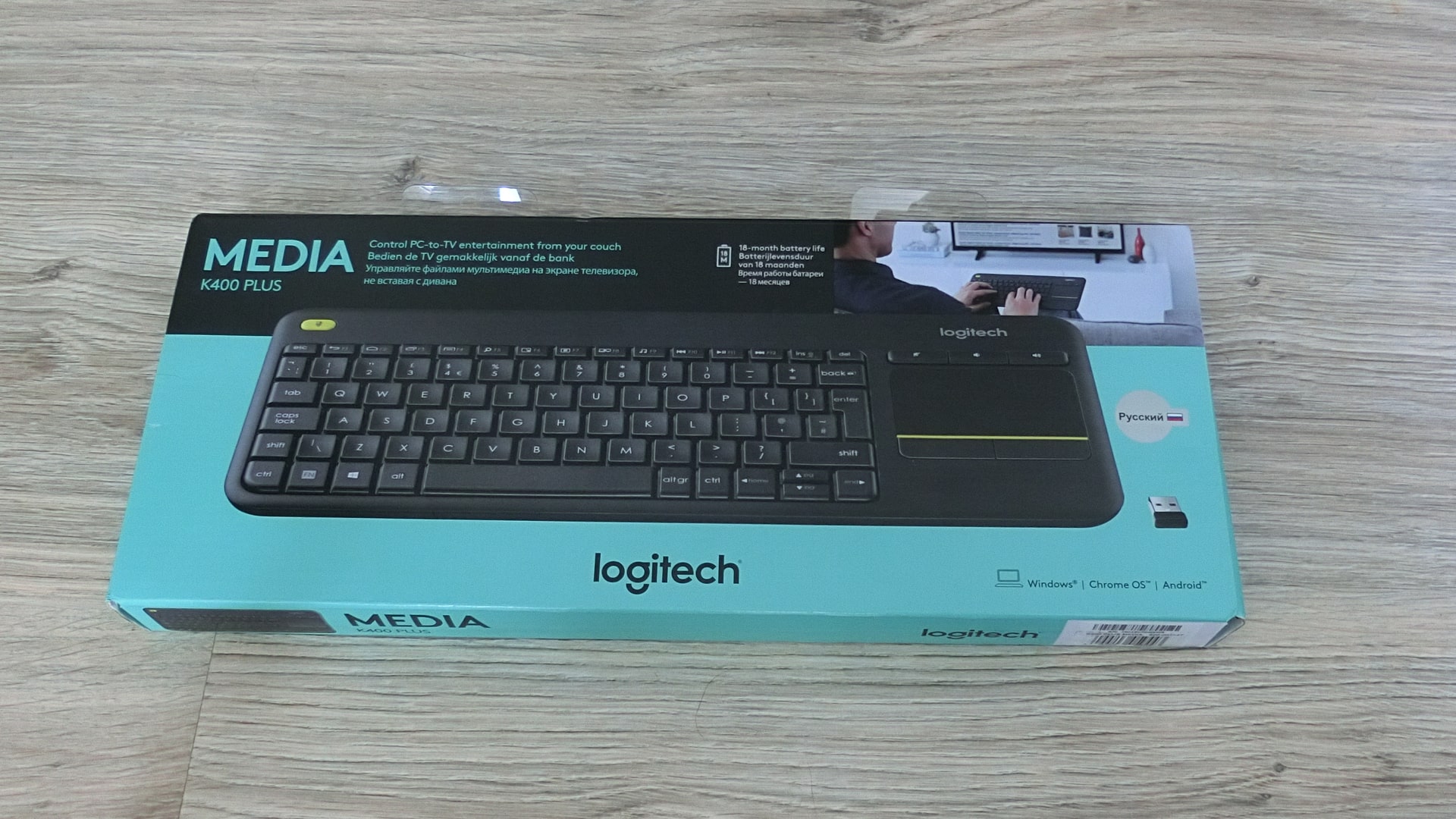
During testing, the keyboard demonstrated complete non-functionality with TV equipment at the required level. However, it found application in other tasks. But more on that in order.
Logitech K400 Plus Wireless Touch Black Keyboard
There are no questions about the Logitech brand, and there cannot be. The manufacturing quality and assembly are top-notch. Excellent plastic, perfect key travel, no squeaks or play. The keyboard is well-made, easily detected by any device, and does not require manipulation for recognition.
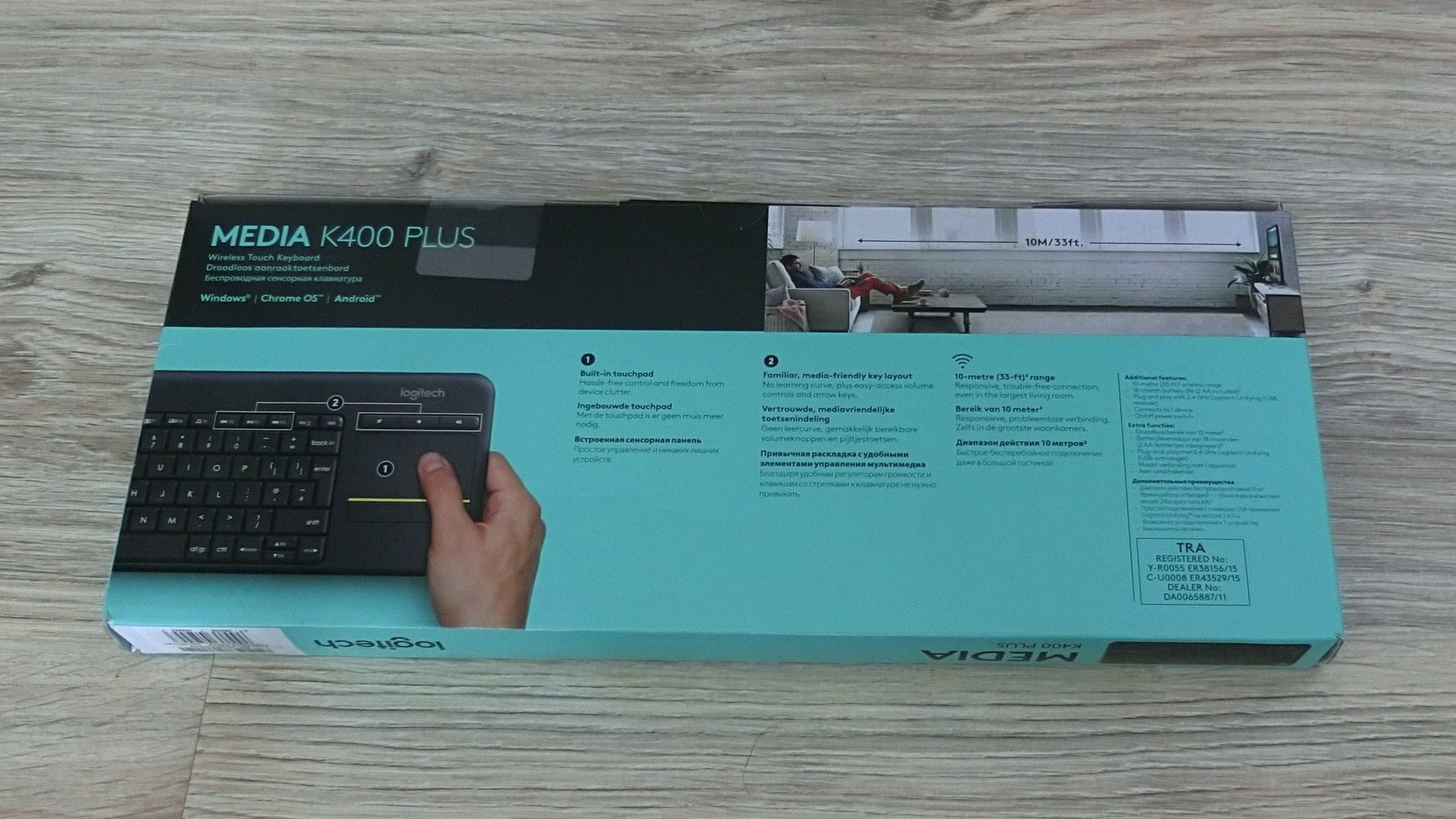
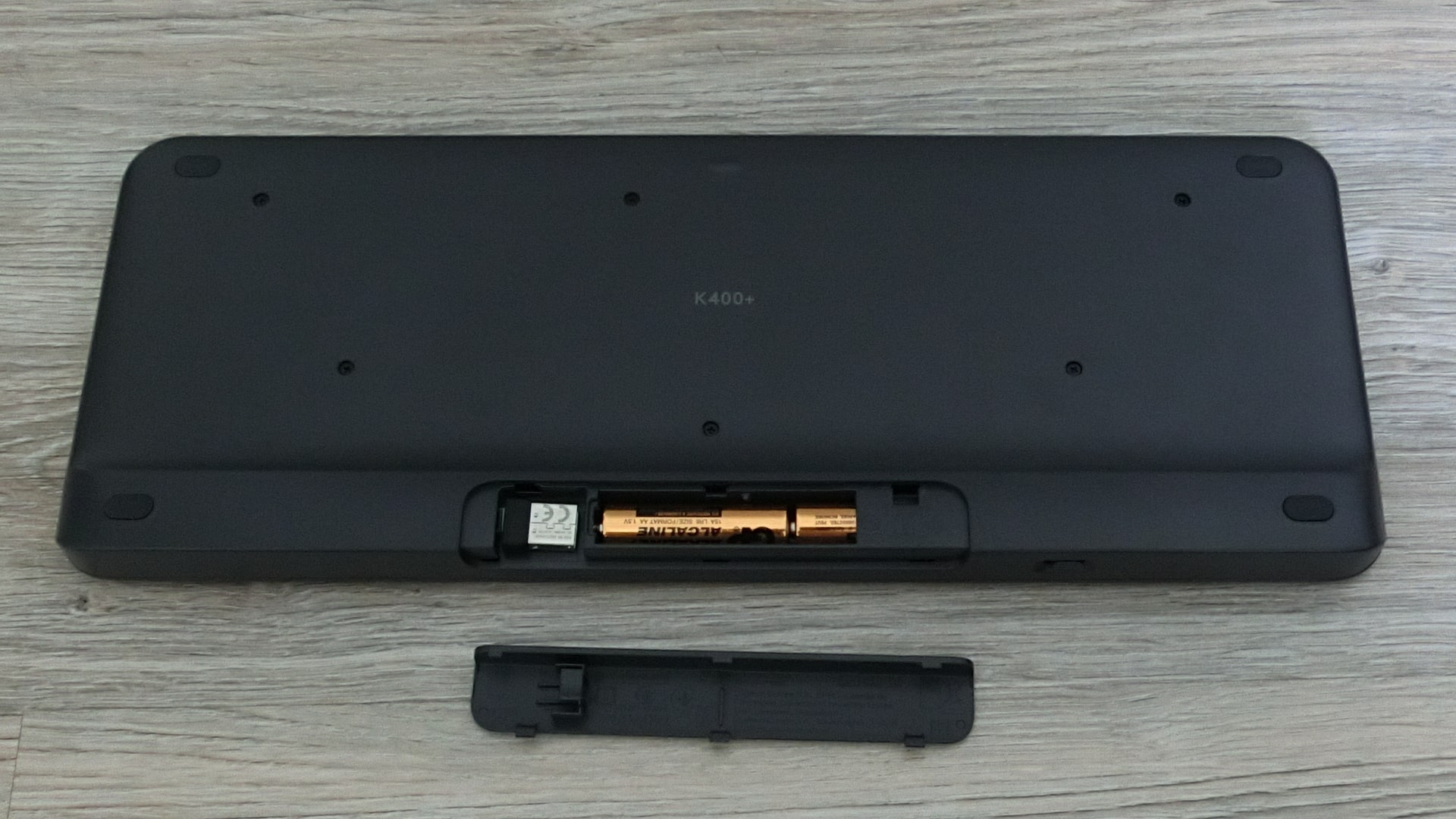
The kit includes 2 AA batteries (GP Alkaline). The manufacturer has already installed the power elements in the device and blocked the power supply with a protective tape. By the way, there is a special compartment for the USB module under the cover with batteries. But when unpacking the keyboard, the module was not in place. It is hidden in a niche at the edge of the box itself.
Logitech K400 Plus and TV
In user understanding, compatibility with TV equipment implies full control. A complete remote control replacement. Yes, the device was recognized automatically, but it was of no use. Neither the buttons nor the touchpad work with the main menu of the TV (Samsung UE55NU7172). And even YouTube refuses to satisfy the need. The Logitech K400 Plus wireless keyboard only works in the browser and other Android applications installed from a flash drive.

Logitech K400 Plus and Media Player
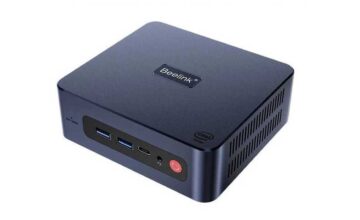
However, the new flagship Beelink GT-King accepted the wireless keyboard without any problems. It even handed over control of the interface and all programs. The connected set-top box to the TV came to life. Voice control from the remote is not compatible with the keyboard, especially at night when you don’t want to wake the family with voice commands.

Logitech K400 Plus and PC (Laptop)
The computer recognized the keyboard immediately, as did the laptop. All multimedia and functional buttons were activated automatically. I have doubts that the device is in demand among PC owners, as it is inconvenient to work with. The exception is connecting to a computer with a TV, allowing work on the internet or with multimedia without getting up from the sofa. Gaming is disappointing – controlling the cursor on the touchpad is inconvenient.
Logitech K400 Plus and Tablet
After testing, I wanted to throw the unsuitable device into the closet. But the wireless keyboard caught the eye of a child. Connecting via OTG cable with a USB module, it turned out that the Logitech K400 Plus is an ideal manipulator for a tablet. The input device works with the main menu of the mobile device and reliably supports all applications. Moreover, when the tablet detects a physical keyboard, it does not display the virtual one. True, I had to go into Android settings and set up input languages. Also, the menu indicates a key combination for switching languages. At least somewhere, the Logitech K400 Plus Wireless Touch Black Keyboard proved its worth.
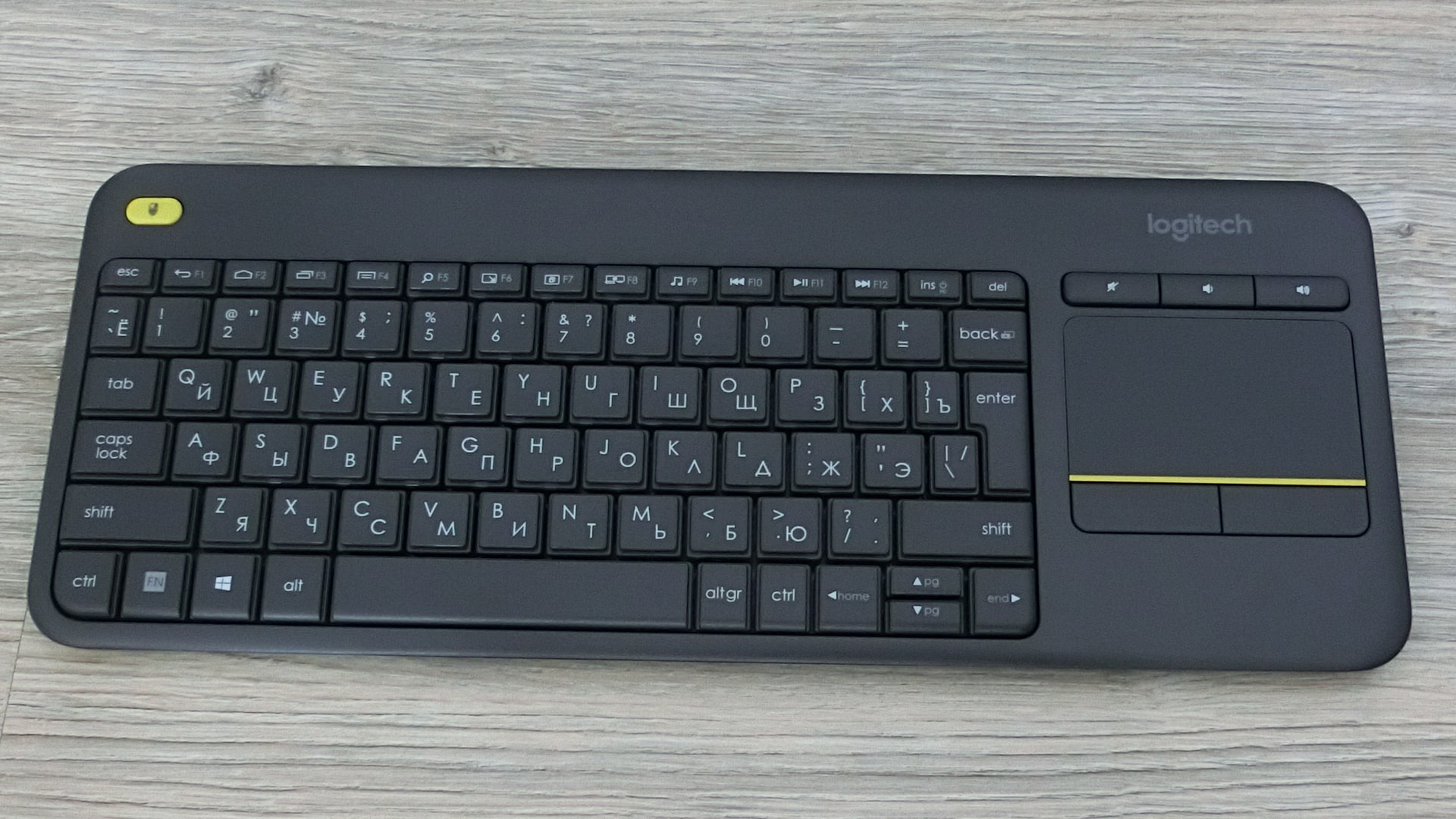
In conclusion
Considering the price (30 US dollars), the keyboard cannot be called a worthy purchase. It is some kind of semi-finished product. On the one hand, an interesting design and full functionality for input and control. On the other hand, the lack of support from TVs causes bewilderment.