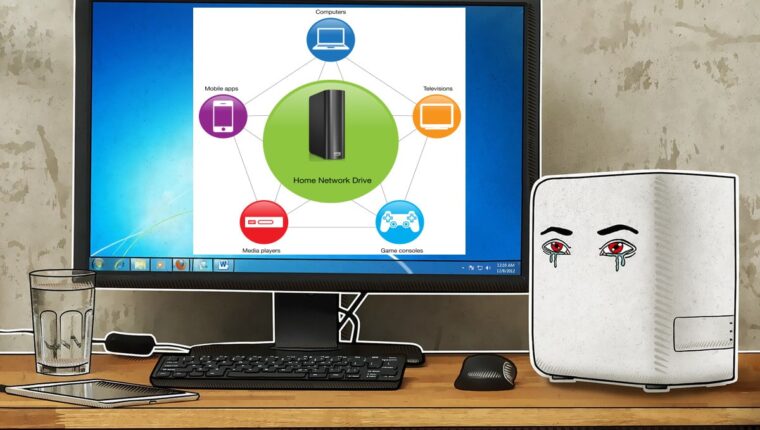
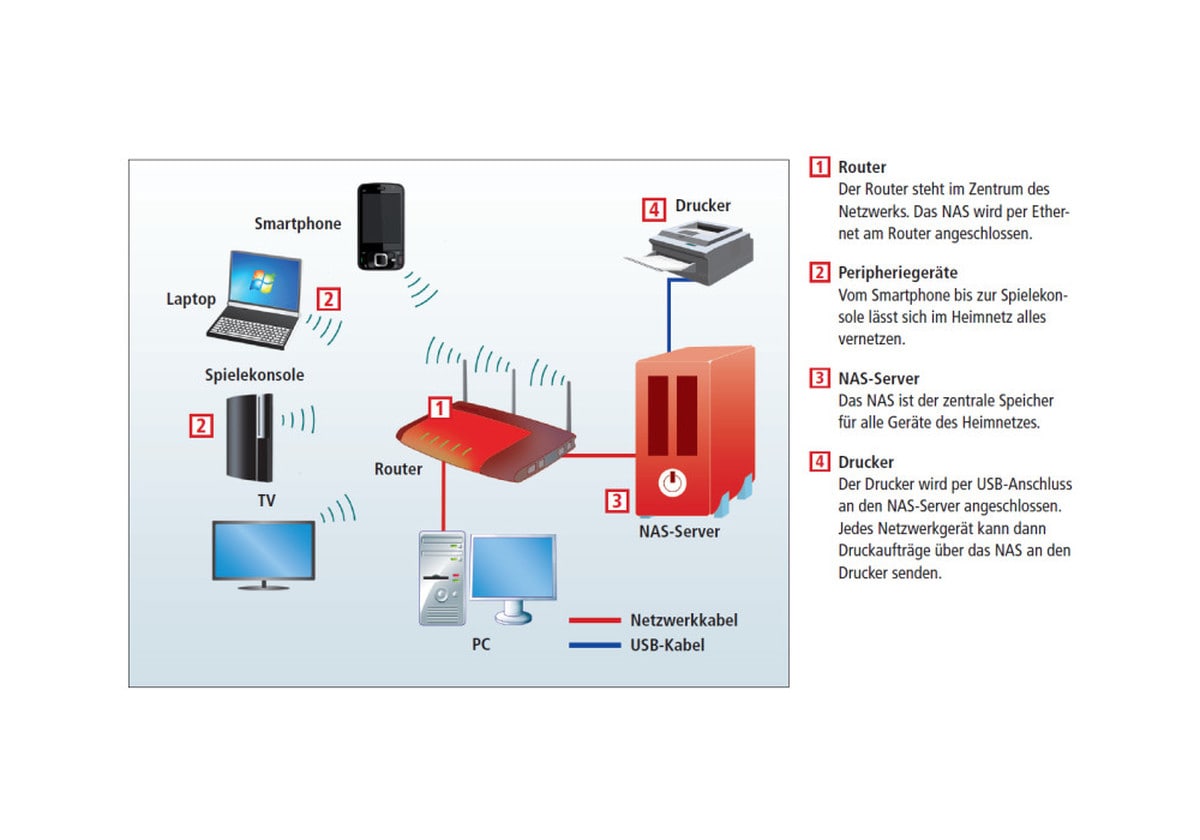
NAS – Network Attached Storage, a mobile server for storing information. A portable device ideal for business and home use. Besides reliable data storage, a NAS can interact with any computer or audio-video equipment.
Using a NAS at home, the user gets portable storage for photos, videos, audio content, and documents. The mobile server can automatically download files from the internet and provide data to any device in the house. In particular, NAS is interesting for owners of home theaters who prefer to watch movies in 4K format and listen to music in high sound quality.
Network Attached Storage (NAS): Minimum Requirements
When choosing a device for home use, the “price” criterion should be excluded. Performance and functionality are what motivate the buyer to purchase a NAS.
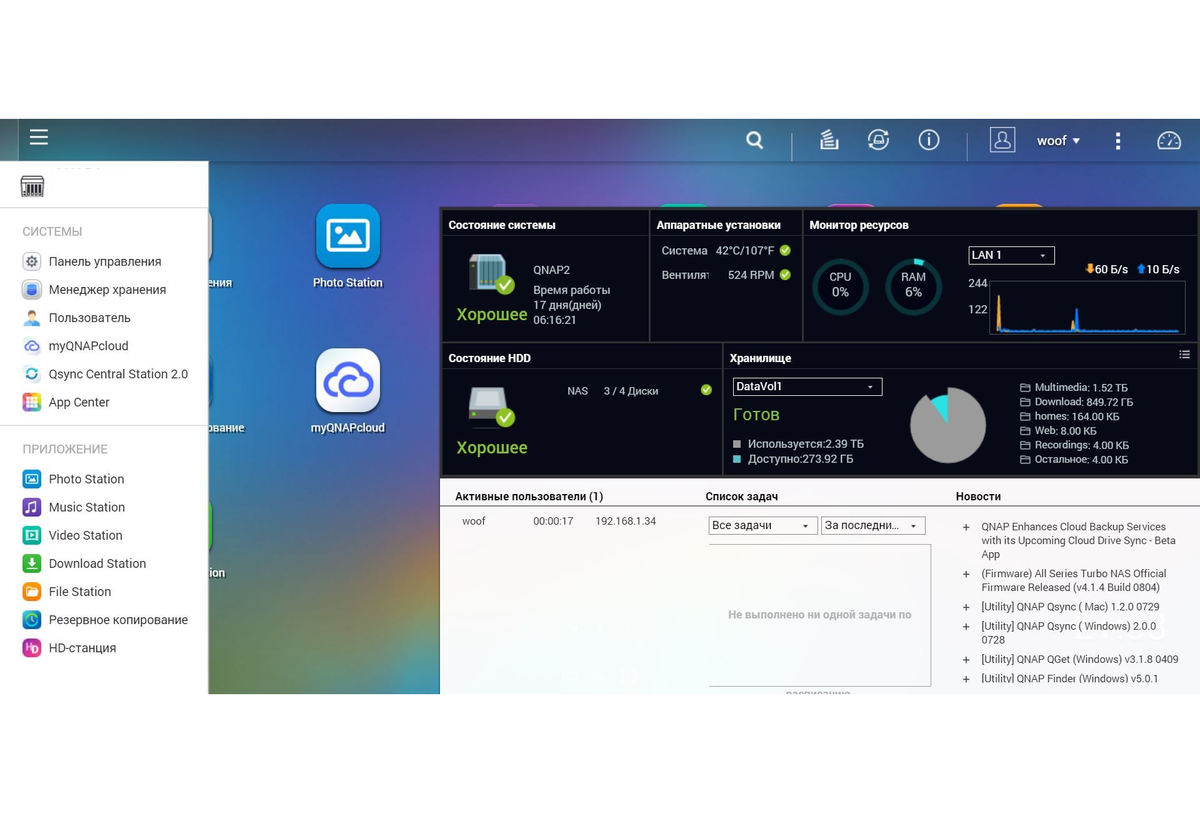
- Interfaces. For full processing of 4K video files, the network bandwidth between the storage server and the TV (media player) must be at least 400 Mbps. Therefore, a gigabit Ethernet port is mandatory. The presence of a USB port is not discussed for NAS equipped with a single hard drive. Preferably USB 3.0 or higher. You can easily connect an external drive or flash drive to this port.
- Support for SATA III. Again, everything depends on data transfer speed. SATA III ensures performance when playing high-resolution videos.
- Software. Do not skimp on the ease of managing the network storage. It is essential to have remote management via software or web interface. Especially if you plan to use torrents. Backup, DLNA, support for virtual servers – all should be available.
- Proper cooling. Although a NAS consumes 20-40 Watts per hour, it does not mean the equipment does not emit heat. A metal case, a radiator, and a fan are standard criteria for any server.
Choosing a NAS Manufacturer
There are about twenty manufacturers of such equipment worldwide. For home use, based on “price-quality” ratio, three brands are available: WD, Synology, and Qnap. Naturally, meeting the above minimum requirements for high performance.
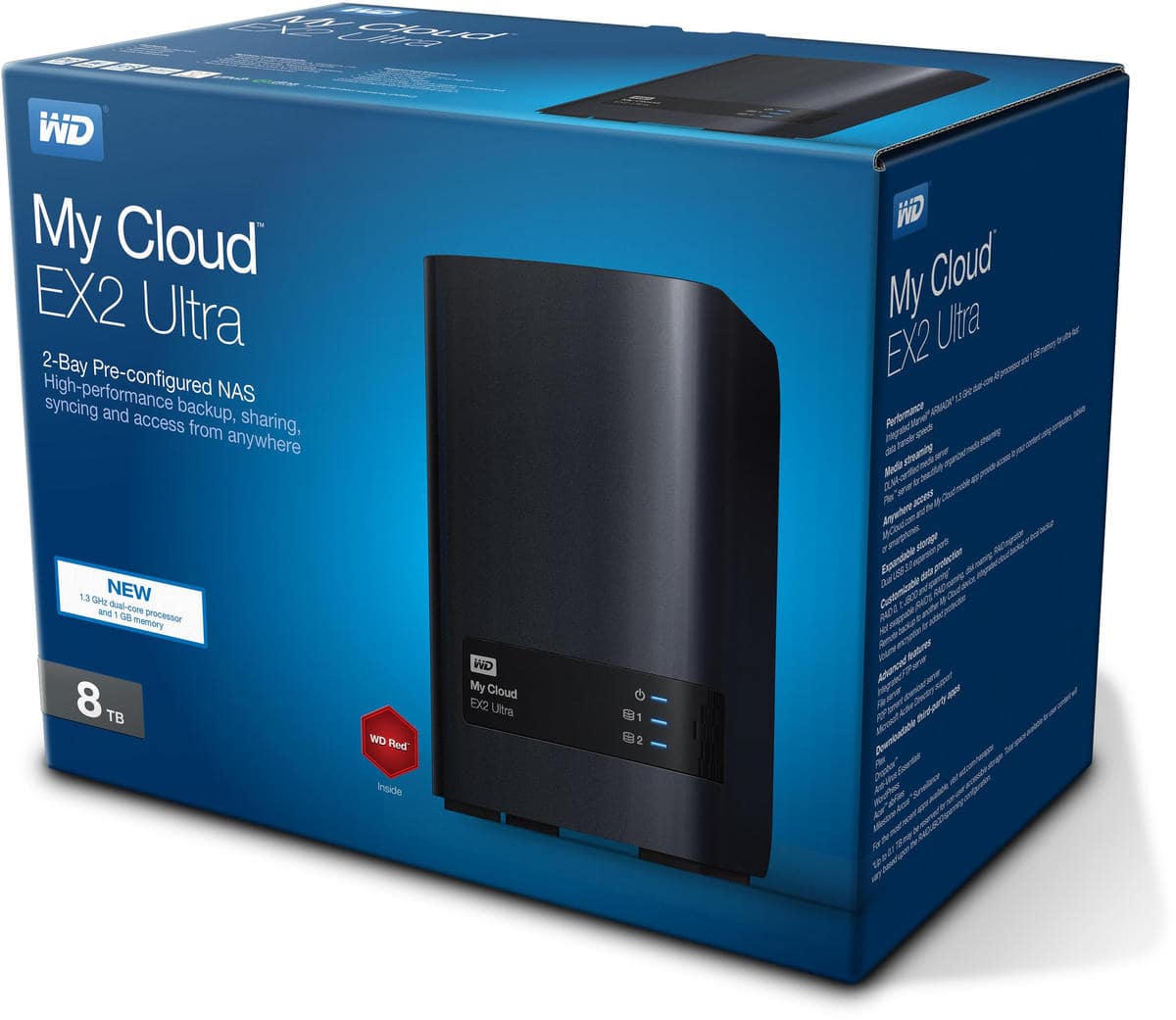
Company WD (Western Digital) is a leader in manufacturing computer components and network equipment. The advantage of choosing NAS with pre-installed hard drives. WD products are an excellent budget option. The drawback is fault tolerance. WD drives tend to fail quickly (2-3 years), and the NAS itself often freezes and behaves unpredictably.
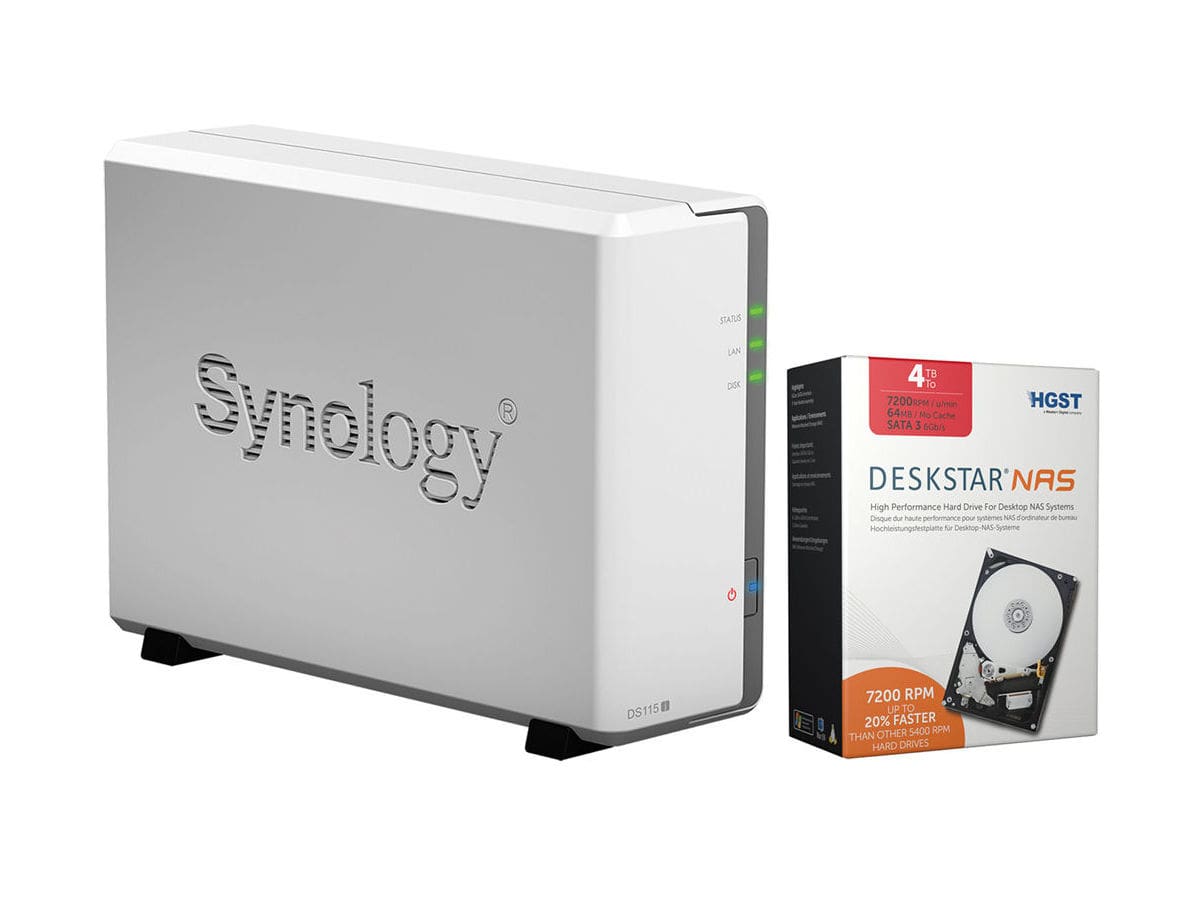
Synology is a manufacturer of network equipment series “business” and “professional.” The equipment is supplied without hard drives, and the price is quite high compared to similar products from other brands. However, here the buyer gets reliability, durability, and unlimited functionality. The manufacturer initially released a product packed with the latest electronic technologies. Just need to buy good drives.
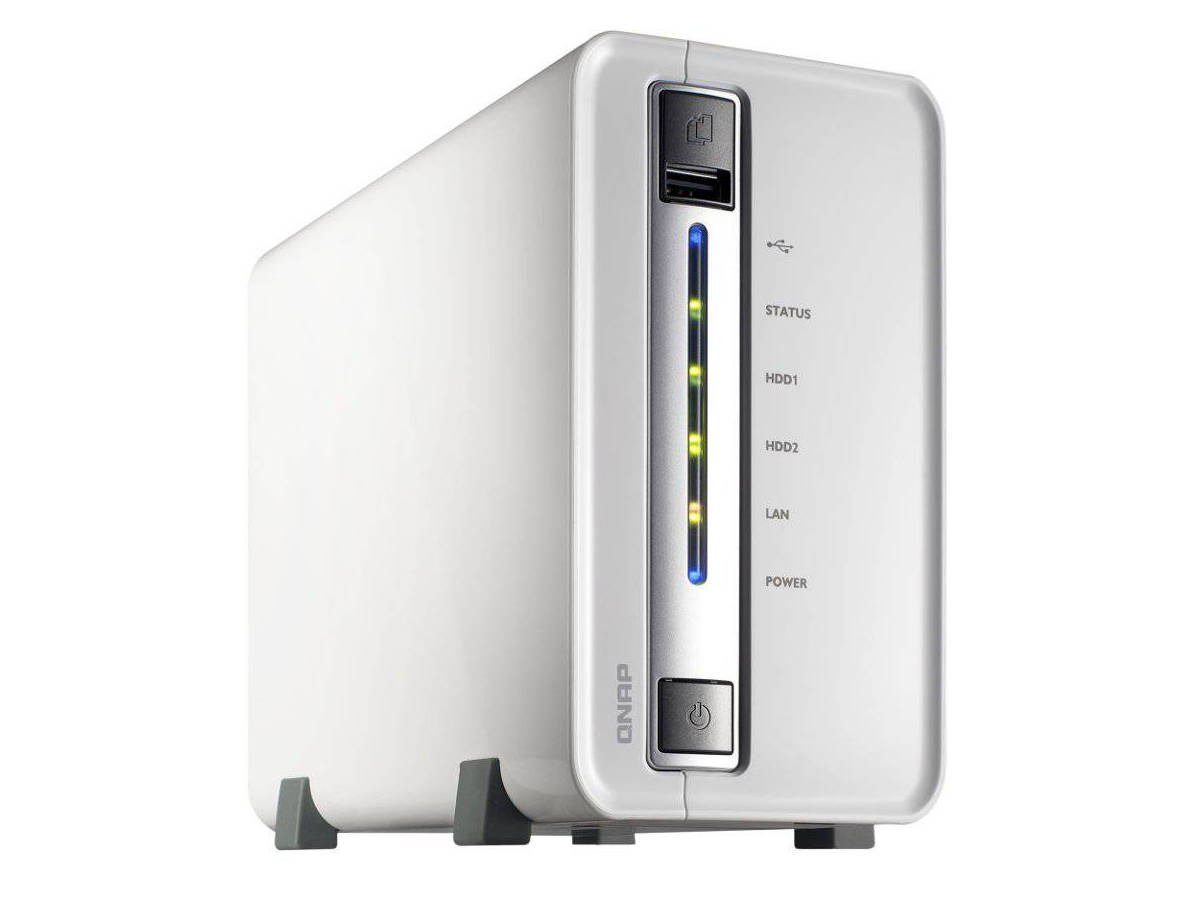
Qnap is a manufacturer of network equipment for home and business. The products are supplied without hard drives and positioned as mobile multimedia and database storage. The advantages of Qnap NAS are functionality and fault tolerance. The only drawback is performance when handling multiple streams of data within the network.
Number of Drive Bays in NAS
The more, the better – and much more expensive
One or two drives, but the price range is huge. This applies to all manufacturers. Ideally, a NAS should have two hard drives. The reason is simple – if one drive fails, there is always a chance to not lose important data. The equipment monitors the drive status and immediately alerts about potential issues.
If only one drive is installed, you need to find a place to back up the data. Simply removing the drive and connecting it to a PC is not possible, as NAS uses its own file system and encryption. With two drives, the task becomes easier.
NAS: Performance
The more powerful the processor and the more RAM, the better. But also more expensive. The minimum requirements for displaying 4K content are 1 GB DDR4 RAM and a quad-core processor.
If the memory is insufficient, the NAS will freeze when connecting multiple devices simultaneously. A weak processor will cause lag when processing large files (over 50 gigabytes). Therefore, the “processor + memory” combo should be selected individually based on specific tasks.
The type of encryption and the availability of network protocols are additional features that are not always in demand by users. Often, they are unnecessary. It is up to the buyer to decide whether to pay extra for these “extras.” As experts say, “better to have it than not.” Moreover, a NAS packed with modern technologies is easier to sell second-hand if an upgrade is needed.



![[Exclusive] Noise Master Series: Review of flagship headphones](https://teranews.net/wp-content/uploads/2025/09/frame_19522-360x220.webp "[Exclusive] Noise Master Series: Review of flagship headphones")