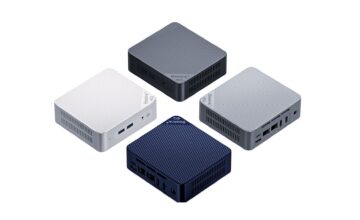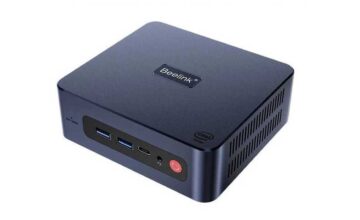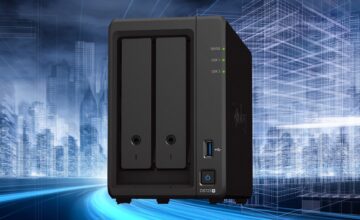
Choosing a case for a system unit, in most cases, comes down to the buyer’s budget. For the sake of saving money, a person simply goes to the store and purchases a case with a power supply unit. Focusing more on the PSU than on the case sizes. There is nothing wrong with that. It’s solely the buyer’s decision. If you need a beginner’s guide on sizes, why not explain which case for PC is better to choose.
The size of the case determines its intended use
The task of any case for a system unit is to reliably preserve all components installed inside. It’s about the temperature regimes within the system. External design is only for attracting buyers. The main criteria for cases are size and internal device layout.
There are no concepts like office, home, or gaming cases. These are all invented by sellers. There are standards followed by manufacturers. And all these standards boil down to the placement of the “hardware” inside and its effective cooling.
Standard sizes of computer cases
To simplify the task for consumers, manufacturers introduced special markings for cases, which clearly specify the dimensions of the structure and its internal layout:
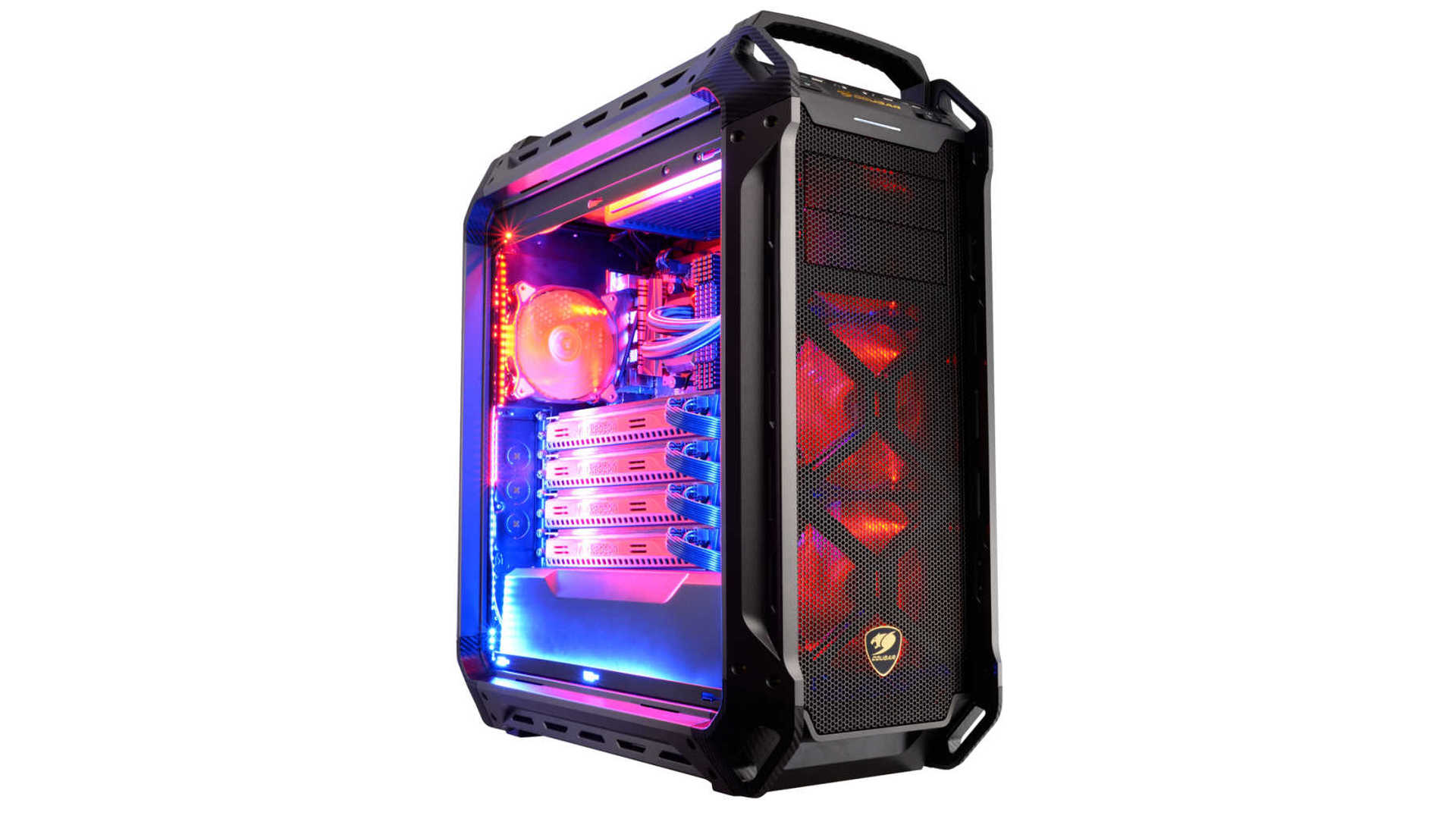
- Full Tower. Or “tower”, as many computer enthusiasts say. This is the largest case size on the market. According to the standard, there are no restrictions on internal components. Motherboards of any size, gaming graphics cards in extended versions, the possibility to install water cooling systems. Even regarding the placement of storage drives, there will never be a problem. Full Towers are often equipped with coolers (or have 5-8 mounting points) for quality cooling. The disadvantages of Full Tower cases are their size, weight, and relatively high price.
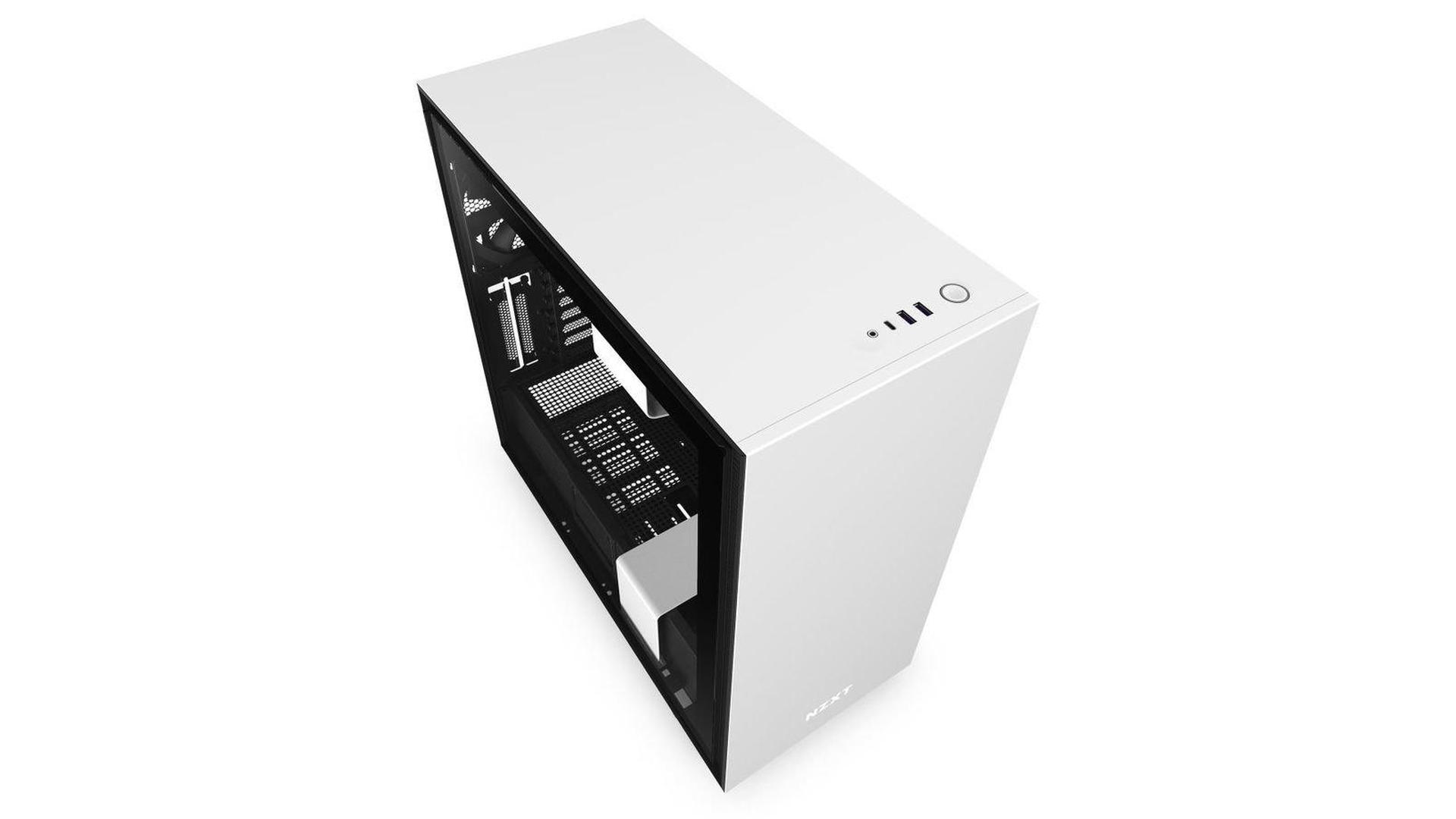
- Midi-Tower. Or “half-tower”. The feature of this case is its compact size, with no restrictions on installing any system components. The only difference is that inside the case, after installing all computer parts, there is little free space.

- Mini-Tower. A classic case for mounting ATX motherboards. Its compact size may not always accommodate gaming graphics cards (360 mm and longer). But for a basic motherboard with a processor, memory, and a couple of drives with a standard graphics card, it’s more than enough. Such cases are often supplied with power supplies, which makes them more cost-effective than competitors.
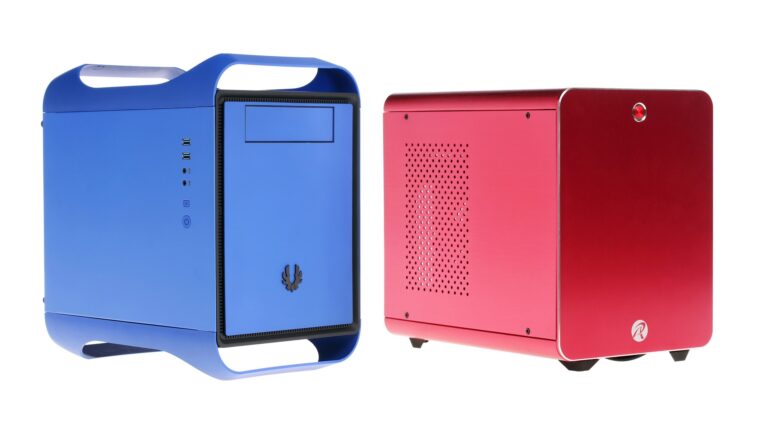
- Desktop. Small cases for small form factor motherboards (mini or micro ATX). The feature of these designs is the ability to install them vertically and horizontally. Many graphics card manufacturers, such as ASUS, do not recommend using such cases.
- CUBE. Designed for installing small motherboards and multiple storage drives. These systems are often used for creating file servers.
- RackMount. These cases are called server cases, but not all models fit this definition. The feature of the product is horizontal installation. Convenient to place, for example, under a monitor so it doesn’t take up space on the desk. On server cases, there are brackets on the sides of the front panel for mounting in a server rack.
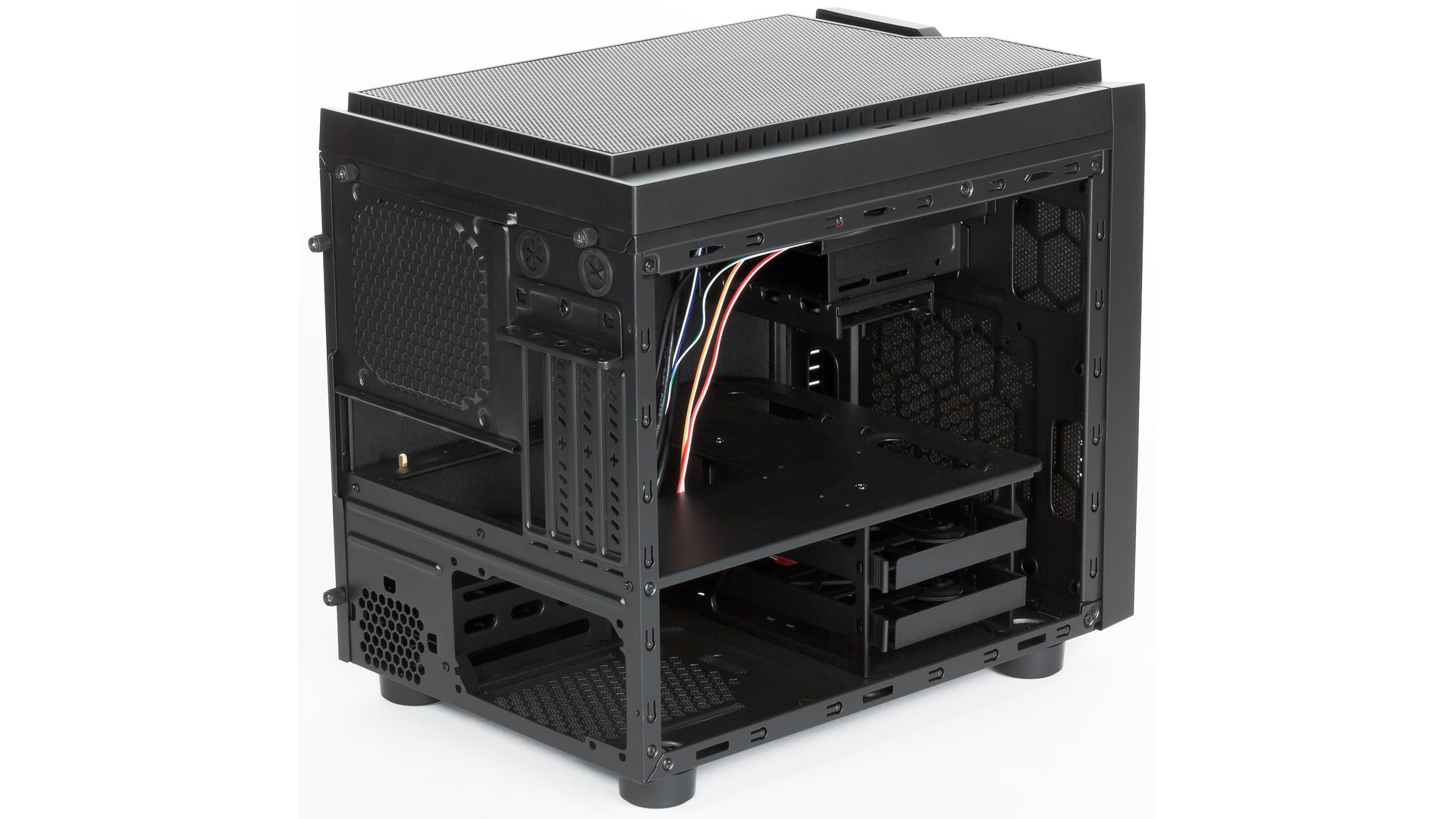
Case with or without fans – which is better
Here, it all depends on the brand. If it’s a reputable manufacturer (Thermaltake, Corsair, NZXT, Zalman, be quiet), it’s better to choose one with built-in fans or a water cooling system. If it’s a budget model, it’s more profitable to buy a case without fans and install quality fans separately.
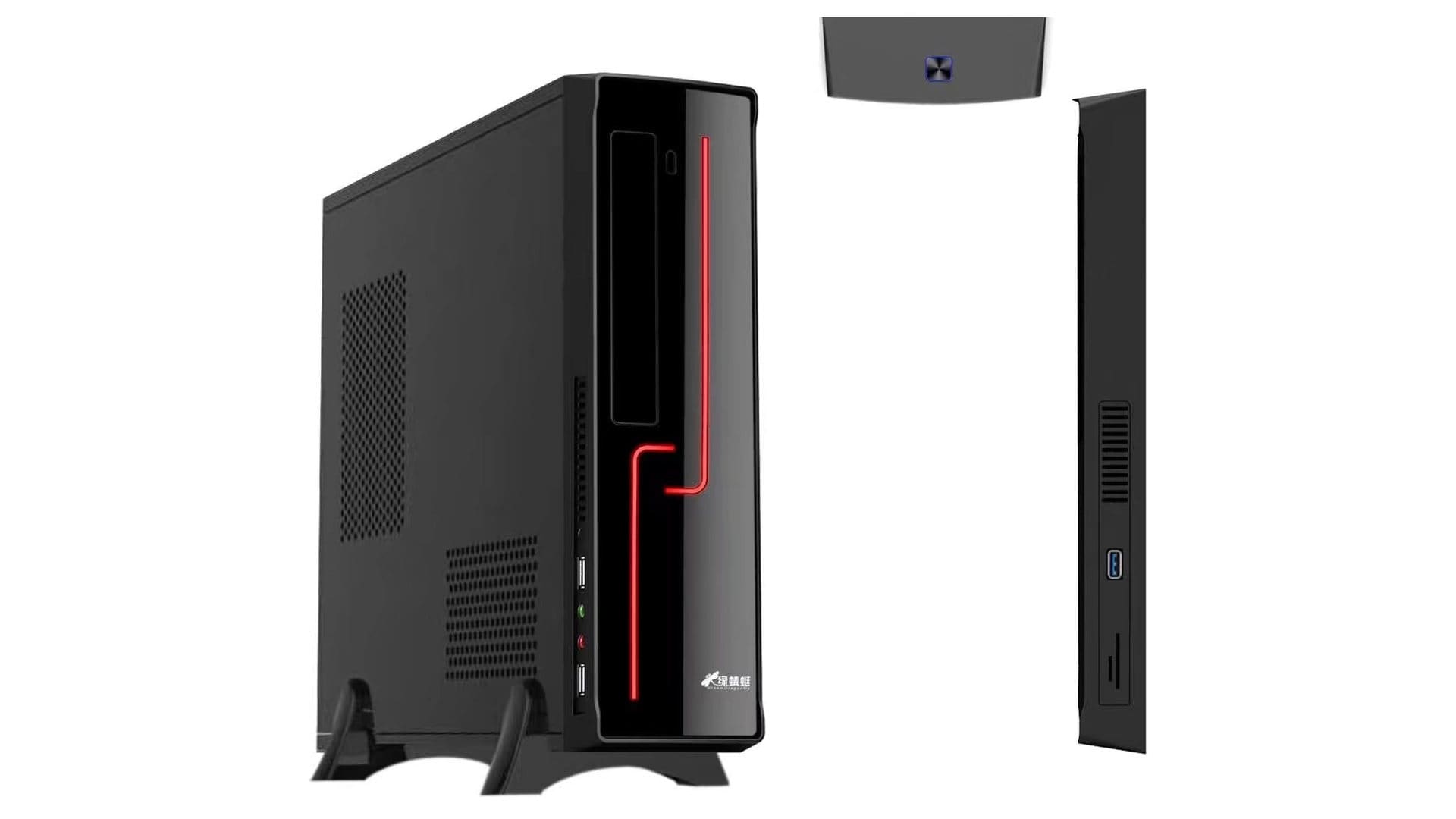
Many cases come with reobas. This is a special panel that consolidates all fans. The built-in computer can control the rotation speed, lighting, and cooling system power. A handy feature, but only in cases from reputable brands. In budget cases, it’s better not to overpay for such innovations.
Additional features in computer cases
Pay attention to the presence of cable management. These are special niches or tubes where cables are laid inside the system. They are necessary for organizing effective cooling of the components.

External interface ports are always welcomed. But if the connectors are on the top edge and have no cover, they will collect dust and dirt. And if water or coffee is spilled on them, they may cause a short circuit. Motherboards often fail due to short circuits in USB ports.
Convenient features in PC cases
Having dust filters on the case grills is always appreciated. It’s good when the grids are removable. Filters can be made of metal, polymer, or fabric. The material doesn’t matter, as any grid guarantees to stop dust.
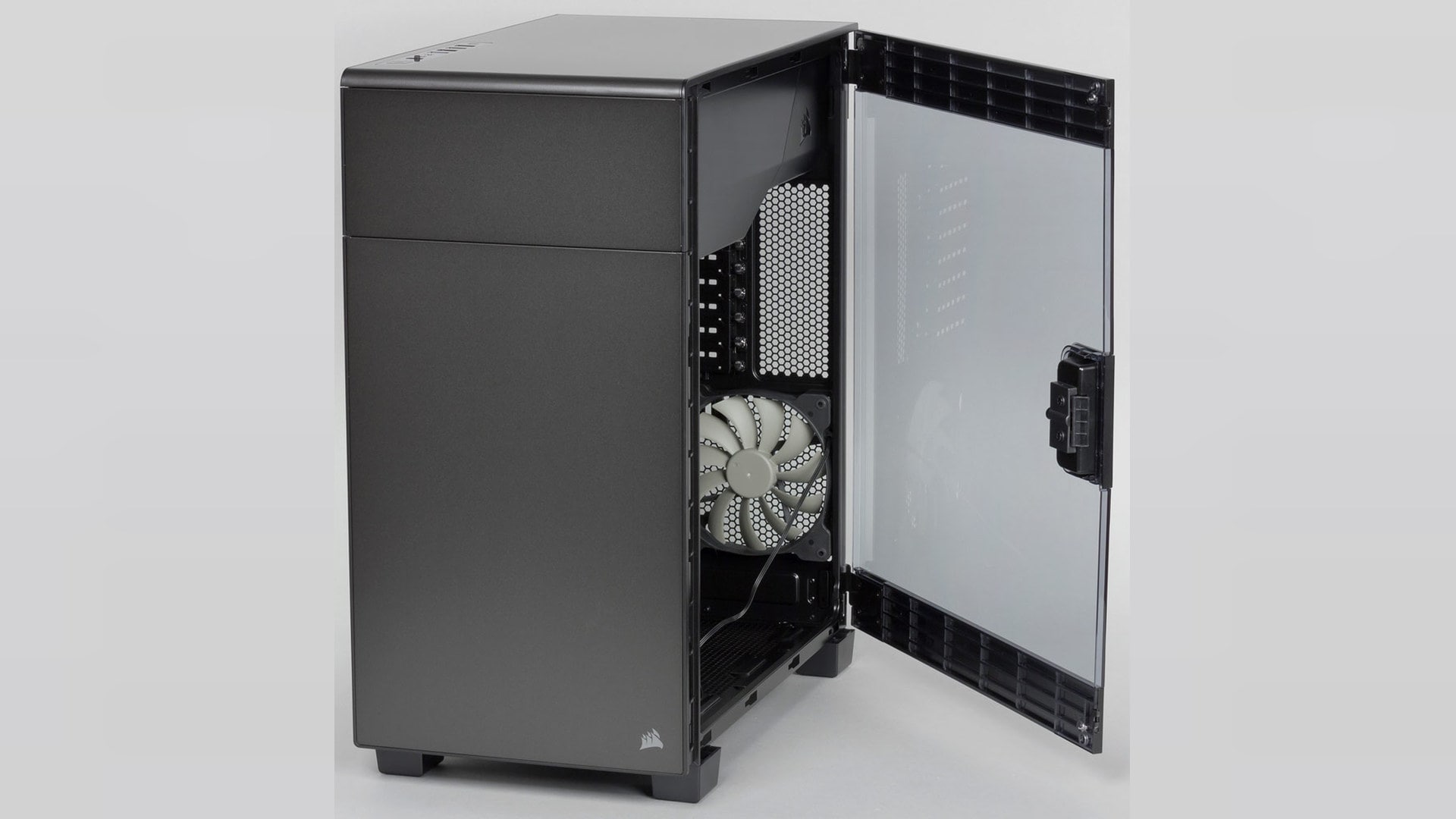
Parts for installing SSDs. Manufacturers produce cases for 3.5-inch HDDs. But users buy SSD drives. To prevent them from rattling inside the system unit on wires, it’s better to install them in HDD bays. For this, the case should include trays-adapters.