Quite an interesting situation has developed in the PC monitor market. In pursuit of 4K and FullHD formats, manufacturers are eagerly offering displays with aspect ratios of 16:9 and 16:10. This is done so that when watching videos, users do not see black bars on the edges of the screen. That is, with 100% filling of the image. For multimedia – this is an excellent solution, but for work tasks – it is a real problem. A good monitor for working with texts requires a different aspect ratio – 5:4. And there are not many such solutions on the market. Either old equipment (2013-2016), or new with a cheap TN matrix, which causes eye strain.
A Good Monitor for Working with Texts: What for
If you look, you can always find a solution. And notably – reliable equipment with a 5:4 aspect ratio is produced by quite serious brands. We studied the market for a long time and visited stores to select and buy a great monitor for work. And we found it. For specific tasks:

- Working with texts and tables in Microsoft Office suite;
- Convenient photo editing in Photoshop CC;
- Comfortable work with databases, WordPress admin panels;
- Viewing content on the Internet.
It is important to understand here that working with these programs on wide-angle monitors is very inconvenient. Especially when writing, reading, or editing texts.
Hardware and design requirements for the monitor
Considering that you will have to sit at the monitor for at least 8 hours (at the workplace), you want to get maximum comfort. And this can only be provided by the technical and structural capabilities of the display. The requirements for monitors are as follows:
- Diagonal – 19-20 inches (for a desktop where the monitor is no more than 50 centimeters from the eyes).
- Aspect ratio 5:4 (maximally square screen).
- High-quality matrix without glare (preferably IPS with matte coating).
- Mandatory backlight (LED or WLED), high contrast, and moderate brightness.
- Adjustability in positioning (height, tilt, orientation change “Portrait/Landscape”).
- Presence of a USB hub (convenient for connecting removable media, fans, etc.).
- Ability to connect to a PC via digital and analog interfaces (VGA, HDMI, DVI, DP).
Some may find these requirements excessive. But, speaking strictly about office software work, this is the minimum. The feature of office monitors is in high-quality image display and color accuracy. Text should not cause eye strain, and in graphic editors, it is necessary to maintain a clear color palette.
Models of Good Monitors for Working with Texts
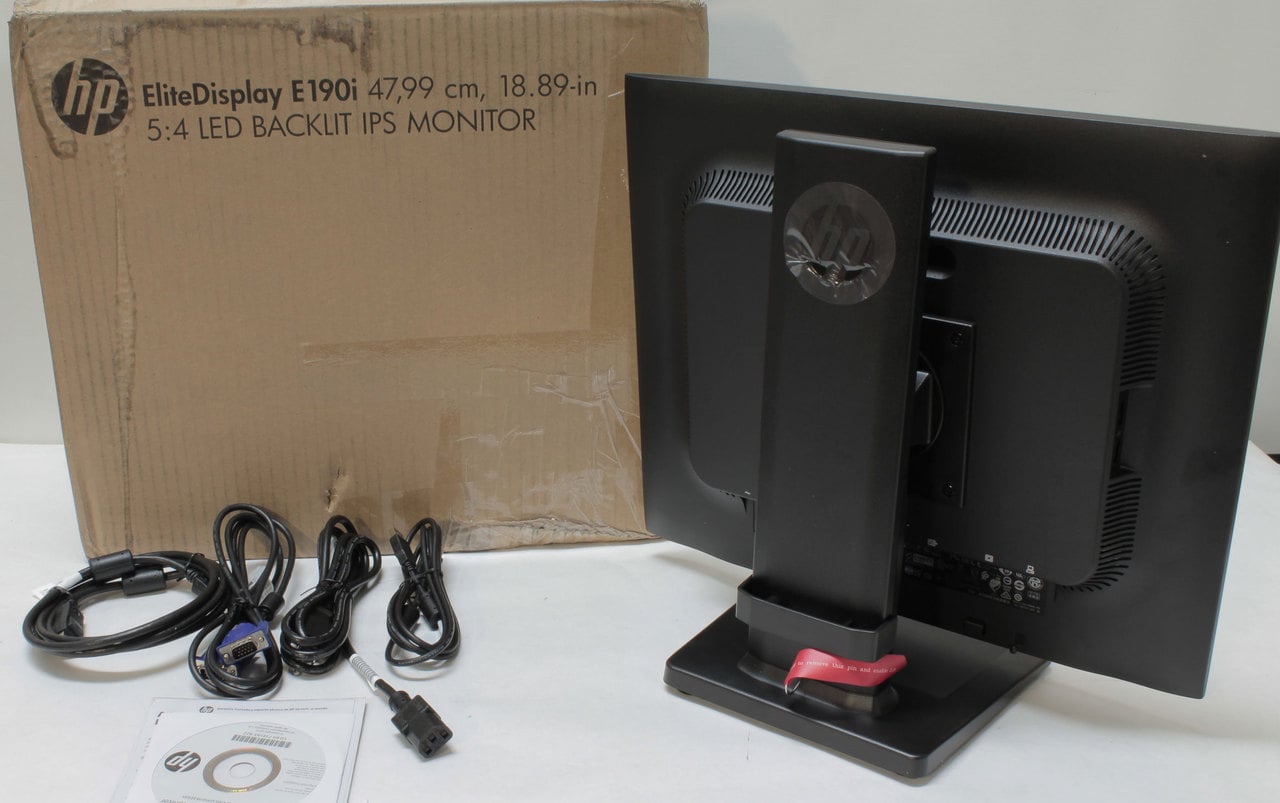
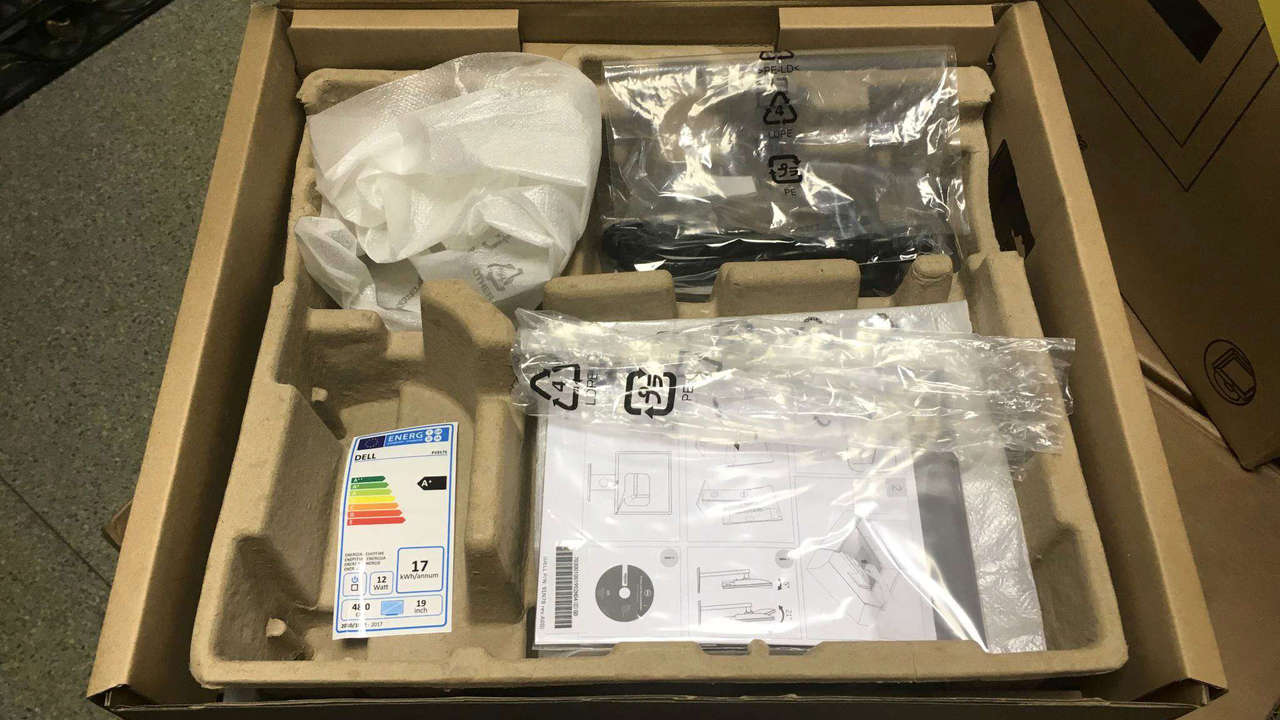
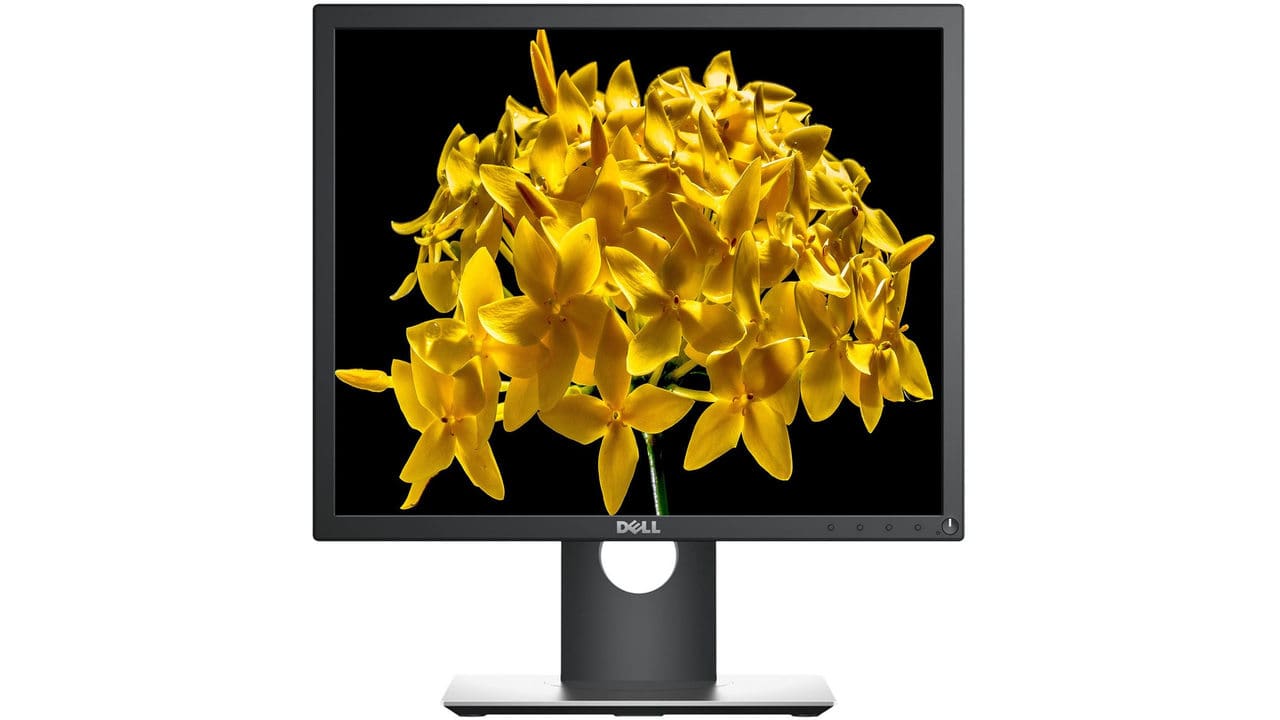
The most interesting solutions, available at an affordable price and suitable for the requirements, we identified only two monitor models: HP EliteDisplay E190i and DELL P1917S. They cost around 200 US dollars, which is very inexpensive. They have all the necessary characteristics for comfortable work in the office or at home.
| Model | HP EliteDisplay E190i | DELL P1917S |
| Diagonal | 18.9 inches | 19 inches |
| Display resolution | 1280×1024 | 1280×1024 |
| Aspect ratio | 5:4 | 5:4 |
| Matrix | IPS | IPS |
| Response time | 8 ms | 6 ms |
| Screen surface | matte | matte |
| Backlight type | WLED | LED |
| Brightness | 250 cd/m2 | 250 cd/m2 |
| Contrast ratio | 1000:1 | 1000:1 |
| Dynamic contrast ratio | 3,000,000:1 | 4,000,000:1 |
| Number of shades | 16.7 million | 16.7 million |
| Horizontal viewing angle | 178° | 178° |
| Vertical viewing angle | 178° | 178° |
| Refresh rate | 60 Hz | 60 Hz |
| Video connectors | 1xDVI, 1xDisplayPort, 1xVGA | 1xHDMI, 1xDisplayPort, 1xVGA |
| USB hub availability | Yes, 2xUSB 2.0 | Yes, 2xUSB 2.0, 3xUSB 3.0 |
| Ergonomics | Landscape/portrait orientation | Landscape/portrait orientation, height adjustment |
| Tilt adjustment | -5…25 degrees | -5…21 degrees |
| Power consumption during operation | 28 W | 38 W |
| Power consumption in standby | 0.5 W | 0.3 W |
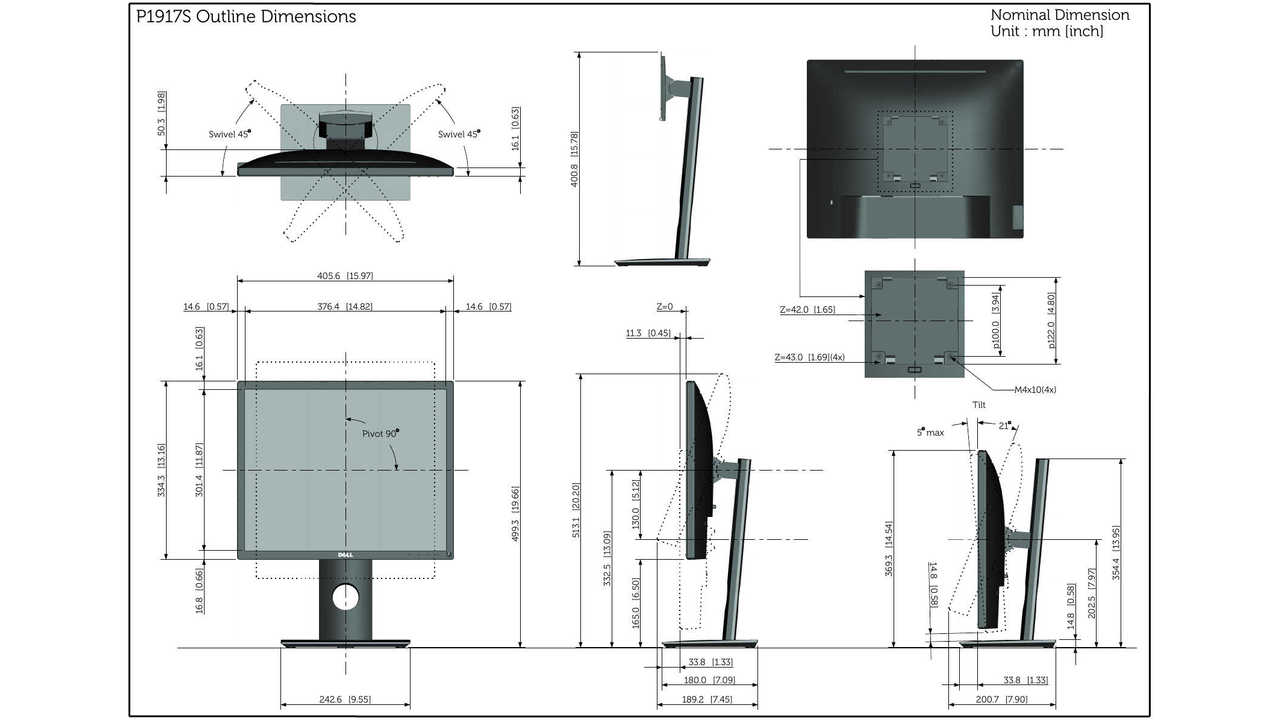
| Physical dimensions | 417 × 486 × 192 mm | 405.6 × 369.3-499.3 × 180 mm |
| Weight | 4.9 kg | 2.6 kg |
| Frame and panel color | Gray | Black |
| Price | $175 | $195 |
In conclusion
Once again, these monitors are intended for work, not entertainment. They are aimed at creating the best conditions for users who have to observe a static image – text or photo – for hours. A good monitor for working with texts should not cause eye irritation, and it must comfortably accommodate all work panels without affecting font size or the processed image.
The office equipment topic for PCs is quite narrow. But it still has demand among buyers. Buyers do not need to search – we have conducted reviews, compared monitors by technical specifications, and confidently state – these 2 models are worth taking. The equipment is worth its money and will undoubtedly serve the user for a decade.