
A second screen can make a laptop easier to use when you regularly switch between a document, spreadsheet and messages. A portable monitor helps only if it connects to your laptop and fits the place where you work. USB-C does not automatically mean video over one cable, a higher resolution does not guarantee readable text, and “portable” says little about the desk space the screen will occupy. Start with your laptop and workspace, then choose a screen size.
This article contains affiliate links. TeraNews may earn a commission on purchases made through them, at no additional markup to you.
Check how your laptop sends video
Look up the documentation for the specific laptop port you plan to use. It needs explicit video support, not just a USB-C connector. The ASUS guide to connecting portable monitors explains that DisplayPort Alt Mode must be supported by both the computer port and the monitor input. Matching connector shapes do not establish compatibility.
Another option is a USB monitor that uses DisplayLink and requires a driver. ASUS discusses this separately from DisplayPort Alt Mode. That distinction matters on a work laptop where software installation may be restricted. If a seller promises a USB connection, find out which technology it uses and what your operating system requires. Do not assume an adapter will resolve incompatibility.
Check the monitor’s inputs, too. ASUS notes that USB-C may be used only for power. Look for a port diagram or the manual for the exact model: which input carries video, which supplies power, and whether both can be connected at once. The manufacturer also recommends using the supplied cable. If buying one separately, check that it supports the required video mode rather than relying on connector shape alone.
When a spare HDMI input helps
HDMI is useful if your laptop has that video output or you expect to connect the screen to different computers. But it is not a standard feature of every portable monitor. In its tested portable monitor roundup, PCWorld notes that the HP Series 5 Pro 514pn has a USB-C input but no HDMI. Check whether the specific device has the port, what size it is, and which cable it needs.
Check video and power separately. Before ordering, sketch a simple connection plan: where the picture comes from, how the screen gets power, and which laptop ports remain free. If your setup needs a separate power adapter, include it and an extra cable in your travel kit. An HDMI mention in a product title does not explain the full connection setup.
Power affects how practical it is on the move
A portable monitor is not necessarily self-powered. RTINGS notes in its portable monitor guide that most such devices do not have a built-in battery and draw power from a laptop when connected that way. So “one cable” can make a desk setup tidier without making the second screen independent of the laptop battery.
For work near a socket, focus on how to connect everything without repeatedly moving cables. For use away from a socket, first check whether the model has a battery and how its power setup works. The supplied descriptions for the four options below do not confirm a battery. Do not plan to use them as standalone screens based on the word “portable.”
Make a list of what you will need to carry: the screen, protection for it, a stand, a video cable and anything else needed for power. If the appeal of an option depends on a promised one-cable setup, ask the seller to confirm that arrangement for your laptop model. That is more useful than a general list of compatible devices in a listing title.
Choose screen size and resolution for the window you need
A screen for messages beside a document serves a different purpose from one for a large spreadsheet. Before comparing specifications, decide which window you want to keep open on the second screen. Short messages or reference material may not call for the largest screen. If you need to see several columns or read small labels, consider the interface size and whether you would need to adjust scaling.
The listings below claim resolutions of 1920 × 1080, 2160 × 1440 and 1920 × 1080 pixels. These are seller statements, not independent measurements of the individual units. A higher resolution does not automatically make work more comfortable: consider screen size and the interface scaling at which you can read comfortably. Do not plan your layout based on pixel count alone.
Aspect ratio also affects the choice. Using its tested Lenovo ThinkVision M14t Gen2 as an example, RTINGS notes that 16:10 can benefit web pages by providing more vertical space. That format may suit documents and reading. Aspect ratio and resolution are separate characteristics, though; check both instead of treating labels such as “2K” or “2.5K” as a substitute.
Before ordering, mark out the body’s dimensions from the documentation and check where your mouse, notebook and cables will go. Diagonal measurement describes the screen, not the full space taken up by the working setup. For regular travel, check your bag’s compartment dimensions as well. Choosing a larger screen starts with making sure you can carry and set it up.
Stand and reflections matter more than a polished listing photo
How a portable monitor stands beside a laptop can make a big difference. RTINGS points out that stands vary: being able to tilt a panel does not mean you can raise it above a laptop without an additional mount. If you need the second screen higher, look for a confirmed mounting method instead of drawing conclusions from a workspace photo.
Look at side and rear photos, find a description of the adjustments, and check whether a stand is included. On a narrow desk, consider how much room the support takes up behind the screen. If you plan to use it vertically, check that the design supports that position. Do not assume a similar-looking model has the same features without confirmation.
Lighting conditions cannot be judged from an advertising image either. In its tests, RTINGS found that glossy surfaces produced noticeable reflections and recommends considering brightness alongside the screen finish and work location. A single brightness figure in a listing does not tell you whether it will be comfortable to read near a window. The supplied information for these listings includes no independent measurements that would support a claim of comfortable viewing in that setting.
Ports do not compensate for an awkward stand or image-quality limitations. PCWorld describes its tested InnoView Portable Monitor as having USB-C and full-size HDMI alongside an awkward stand and muted colours. That is not an assessment of the models below; it is a useful reminder to assess the stand, finish and image quality separately after checking compatibility.
Touch, high refresh rates and HDR need a specific use case
If the second screen will show documents and messages, start with connection, readability and setup. Consider touch only if you can name an action that would be easier to do by tapping. Before buying, you need confirmation of operating-system support and an explanation of how touch input connects. A “Touch Screen” label alone does not establish that the feature will work in every setup.
For gaming, check a high refresh rate separately from other features. In its test of the Arzopa Z1FC, PCWorld found a 144Hz refresh rate but no Adaptive Sync. The refresh-rate figure therefore does not confirm adaptive synchronisation. If gaming is the reason for buying, check which input supports the resolution and refresh rate you need, and look for separate information about synchronisation.
HDR calls for a similar check. PCWorld notes that the Arzopa Z1FC accepts an HDR signal, but its image capabilities in that mode are limited. Accepting an HDR signal does not guarantee convincing HDR. If you work with colour, a seller’s claimed sRGB coverage is not a substitute for an independent assessment of colour accuracy.
Four options for different work setups
These are standalone portable monitors from AliExpress listings. Their specifications are seller claims. Short descriptions do not establish exactly what is included, how the stands work or which connection modes are available. The listings for two options do not identify video inputs at all, so consider them only after obtaining a manual or port diagram. The independent tests cited above cover different models.
A smaller screen with touch input listed
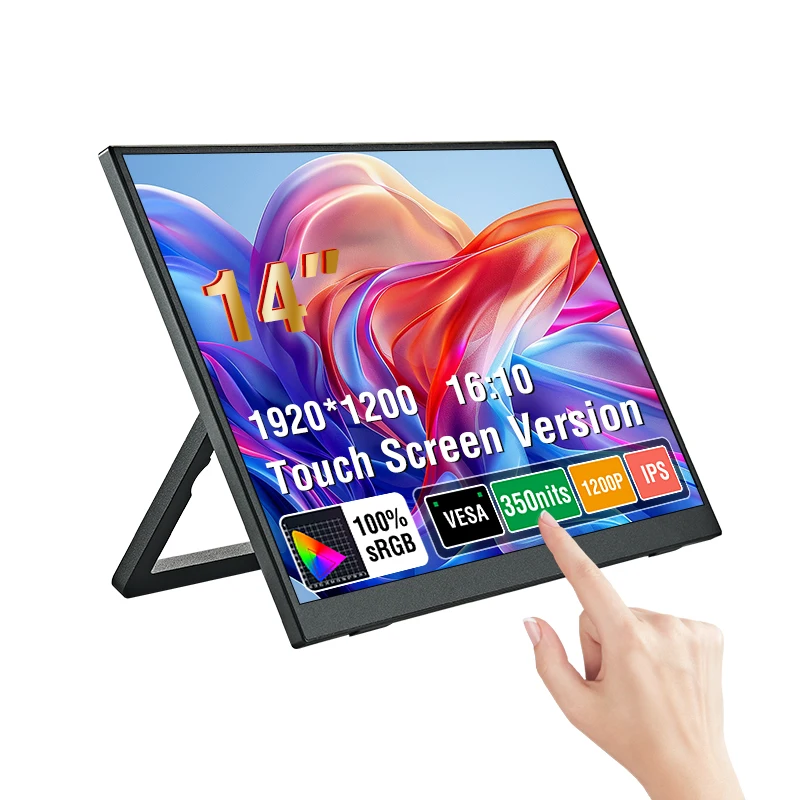
This listing describes a 14-inch touchscreen portable monitor and claims 100% sRGB and 400 cd/m² brightness. It may suit someone who wants a smaller second screen and has a specific use for touch input. The listing title does not establish its video inputs, touch compatibility with your operating system, power setup or measured image quality. Check the manual and connection diagram before deciding whether it fits your laptop and work setup.
Price checked 24.11.2026: 55.66 GBP
Sold: 1790+; Buyer rating: 98.0%
View on AliExpress
A smaller screen with a claimed higher resolution
The ZSUS listing specifies a 14-inch screen, 2160 × 1440 pixels and 60Hz. Consider it if you want a smaller screen and are comparing options with a claimed resolution above Full HD. First decide what text size you need: higher resolution on a small screen still requires comfortable scaling. The supplied description does not name its video inputs, so compatibility remains a necessary check before choosing it.

Price checked 24.11.2026: 62.21 GBP
Sold: 2092+; Buyer rating: 98.0%
View on AliExpress
A 15.6-inch screen with a stand and VESA mount listed
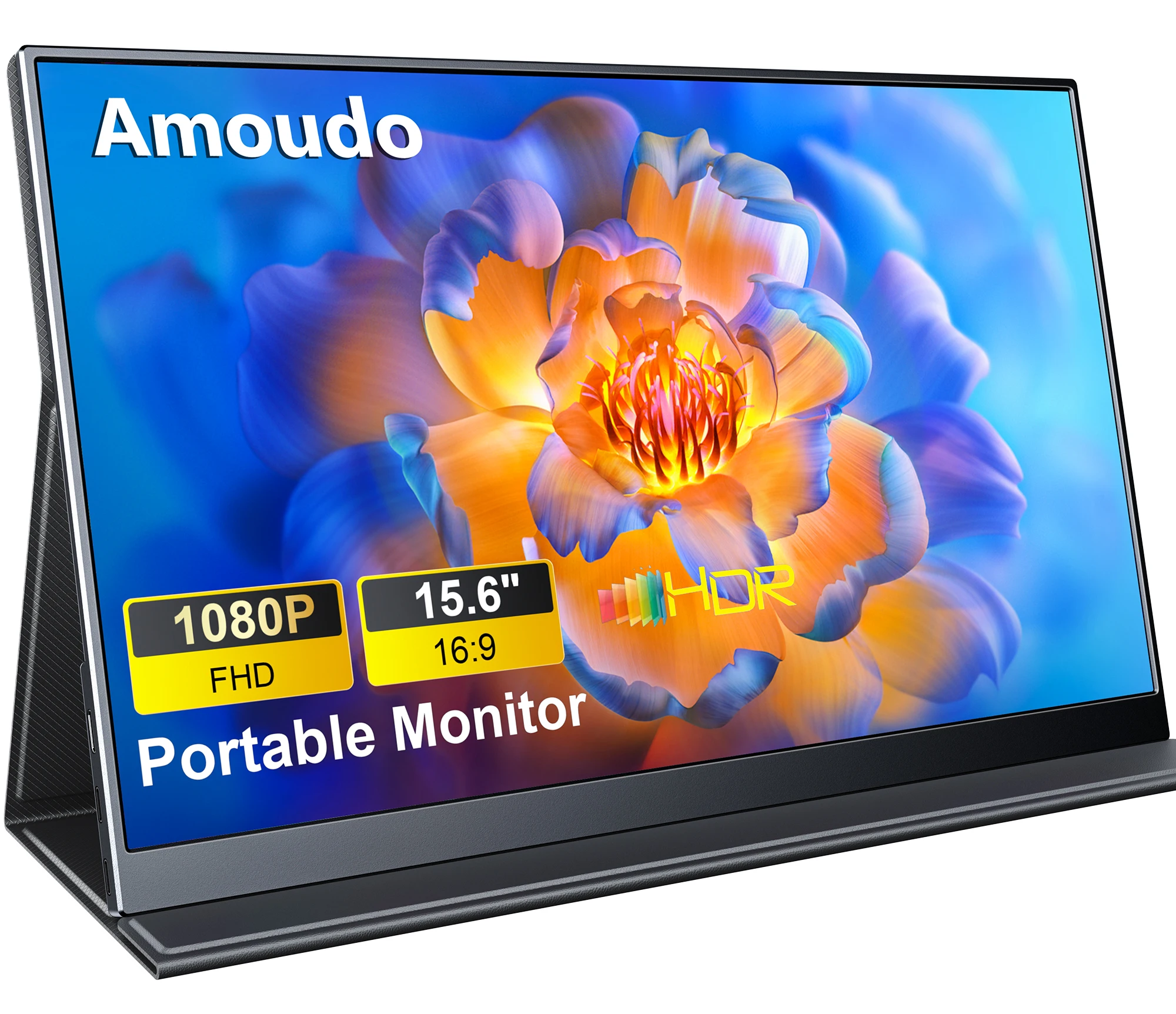
The Amoudo listing describes a 15.6-inch screen with 1920 × 1080 resolution, an IPS LCD panel, a pinhole stand, VESA support, USB-C and Mini HDMI. This may suit someone seeking a mid-sized second screen whose setup could use the listed mounting options. The title does not establish what stand or cables are included, how the inputs handle video and power, or whether a USB-C port supports video from your laptop. Confirm those points, along with the body dimensions, before ordering.
Price checked 24.11.2026: 44.40 GBP
Sold: 966+; Buyer rating: 98.0%
View on AliExpress
A larger screen for a setup with room to spare
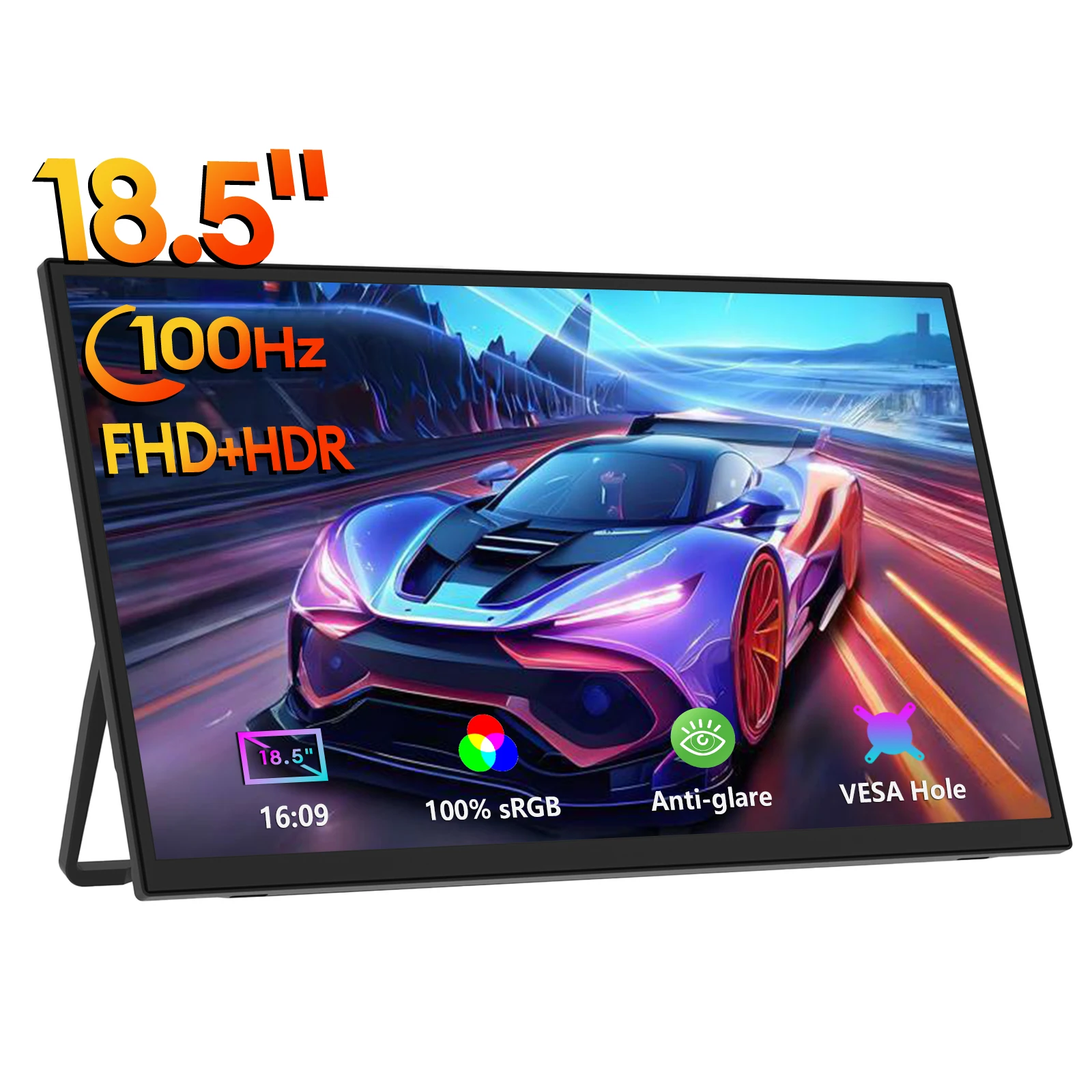
The ZEUSLAP listing claims an 18.5-inch screen, 1920 × 1080 resolution, 100Hz and HDMI and Type-C connectors. It may suit someone who values a larger screen over a 14- to 16-inch option. Check the body dimensions, your bag and the space needed for the stand particularly carefully. The Type-C label alone does not establish video-mode support or how the screen is powered.
Price checked 24.11.2026: 98.80 GBP
Sold: 1604+; Buyer rating: 97.1%
View on AliExpress
What to confirm before deciding
Keep four details to hand: the video output on your specific laptop, the purpose of each monitor input, the power setup, and the device dimensions with its stand in place. Then compare the chosen configuration with the listing: are the cables, screen protection and stand you need included? If your decision depends on a high refresh rate, touch or a particular screen position, ask for confirmation for that exact option.
If the second screen will almost always stay on one desk, compare a portable model with a standard desktop monitor first. Check the available space, desired screen height and connections, then decide how often you will actually carry it. A practical choice should fit the work window you need, connect through a clear setup and stand where you plan to work.
This is the AliExpress catalogue price for the selected market when checked. Confirm stock, variant, delivery, taxes and the final total before paying.