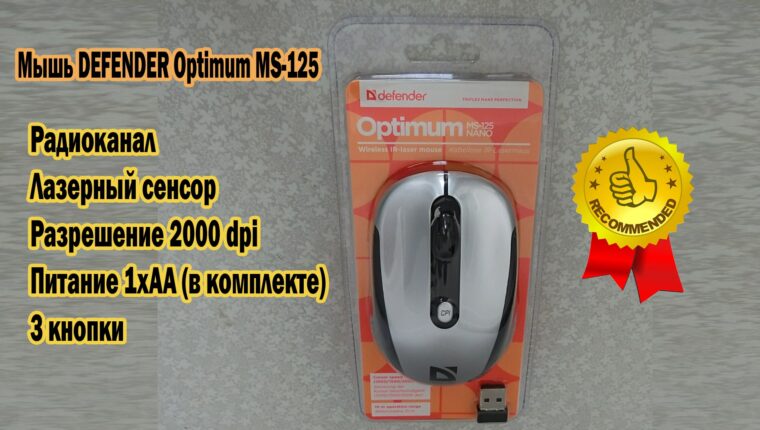
The concept of “cheap” is associated by buyers with mass-produced low-quality products. That’s normal. After all, nearly 99% of products on the market meet such criteria. But there are exceptions. In the category “peripherals for computers and laptops,” exceptions can be found. A good inexpensive wireless mouse Defender MS-125 is proof of that.
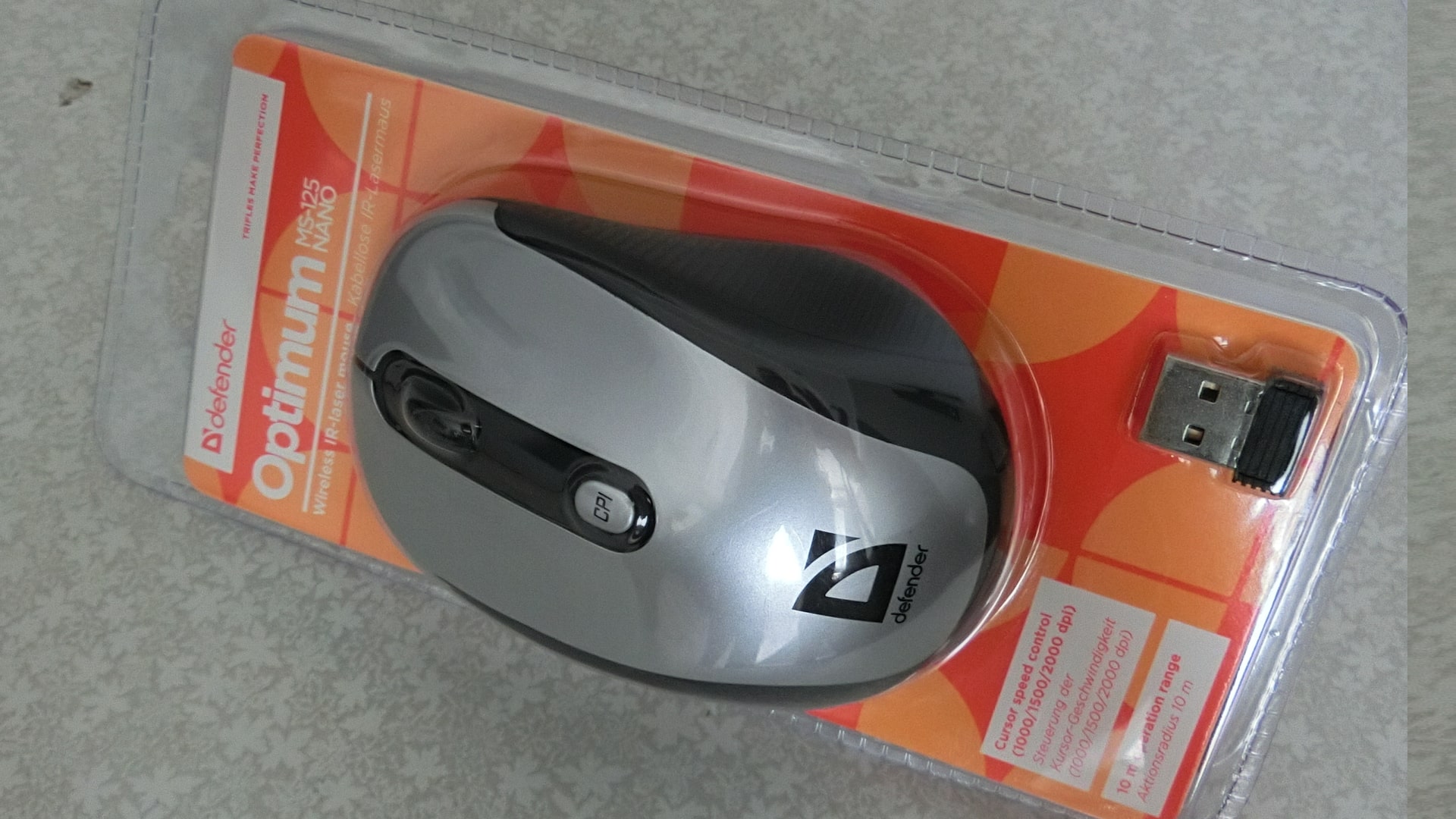
The product has been on the market for several years, and Defender does not rush to discontinue the mouse. On the contrary, it promotes the affordable device to the masses. Users are grateful because, in the budget class (up to 10 USD), finding a competitor is impossible.
Good cheap wireless mouse Defender MS-125
When choosing a mouse for a personal computer or laptop, users look for a compromise between price, comfort, and functionality. Defender’s manufacturer has combined all these requirements into one product:
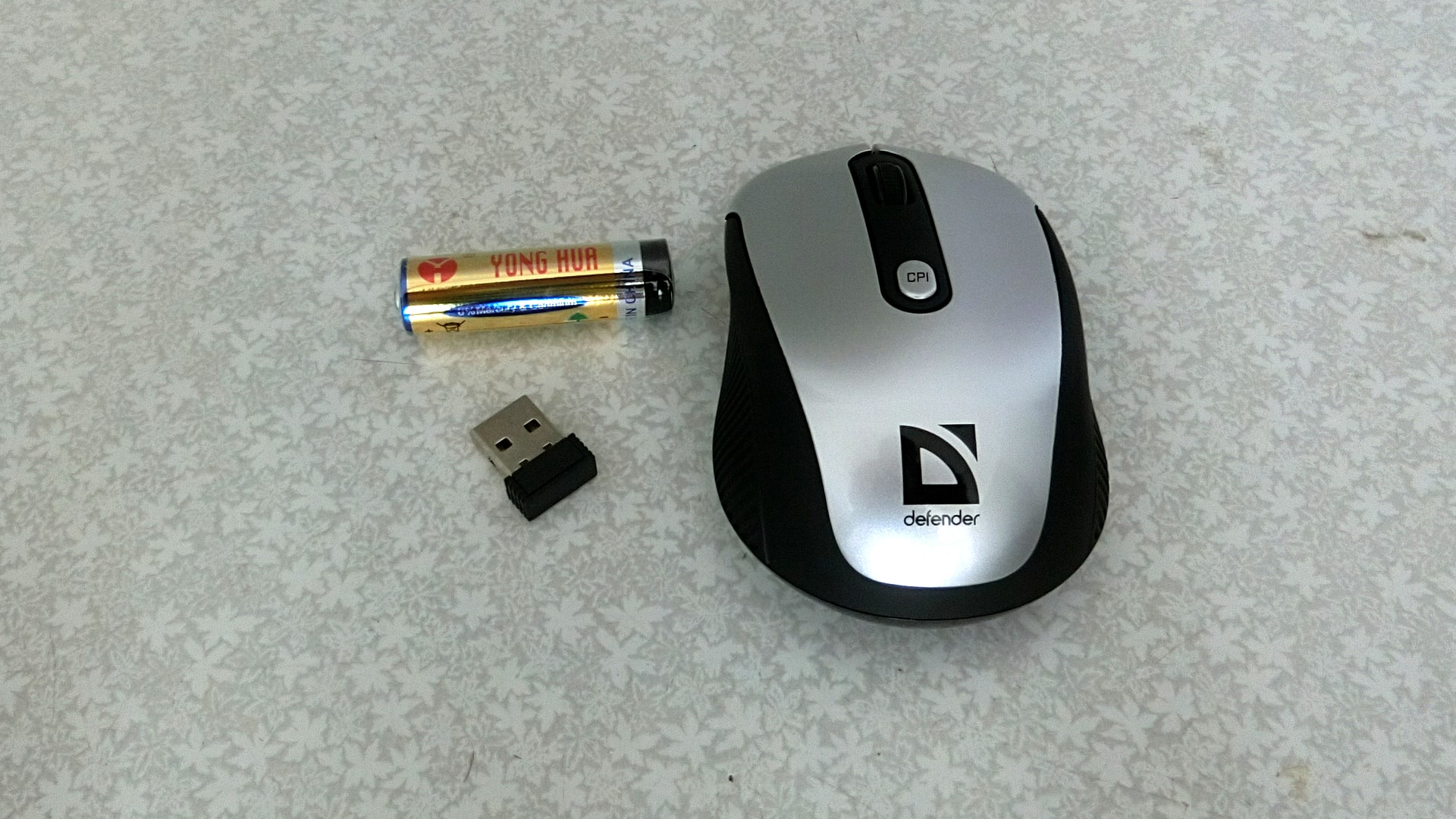
- Affordable price (5-7 US dollars);
- Radio interface (Wireless 2.4GHz);
- Laser sensor type – works on any surfaces (even on your knee);
- High sensor resolution (switch: 1000, 1500, 2000 dpi);
- Full compatibility with any computer equipment;
- Plug and Play (connect the USB transmitter to the device and work);
- Symmetrical design (for left and right-handed users);
- Low power consumption (will last a year on one AA battery).

The features declared by the manufacturer fully correspond to the product. The mouse is positioned as a device for laptops. But PC users quickly found benefits for themselves. The laser sensor type and precise cursor positioning attracted the attention of gaming enthusiasts.
Advantages and disadvantages of the Defender MS-125 mouse
The included element (disposable AA battery) will definitely please the buyer. Only the manufacturer’s name – Yong Hua – may cause some confusion. But it doesn’t matter, as the batteries will last for about a year.
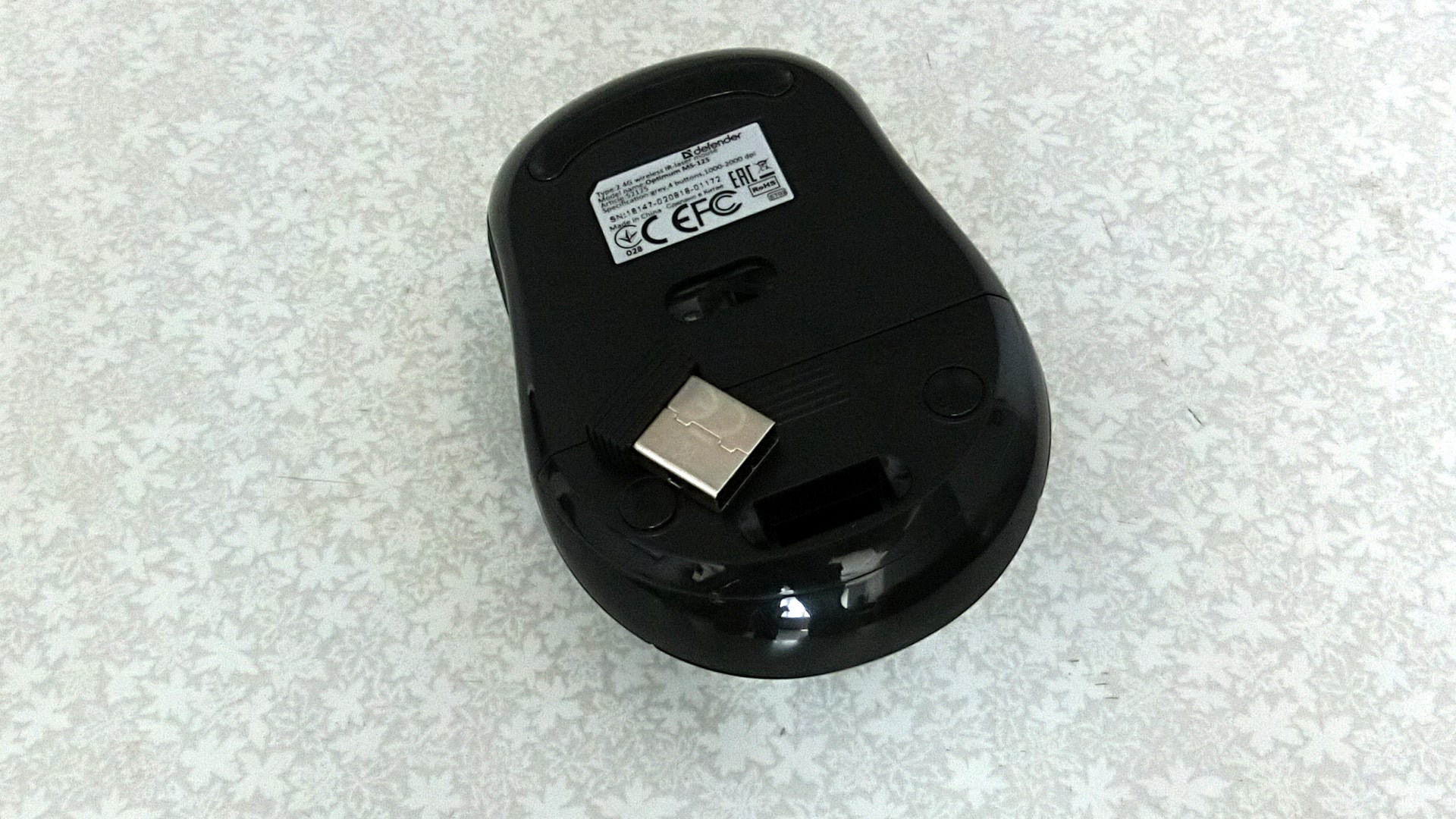
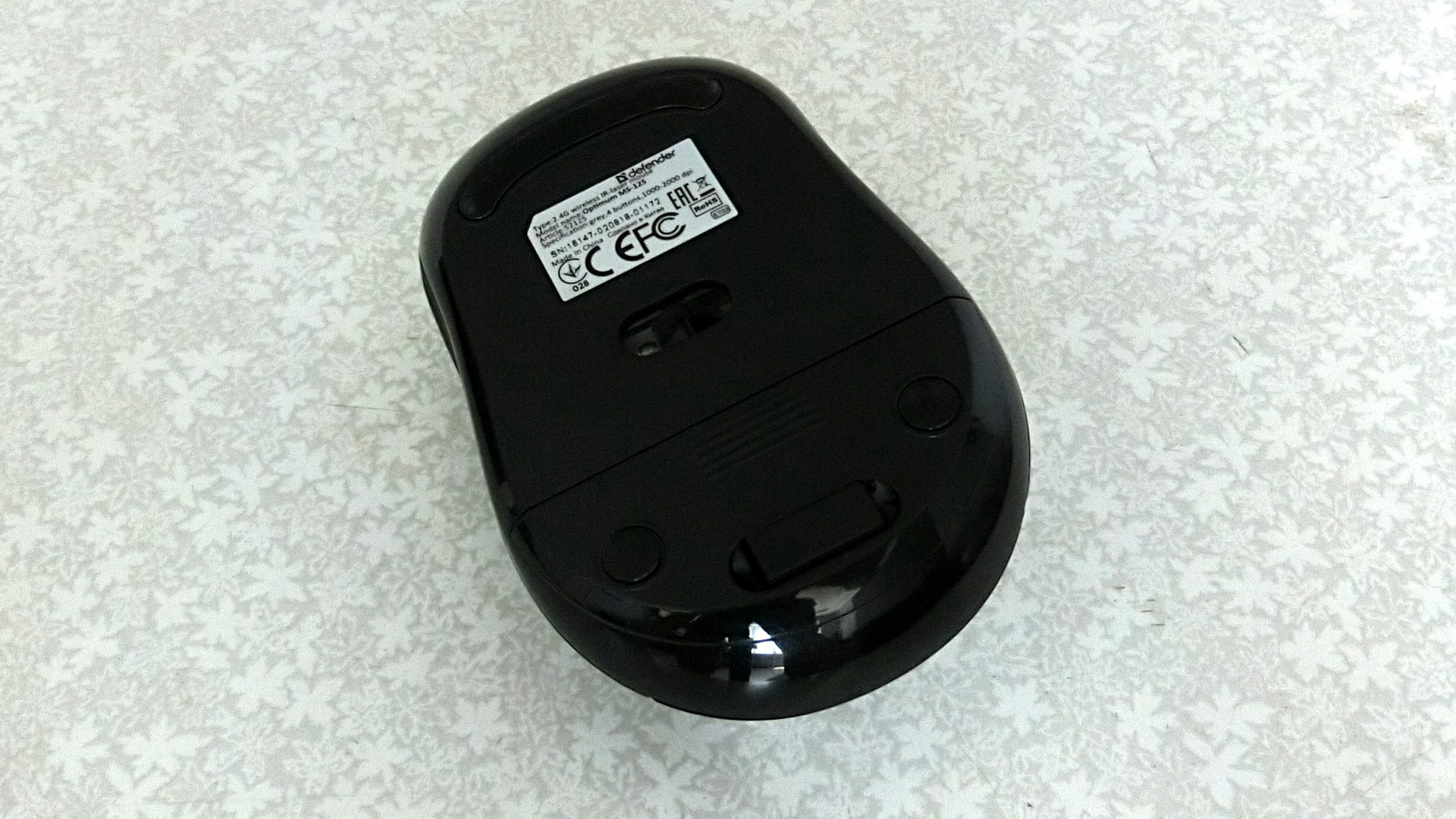
The mouse itself is very lightweight. The build quality is good. There is plastic ribbing on the sides – comfortable to hold. The bottom of the case has a compartment for storing the USB transmitter – it will never be lost during transportation. The laser sensor is recessed by 2 mm – it may collect dust, but it will never get scratched. When not in use, the mouse enters sleep mode to save battery. It activates instantly when needed. There is a button on the body to change the sensor resolution.
As for disadvantages, with such a low price, users tend not to talk about them. But if you look for flaws, you will find them:
- The package does not include a USB extension. If the PC is on a desk and the wireless module is connected to the motherboard, the mouse may lose signal.
- There is no color indication when switching the sensor resolution. Everything is determined by eye, so you need to get used to it. They could have implemented backlighting like in the A4Tech X7 mouse.
- The mouse wheel sometimes slips – weak gear mechanism.
Buyers overlook these flaws given the price. After all, the good cheap wireless mouse Defender MS-125 has more advantages. Functionality and ease of use are all a user needs.
It’s a pity that the mouse couldn’t be adapted for the TV. At least, the Samsung UE55NU7172 did not detect the device. But via OTG cable, the Defender MS-125 mouse easily worked on all smartphones and tablets. At least that.