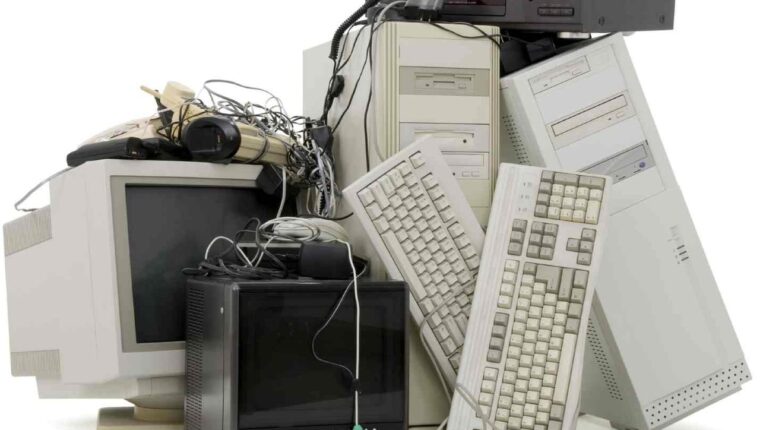
Offers to buy used computer equipment have flooded the internet and social networks. Consumers are offered to purchase second-hand PCs and laptops at very attractive prices. Computers from Europe are so appealing in terms of cost that buyers immediately agree to a profitable offer.
Computers from Europe: Advantages
Price. Considering performance, the cost of equipment is 2-4 times cheaper than new analogs in stores.

Seller’s warranty. Computer equipment (PC or laptop), either works or doesn’t. By receiving a 6-month warranty, the user can easily determine the operability of the purchase within the specified period.
Availability of components. Spare parts for old equipment are not difficult to find. In Chinese online stores, all necessary hardware is available to expand functionality or increase performance.
Computers from Europe: Disadvantages
If used equipment works without failures, it will likely serve the buyer for 5 or more years. But there is one drawback that sellers do not mention. It concerns the compatibility of the platform with software.
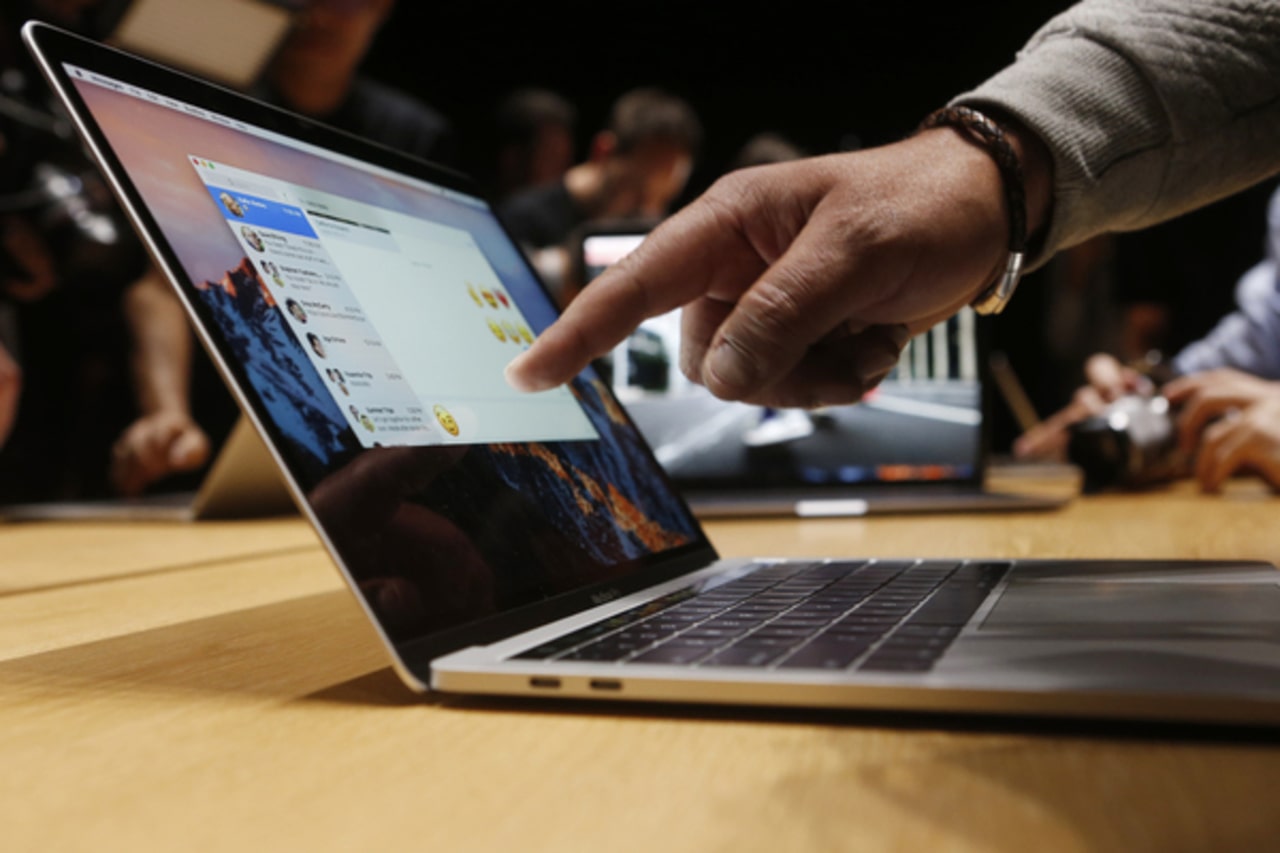
Manufacturers of computer hardware, starting from 2017, began to sound the alarm – sales sharply declined. This is related to the secondary market of computer equipment. The result is a collusion between manufacturing brands and Microsoft. The main point is that from now on, the Windows 10 operating system (and all subsequent versions) check the hardware specifications. If the system is old, the OS will not install.
This leads to problems with upgrading – installing Windows 10 on SSDs on old platforms. No tricks will help. Old sockets (775, 478, AM2, etc.) are marked as unsupported in the OS installer.

In more advanced PCs (Socket 1155, AM3), issues with PCI devices have been observed. TV tuners, sound cards, or network cards may not work even after successful Windows installation and updates. Printers, scanners, MFPs, discontinued between 2004-2009, are often blocked. In laptops, after installing Windows 10, Wi-Fi and Bluetooth modules sometimes fail to work. Sometimes card readers and network adapters also do not function.
Computers from Europe: Ready Solutions
In terms of PCs. A powerful PC with an SSD and large RAM (4-16GB) can easily run Windows 7 PRO SP1 64-bit. Although Microsoft has ended support for this platform, the OS itself is quite fast and resource-friendly. The main thing is to disable automatic updates completely. Otherwise, there will come a day when the developer wants to remotely block their creation. There are questions about the stability of Windows 7, but it’s a trade-off between price and security.
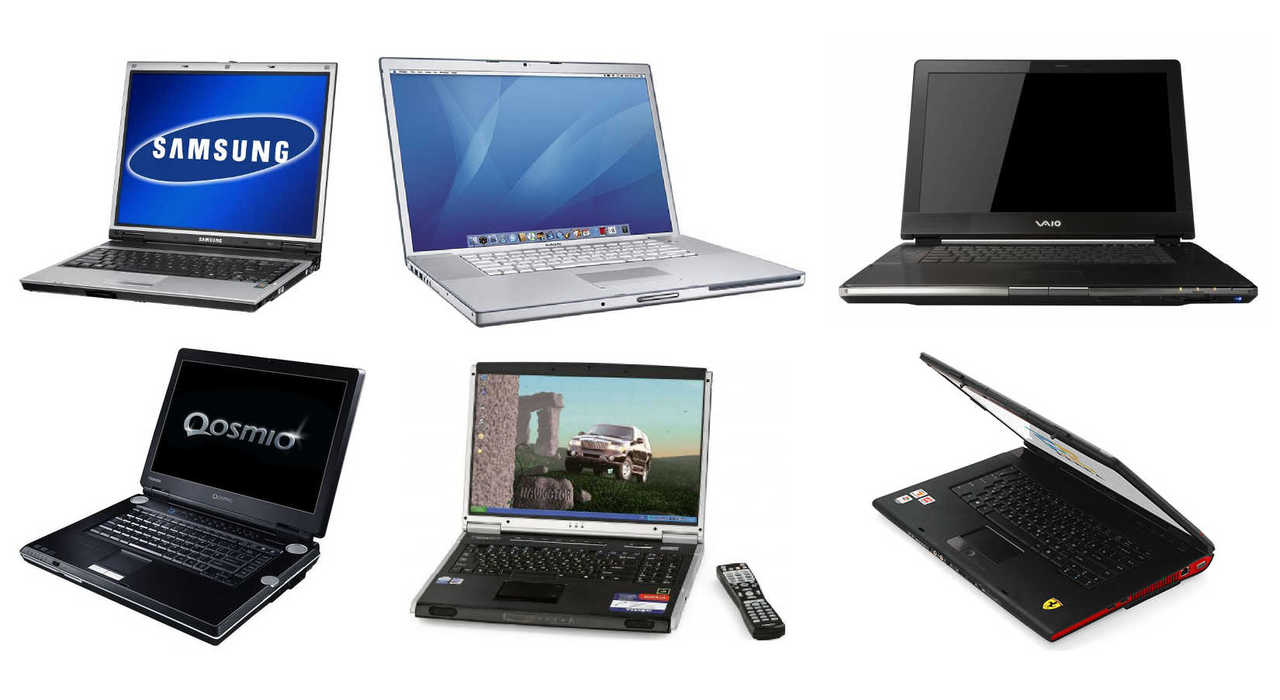
Laptops. Here, a different approach is used. Windows 10 is installed on portable devices because laptop manufacturers continue to support their customers. Even a 10-year-old branded laptop will be supported with drivers. But only the motherboard, processor, and video adapter are supported. Wi-Fi and Ethernet chips are often not supported. There are two solutions: install Windows 7 or contact a laptop repair company. Specialists can easily re-solder network modules, installing newer chips. The trick is that network adapters of the same brand are interchangeable at the hardware level.
Configuring unsupported equipment. Printers are easy to set up – using a universal driver like HP LaserJet 5L. Yes, functionality is limited, but the device prints. For scanners, a universal program like VueScan is used. The simple app recognizes all devices and works reliably. For MFPs, some effort is needed. Luckily, there are dozens of forums describing similar issues – each model must be addressed individually.
Configuring unsupported devices. Users often transfer old hardware (sound, network, tuner) to European computers. There is a great application called DriverPack Solution (with its own website). The program easily finds the necessary drivers. Sometimes, for 64-bit systems, there are issues. Then, drivers are manually selected by trial and error. The system may complain about incompatibility, but forced updates and searching for working solutions will resolve the problem. Five to ten attempts, and the task is completed.
The financial benefit of buying used equipment is justified. And you will not hear any recommendations to buy new PC parts or laptops. If you decide to save money – that’s correct, there’s no need to overpay.