

Start with one question: will you type on the laptop’s built-in keyboard, or use a separate one? That determines whether you need a slight tilt or a more noticeable screen lift. Raising the display does not by itself make a workstation comfortable: if the laptop’s keyboard rises too, your typing position changes. An external keyboard and mouse also need room on the desk.
This article contains affiliate links. TeraNews may earn a commission on purchases made through them, at no additional markup to you.
This guide covers five folding stands for an open laptop. Their listings do not establish hinge stiffness, stability under load or the quality of the contact pads. Sellers provide the position counts, materials and supported screen-size ranges; check that those details apply to the exact option you select. The support’s dimensions, lift height, weight and folded size are not established by the supplied information.
Decide where your hands and screen will be
If you often set up at different desks and type on the laptop itself, start with a modest tilt. Check the lowest usable setting, not just the number of adjustments: how far does the front edge rise, and could the retaining lips get in the way of your hands? A wide adjustment range is of little use if even its lowest position interferes with how you type.
For a permanent desk with a separate keyboard, a higher screen position may be worth considering. OSHA’s computer workstation purchasing guidance calls for a separate keyboard and input device with laptops and tablets. It also highlights adjustment of screen height, tilt and angle, and says the work surface should have room for the screen, keyboard and input device. In practice, lay out everything you plan to use before deciding where the stand’s base can go.
If there is no room for an external keyboard in front of the laptop, reconsider a high lift. A lower stand that leaves the built-in keys accessible may work better, or you could rearrange the desk. Choosing a stand with a large adjustment range before deciding where your hands will go means choosing an accessory before organizing the workstation.
Tilt, lift and rotation do different jobs
The number of fixed positions does not tell you how high the screen will sit. Six or ten settings may change the tilt, but without dimensions you cannot tell how much the display rises. In a TechGearLab comparison test, the tested iVoler Adjustable Aluminum had six tilt positions but limited screen lift. It is a useful example of why a number in a product title cannot replace a dimensioned diagram.
Height adjustment also calls for attention to stability. In the same test, the authors observed wobble while typing on the Nulaxy C5, which increased as the stand was raised. Those findings apply to that specific tested model, not to all hinged stands. They are a reason to decide whether you will type on the laptop itself or use a separate keyboard: the stand has different demands in those two setups.
A rotating base can help when you regularly show the screen to someone beside you. TechGearLab’s tested rotating Lamicall let users turn the laptop for shared viewing, but was cumbersome to carry. Rotation is not confirmed for any of the five listings below. If turning the screen is essential, look for an explicit rotation feature and base dimensions; tilt adjustment is not a substitute.
A folding design does not necessarily make a stand convenient to carry every day. For comparison, Nillkin’s ProDesk page describes a folding adjustable stand with silicone pads and gives its weight as 1.16 kg and platform dimensions as 295 × 215 mm. Those figures apply to the ProDesk, not the products in this collection. The example shows the difference between folding something for storage and carrying it regularly with a laptop.
Not everyone needs adjustment. TechGearLab describes its tested Rain Design mStand as a fixed-height, non-folding model. For a permanent desk where the right screen position is already known, a fixed stand may also be worth considering. Its dimensions and screen position need to suit you from the outset, since you cannot correct a mismatch with another adjustment setting. TechGearLab’s review was updated in 2023; its findings should not automatically be applied to newer products that look similar.
What to check before choosing a listing
- Base fit. Compare the support’s width and depth with the underside of your laptop. Screen size does not tell you where its feet are or which parts of the case the stand will support.
- Front retaining lips. Find their height and the maximum laptop edge thickness they allow. In TechGearLab’s test, the Roost’s small lower hooks limited compatibility with thicker laptops. Check the specific attachment rather than relying on a resemblance to a known model.
- Ventilation openings. Compare the stand’s contact points with the openings on your laptop’s underside. A listing title mentioning ventilation or cooling does not establish lower temperatures or replace this check.
- Lowest and highest settings. Ask for a dimensioned diagram at both ends of the adjustment range. The lowest setting matters especially if you type on the built-in keyboard; with a separate keyboard, check screen position and how much desk space the base takes.
- Folded size and weight. Compare them with your bag’s compartment, not just a product photo. If the stand will stay on one desk, a suitable fit may matter more than portability.
- The selected order option. Check that its images, dimensions and description all refer to the same design. A separate listing option does not by itself establish its material, included items or size.
Claims about load capacity, wobble-free use or better heat dissipation need separate evidence. Even on Nillkin’s manufacturer page, such claims are not backed there by independent testing. No independent test results are provided for the listings below either. Compare them by verifiable geometry and the adjustment you need, rather than a listing’s promise of “ergonomics.”
What the five folding stand listings claim
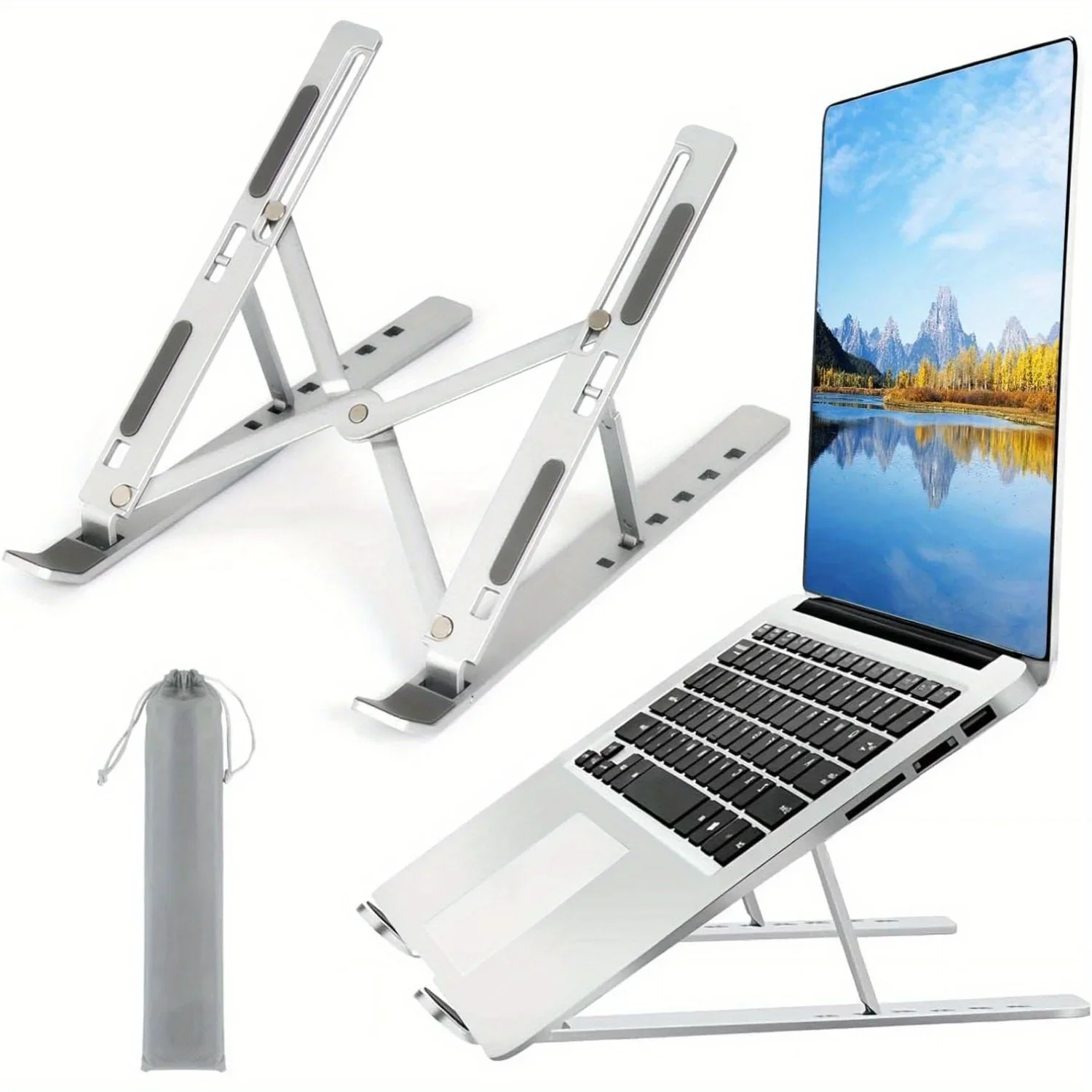
Six positions and a claimed 8-16-inch range
The seller describes listing 1005008144855522 as a folding aluminium stand with six adjustment levels for laptops with screens measuring 8-16 inches. The number of levels does not establish how high the display will rise.
Price checked 27.11.2026: 4.43 GBP
Sold: 10377+; Buyer rating: 98.0%
View on AliExpress
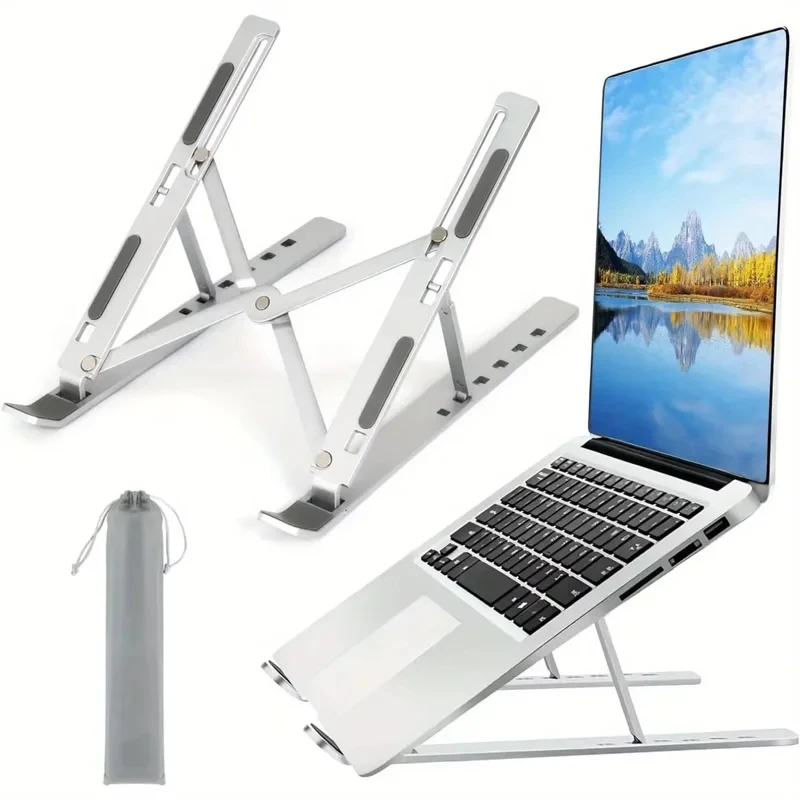
Adjustable stand for laptops and tablets
Listing 1005006994667374 is described as an adjustable folding stand for laptops and tablets. Its title does not specify the number of positions or a supported size range.
Price checked 27.11.2026: 3.90 GBP
Sold: 9807+; Buyer rating: 98.0%
View on AliExpress
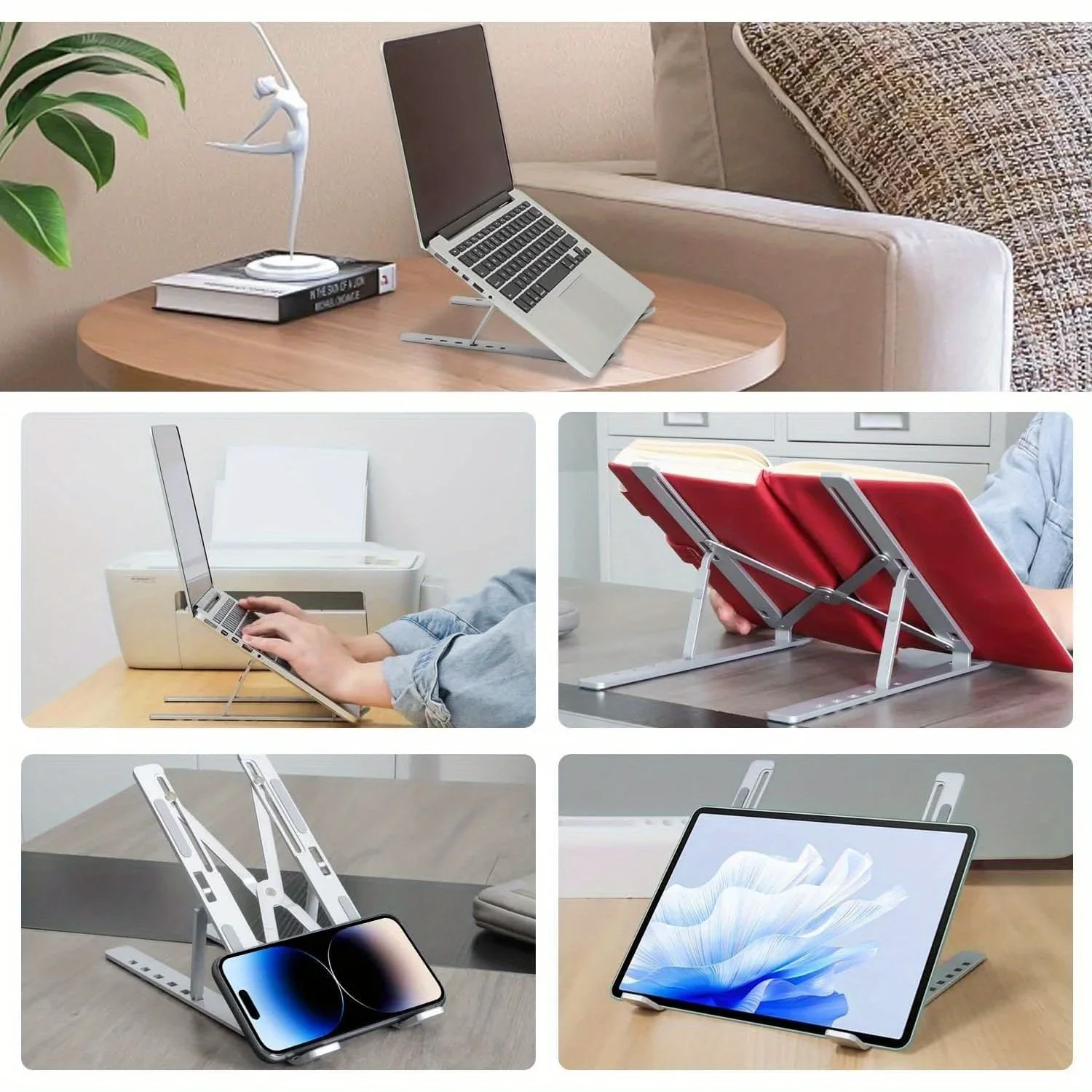
For devices in a claimed 8-14-inch range
For listing 1005010572933217, the seller claims six positions, a folding design and an 8-14-inch range for laptops and tablets. The supplied information gives no basis for assuming it will fit a larger laptop.
Price checked 27.11.2026: 2.36 GBP
Sold: 4125+; Buyer rating: 98.0%
View on AliExpress
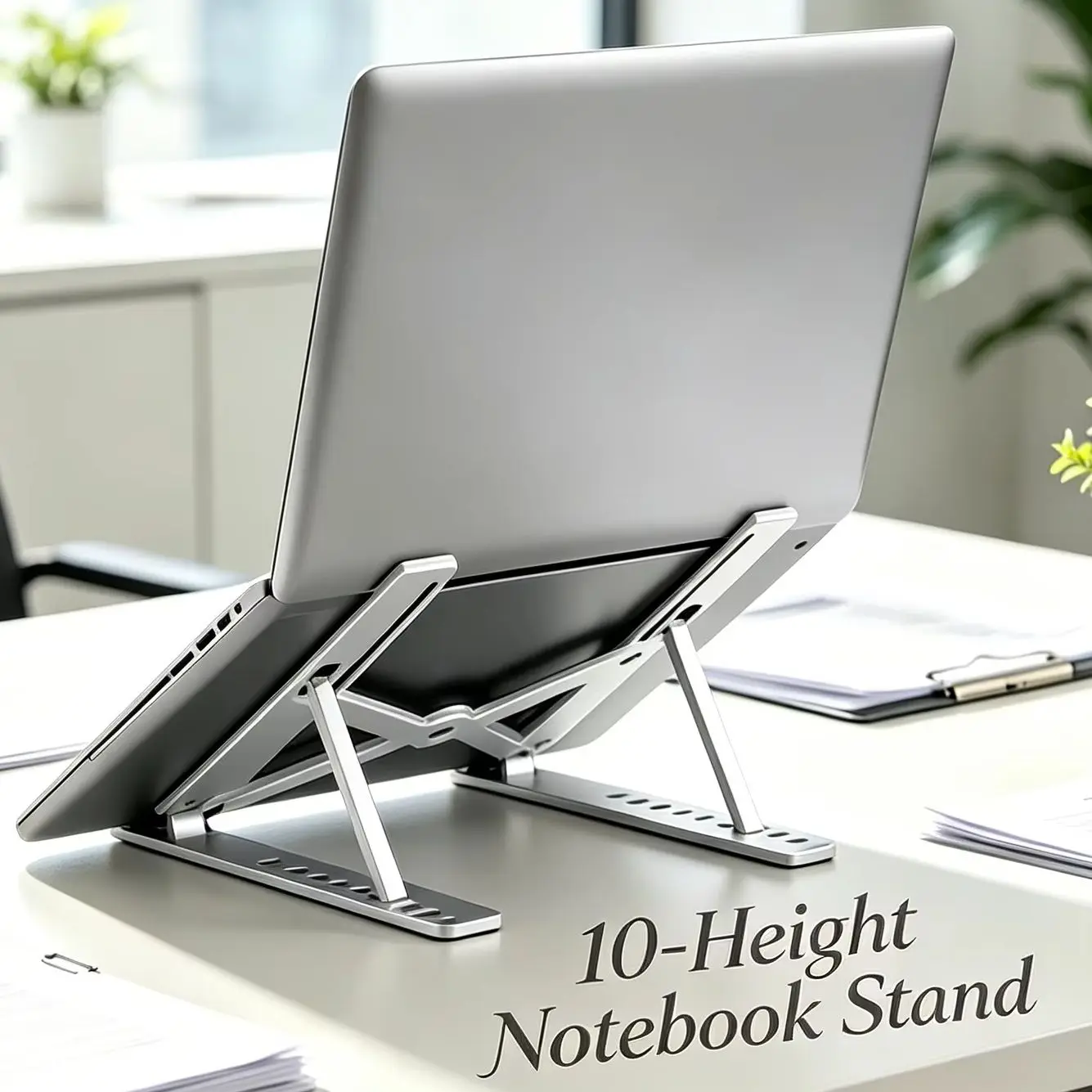
Ten claimed adjustment positions
Listing 1005010351911955 is described as a folding stand with ten adjustment positions. That is more positions than the two six-position options above, but without a diagram it is not possible to tell whether the range is wider or the adjustment steps are smaller.
Price checked 27.11.2026: 3.79 GBP
Sold: 2918+; Buyer rating: 98.0%
View on AliExpress
Eight claimed levels
Listing 1005013370036125 is described as a portable folding desk stand with eight levels. Its title does not clarify whether those settings change the laptop’s tilt, the support height or both.

Price checked 27.11.2026: 4.62 GBP
Sold: 2282+; Buyer rating: 98.0%
View on AliExpress
This is the AliExpress catalogue price for the selected market when checked. Confirm stock, variant, delivery, taxes and the final total before paying.