Frequent freezes of a budget router are a major problem. Often, only a reboot helps. But what if you have a mid-range or Premium segment router? For unknown reasons, manufacturers of network equipment have not yet realized that their devices require more attention. So, how to cool a router? A cooling fan for network equipment is not available on store shelves. But there is a solution – you can use inexpensive laptop cooling solutions.
How to cool a router: cooling fan for network equipment
The idea of “buying a cooling fan for a router” came after purchasing a mid-range router – ASUS RT-AC66U B1. It was installed in a semi-enclosed cabinet completely lacking proper ventilation. The result – frequent freezes during large data transfers over the internet and within the local network.
Initially, there was even a thought that the router was defective. But after removing it from the cabinet and placing it on the windowsill, the problem disappeared instantly. At the same time, it was noticed that the case of the network equipment was very hot. Clearly, proper cooling is needed if the router is kept in a cabinet. So, the idea of buying a cooling fan emerged. In fact, two cooling systems from different price segments were purchased:
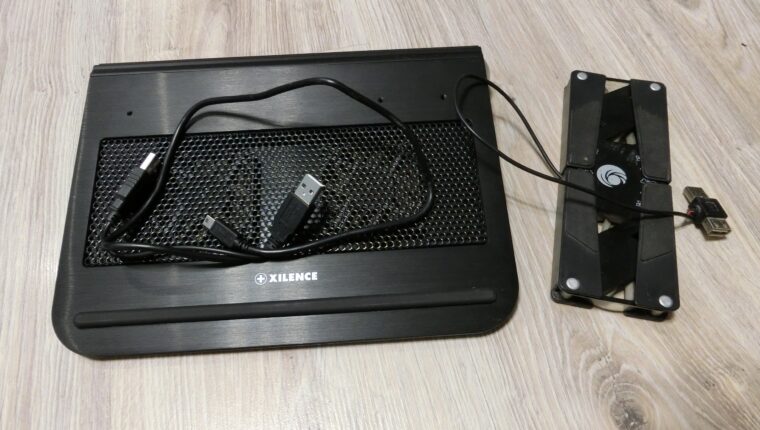
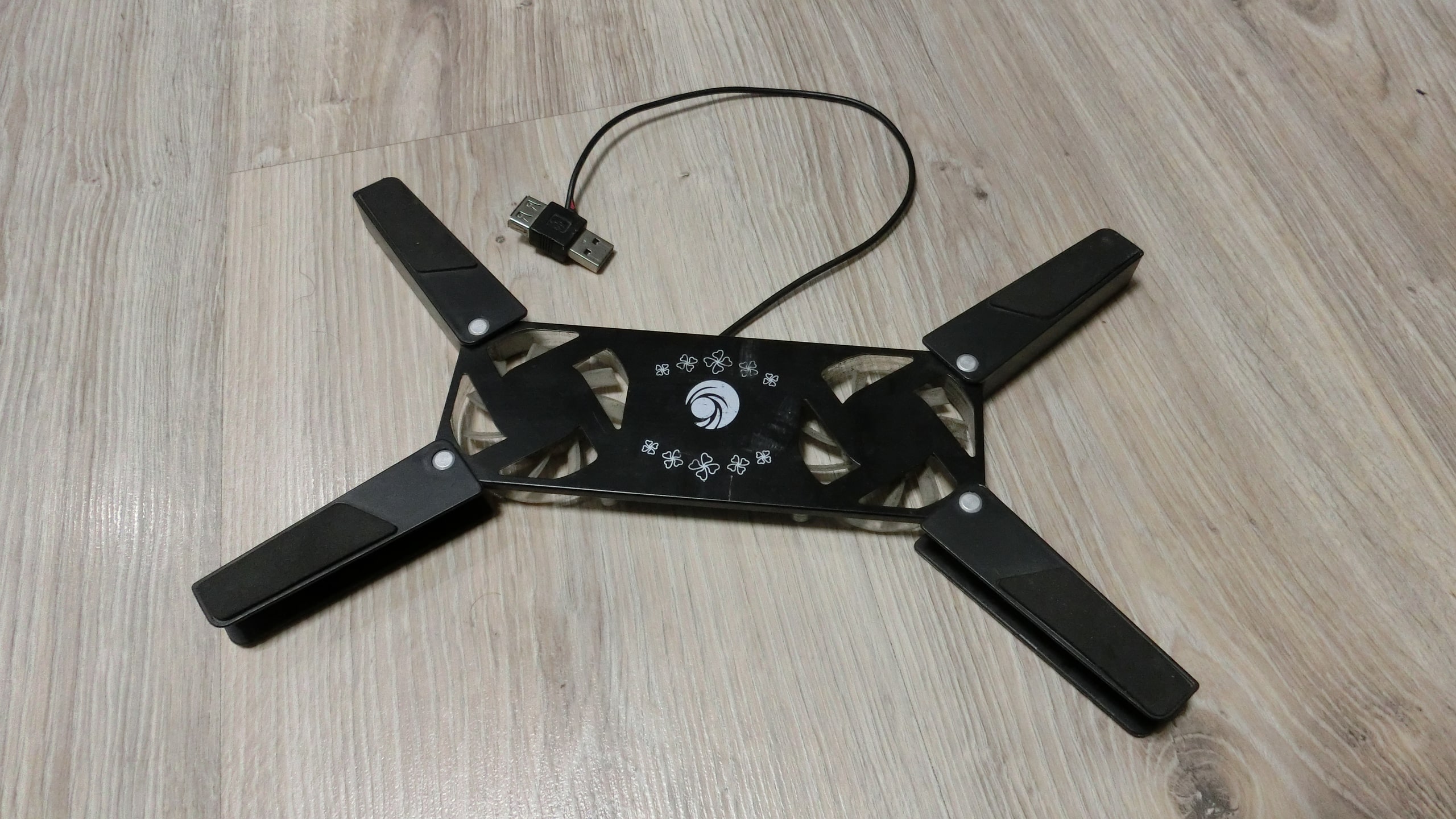
- Portable foldable cooler – $8.
- XILENCE V12 laptop stand – $25.
Both devices, during testing, operated for 100 days without shutdown. The XILENCE cooled the router, while the foldable cooler was placed under an 8-port gigabit switch (which also experienced freezes due to overheating). Three months was enough to understand the feasibility of using such cooling systems.
Budget Option: Portable Foldable Cooler for $8
At its price, the cooling system is quite convenient and effective. The foldable cooler is suitable for cooling network equipment and small laptops (up to 15 inches). The cooling quality is decent – the airflow is felt strongly.

The main advantage of the portable cooler is ease of use. For laptop owners, it’s an excellent find. It connects quickly, blows well, folds, doesn’t take up space when stored, and doesn’t use a USB port.

Disadvantages of the gadget also exist. The USB plug, made in the form of an adapter, lacks rigidity. If you connect a 5 cm USB flash drive, it falls out of the laptop’s socket. The fans are not designed for long-term operation – obviously, there is friction, as after a week of continuous work, a smell of burnt plastic was noticed. After the experiment, it was found that one of the coolers stopped working (although the backlight remained). Such a device is clearly not suitable for cooling for more than a week. But for everyday tasks – for a laptop, it’s a great and convenient solution.
Mid-Price Segment: XILENCE V12
The XILENCE brand offers many interesting cooling systems for laptops. The V12 model was chosen because it is the smallest in size and has 2 fans onboard. Generally, the cooler is designed for use with laptops, but it was boldly placed under the router. And we have no regrets about that.
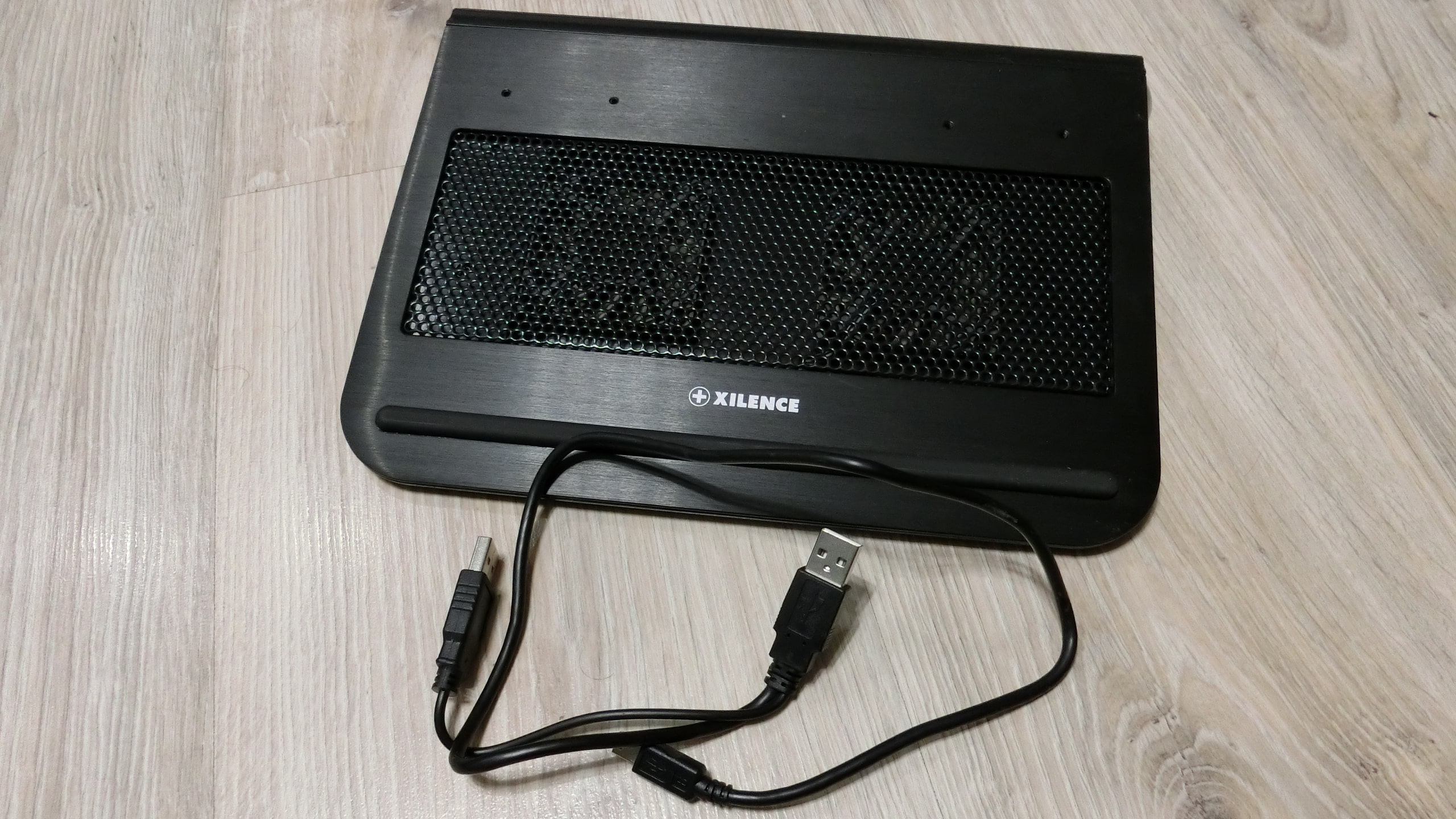
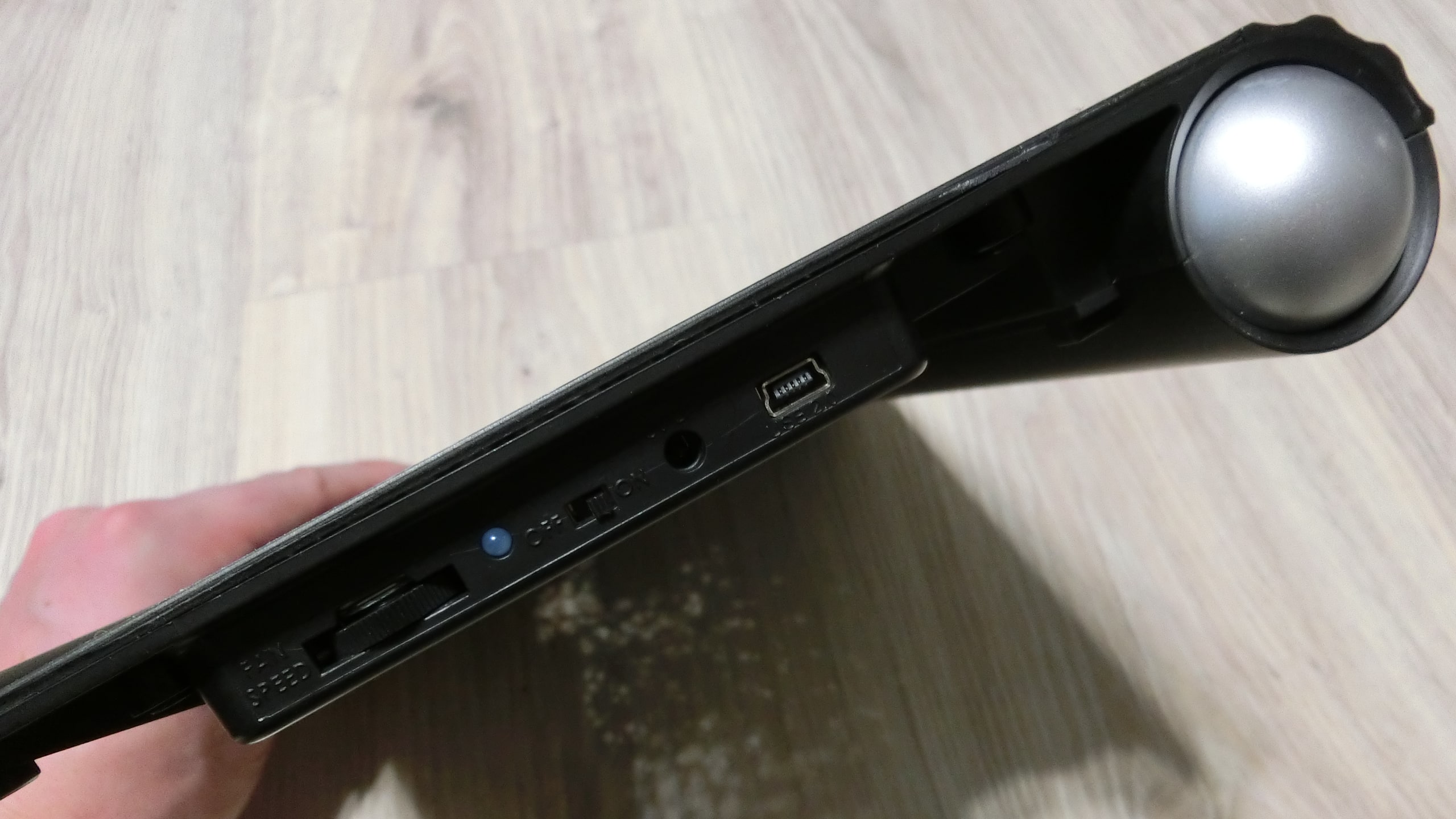
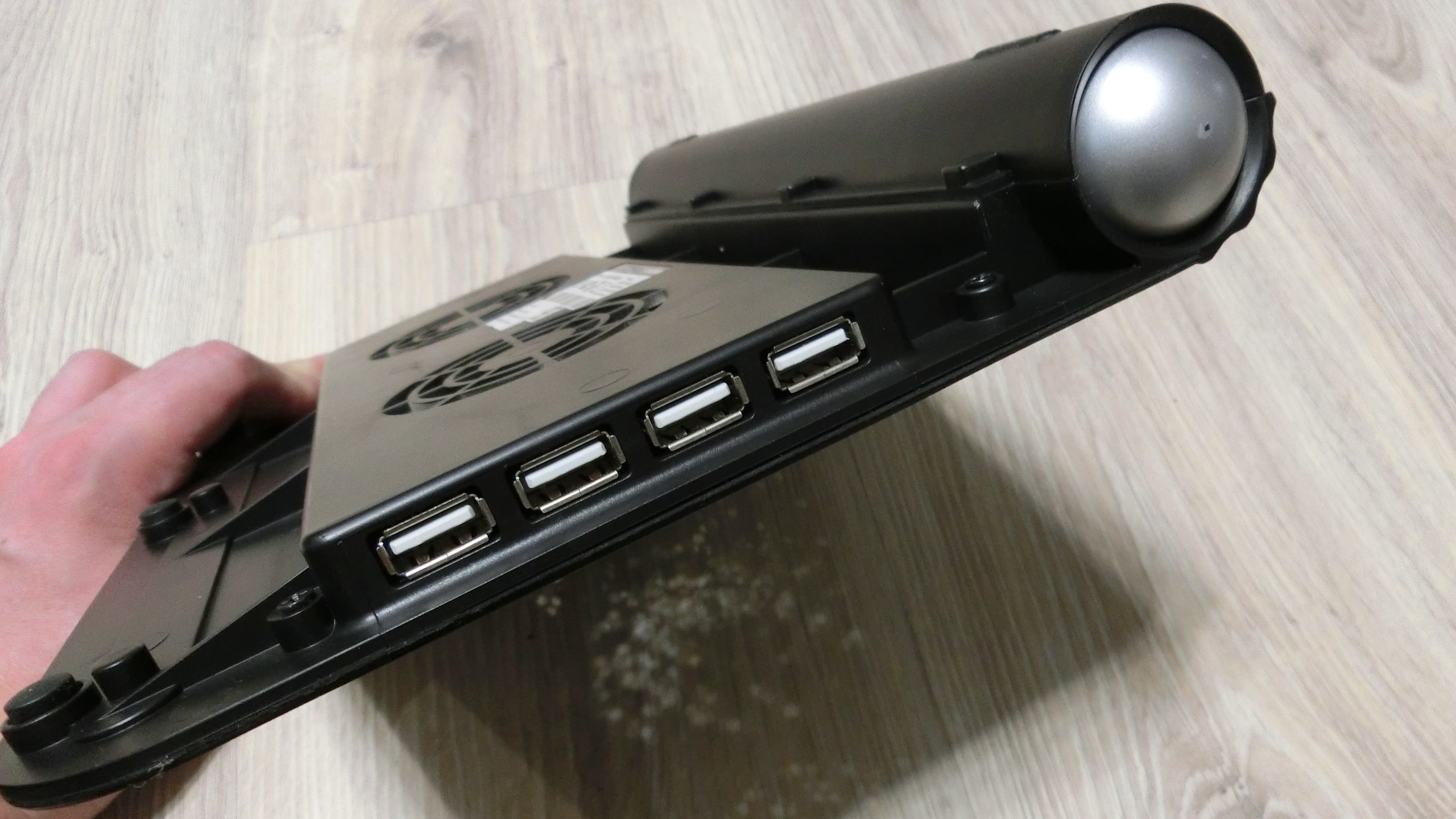
From the moment of unpacking, it was clear that this is a product from a serious brand that really wanted to satisfy the customer. Aluminum case, USB HUB, speed regulator. There is even a hidden compartment in the device’s body – a sliding side niche.
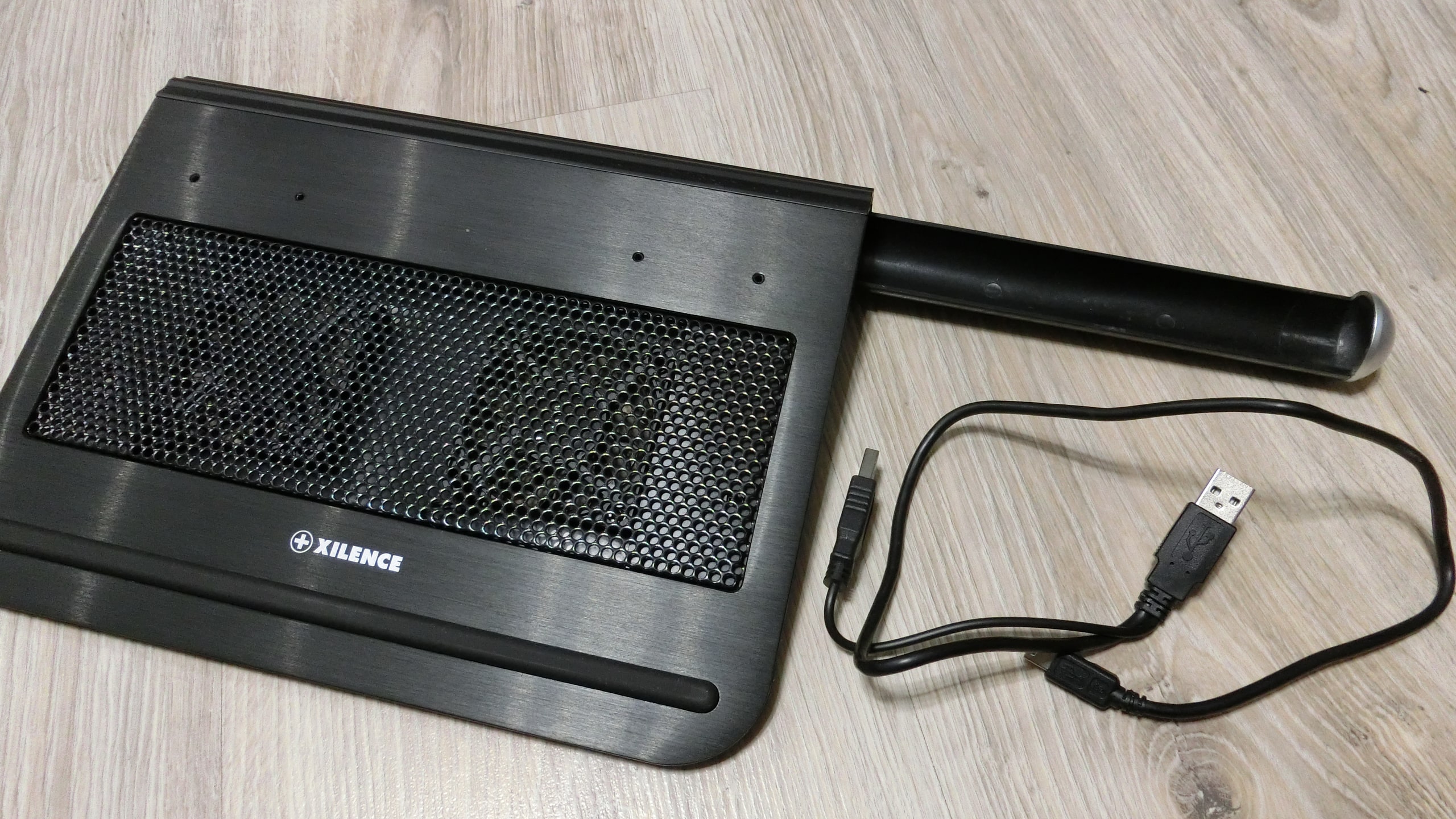
The XILENCE V12 cooling system worked without any visible breakdowns. The well-thought-out cooling system impressed. The fans cool the device from above, and the aluminum grille to which they are attached. As a result, there is no internal stator overheating due to friction.
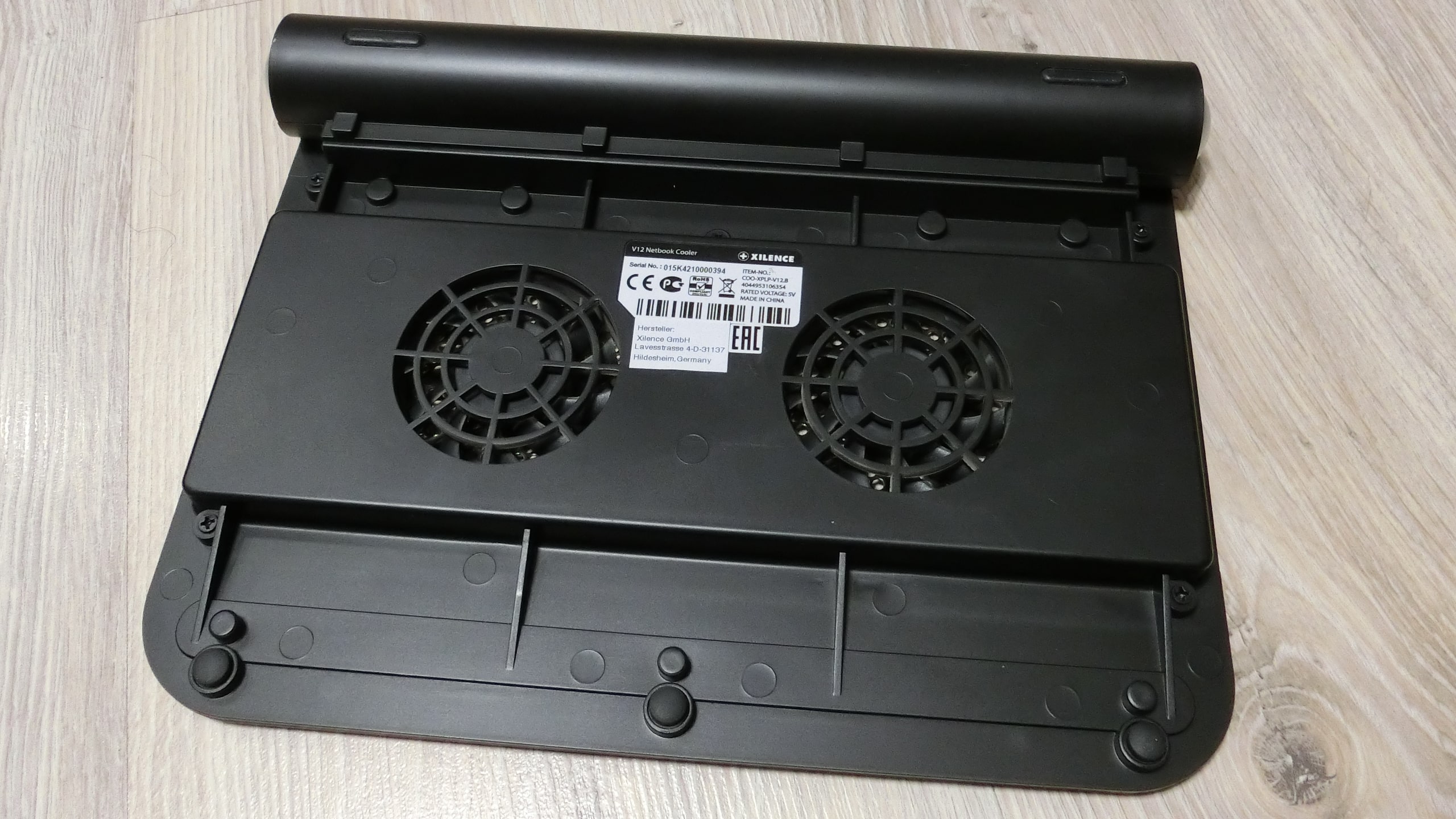
The only downside is the bright backlight. It didn’t bother anyone in the cabinet, but the fact that it cannot be turned off is annoying. At full power, the fans hum synchronously, which is very pleasing. The holes with threads on the top grille are unclear – screws from a PC system unit are screwed into them, which might hold something. But what exactly is unclear. Overall, the XILENCE V12 surprised with its efficiency and functionality.

Cooling Fan for Network Equipment: Summary
Both devices (portable foldable cooler and XILENCE V12) perform their task of cooling the router excellently. During operation, no throttling was observed. This confirms the theory that network equipment needs cooling systems. Otherwise, there will be throttling and performance drops in the entire local network.
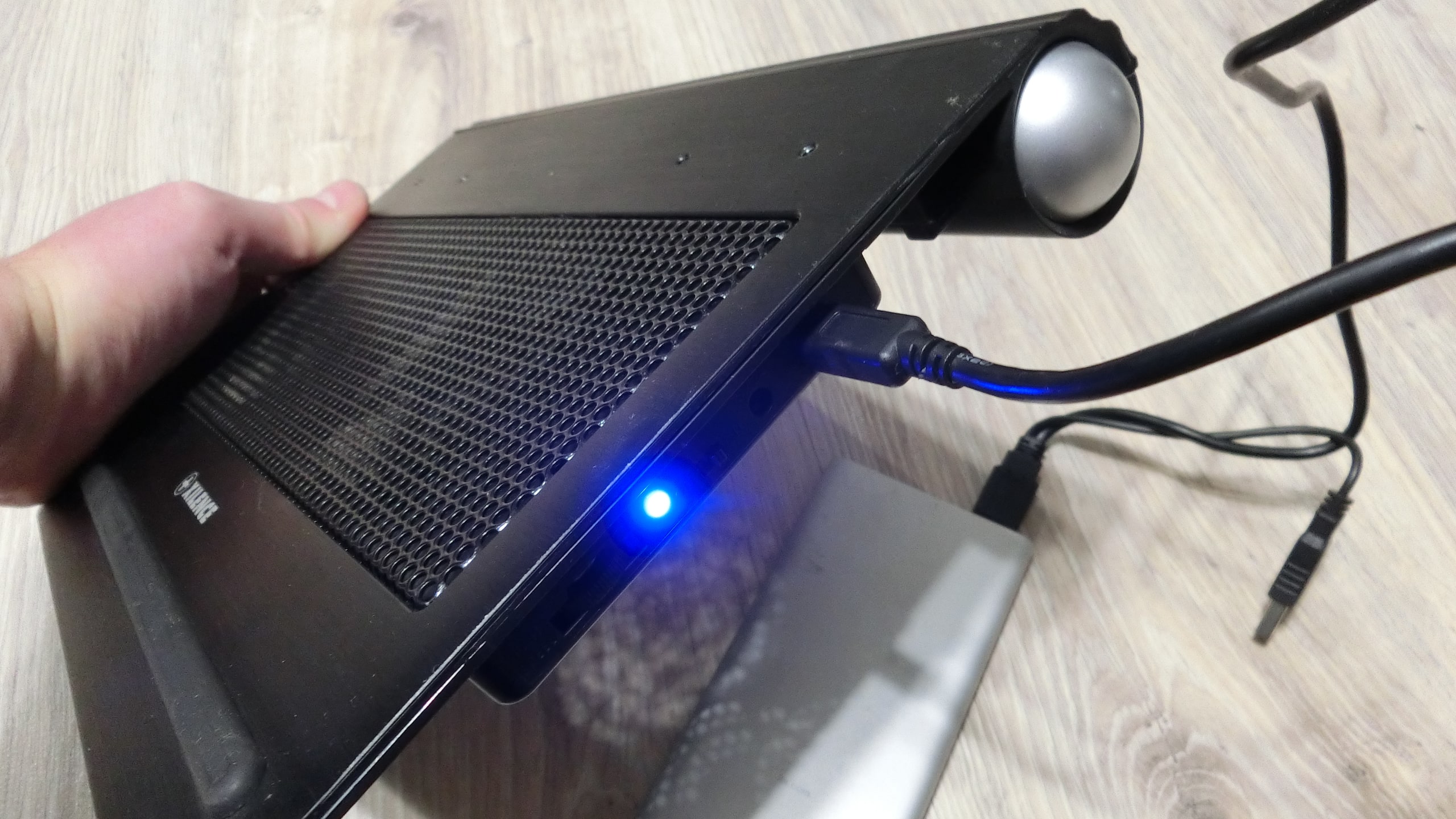
We do not urge anyone to buy a cooling fan for a router, but consider this: why limit yourself with inefficiency in network equipment operation? Especially when the internet slows down because of the router. For a small fee, all problems can be eliminated with a single universal device.