The motherboard, processor, and graphics card are the classic set of computer components that interest the buyer. And indeed, for stable and safe operation of the PC, the power supply is paramount. This component can extend the lifespan of all system components or burn out hardware due to low-quality assembly. Understanding the core issue raises the question: “What is better — a case with a power supply or without a PSU?” Let’s try to analyze the problem in detail and provide the most comprehensive answer.
Tasks:
- What are the advantages of cases with pre-installed power supplies;
- What are the benefits of buying a PSU and case separately;
- Which PC case is better to choose;
- Which power supply for a computer is better.
We will need to analyze everything separately to make it easier to select hardware correctly later. Before purchasing a computer, you must immediately decide on the form factor (dimensions) and calculate the electrical power consumption of the system components.
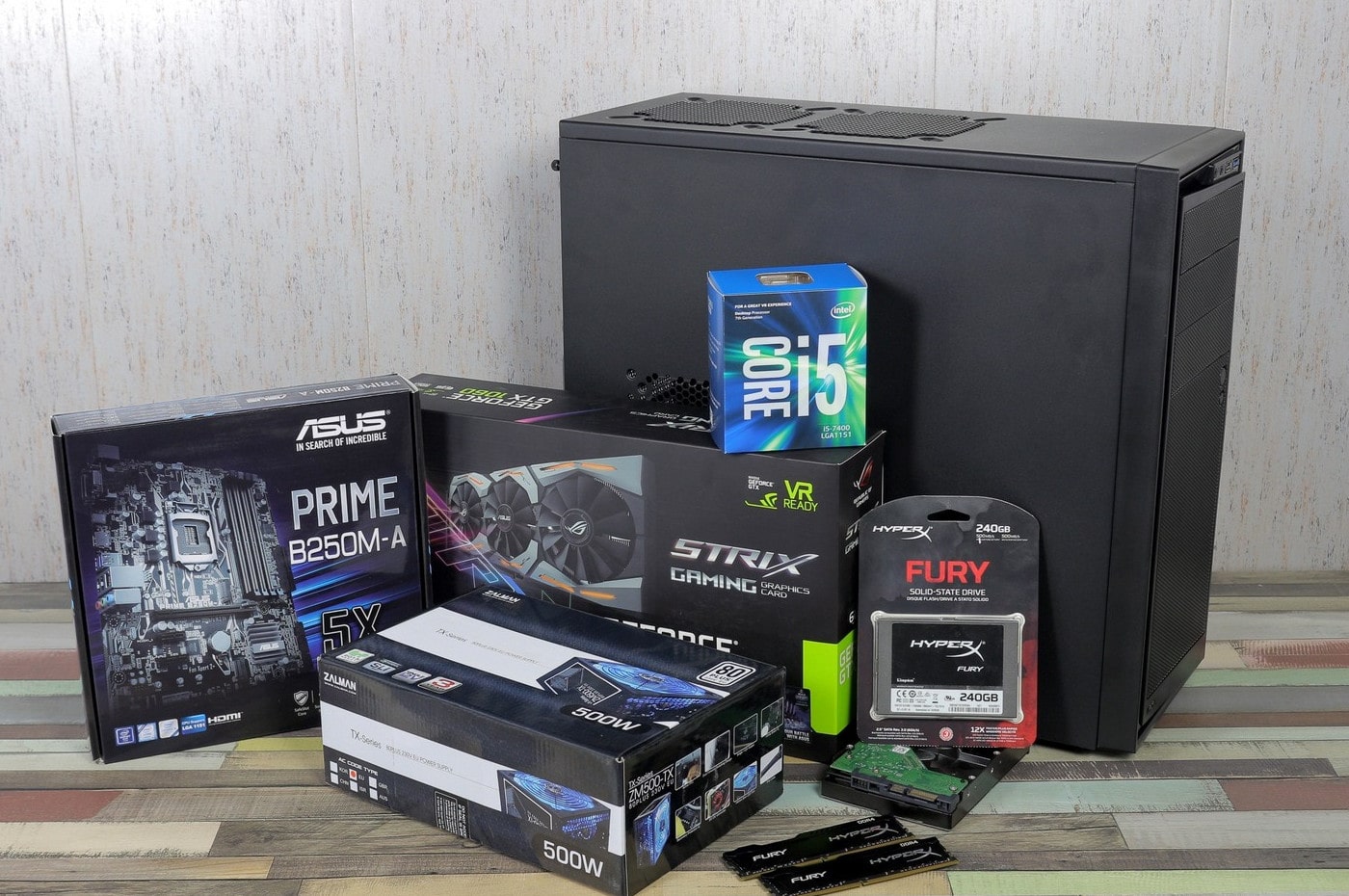
In terms of system unit dimensions, everything depends on the choice of motherboard and graphics card. If we’re talking about gaming systems — definitely ATX format. If the PC is needed for office or multimedia, you can save space and opt for micro-ATX. In both cases, it is desirable for the PSU bay to be located at the bottom. Such mounting provides better cooling around the processor and RAM.
Regarding the total power consumption of components, there are hundreds of online calculators capable of recommending the PSU wattage based on hardware markings. You can also skip calculations and choose a power supply with a higher margin. But then, the PC will consume more energy. This is a feature of transformer devices, which greedily consume electricity and reduce PSU efficiency.
What is Better — Case with Power Supply or Without PSU
Beautiful, lightweight, and inexpensive Chinese cases with built-in PSUs are immediately dismissed. In pursuit of low cost, quality suffers. The case may be decent, but the power supply is definitely uncertified. Even if it has several stickers claiming GOLD or ISO, such a PSU cannot properly support the power needs of the hardware. In particular, graphics cards and motherboards. Determining a mismatch is simple:
- The 12-volt line (yellow and black cable) of the PSU is connected in parallel with the cooling fan and a voltmeter;
- The power supply is plugged into the mains, and a jumper connects the green and black contacts on the large power connector;
- With the fan spinning freely, the voltmeter shows 12V from the PSU voltage output;
- The rotor of the fan is gently pressed with a finger (braking is performed without stopping);
- A good PSU will show stable voltage readings, while cheap Chinese units will fluctuate from 9 to 13 volts.
This test only involves the fan, but under load, the motherboard and graphics card also operate. Such voltage jumps can destroy hardware even during the warranty period.
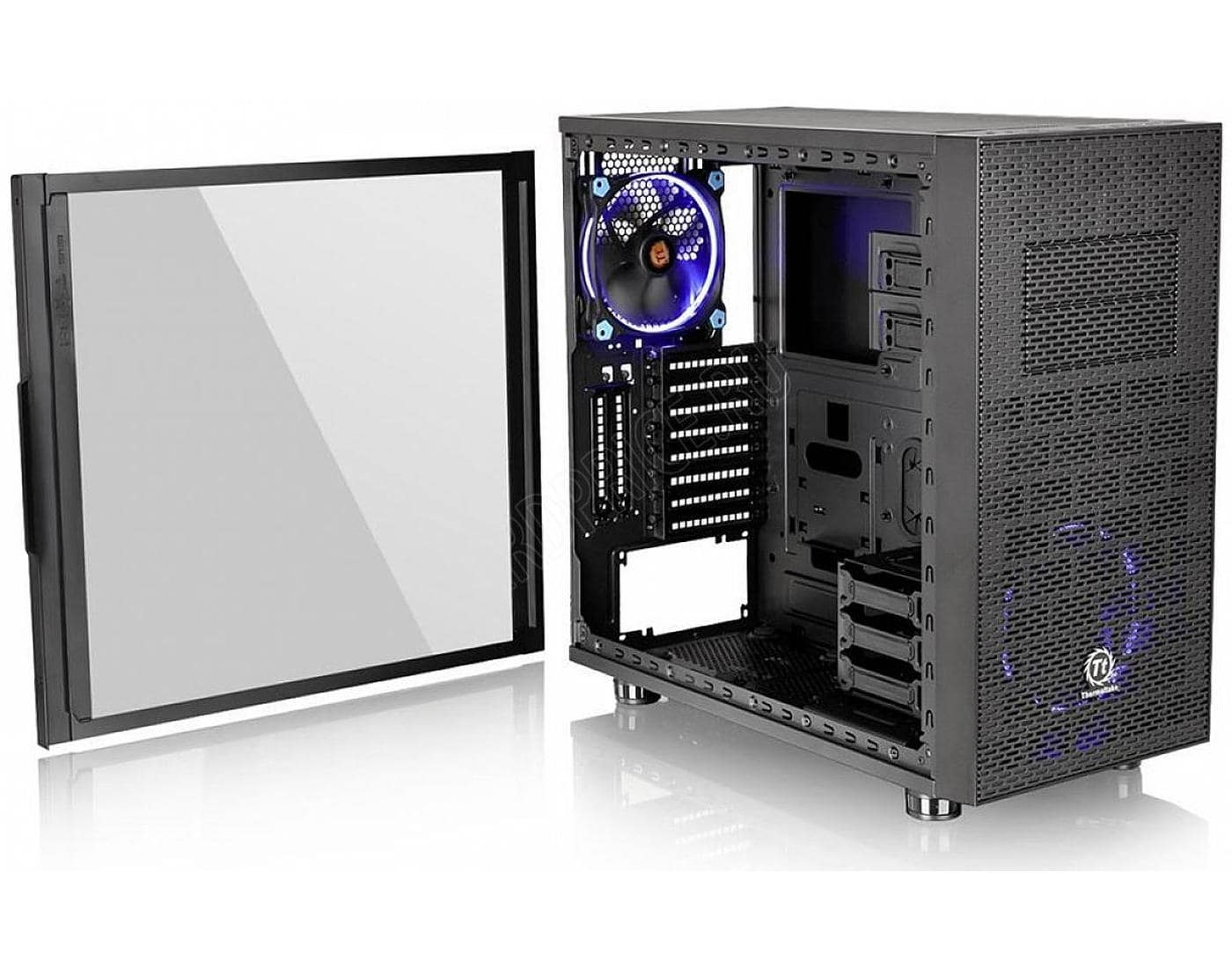
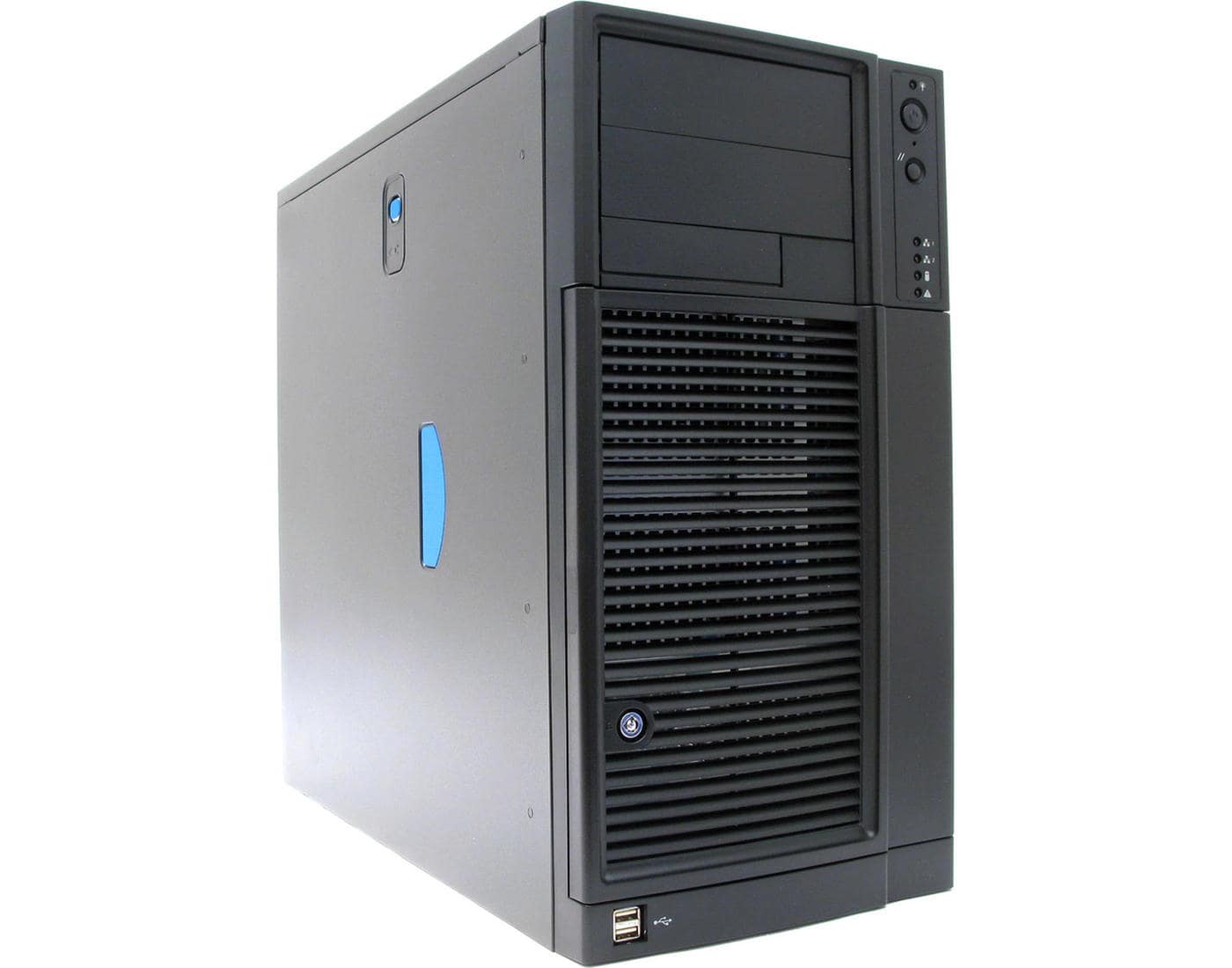
The situation is different with branded system cases and built-in power supplies. Such systems are definitely better than Chinese ones by several orders of magnitude. Brands like Thermaltake, Zalman, ASUS, Supermicro, Intel, Chieftec, Aerocool produce excellent hardware. But such kits are also quite expensive.
In conclusion, what is better — case with power supply or without PSU:
- Expensive and well-known brands produce reliable power supplies. If you have the budget, such cases with PSUs are the right choice;
- Chinese miracle devices costing up to $30 are better avoided. If you like the case, buy it, but purchase the PSU separately.
Advantages of Buying PSU and Case Separately
The system unit is assembled based on appearance and internal design. This is classic.
- The case must be compatible with the motherboard format (Mini, Micro, ATX, BTX);
- The case should accommodate a gaming graphics card — so it doesn’t bump into the drive cage;
- Gaming systems benefit from well-thought-out cooling and slots for additional fans;
- Reobases enthusiasts need a suitable panel;
- It’s good when the case has mesh panels for fans, which prevent dust and debris;
- If the PSU is mounted at the bottom, the case must have legs, otherwise, where will the PSU draw fresh air from?
Power supplies are selected based on wattage and power lines. For wattage, there are calculators. Regarding cable routing:
- The number of hard drives is specified — SATA power lines should be 2-4 more;
- A gaming graphics card requires a separate 8-pin connector (or 6+2);
- If the motherboard has additional power, the PSU should have corresponding connectors (4+4);
- Multiple fans require Molex connectors (more on this later).
The advantages of buying PSU and case separately include flexibility in selection. You can pick the right hardware for any platform and save money.
Which PC Case is Better to Choose
After understanding the form factor and internal compartments, the case is selected based on user preference. Color, shape, features — all individual for each buyer. Pay attention to build quality and ease of maintenance:
- Metal edges inside the case should be well polished and painted. Sharp edges can cause cuts during assembly or cleaning;
- It’s good when the front panel has a detachable mechanism — making cleaning very convenient;
- If the drive cage is removable — excellent;
- If SSD drives are used, it’s good to have appropriate mounts included;
- An additional panel for connecting devices (USB or audio) should not be placed on top — it will constantly gather dust;
- It’s beneficial if the removable cover has a compartment or a pre-installed fan for airflow to the CPU cooler.
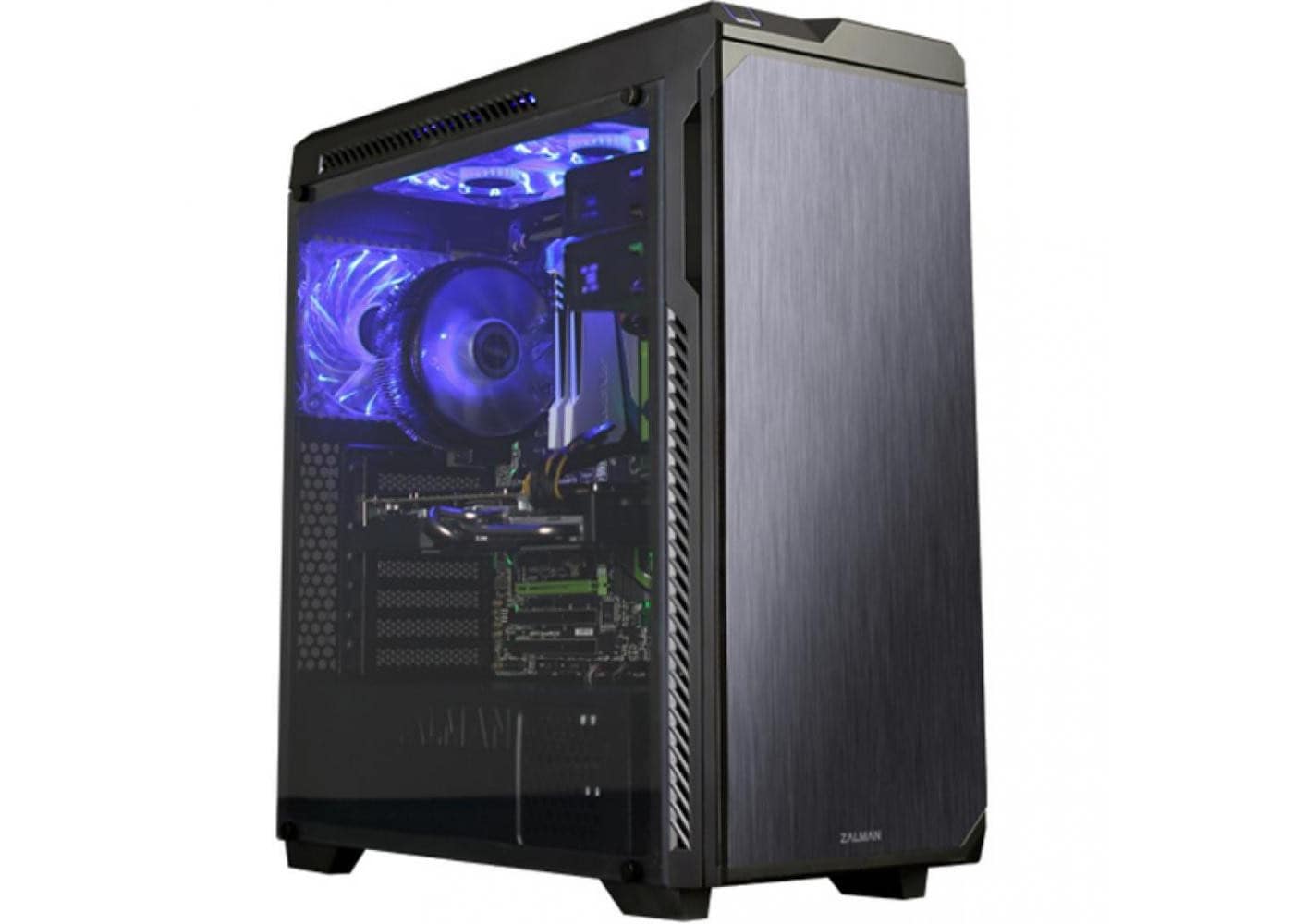
In terms of brands, good gaming cases are manufactured by Corsair, Thermaltake, Cooler Master, NZXT, be quiet!, Zalman, Deepcool, Phanteks, ASUS, Fractal Design, AZZA. This is an excellent solution for home PCs if cooling and reliability are priorities. Such cases are bought for long-term use (at least 20 years).
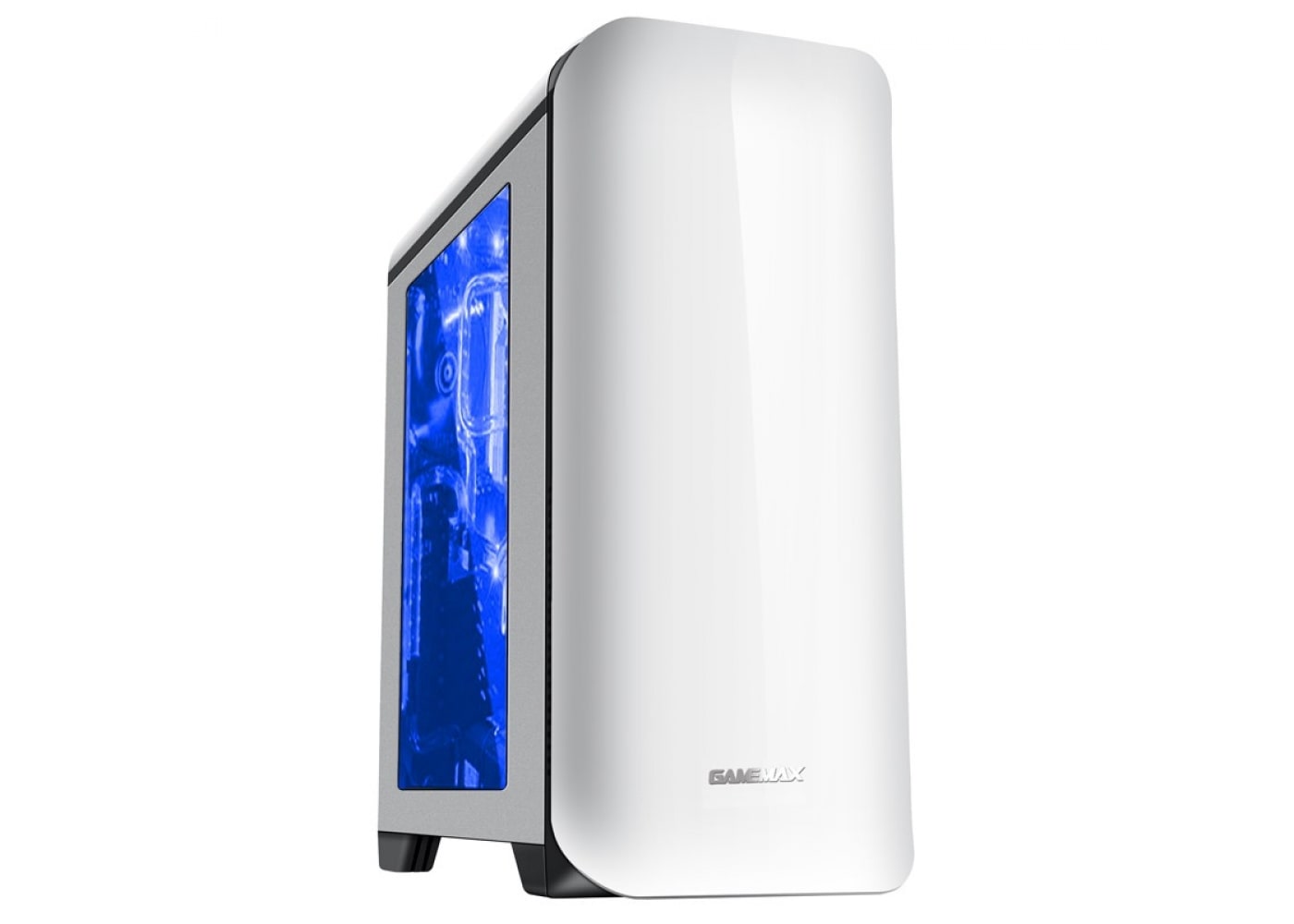
For multimedia solutions, brands like NZXT, Cooler Master, GameMax, Chieftec, FSP are recommended. They are well-designed internally and offer elegant, high-quality assembly.
For office needs — it doesn’t matter what the buyer chooses. The main criteria are low cost and adequate cooling for hardware. You can even buy the cheapest Chinese case without a power supply.
Which Power Supply for a Computer is Better
Using a calculator, an approximate power of the PSU is estimated. It’s recommended to buy a PSU 20-30% more powerful. It’s not just about reserve capacity; transformer devices have power losses. Also, a PSU that exceeds its rated output consumes more electricity from the mains. This is accounted for in ISO standards for manufacturers. To save time, there is a handy table decoding PSU markings.
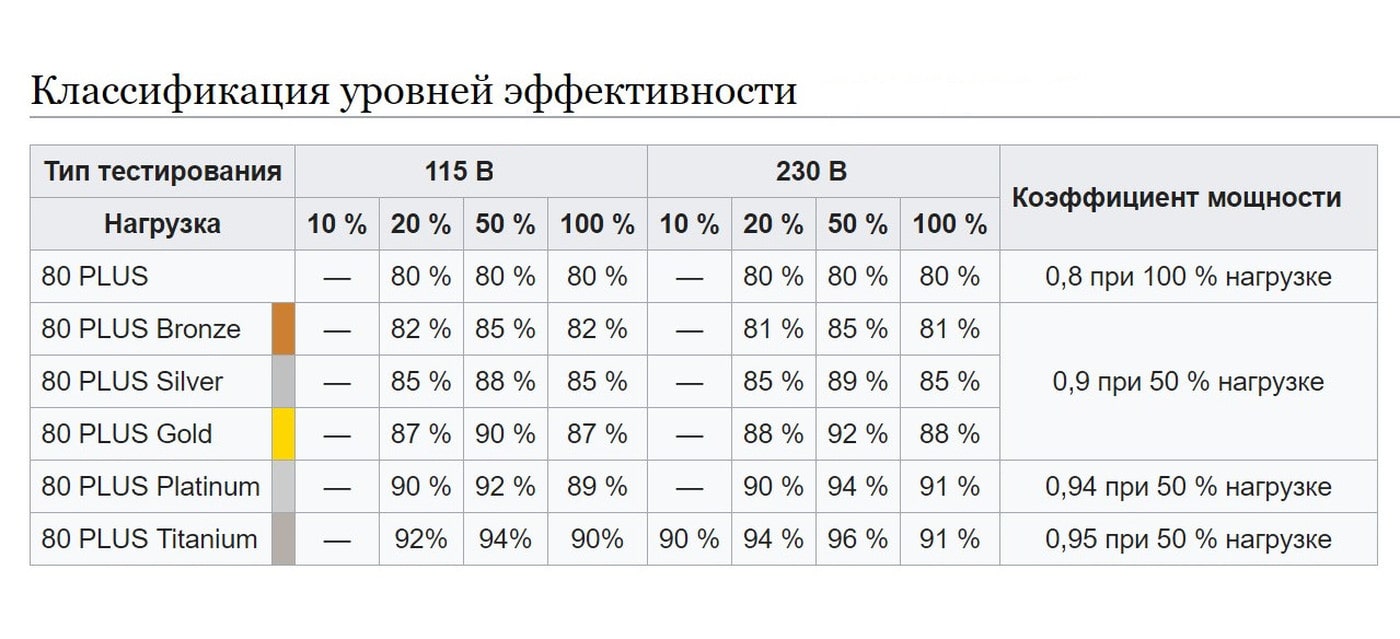
The higher the PSU efficiency, the less electricity it wastes and the less it heats up during operation. The minimum for good PSUs is 80 PLUS. 80 PLUS Titanium is the pinnacle. Chinese low-quality units show efficiencies of 60-65%. That means, when the meter reads 100 kWh, poor PSUs dissipate 40 kWh. Calculate the electricity spent over 10 years of computer use with such PSUs, convert the wasted electricity into money, and you will see that a good PSU is not as expensive as it seems.
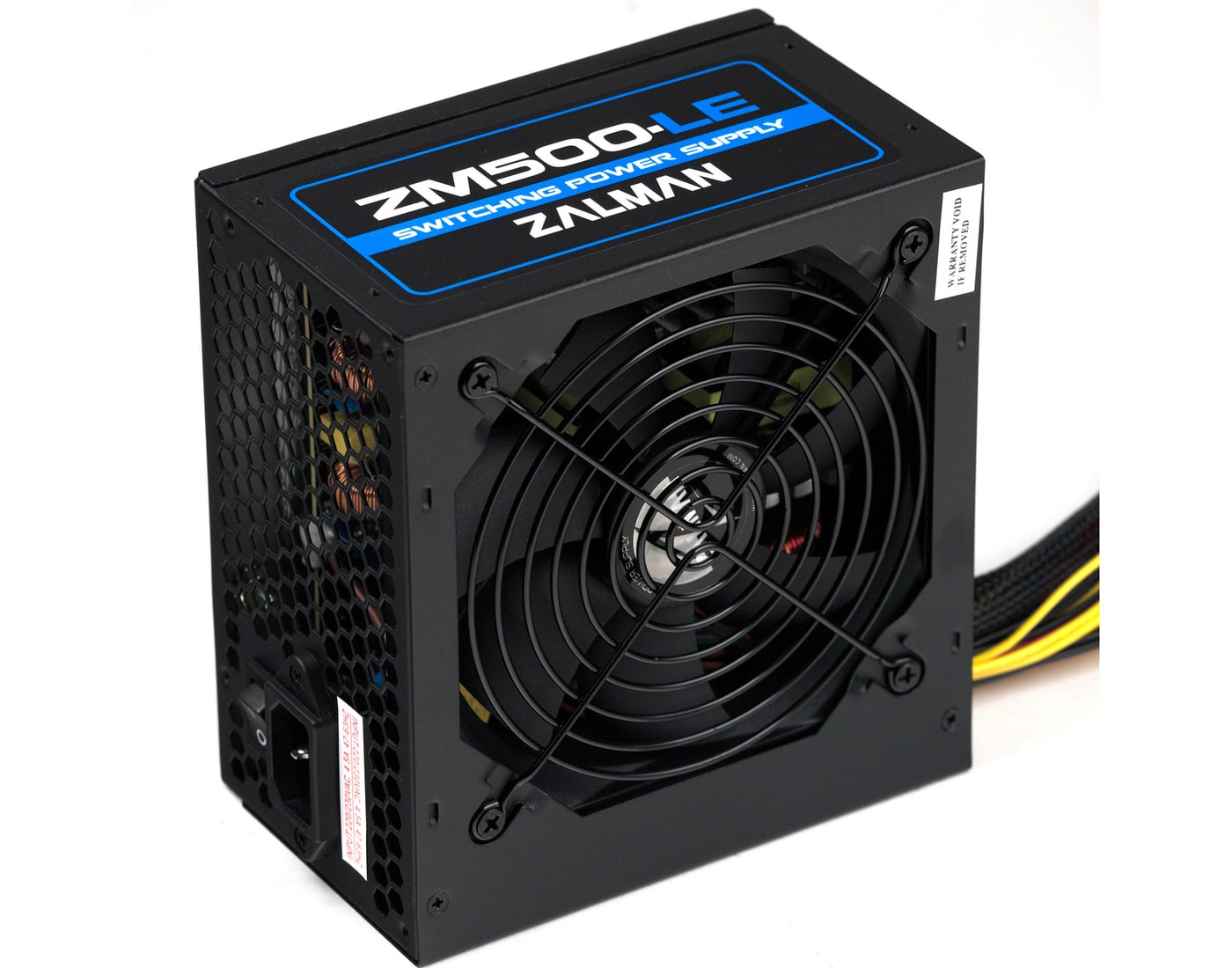
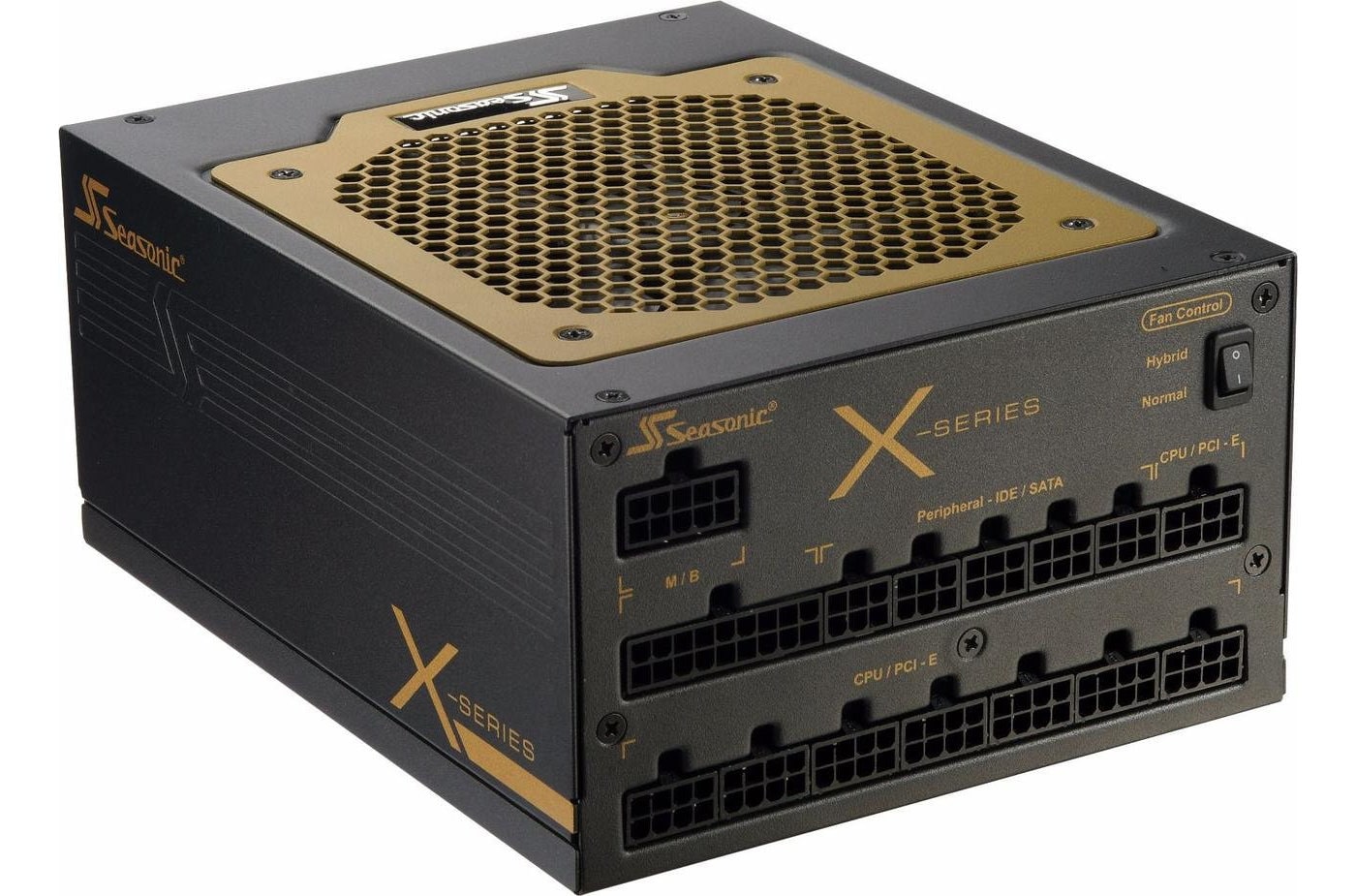
When choosing a PSU, consider ease of connection and functionality. We already discussed power lines. Another interesting feature is detachable cables. Such solutions cost 20-30% more but make installation easier and improve airflow inside the case. PSUs with detachable cables are ideal for micro-ATX cases, where space is limited and extra wiring can be a hindrance.
All power supplies, regardless of brand or build quality, have one serious issue — Molex connectors. These 4-pin connectors are used for fans, screws, and optical drives. The problem lies in the contacts themselves. When installed, contacts have weak fixation, and pin diameters don’t always match the device’s holes. This can cause tiny electrical arcs. Over time, these arcs heat the contact and the plastic base, leading to burnt smell from the system unit — a Molex issue. The solution is to switch to SATA connectors, either by re-soldering or buying a cooler with the correct connector. For system safety, it’s better to avoid Molex altogether. Short circuits can cause cable insulation to melt and ignite.
Brand Name Matters
In terms of brands, the leader is definitely SeaSonic. The unique feature is that it’s the only company in the world that manufactures PSUs from scratch — producing all components and assembling in-house. SeaSonic products are purchased by other well-known brands (like Corsair) and rebranded. There’s no need to overpay. Good PSUs are available from Thermaltake, be quiet!, Chieftec, Zalman, Antec, ASUS, Enermax, EVGA, Cooler Master.
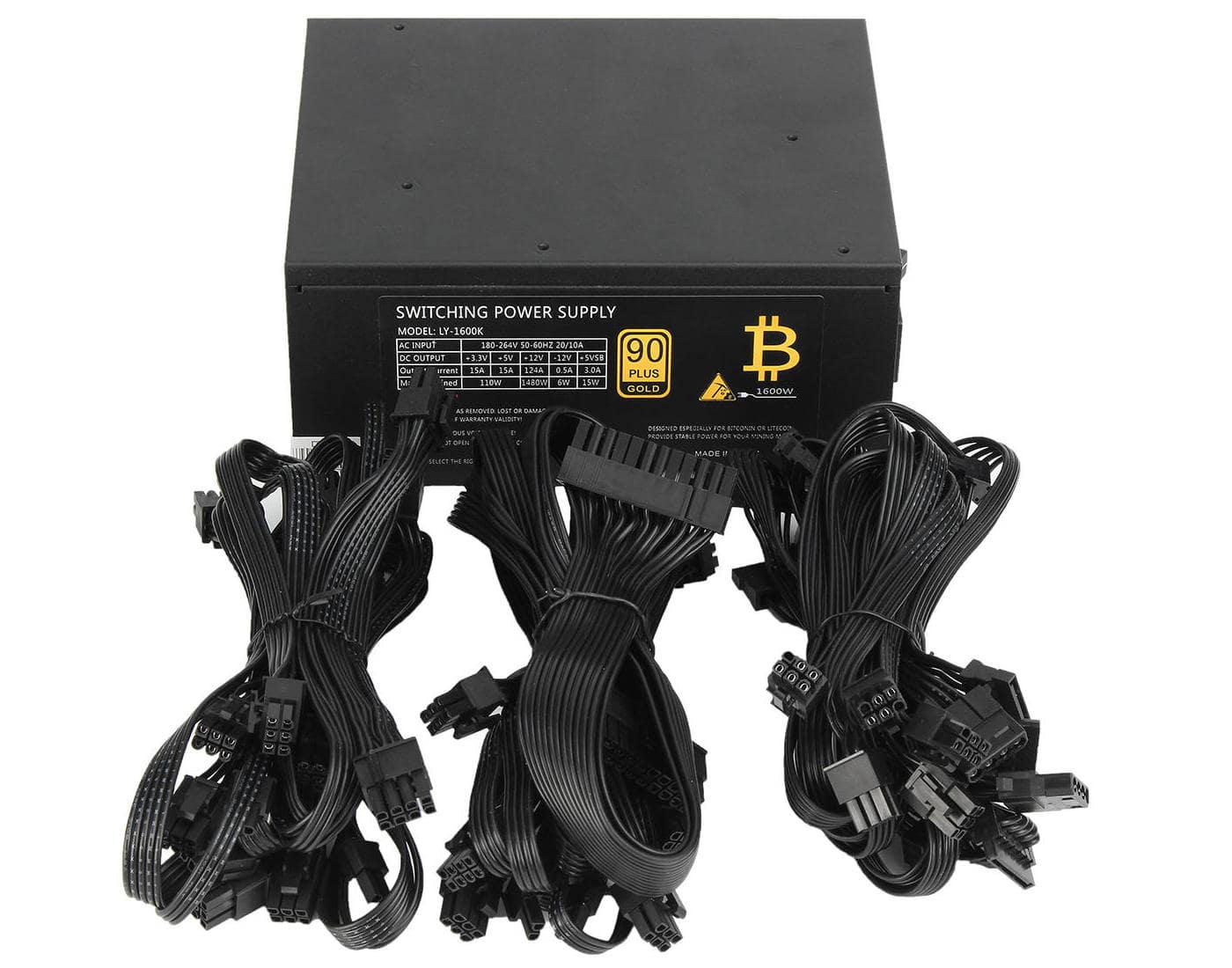
Salespeople claim that a good PSU can be distinguished simply by weight — this was true about 5-6 years ago. Chinese low-quality PSUs tend to be heavier to appear more substantial. Therefore, only reliable and proven brands are worth choosing.
When considering what is better — case with or without PSU, it’s necessary to fully explore the topic and answer all questions. But it’s better to see the full picture than to guess. If you want to extend the life of your hardware (motherboard, CPU, memory, GPU), buy a good power supply. If you decide to save on consumables, go for a cheaper option. Just don’t complain if some hardware “somehow” burns out.
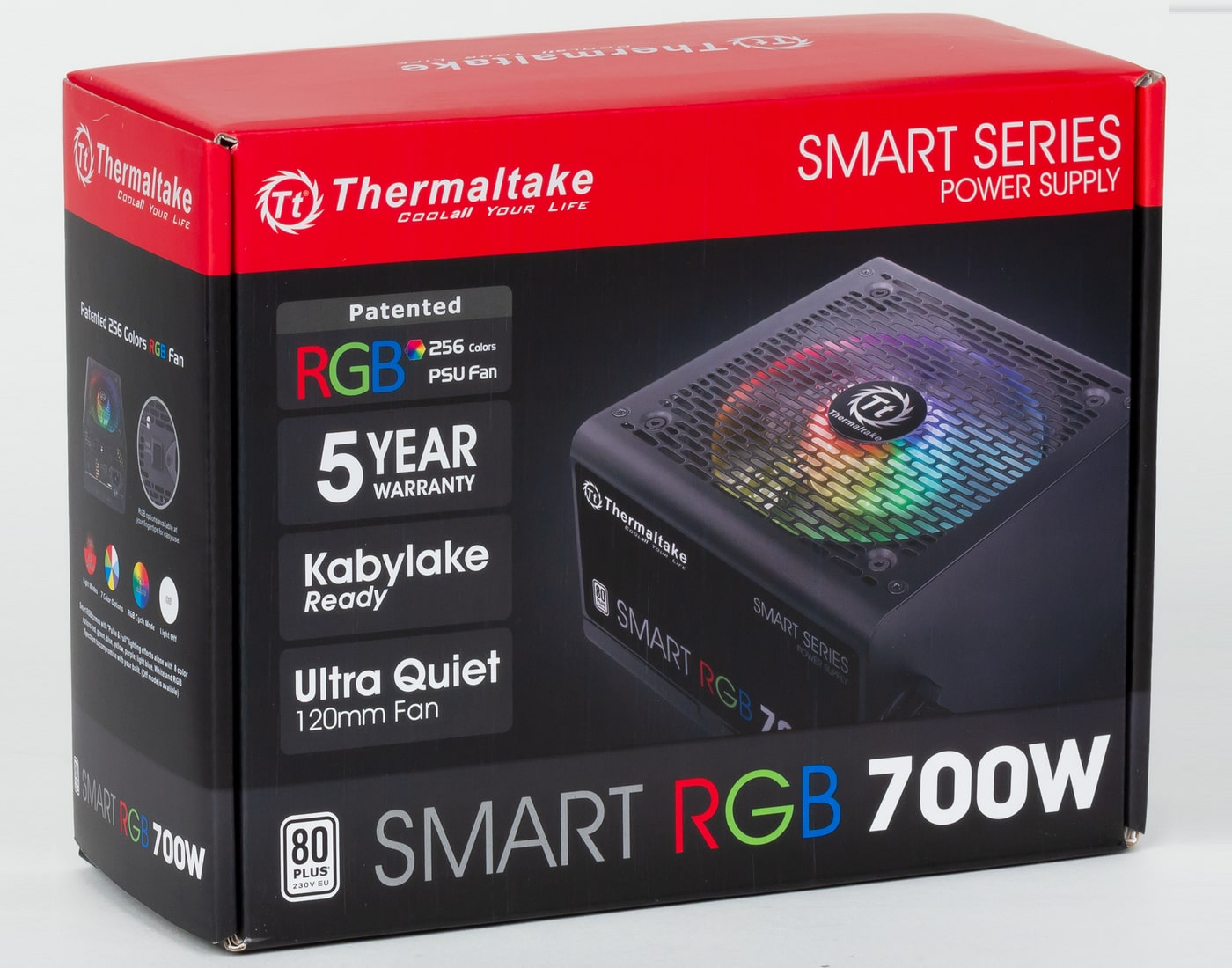
In conclusion, having a PSU separate from the case is the right and economical choice. The power supply must be calculated for wattage and selected from the premium class. The case is chosen based on the motherboard and graphics card dimensions.