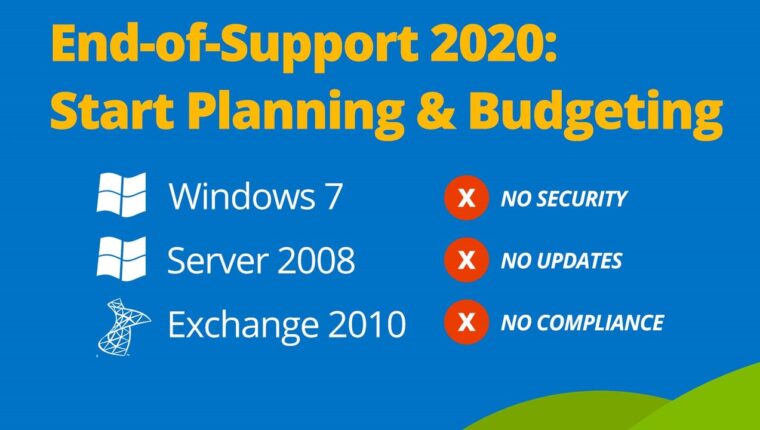
According to Microsoft, technical support for the Windows 7 operating system will cease starting January 14, 2020. This applies to all modifications of the OS for 32-bit and 64-bit platforms. The beloved “Windows” for 60-70% of users worldwide is heading for well-deserved retirement.
The OS, released back in 2009, quickly outperformed its main competitor Windows XP. High performance, security, ease of use, and excellent gaming performance elevated “Seven” to the peak of fame. Even after the release of Windows 10, most users preferred to stay on the old operating system. But times change. And not always for the better for many users.
Windows 7: Challenges of Transitioning to a New OS
We have already written an article briefly outlining the core issues of transitioning quickly to Windows 10. At that time, the problem was less relevant, and many pseudo-experts claimed we were spreading false information. But over time, questions appeared on IT forums from users with “old hardware.” Interestingly, all answers fully match our article.
There was definitely a “deal” between hardware component manufacturers and Microsoft. Starting from 2018, all Windows 10 updates check the hardware (particularly the motherboard chip). If the parts are outdated, updating the system becomes impossible. Just like installing a new OS from the official website. Naturally, many switched to Windows 7. But in 2020, this trick will no longer satisfy owners of old hardware.
The end of security updates for Windows 7 is a serious problem for all users. It leaves the system vulnerable. No one will release patches. This means the computer becomes an excellent target for hackers. We’ve seen this before with Windows 98, which could be remotely compromised after support ended, and Windows XP, which is easily hacked through any browser.
The Only Correct Solution
Considering that old sockets (AM2, AM3, 478, 775, and earlier versions) have been blacklisted, all users will need to upgrade their hardware. Naturally, if they wish. Windows 7 will still work. However, the prices for new components are not affordable for everyone. Motherboard, processor, and RAM cost at least 500 USD. But there’s an option — buying used parts on the secondary market. The most accessible and powerful solution now is Socket 1155 with a Core i7 chip (or FM2 with A8 chips). You can invest around $200 and get a fairly powerful platform capable of handling modern gaming graphics cards.
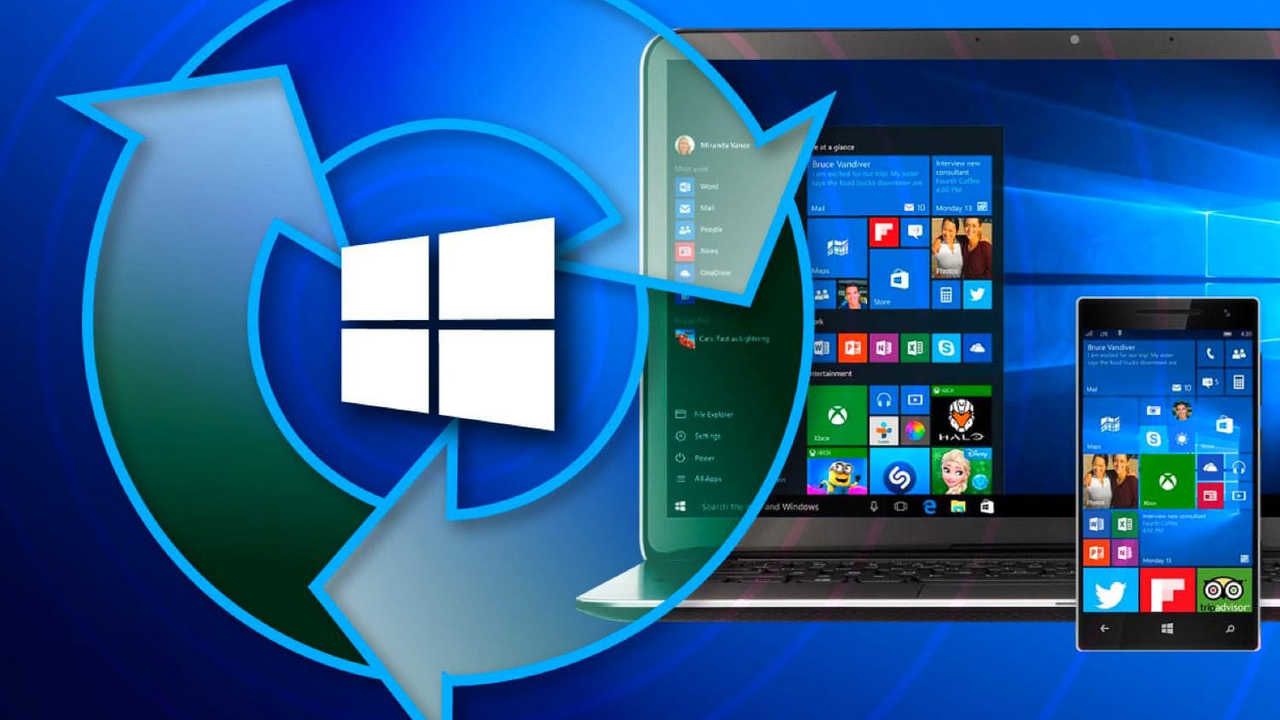
But it’s better to consider modern systems. Why? Because in a year or two, Microsoft will once again stop supporting outdated components. Seeing increased profits since mid-2019, hardware manufacturers will continue to “negotiate” with OS developers.
Upgrade Recommendations
When looking for a powerful workstation or gaming PC, you don’t need to buy expensive components. You can use an old but effective scheme used by IT professionals worldwide:
- Buy a modern motherboard supporting top processors.
- Purchase a new low- or mid-range processor.
- Get RAM of the needed capacity.
The main thing in choosing is to focus on your needs. Even low-power current processors can unlock the potential of modern graphics cards. Serious gamers have the money — that’s not an issue. After a year or two, users can buy a more powerful processor on the secondary market for half or a third of its retail price. The same applies to RAM upgrades.
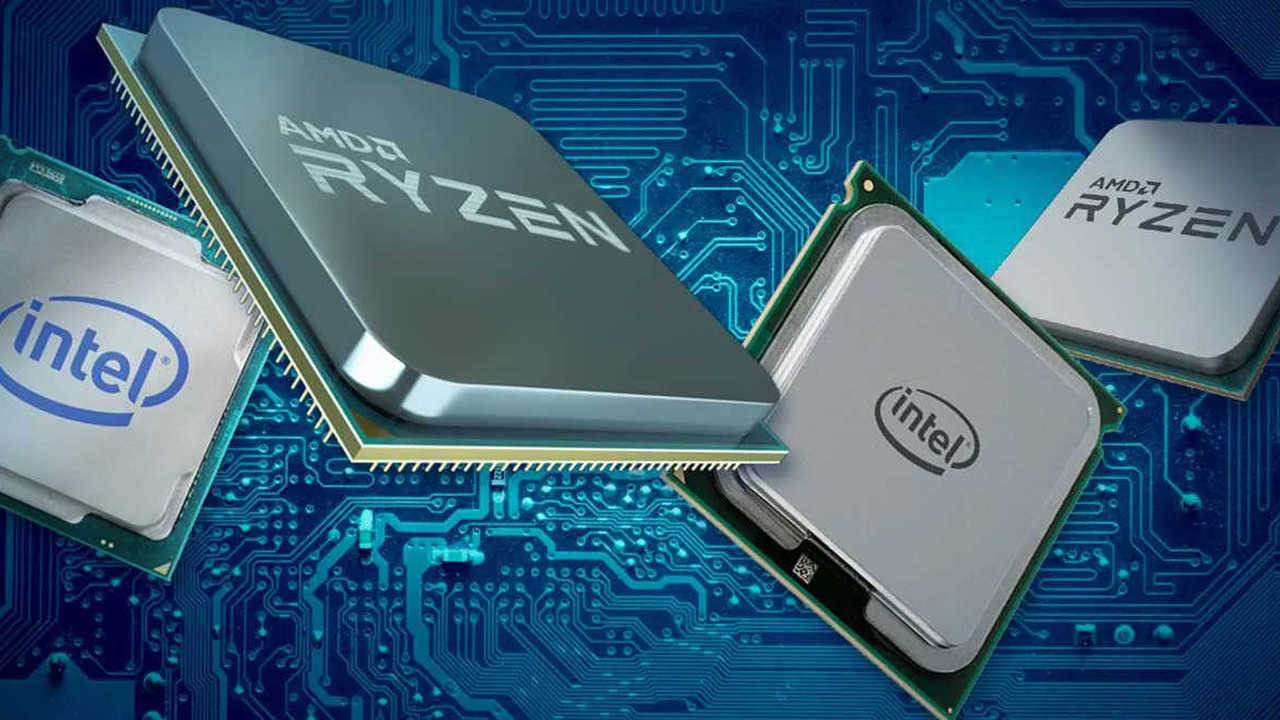
Regarding sockets, there are many interesting offers on the secondary market: AMD AM4 and Intel 1151. Both chips date back to 2016. AMD offers are breaking records. After the release of socket TR4, used hardware prices are very attractive. The same fate awaits Intel. Chips 1151 and 1151v2 will soon lose their former glory. Currently, the manufacturer only offers the server socket 3647. But in a month or two after the New Year, a new desktop segment product is expected. This will inevitably lead to a drop in prices for previous-generation chips.
Windows 7 Recommendations
The system has served its purpose and should be “buried,” no matter how blunt that sounds. Accordingly, users with old hardware need to urgently switch to a new socket. It can be used, but fresh (no older than 5 years from the chip’s presentation date). Alternatively, accept Microsoft’s policy and keep Windows 7 without support. In this case, it’s better to buy DVD-RW drives and regularly save valuable data on optical media.
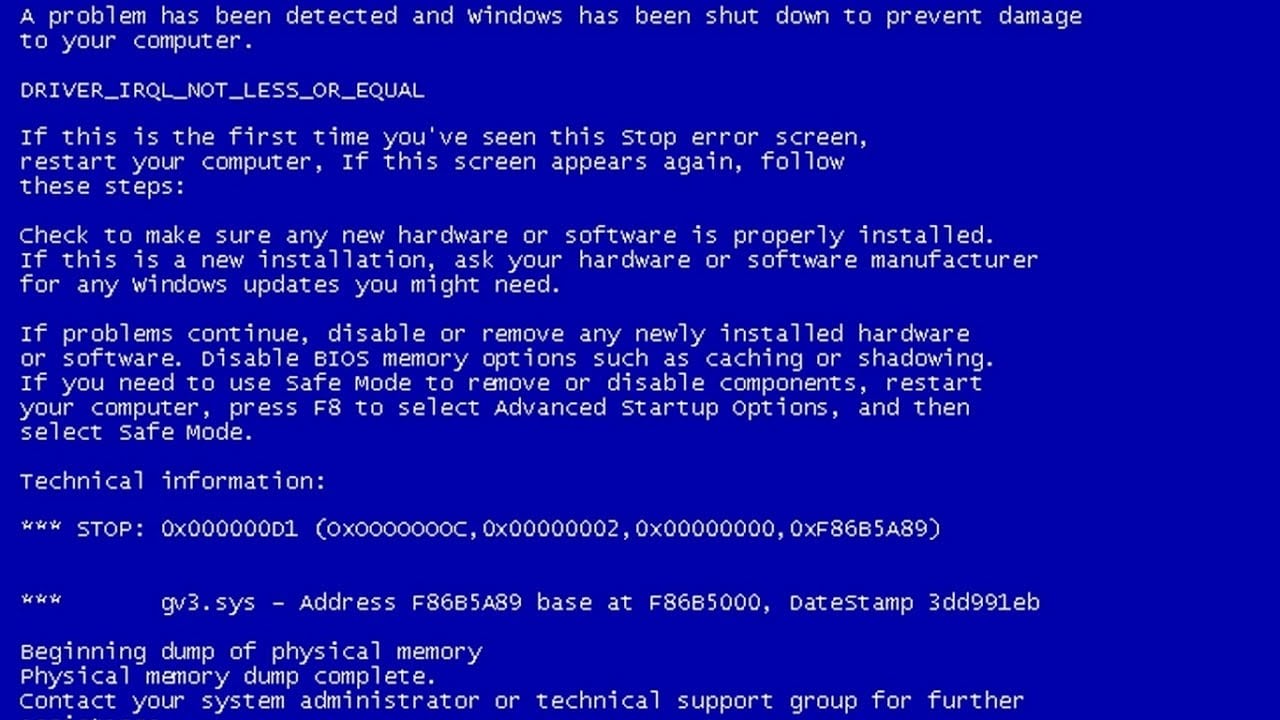
Otherwise, a day will come when a blue Windows screen appears with an unsuccessful load message. All data could be lost or encrypted irreversibly.



![[Exclusive] Noise Master Series: Review of flagship headphones](https://teranews.net/wp-content/uploads/2025/09/frame_19522-360x220.webp "[Exclusive] Noise Master Series: Review of flagship headphones")