The idea to write this article arose after studying the recommendations of pseudo-specialists who strongly advise buyers on somewhat incorrect solutions. These are bloggers who post their own video tips regarding the purchase of inexpensive PCs or laptops. For someone unfamiliar with IT technologies, these recommendations may seem truthful. At first glance. But if you analyze all the advice, you can see that bloggers are engaged in advertising – indicating models of motherboards and sellers in the description under the video. As a result, an inexpensive computer for home or office becomes not such a cheap solution ($500-800). And most importantly, not effective.
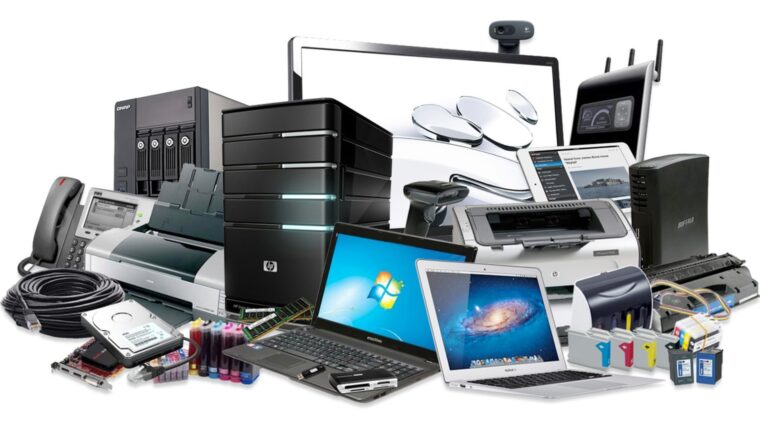
Let’s break everything down together regarding the needs and functionality of computer hardware. We focus on the minimum market price of all PC or laptop components, without forgetting about durability of use.
Affordable Computer for Home or Office: Specifications
Immediately exclude all equipment offered on the secondary market. We have already written about the collusion between hardware and software manufacturers. This is a confirmed fact. Recently (before the new year 2020), Intel removed software and drivers for hardware released after 2012 from their servers. Additionally, Microsoft, in its updates, tracks old chips and refuses to install security patches. For buyers of used equipment, this means that the purchased PC or laptop will not be properly supported. This leads to incorrect operation of applications and services.
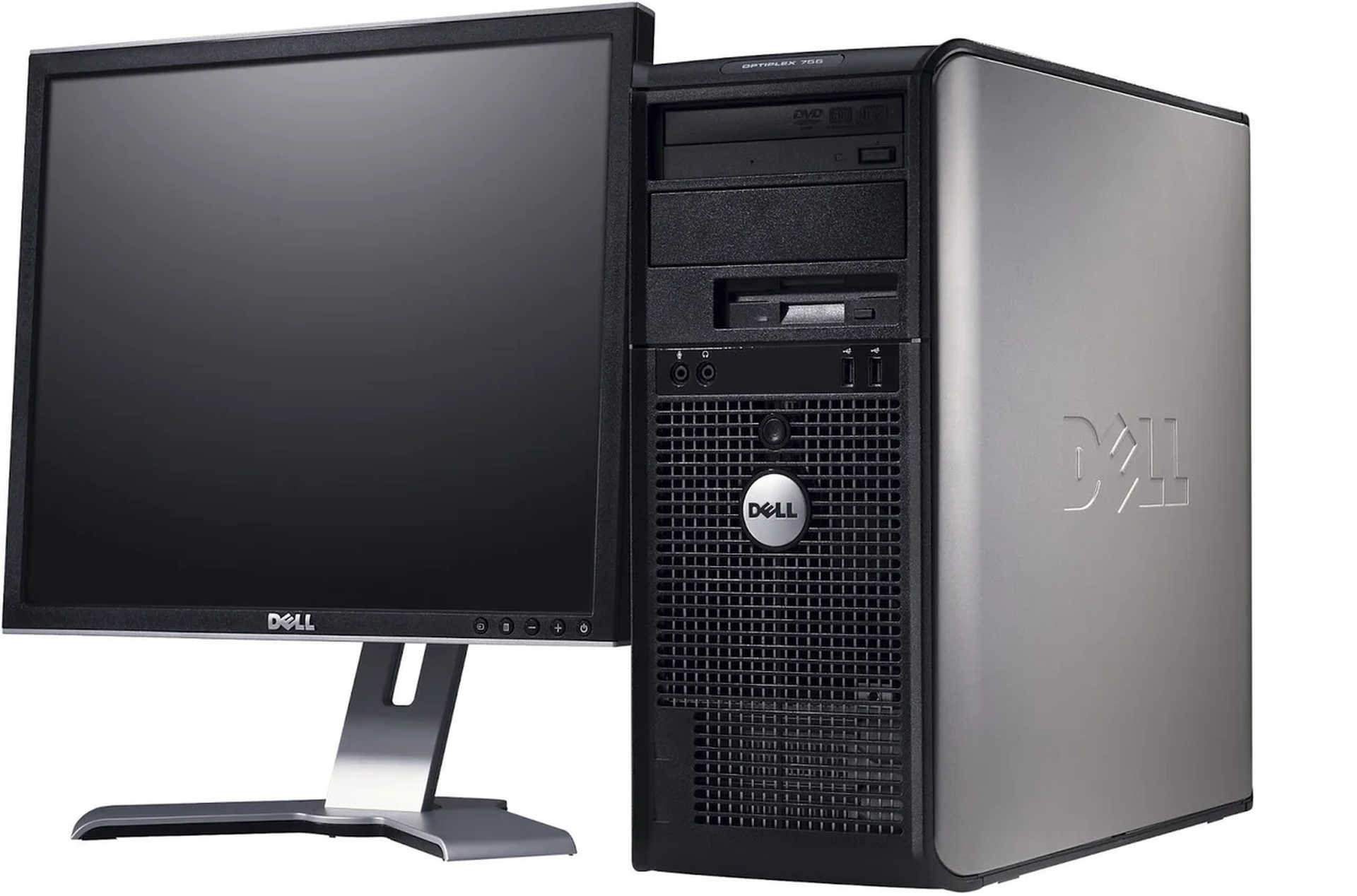
The concept of “budget solution” implies an optimal device for internet browsing, multimedia, and office programs, purchased at the minimum price. Details on functionality:
- Work in office applications. Office tools – Word, Excel, Outlook. Minimum hardware requirements – 2 GB RAM and a 32-bit single-core processor with a frequency of 1.2GHz or higher.
- Multimedia. This includes YouTube, listening to music, and watching videos with built-in players. For these tasks, 4 GB RAM and a dual-core processor with a frequency of 1.8GHz or higher are sufficient. Exception – watching movies in 4K format, which requires a faster processor – 2.2GHz or higher. Plus, the output device must support 4K – a 55” TV or a monitor with at least a 24-inch diagonal.
- Internet browsing. Working in browsers like Google Chrome, Opera, or Mozilla. Minimal hardware requirements. One point – the number of active tabs. The more tabs open, the more memory is needed. For example, 4 GB for 10 tabs, 8 GB for 20 tabs.
Based on the initial data, any cheap PC or laptop is sufficient for home or office use. Store salespeople often work on commission, so they are interested in selling more expensive devices.
Selecting the Chipset: Intel or AMD
This is where we caught the bloggers with their excellent recommendations. By the way, all hardware based on AMD platforms will be cheaper for the user than Intel. But the difference is about 10-20%. In the “experts”‘ advice, you can find a comparative table of Intel and AMD processors of the same class. But it’s unclear why bloggers omit the power consumption of the chips. The difference amounts to 20-30 Watts (about 20-60%). All Intel chips inherently consume less electricity.

And what’s so military about this?
Let’s do the math. At minimum. 20 Watts per hour. A PC or laptop is used at least 8 hours at the office and 4 hours at home. Accordingly, the excess per day is 160 and 80 Watts. The equipment is purchased for at least 5 years. Multiplying 245 working days per year by 5 gives 1225 days. In energy consumption – this is 196 and 89 kWh. Converting to finances, the difference is about 10-20% in the price of Intel and AMD processors.
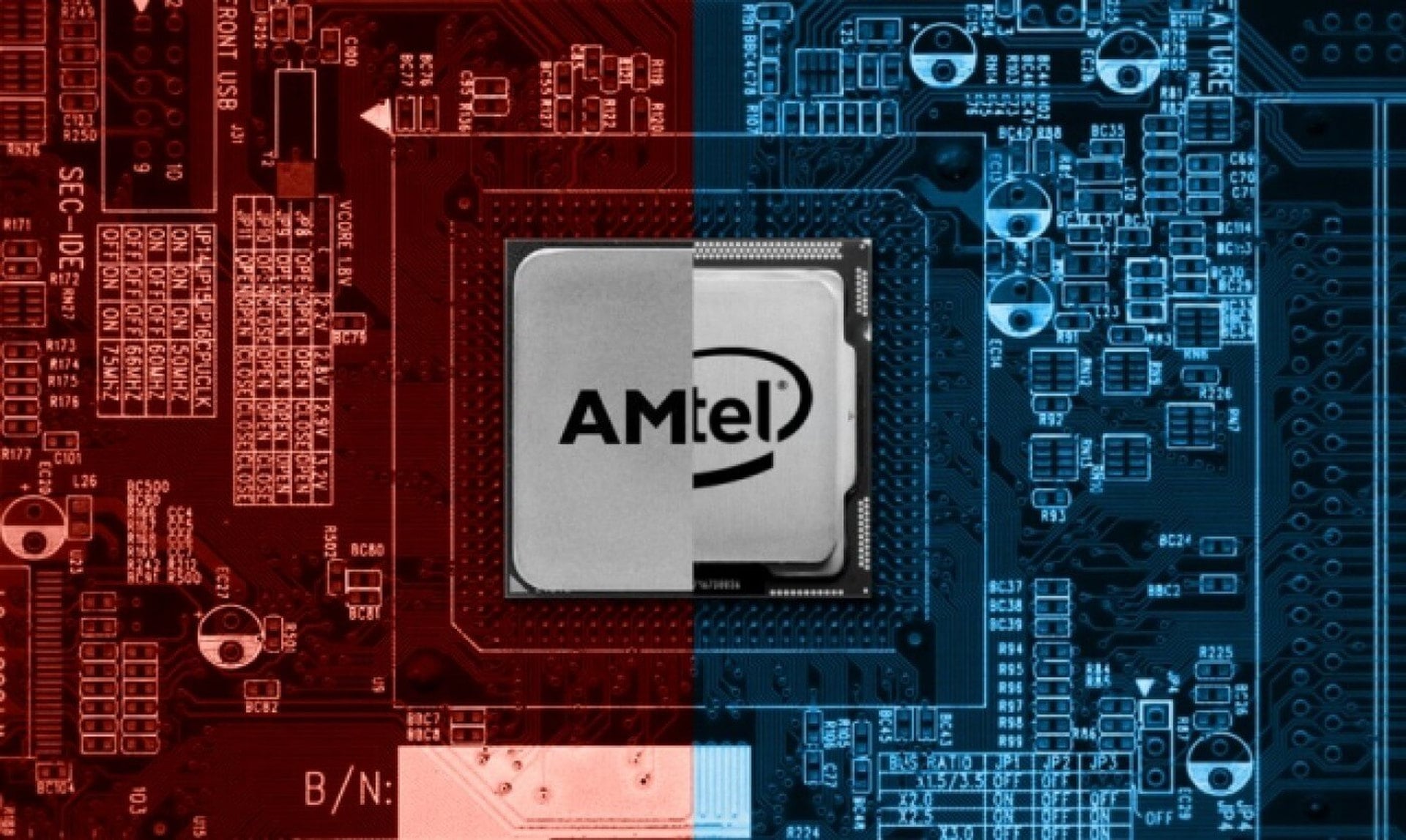
For some, this is pennies, but due to the high heat dissipation of AMD processors, computers or laptops require proper cooling and frequent cleaning from dust. This also incurs costs. Plus, all software is optimized for the Intel platform. And this results in higher performance and reliability.
Price-Functionality: Choosing a Device
Which is better: a laptop or a PC? It’s worth noting that mini-PCs, which are sold not in all computer stores, should also be considered. The advantages and disadvantages of all equipment will be discussed further.
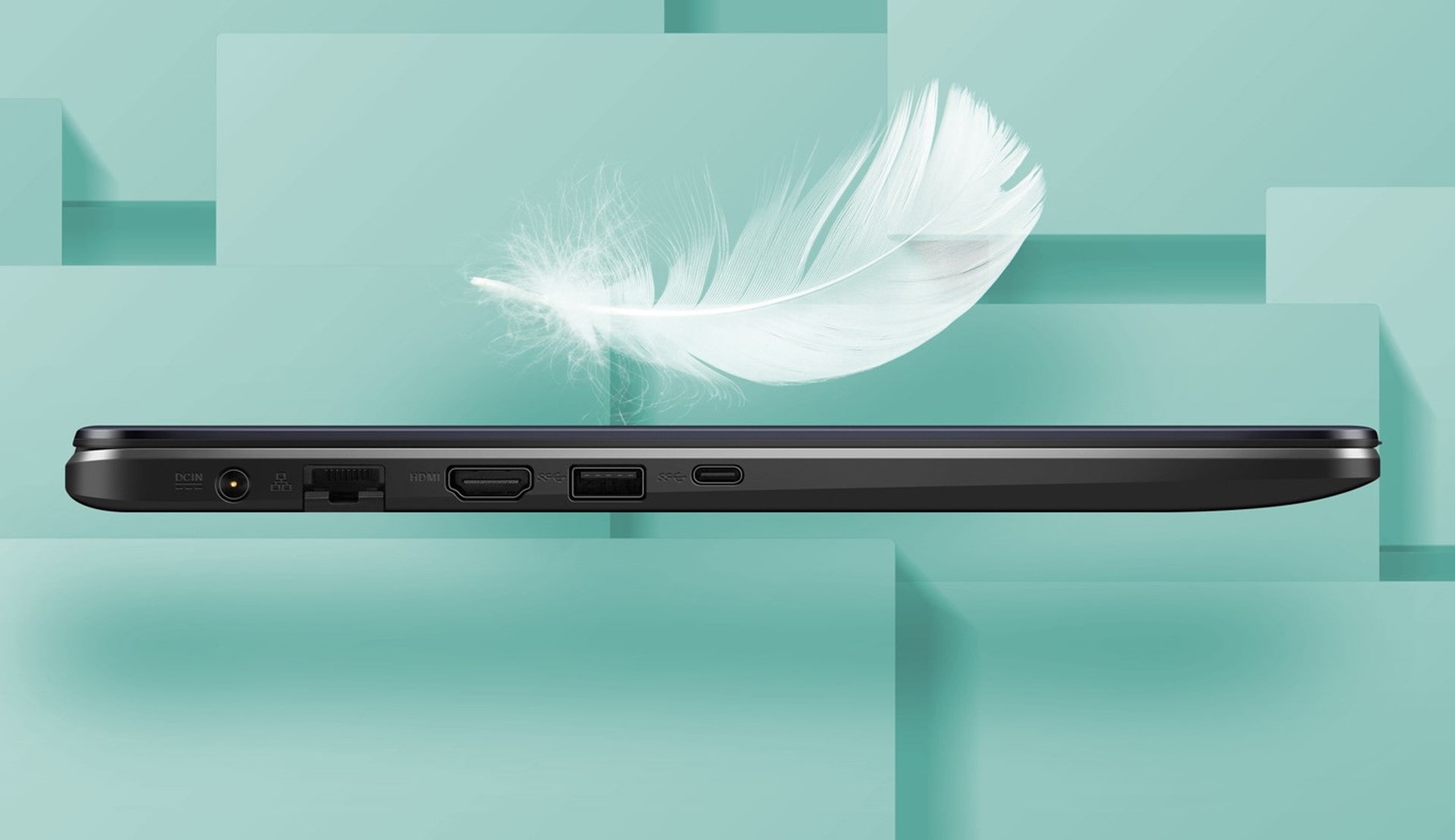
Laptop. The advantage of the gadget is that all necessary components are in one device. This includes the processor, other hardware, monitor, mouse, and keyboard. For the user, this means mobility, compactness, and ease of use.
But there are also disadvantages. The main one is the display size. In the budget segment – 15 inches. This is standard. You can buy a laptop with a 17 or 19-inch screen, but the price is significantly higher. Plus, the mouse and keyboard are directly in front of the screen, which is not always convenient. An alternative is to connect the laptop to a TV, but then the purchase loses its point.
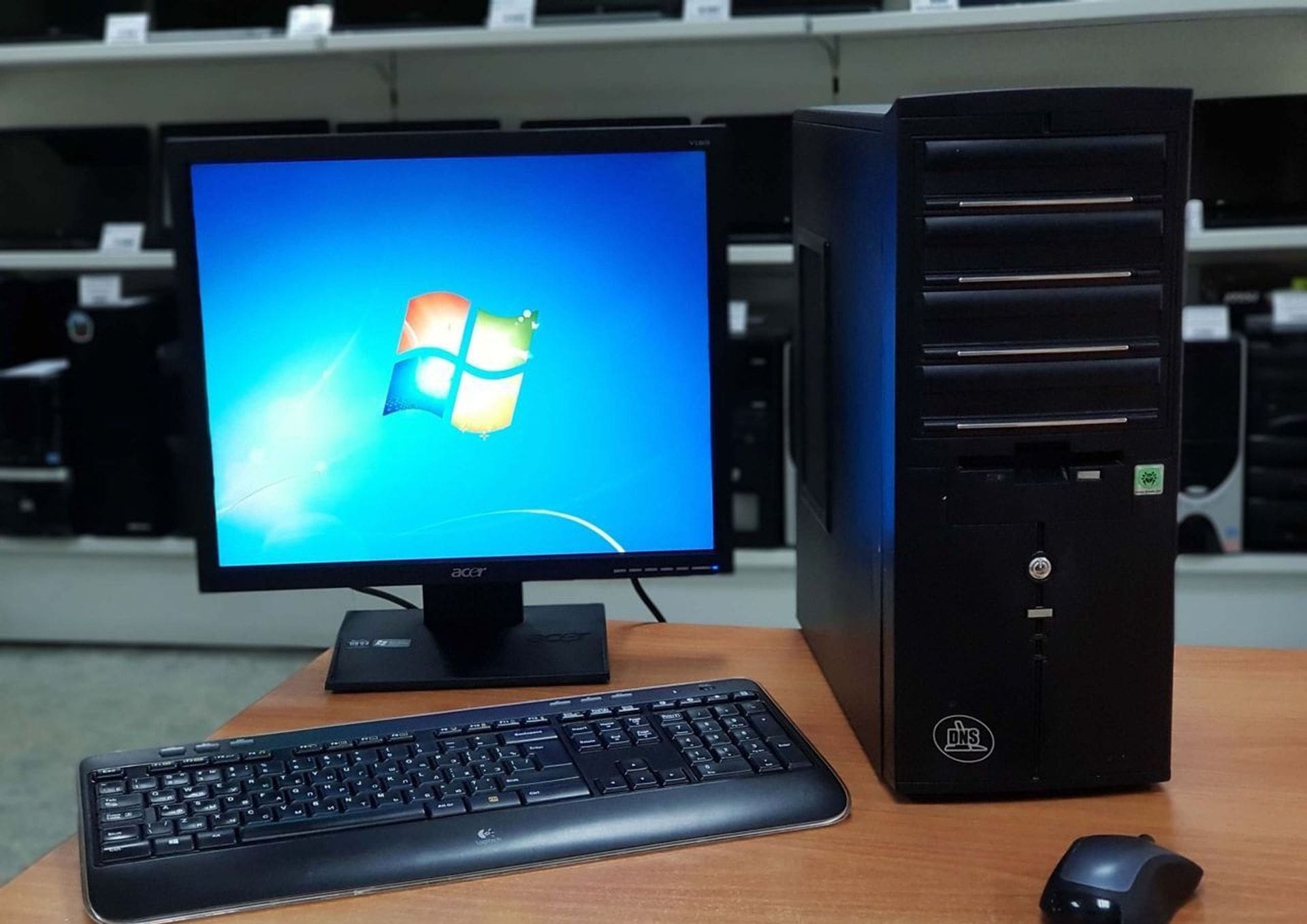
Personal computer. You can choose monitors of any size. Plus, according to sellers, a PC can be upgraded. That’s a fact. But according to statistics, less than 1% of buyers resort to such solutions over 5 years of use.
In the office, it’s fine, as there is a desk with a niche for the system unit. But at home, you will need to organize a workspace. Plus, a bunch of wires and at least 2 sockets for connecting the tower and monitor separately.
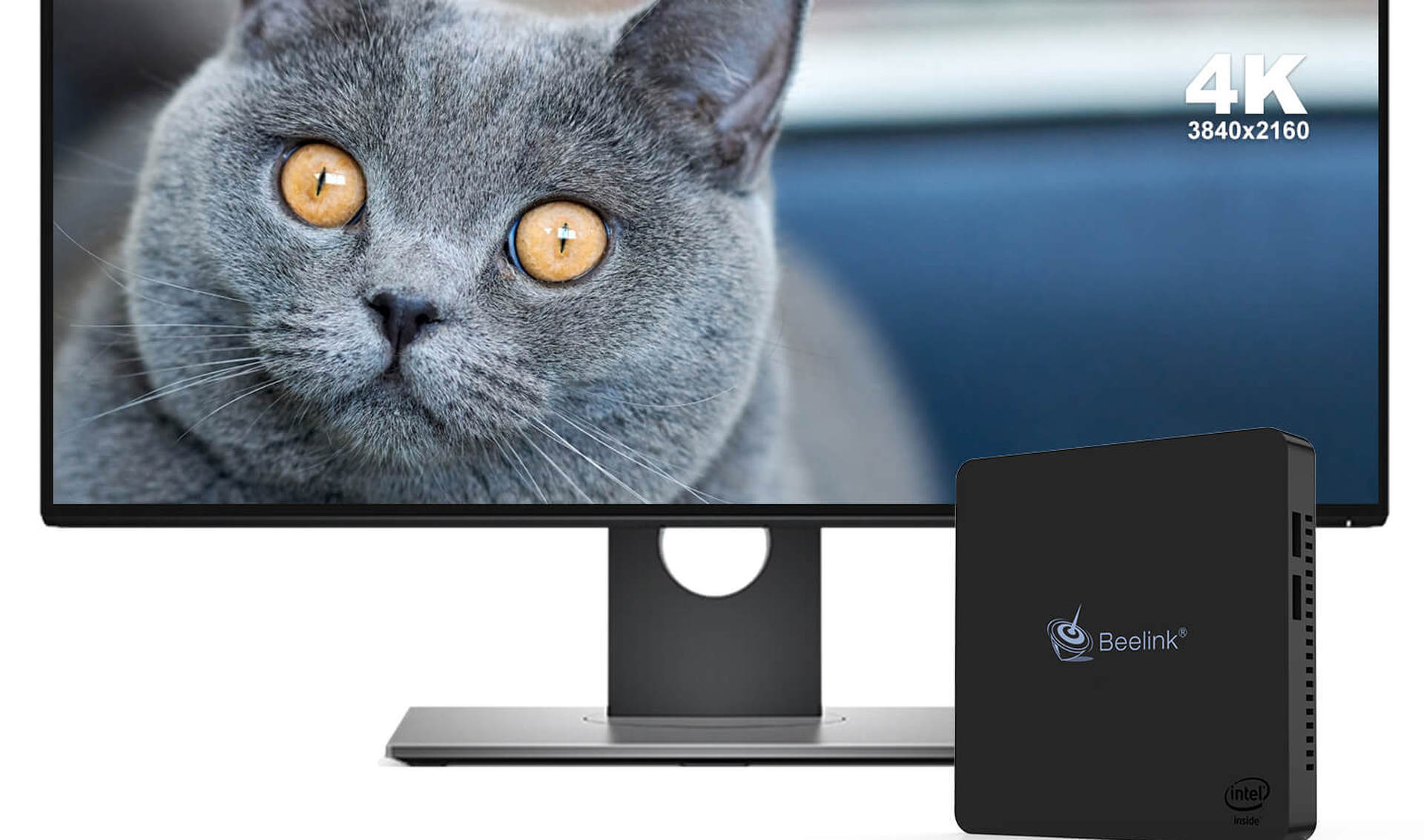
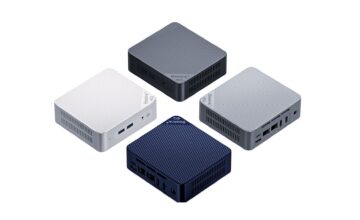
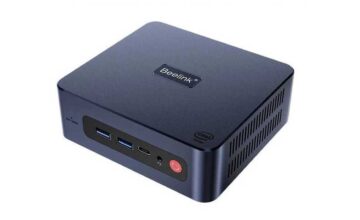
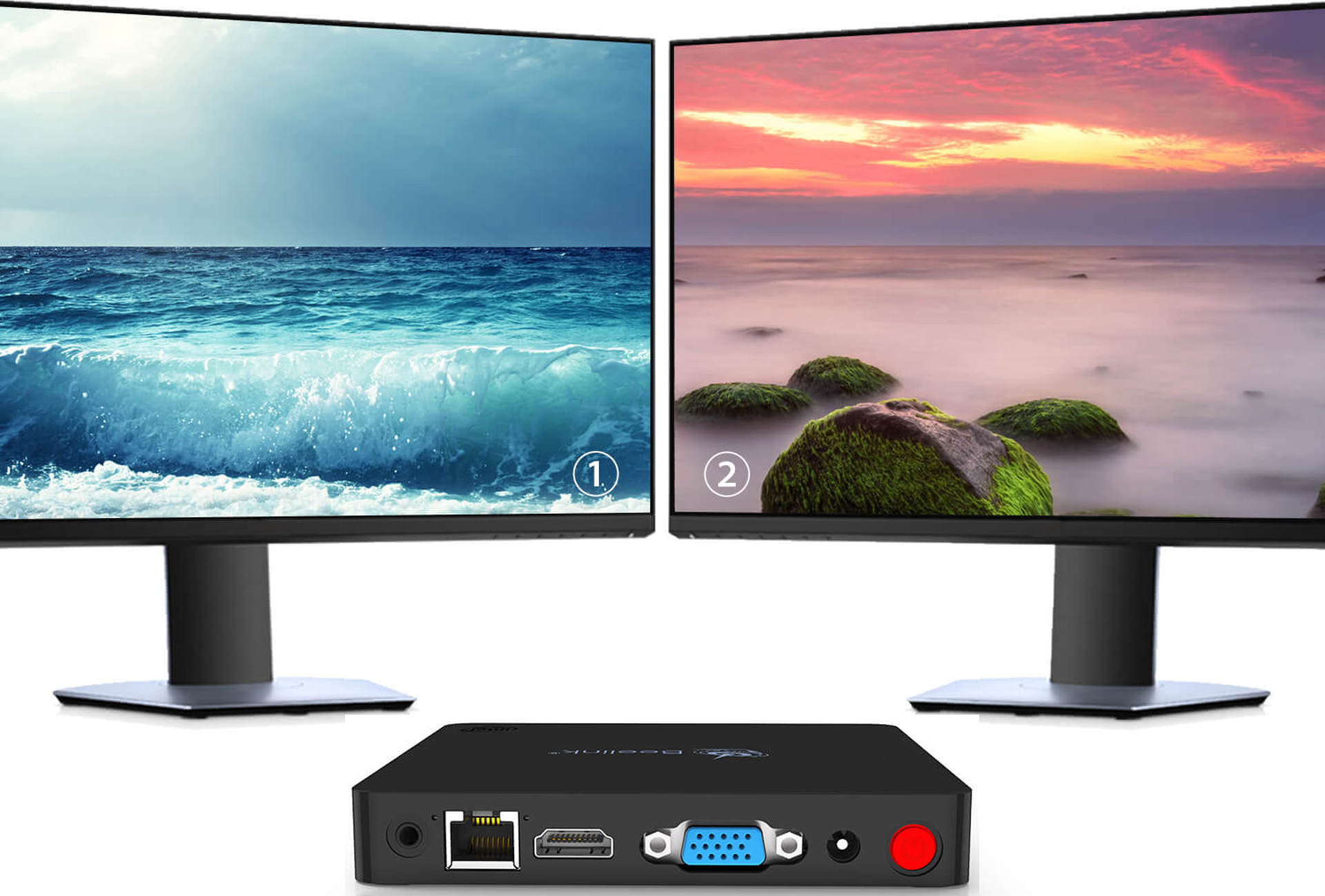
Mini-PC. A compact box that attaches to a monitor or is placed on a desk. The miniature device connects to the display and network. It has ports for keyboard and mouse. Plus, wireless interfaces for the same mouse, keyboard, or remote control.
The disadvantage of mini-PCs is the inability to upgrade.
Summary of Solutions
PC + monitor. Minimum: a computer for $200 + a 24” monitor for $130 – total: $330.
Laptop – $250.
Mini-PC + monitor – $100 + a 24” monitor for $130 – total: $230.
As we see, the prices for equipment are half of the ready-made solutions offered by bloggers. Of course, these are the minimum prices. Why such a difference? The authors of the videos receive orders from their sponsors – to sell PCs or laptops. Naturally, for a certain percentage. In fact, only the end consumer suffers, who simply overpays for advertising.
If the reader is interested in our expert opinion regarding the topic “Affordable computer for home or office,” it is better to focus on needs and durability of use. We have repeatedly written about the minimum requirements for a PC with a margin for the next 10 years.
There is no need to chase ultra-modern technologies and unlimited functionality. There are optimal requirements declared by software manufacturers. These indicators should be the focus. As of early 2020, they are: a dual-core processor (Pentium or Core i3), 4 GB RAM (8 GB with a margin), and any SSD drive with a capacity of at least 120 GB. That’s all. The rest of the parameters for office or home systems are not important.