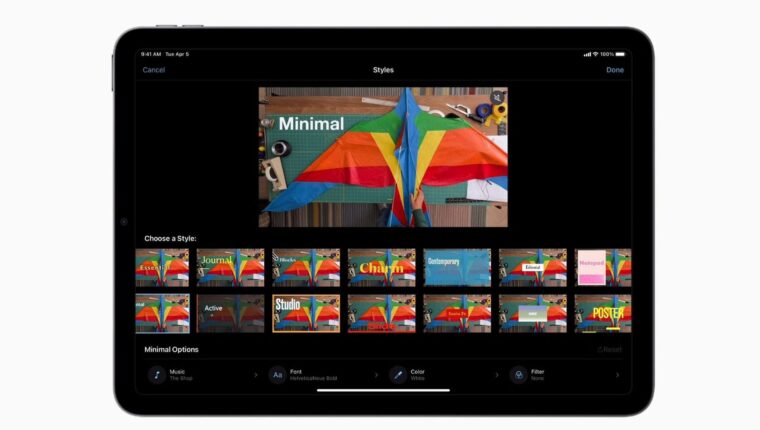
Apple Inc. has released an update for its free app iMovie 3.0. This program is designed for semi-professional video editing on mobile devices with iOS and iPadOS. The update introduces new features that will be appreciated by bloggers and enthusiasts from all over the world. Two new tools, Storyboards and Magic Movie, have been added.
Apple iMovie 3.0 Update – Storyboards
The so-called “storyboarding” of a video helps in editing the footage. It involves using various built-in video styles for different clips. There are dozens of styles available in the settings menu, such as styles for news, cooking lessons, chronicles, and more.

A helpful feature is the assistant, which provides tips. With the Storyboards tool, even children can easily edit videos, which is very convenient. Video clips can be rearranged, moved, deleted, or added. All objects—such as fonts, palettes, and transitions—are editable.
The overlay of the audio track adjusts automatically to any user modifications. Manual mode is also available, allowing trimming, changing playback speed, and adjusting volume.
Apple iMovie 3.0 – Magic Movie
Literally translated as “magical movie,” this feature resembles the built-in video editor of the Windows operating system. It is used for quickly creating clips from available photos or videos. Magic Movie works in conjunction with the Storyboards tool, making it a full-fledged video studio where you can “assemble” videos of any format.
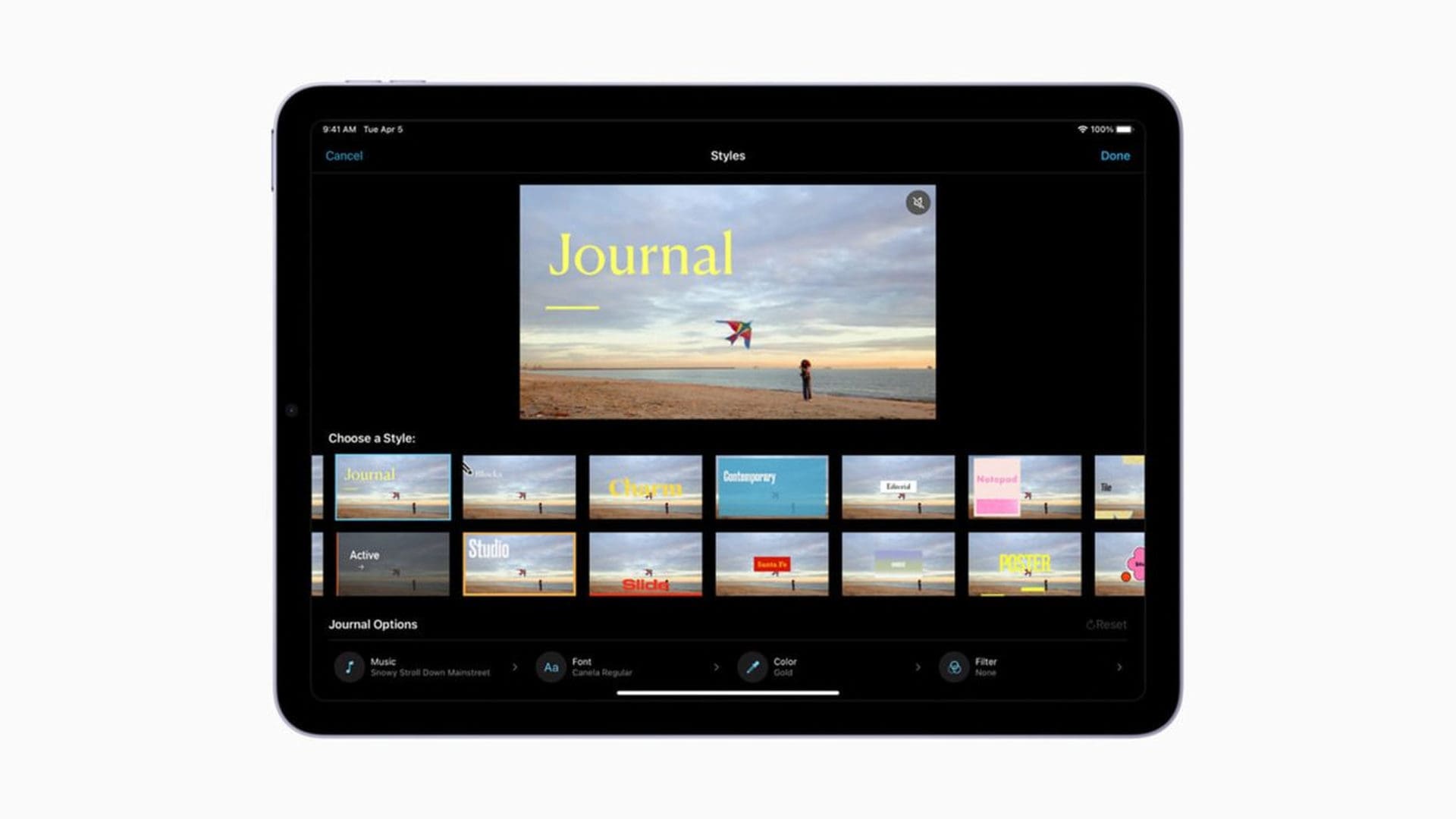
A pleasant aspect of Magic Movie is the publishing process. Videos can be saved in any popular format or directly shared to any app using the “share” button. It’s easy to create a video “on the go” in just a few minutes and quickly send it to anyone. The implementation is excellent, and best of all, it’s free.