
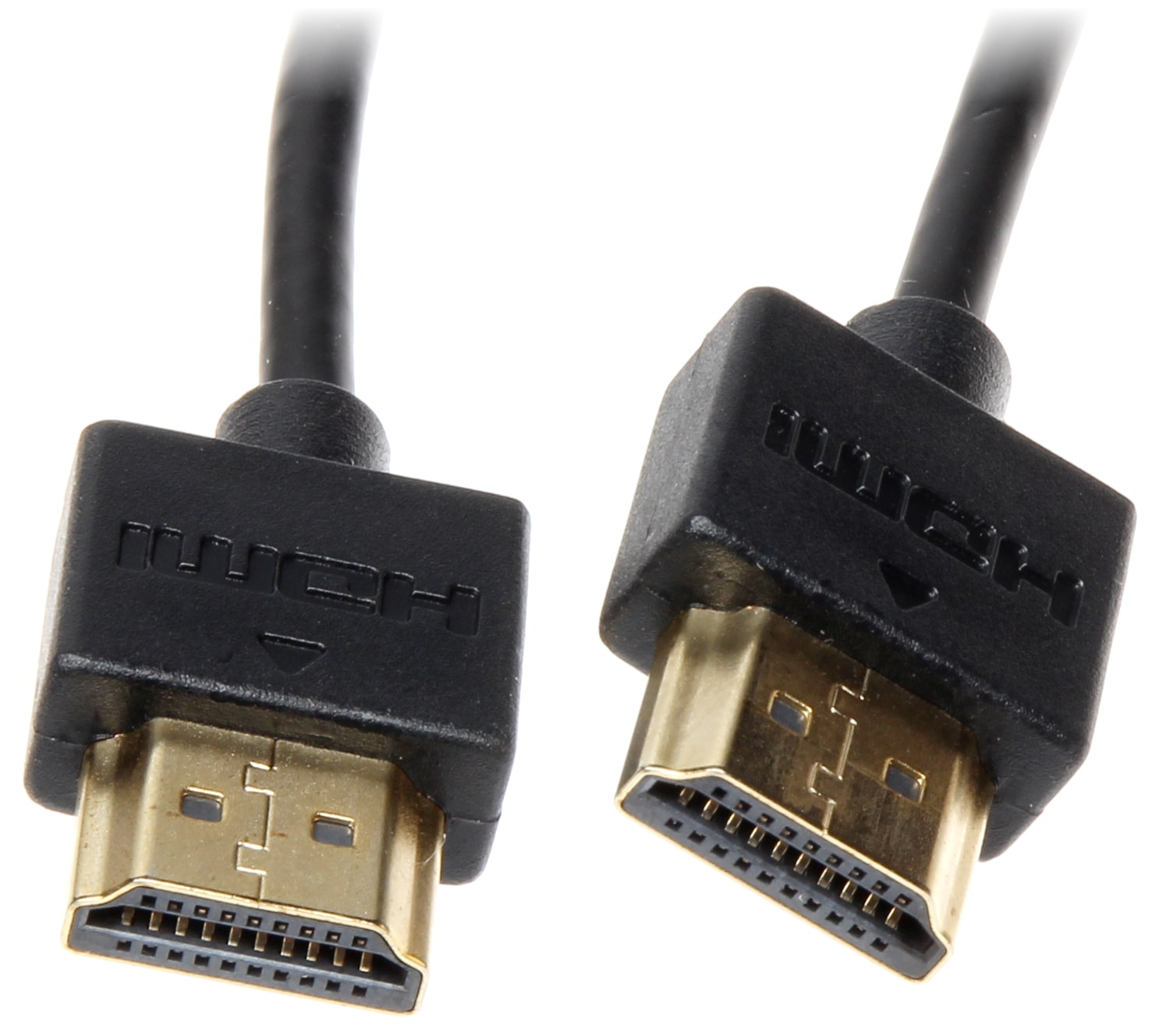
HDMI connector – an interface for transmitting high-definition signals, used for outputting sound and video to playback devices.
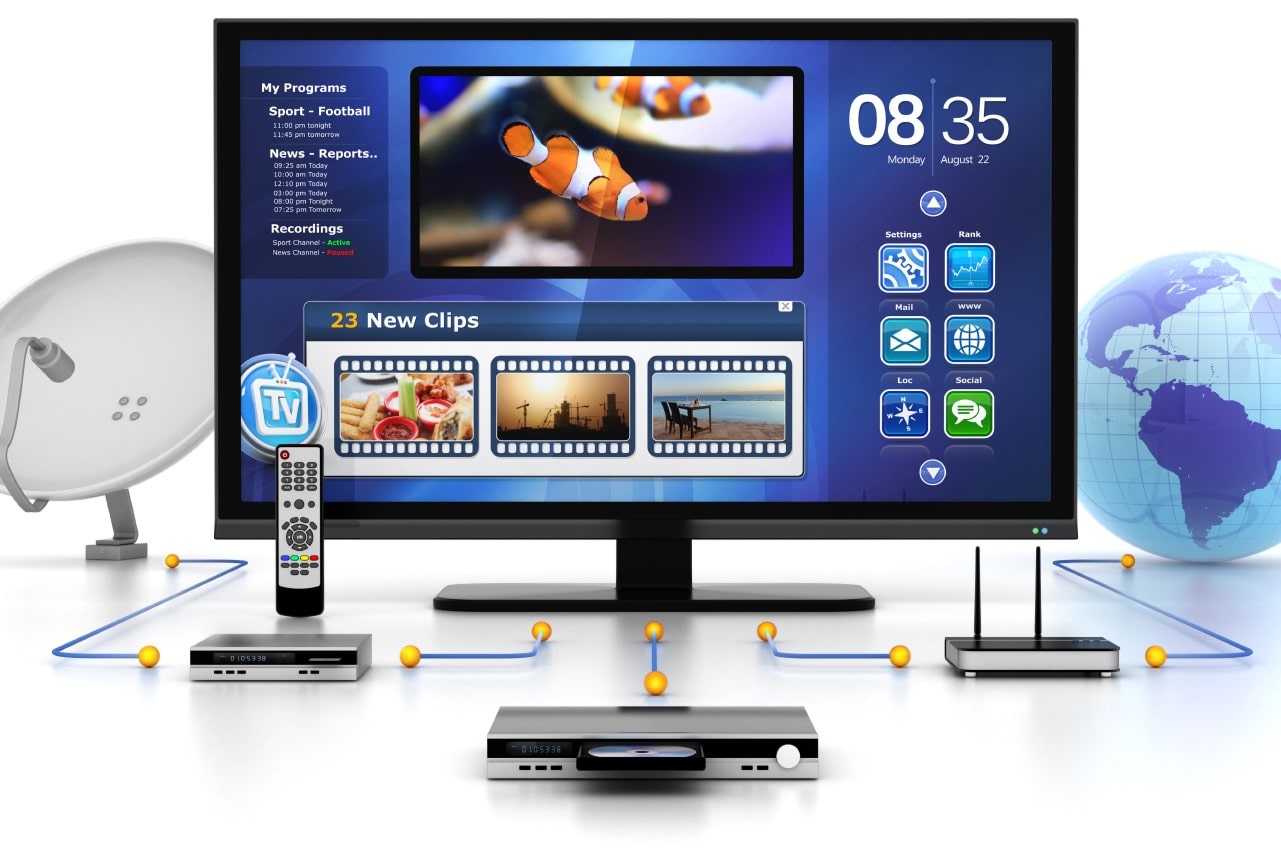
The continuous improvement of technology in the world of electronics has led to mismatched signal transmission standards between PCs, TVs, players, home theaters, and other AV equipment. For the user, the problem appears as limitations:
- sound is not transmitted;
- the color of the image is distorted;
- signal in a certain resolution is not transmitted;
- 3D support is absent;
- HDR dynamic backlight is missing;
- other technologies: audio or video content are not supported.
HDMI Connector
Manufacturer’s declared characteristics for transmitting sound and images:
| HDMI Standard | 1.0–1.2a | 1.3–1.3a | 1.4–1.4b | 2.0–2.0b | 2.1 |
| Video features | |||||
| Bandwidth (Gbps) | 4.95 | 10.2 | 10.2 | 18 | 48 |
| Actual transfer speed (Gbps) | 3.96 | 8.16 | 8.16 | 14.4 | 42.6 |
| TMDS (MHz) | 165 | 340 | 340 | 600 | 1200 |
| Audio features | |||||
| Sampling rate per channel, (kHz) | 192 | 192 | 192 | 192 | 192 |
| Maximum audio frequency (kHz) | 384 | 384 | 768 | 1536 | 1536 |
| Sample size (bits) | 16-24 | 16-24 | 16-24 | 16-24 | 16-24 |
| Supported audio channels | 8 | 8 | 8 | 32 | 32 |

Here is a much more interesting table. When buying a graphics card for a computer, media player, AV receiver, or TV, the user expects to get the maximum from the equipment. But due to the banal incompatibility of HDMI standards, many face disappointment. Therefore, starting with the HDMI version is essential when choosing.
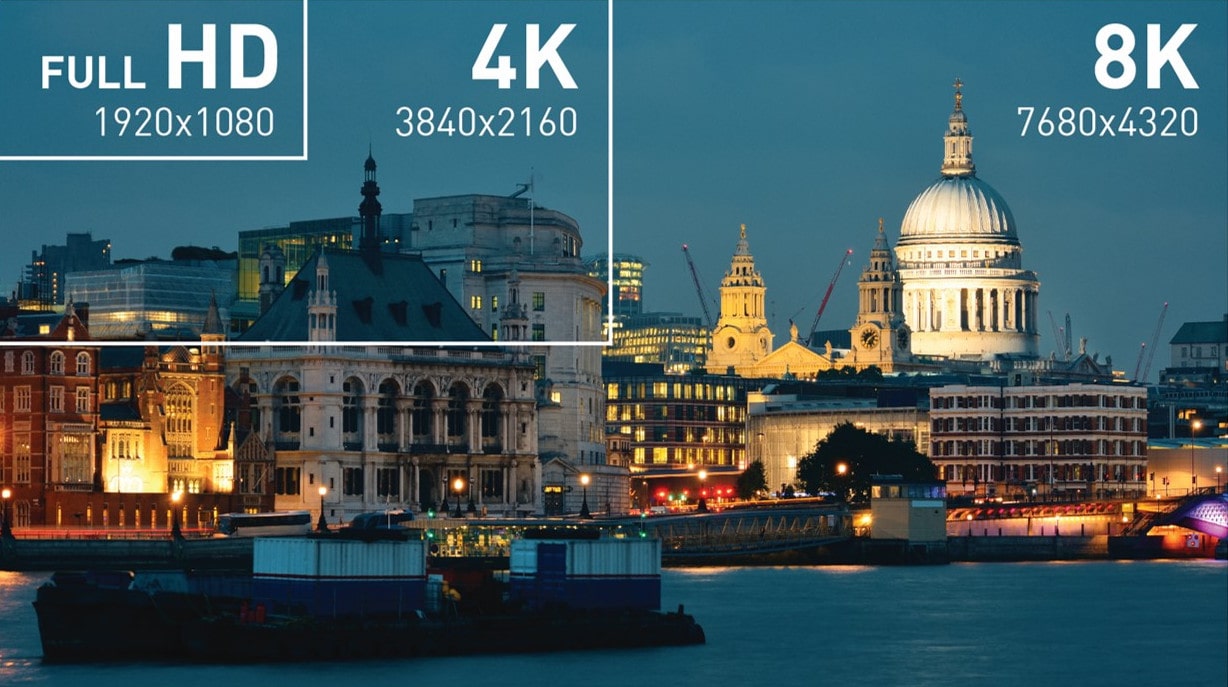
| Video resolution | Frequency
(Hz) |
Transfer rate
of video (Gbit/s) |
1.0–1.1 | 1.2–1.2a | 1.3–1.4b | 2.0–2.0b | 2.1 |
| HD Ready (720p) 1280 × 720 |
24 | 0.072 | yes | yes | yes | yes | yes |
| 30 | 0.09 | yes | yes | yes | yes | yes | |
| 60 | 1.45 | yes | yes | yes | yes | yes | |
| 120 | 2.99 | no | yes | yes | yes | yes | |
| Full HD (1080p) 1920 × 1080 |
24 | 1.26 | yes | yes | yes | yes | yes |
| 30 | 1.58 | yes | yes | yes | yes | yes | |
| 60 | 3.2 | yes | yes | yes | yes | yes | |
| 120 | 6.59 | no | no | yes | yes | yes | |
| 144 | 8 | no | no | yes | yes | yes | |
| 240 | 14 | no | no | no | yes | yes | |
| 2K (1440p) 2560 × 1440 |
30 | 2.78 | no | yes | yes | yes | yes |
| 60 | 5.63 | no | no | yes | yes | yes | |
| 75 | 7.09 | no | no | yes | yes | yes | |
| 120 | 11.59 | no | no | no | yes | yes | |
| 144 | 14.08 | no | no | no | yes | yes | |
| 240 | 54.84 | no | no | no | yes | yes | |
| 5K 5120 × 2880 |
30 | 10.94 | no | no | no | yes | yes |
| 60 | 22.18 | no | no | no | no | yes | |
| 120 | 45.66 | no | no | no | no | yes |
HDMI connector: modern technologies at full throttle
The most exciting part is yet to come. Manufacturers and sellers are eagerly talking about SUPER technologies supported by electronics. Just buy, connect, and enjoy high-quality picture and sound.
But that’s not so simple!
And everything again boils down to the HDMI standard and device compatibility. For most consumers owning old equipment and purchasing a new component for a home theater, many modern technologies are money down the drain. Or, to achieve the desired result, they will have to upgrade their entire electronics fleet at home.
Support for modern technologies in compatibility with HDMI standard:
| Technology | 1.0–1.1 | 1.2–1.2a | 1.3–1.4b | 2.0–2.0b | 2.1 |
| Full HD Blu-ray Disc and HD DVD video | yes | yes | yes | yes | yes |
| Consumer Electronic Control (CEC) | yes | yes | yes | yes | yes |
| DVD-Audio | no | yes | yes | yes | yes |
| Super Audio CD (DSD) | no | no | yes | yes | yes |
| Auto lip-sync | no | no | yes | yes | yes |
| Dolby TrueHD / DTS-HD Master Audio | no | no | yes | yes | yes |
| Updated list of CEC commands | no | no | yes | yes | yes |
| 3D video | no | no | no | yes | yes |
| Ethernet channel (100 Mbit/s) | no | no | no | yes | yes |
| Reverse audio channel (ARC) | no | no | no | yes | yes |
| 4 audio streams | no | no | no | no | yes |
| Hybrid Log-Gamma (HLG) HDR OETF | no | no | no | no | yes |
| Static HDR (metadata) | no | no | no | no | yes |
| Dynamic HDR (metadata) | no | no | no | no | yes |
| Extended ARC (eARC) | no | no | no | no | yes |
| Variable refresh rate (VRR mode) | no | no | no | no | yes |
| Video stream compression technology (DSC) | no | no | no | no | yes |
Simple HDMI connector, which no one pays attention to, can seriously spoil the enjoyment of listening to music or watching movies. And quite drastically. Reducing resolution or refresh rate are minor issues. But the lack of support for the necessary technology is a real problem.
The disappointing outcome for many users. But it’s an excellent material for reconsidering your purchase and taking a step in the right direction when acquiring equipment. Read, study, compare. Trust what you see, not the stories of clever salespeople who just want to sell the product.



![[Exclusive] Noise Master Series: Review of flagship headphones](https://teranews.net/wp-content/uploads/2025/09/frame_19522-360x220.webp "[Exclusive] Noise Master Series: Review of flagship headphones")