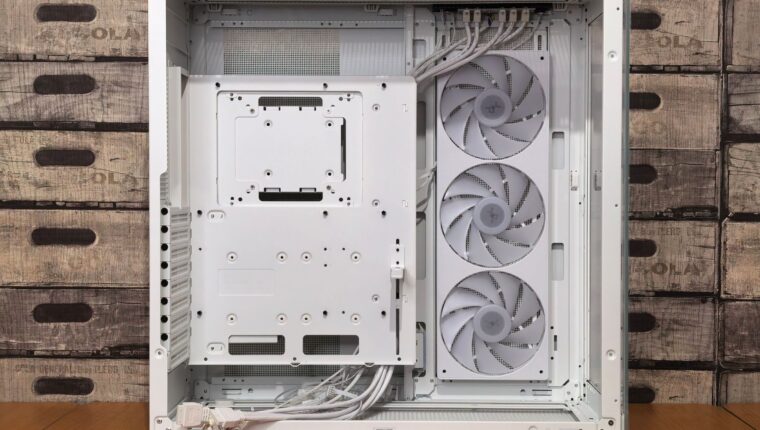
If a case fan is too noisy, buying a similar model may not solve the problem. The cause could be the fan speed settings, or a replacement might be too thick for the available space or need a different lighting connection. Start by checking three things: the space in the case, how the motherboard controls the motor, and what stands in the airflow path. That will help you decide whether you need a replacement and which offers are worth considering.
This article contains affiliate links. TeraNews may earn a commission on purchases made through them, at no additional markup to you.
This guide is for desktop PC owners replacing a case fan or adding one to a designated mount. For a laptop or a prebuilt computer with non-standard connectors, check the documentation for that specific system first. The label “PC fan” alone does not establish compatibility.
Check whether you need a replacement for quieter operation
The same fan can behave differently with different motherboard settings. Noctua’s fan-setting recommendations note that a factory speed curve can be too aggressive and may not account for the installed model. Before ordering, check the fan settings in the BIOS and see which control mode is selected and how the speed curve is set.
A three-pin fan is controlled by voltage; on a four-pin fan, the fourth pin carries the PWM signal. This distinction matters more than the word “quiet” in a product title because it determines how the motor is controlled. Check the fan connector against the capabilities of the specific motherboard header in its manual. For a three-pin model, look for voltage control; for a four-pin PWM model, look for PWM mode.
Noctua also warns that some motherboards may detect the mode incorrectly. If you have connected a PWM fan, check the setting manually rather than assuming that Auto will work correctly. Buying another model without checking this leaves the same uncertainty: the cause may be the settings rather than the fan.
Do not assume PWM means the fan will stop completely. According to Noctua, response to a zero signal depends on the model, and some fans keep spinning. If you specifically need the fan to stop at idle, look for direct confirmation that the chosen model supports this mode. The product titles below do not confirm it, so do not count on it when buying.
Check the mount size and clearance separately
Nominal size is the first selection filter. CORSAIR’s fan buying guide recommends checking supported sizes in the case documentation and checking clearance around the graphics card and memory. If the case has several mounting positions, check the one where you plan to install the fan: support for a given size in one position does not tell you whether it will fit in another.
Thickness needs its own check. CORSAIR’s guide, for example, lists slim 120 x 120 x 15 mm models for restricted spaces. That is one selection criterion, not a specification shared by all 120 mm fans. If the old fan sat in a tight gap, matching its width is not enough; get the replacement’s full dimensions before ordering.
The offer titles below state a size of 120 mm or 12 cm, but do not give thickness. You cannot assume these fans are slim. If the case documentation supports another size, such as 140 mm, there is no need to limit your search to 120 mm models.
Filters and grilles change what to look for
The next question is what the fan will have to move air through. In its explanation of the ARCTIC P and F series, the manufacturer associates the F series with low-resistance conditions and the P series with situations where static pressure matters. ARCTIC names dense grilles, filters and radiators as obstacles.
The practical distinction is simple: an open mounting position and an installation behind a dense filter call for different reasons to choose a fan. For the latter, look for information about performance against resistance, not just a large airflow figure. A filter alone does not prove that any model mentioning pressure will be the better choice; you need specifications for the particular fan and comparable testing conditions.
Airflow is stated in CFM or m³/h, but one figure does not describe every installation scenario. Some offer titles below claim 45.2 CFM. That is a seller claim in a title, without independent measurements or static pressure data. It cannot identify a winner for a dense front panel or support a promise of a particular temperature reduction.
If you need a fan for a radiator or behind a dense filter, the absence of relevant data is a good reason to keep looking. For a replacement in a position without major airflow obstacles, first check dimensions and control. Labels such as “large airflow” and “quiet cooling” do not replace those checks or comparable measurements.
Keep motor power and lighting separate
A product title may include details about both motor power and lighting. The number of pins alone does not tell you what a connector is for: four pins can mean PWM motor control or standard RGB lighting.
Phanteks’ explanation of RGB and ARGB incompatibility says that a typical ARGB connection uses three pins and 5 V, while standard RGB uses four pins and 12 V. These standards are not interchangeable; the manufacturer warns that incorrect connections can damage components. A motherboard header labelled RGB therefore does not establish compatibility with an ARGB fan.
Check the motherboard manual for the motor header and lighting header separately. A claim of “motherboard sync” without a wiring diagram, voltage and matching header does not settle compatibility.
Included items matter too. CORSAIR gives the example of Expansion Kit fans sold separately without the controller needed for lighting. This example does not establish what is included in other offers, but it shows why you should check separately. Do not assume a controller is included just because the photo shows an illuminated fan or the title says “kit”.
What to check before choosing an offer
Below are four offers whose titles claim PWM and ARGB. These are seller claims about the offers, not confirmation of the specifications or contents of the specific SKU you select; check the exact version and what is included. There are no independent noise or efficiency measurements for these models, and similar PRISM names do not establish that they share a design.
- Check the mounting position against the case manual and get the fan’s full dimensions, including thickness.
- Check the motor connector and voltage, and whether the motherboard supports the required control mode.
- For lighting, match the standard, voltage and wiring to the motherboard or controller manual.
- Confirm what the selected variant includes: the number of fans, mounting hardware and whether a separate controller is needed. An offer ID alone does not confirm this.
- If operation behind a filter, minimum speed or stopping at idle matters, ask for data on that specific property. The product title is not enough.
LDPCSJ Prism 4RS: for a visible fan design
The seller describes the LDPCSJ Prism 4RS as a 120 mm fan with an infinity mirror effect. The design may appeal to someone with visible fans in their case; if you do not need lighting effects, the offer title provides no separate reason to choose this fan for cooling.
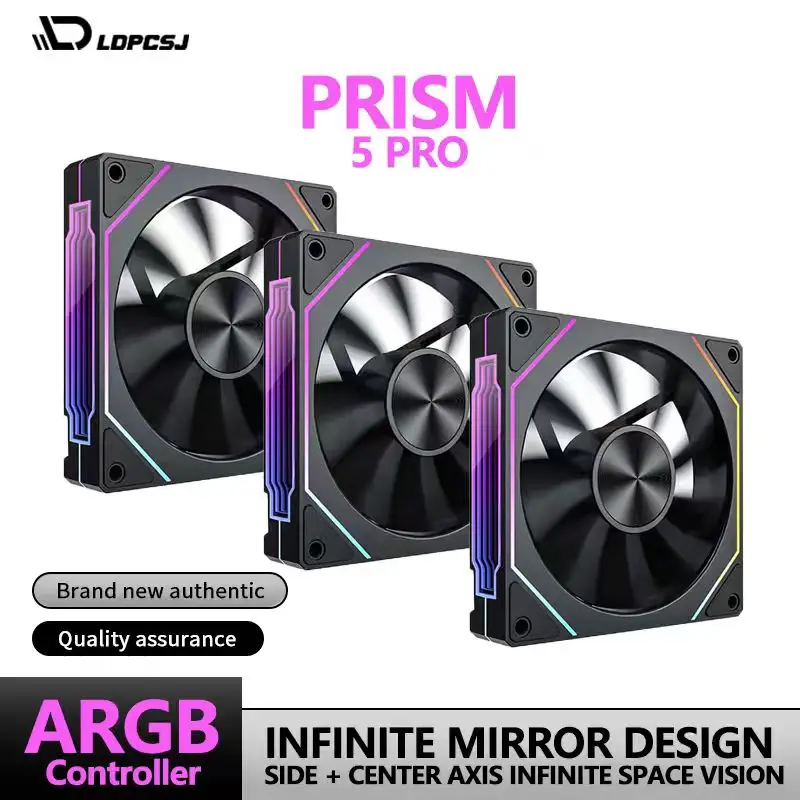
Price checked 26.11.2026: 4.30 GBP
Sold: 9922+; Buyer rating: 98.0%
View on AliExpress
Veebyte PRISM 4 PRO, LDPCSJ PRISM 4 PRO and UPSIREN UF-1 PRISM 4 PRO
The sellers claim all three offers run at 600-1500 rpm and deliver 45.2 CFM. These shared figures do not establish a reason to prefer one over another. The Veebyte title separately states 12 V motor power and three-pin 5 V ARGB lighting; the UPSIREN UF-1 title states 12 V power, while the LDPCSJ PRISM 4 PRO title does not specify voltage.

Price checked 26.11.2026: 3.95 GBP
Sold: 8619+; Buyer rating: 98.0%
View on AliExpress
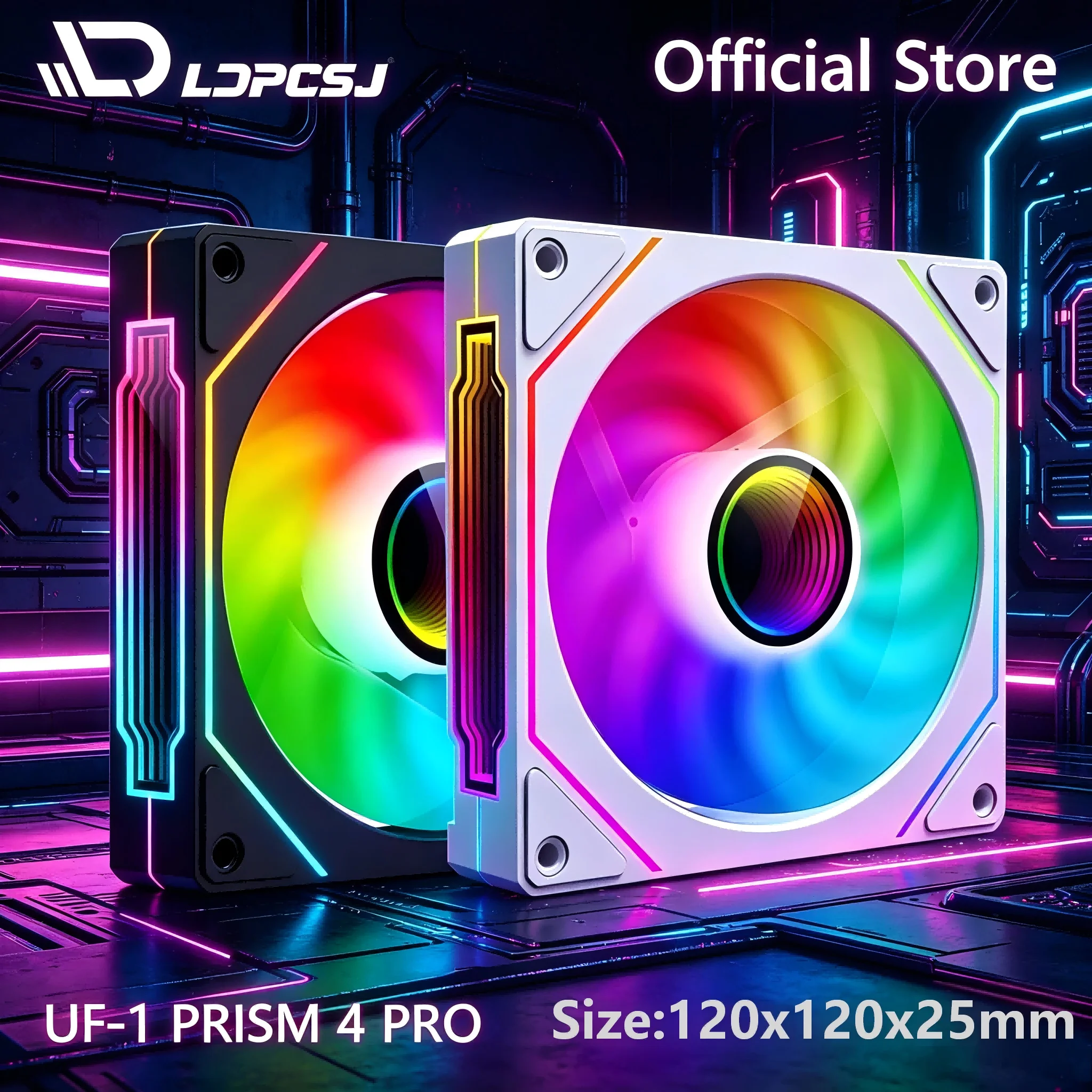
Price checked 26.11.2026: 4.82 GBP
Sold: 8466+; Buyer rating: 98.0%
View on AliExpress

Price checked 26.11.2026: 4.65 GBP
Sold: 8440+; Buyer rating: 98.0%
View on AliExpress
This is the AliExpress catalogue price for the selected market when checked. Confirm stock, variant, delivery, taxes and the final total before paying.