We already wrote 2 years ago about how to disable YouTube ads on Smart TV. There was a great blocking service that needed to be specified in network settings for DNS recording. But the service closed, and ads started flooding back to users. Moreover, in even greater volume. We studied thematic forums for a long time, looked at user recommendations on social networks, and examined blog posts. And we found a very radical solution that at least somewhat works.
How to Disable YouTube Ads on Smart TV: Algorithm
YouTube ads are a paid service where the advertiser pays money for the video to be shown to the user. As a result:
- The YouTube service gains financial benefit from showing videos.
- The advertiser benefits from selling goods.
- The viewer experiences stress due to frequent interruptions during video playback.
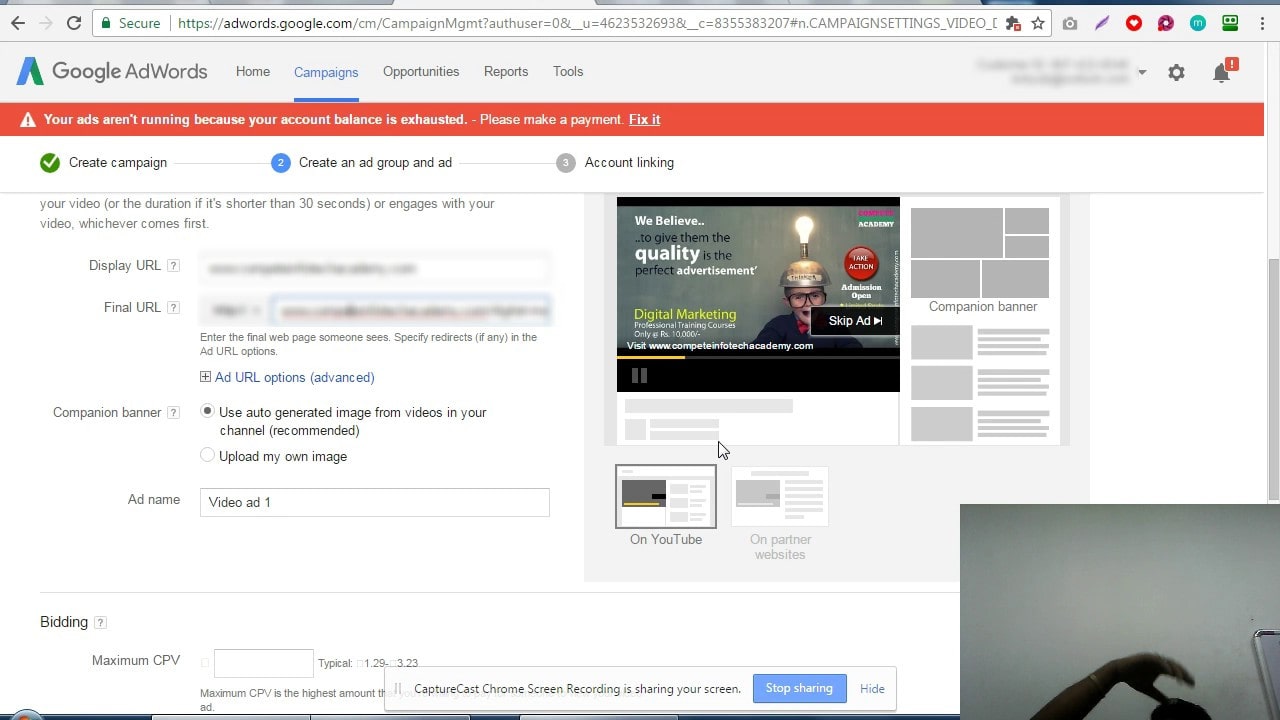
To disable YouTube ads, you need to quickly exhaust the limited advertiser budget for showing the video. The main thing to remember here is that the videos themselves are short, lasting a few seconds, or long. In the first case, payment is made per 1000 views. In the second case, payment is made according to the established rate and within certain conditions.

If you do not go into details, it will be easier for all viewers to watch the ads in full, rather than interrupt them with the “Skip” button. The advertiser will simply run out of the daily budget for showing ads, and the advertising campaign will end. Of course, all this applies only to one advertiser. And we have dozens, if not hundreds. And everyone will have to be “punished” financially.
What Goals Do We Pursue by Watching YouTube Ads
Hypothetically, any advertiser will stop their product promotion campaign if they do not receive financial benefit after showing the ads. And for this, the viewer must create a blacklist of brands whose products they will not buy.

Persistent ads for food, clothing, cars, toys – no restrictions. Add the manufacturer to your own blacklist. This brand interferes with watching videos on YouTube – punish it with your wallet. Simply do not buy its products and tell everyone about it!
Many viewers supported this solution on social networks regarding “How to Disable YouTube Ads on Smart TV.” In theory, in the foreseeable future, it will be unprofitable for advertisers to disturb people while relaxing in front of the TV screen. Because money is spent, but products are not purchased. But this is only a theory. To achieve visible shifts, millions of people need to be involved in this campaign. Relatives, friends, neighbors, acquaintances – everyone should watch the ads to the end and not buy the advertiser’s products.
Another way to avoid ads is to buy a YouTube Smart TV subscription. A simple solution that will free the viewer from stress and allow maximum relaxation in front of the TV screen. However, such a purchase will also regularly drain the viewer’s wallet. The subscription is not cheap.



![[Exclusive] Noise Master Series: Review of flagship headphones](https://teranews.net/wp-content/uploads/2025/09/frame_19522-360x220.webp "[Exclusive] Noise Master Series: Review of flagship headphones")