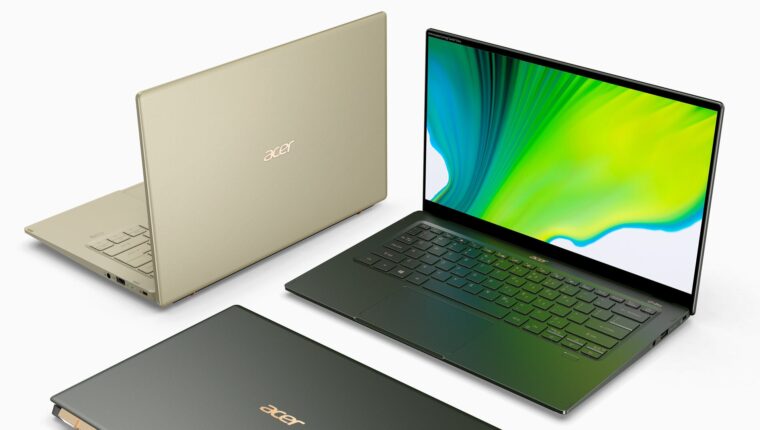
An interesting trend is happening with laptops from the manufacturer ACER. It would seem to be a reputable brand with far from budget models (processors from the Core i5 and i7 series). However, when purchasing a laptop and during the first startup, the mouse cursor begins to move spontaneously across the screen.
Mouse on ACER Laptop “Goes Crazy”
Various bloggers are causing concern by claiming that the ACER laptop has a virus in its drivers. According to “couch experts,” all built-in applications and drivers from ACER need to be urgently removed. But this does not help. Even reinstalling the operating system (clean) does not resolve the issue.
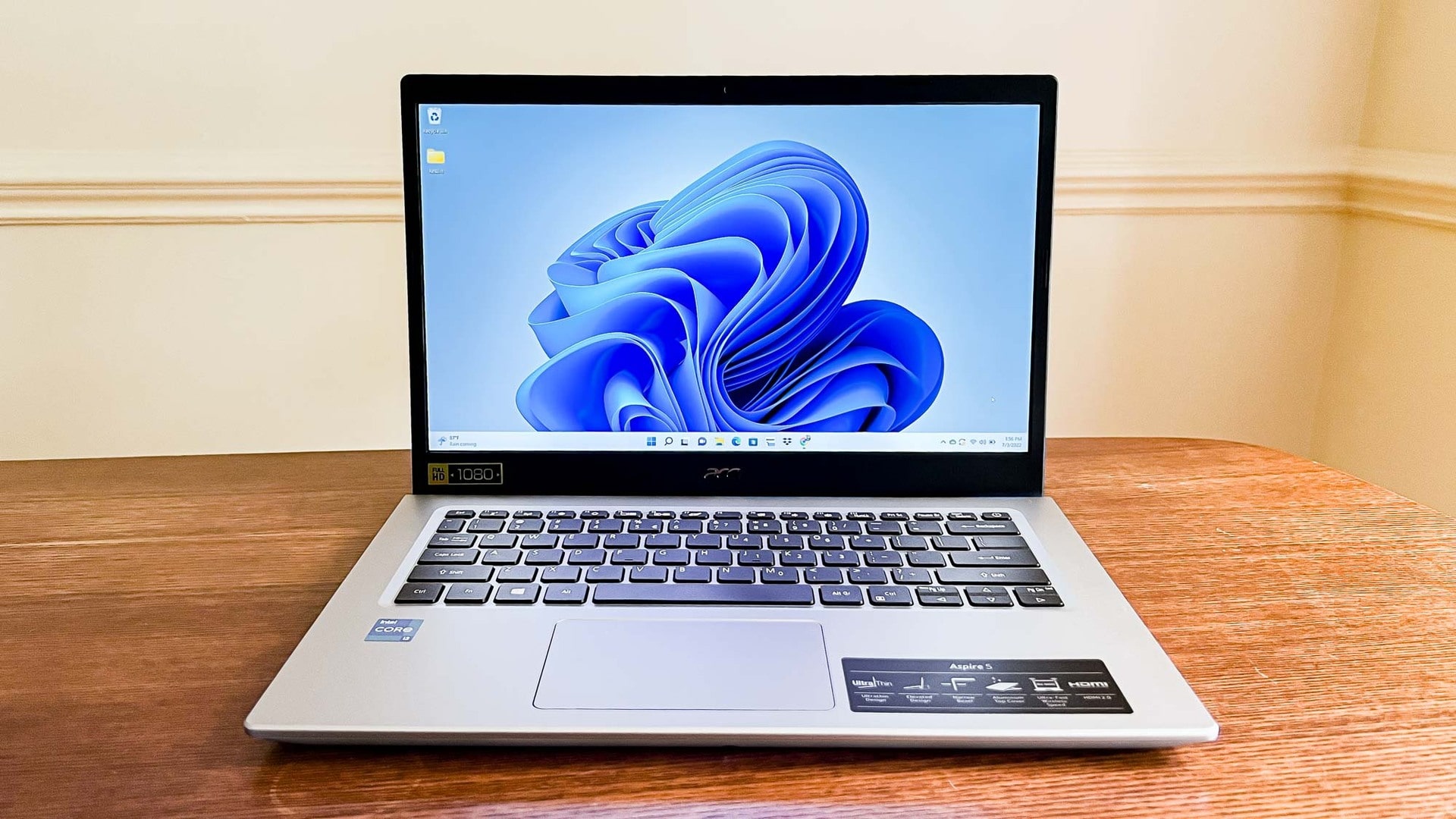
The culprit is the overly sensitive touchpad, which seems to have a life of its own and causes all this “mouse chaos” on the screen. Neither updating the touchpad drivers nor installing third-party programs resolve the problem.
Interestingly, service centers do not accept ACER laptops for “repair” because the malfunction does not manifest during the first 5-10 minutes after turning on the laptop. Yes, it’s a surprise for the owner when they come to the service, and the cursor works fine. Only after 5-15 minutes does the mouse cursor start its virtuoso movements on the screen, completely ignoring user actions.
The only solution is to go into the touchpad settings and disable it. By the way, reducing the touchpad sensitivity does not solve the problem. Only complete disabling helps. The mouse cursor will then need to be managed with an external device.
It is sad that ACER has not released a patch to fix this issue. Moreover, there is no mention of such a problem on the company’s official website. And store employees remain silent about it. However, this problem is actively discussed on specialized forums.