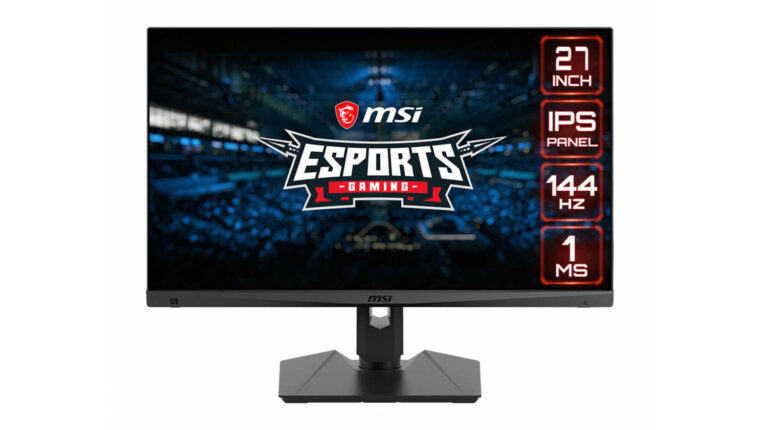
The market for personal monitors has not changed over the decade. New models are released annually by various manufacturers. And sellers still categorize monitors by purpose. This one is gaming – it’s expensive. And this one for office and home use – the monitor has a minimal price. There are devices for designers, but don’t look at them – they are for creative people. Such an approach was used at the dawn of the 21st century. Now everything has changed. And the MSI Optix MAG274R monitor is a direct proof of this.
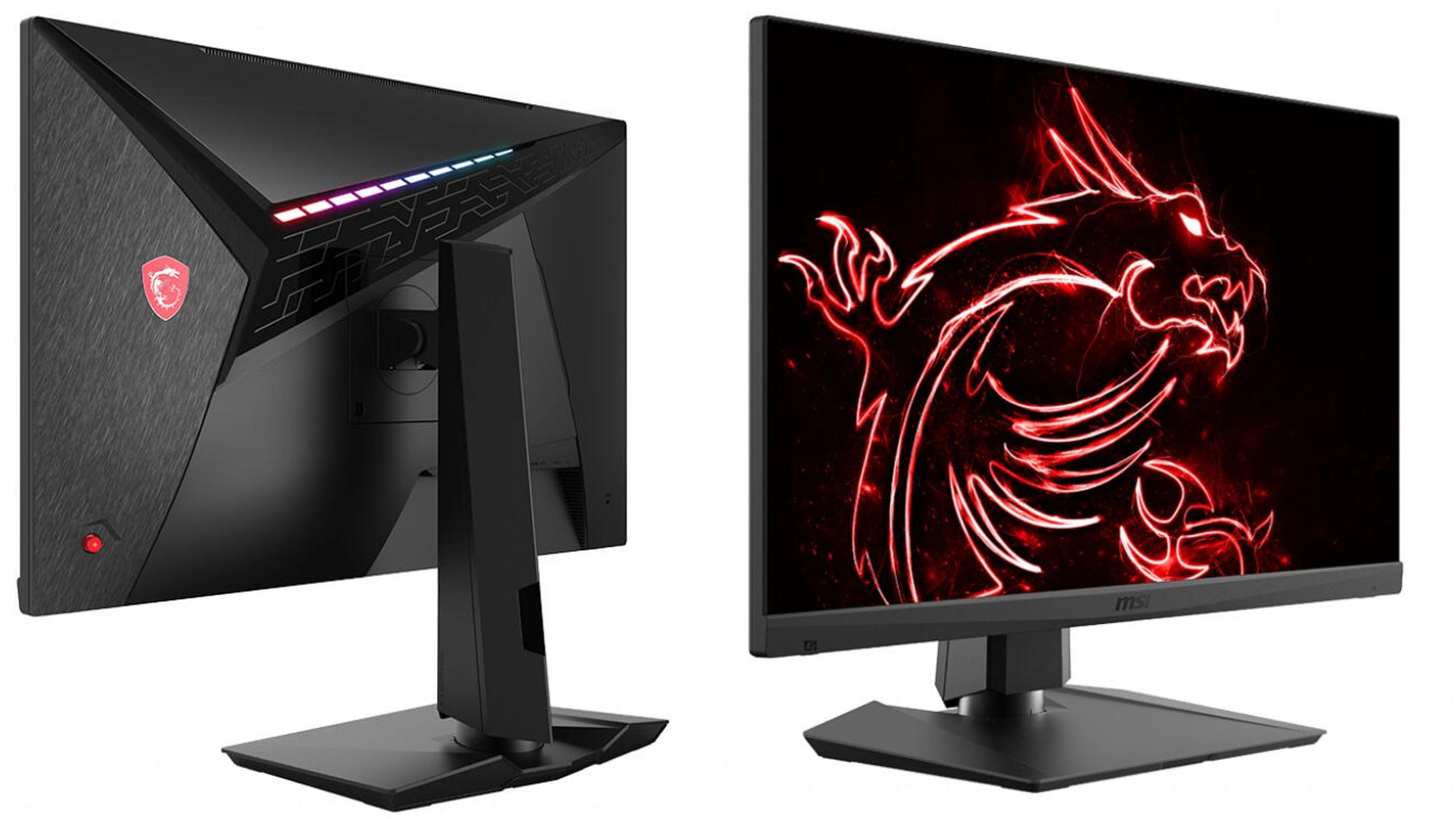
In terms of technical specifications and price, the device meets all user requirements from different groups. Gaming, office, graphics, multimedia – the MSI Optix MAG274R adapts perfectly to any task. And the cost will delight even the most frugal buyer.
MSI Optix MAG274R Monitor: Specifications
| Model | Optix MAG274R |
| Display diagonal | 27″ |
| Screen resolution, aspect ratio | 1920×1080, 16:9 |
| Matrix type, backlight type | IPS, WLED |
| Response time, screen surface | 1 ms, matte |
| Display brightness | 300 cd/m² |
| Contrast ratio (normal, dynamic) | 1000:1, 100,000,000:1 |
| Maximum number of color shades | 1.07 billion |
| Adaptive refresh technology | AMD FreeSync |
| Viewing angles (vertical, horizontal) | 178°, 178° |
| Horizontal scan rate | 65.4…166.6 kHz |
| Vertical scan rate | 30…144 Hz |
| Video outputs | 2 × HDMI 2.0b; 1 × DisplayPort 1.2a; 1 × DisplayPort USB-C. |
| Audio jacks | 1 x 3.5 mm jack (audio transmitted via HDMI) |
| USB hub | Yes, 2×USB 3.0 |
| Ergonomics | Height adjustment, landscape-portrait rotation |
| Tilt angle | -5…20° |
| Wall mounting | Yes, 100×100 mm (mounting adapters included) |
| Power consumption | 28 W |
| Dimensions | 614.9 × 532.7 × 206.7 mm |
| Weight | 6.5 kg |
| Price | $350 |

Review of MSI Optix MAG274R: First Impressions
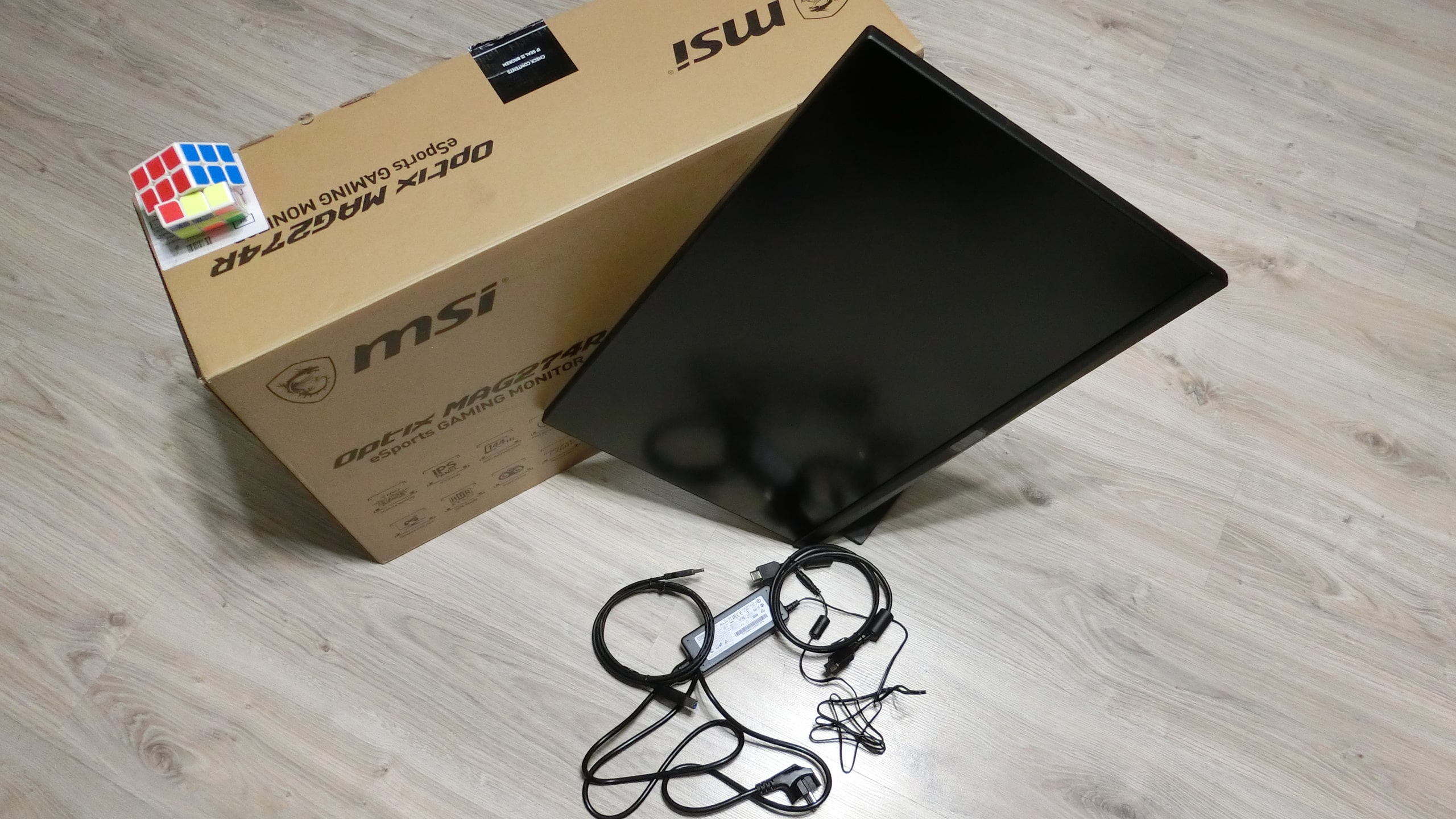
The large box in which the monitor arrived simply fascinated me. It seemed like I bought not one, but two MSI Optix MAG274R devices. The very bulky packaging turned out to be quite light enough to carry in front of me.
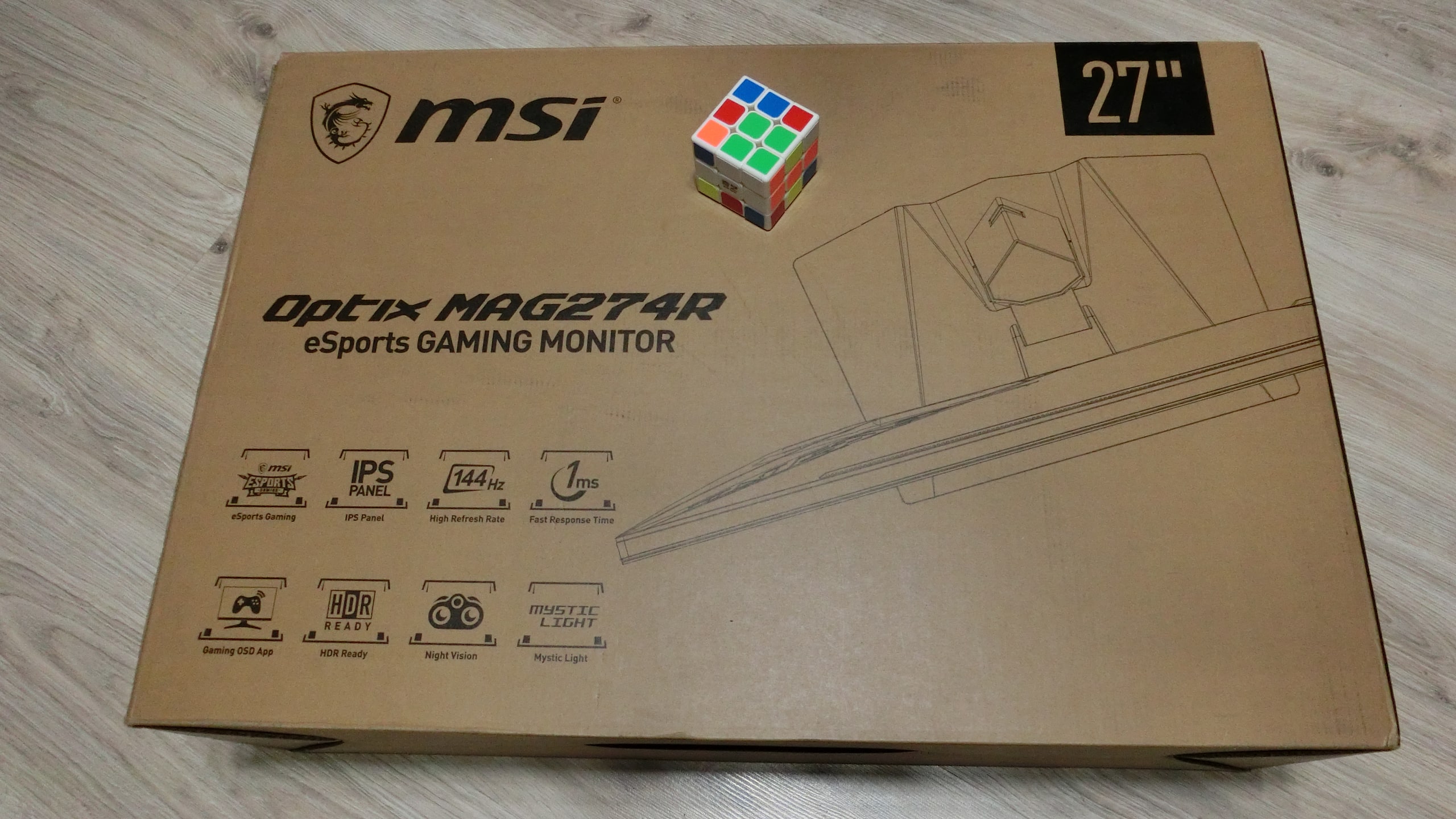
Upon opening, it was revealed that most of the box is occupied by foam packaging. This is a very correct approach from the manufacturer. Because the box can be thrown, dropped, hit during delivery. Maybe that’s why the official website states that this series of monitors has no dead pixels. But the check was still performed. No dead pixels or light leaks were found.
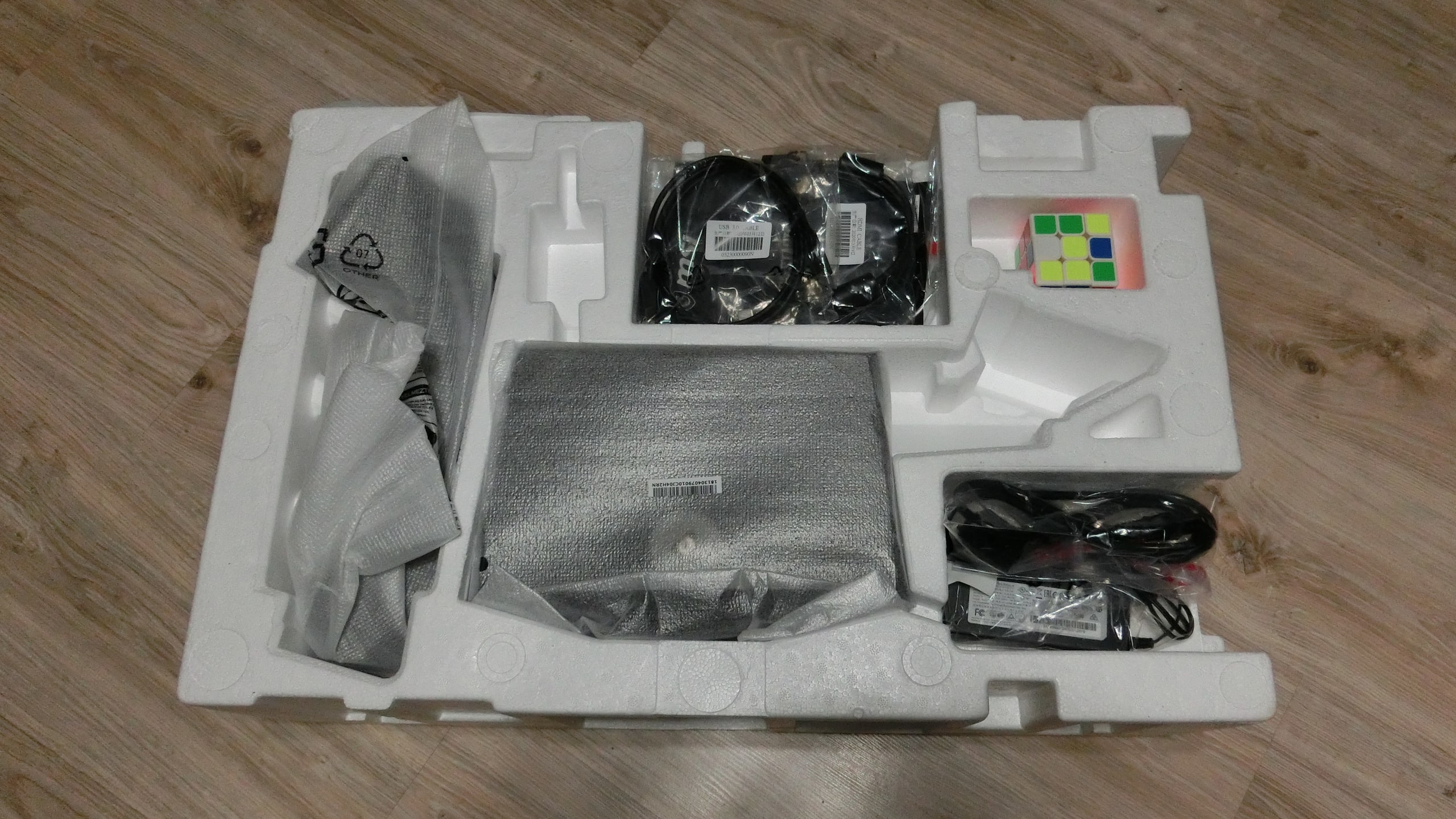
Inside the box, many interesting artifacts were found. For example, unclear indentations with nothing inside. Maybe reinforcement ribs for foam. Or perhaps, the factory assemblers didn’t bother to place components properly. But that’s not the point; the main thing is that the monitor is fully operational.
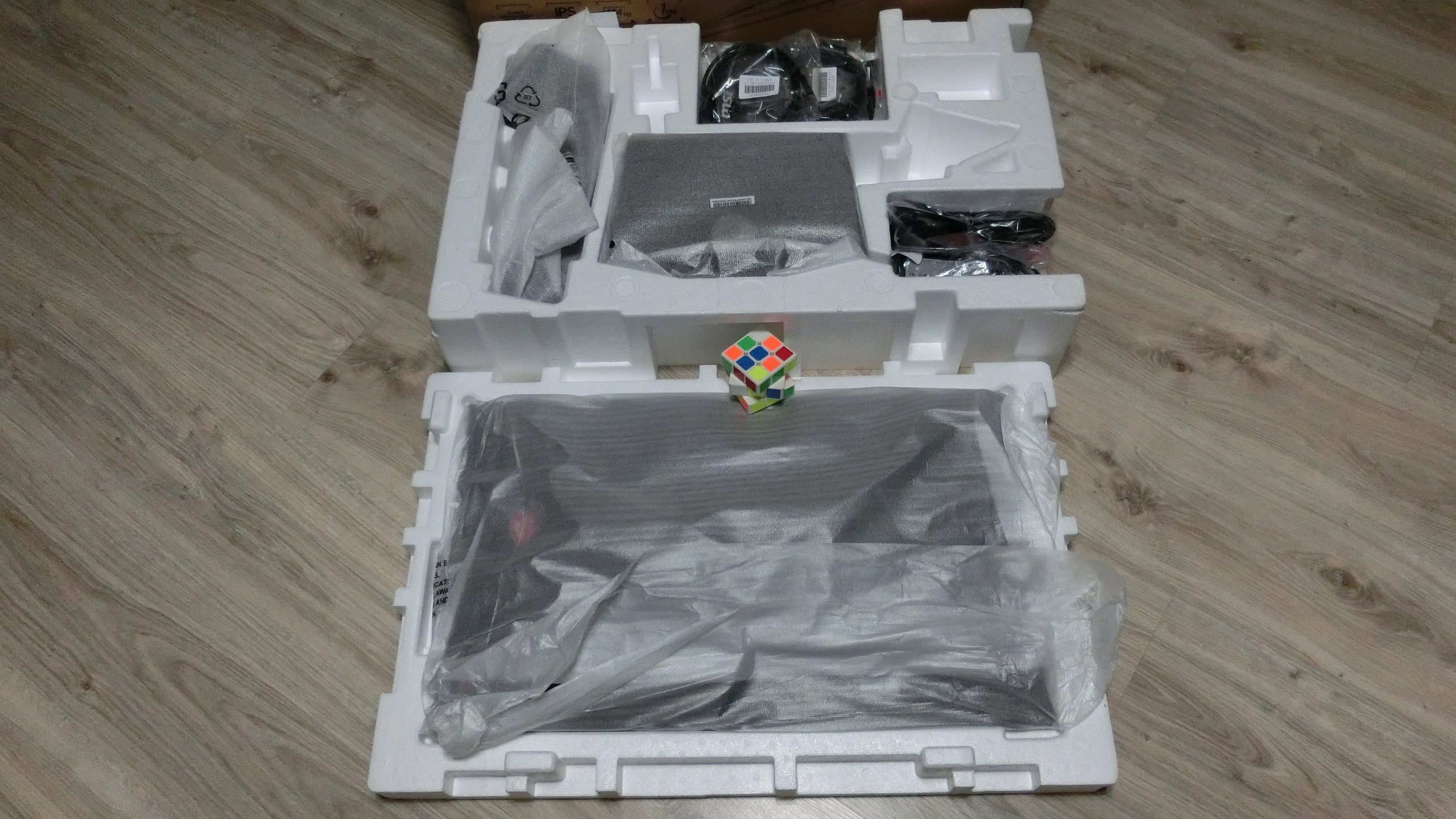
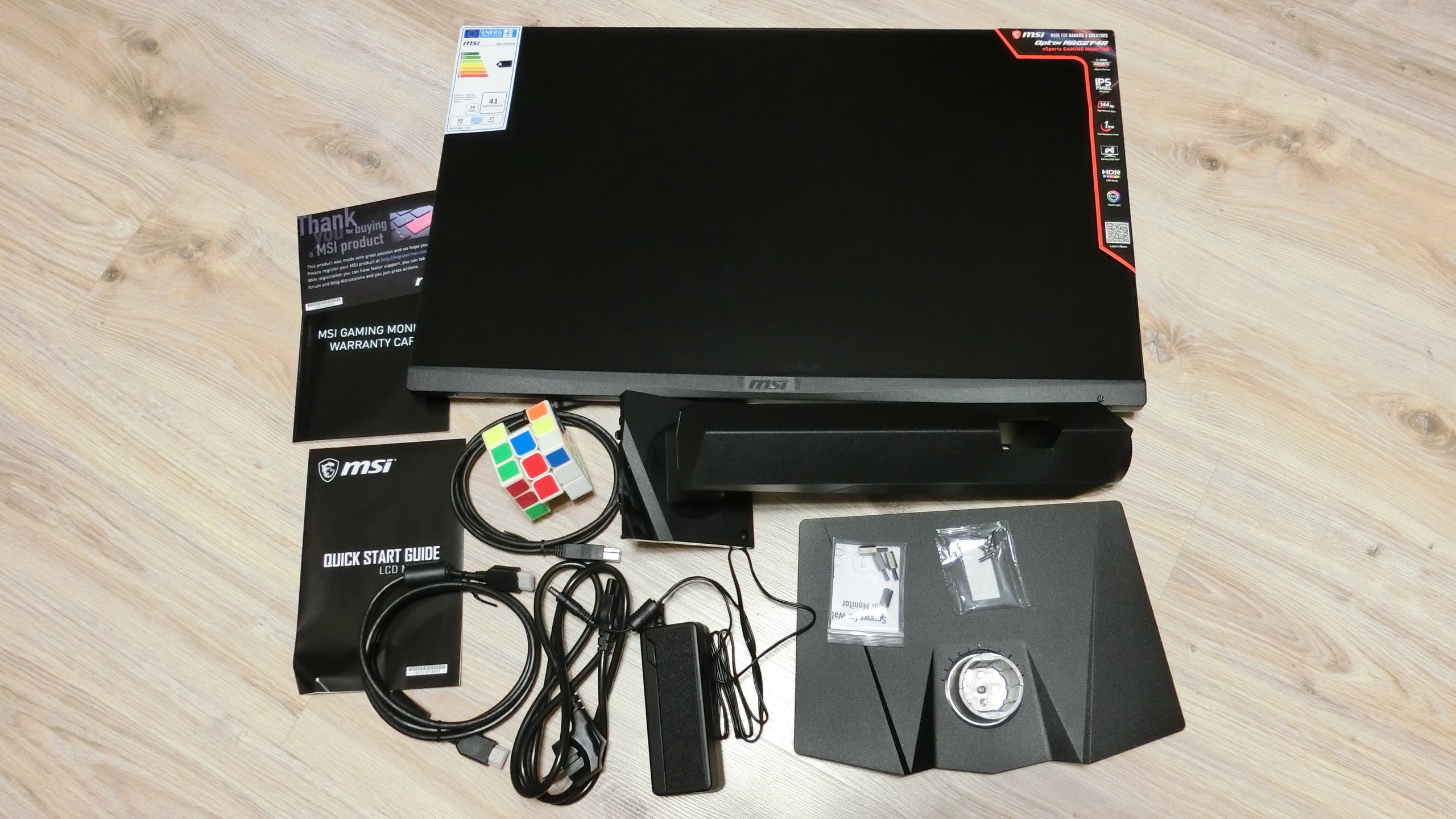
Included in the kit, besides the monitor, are:
- One-piece stand for mounting the monitor on the desk. Rubber feet are included at the bottom.
- Stand for attaching MSI Optix MAG274R to the stand.
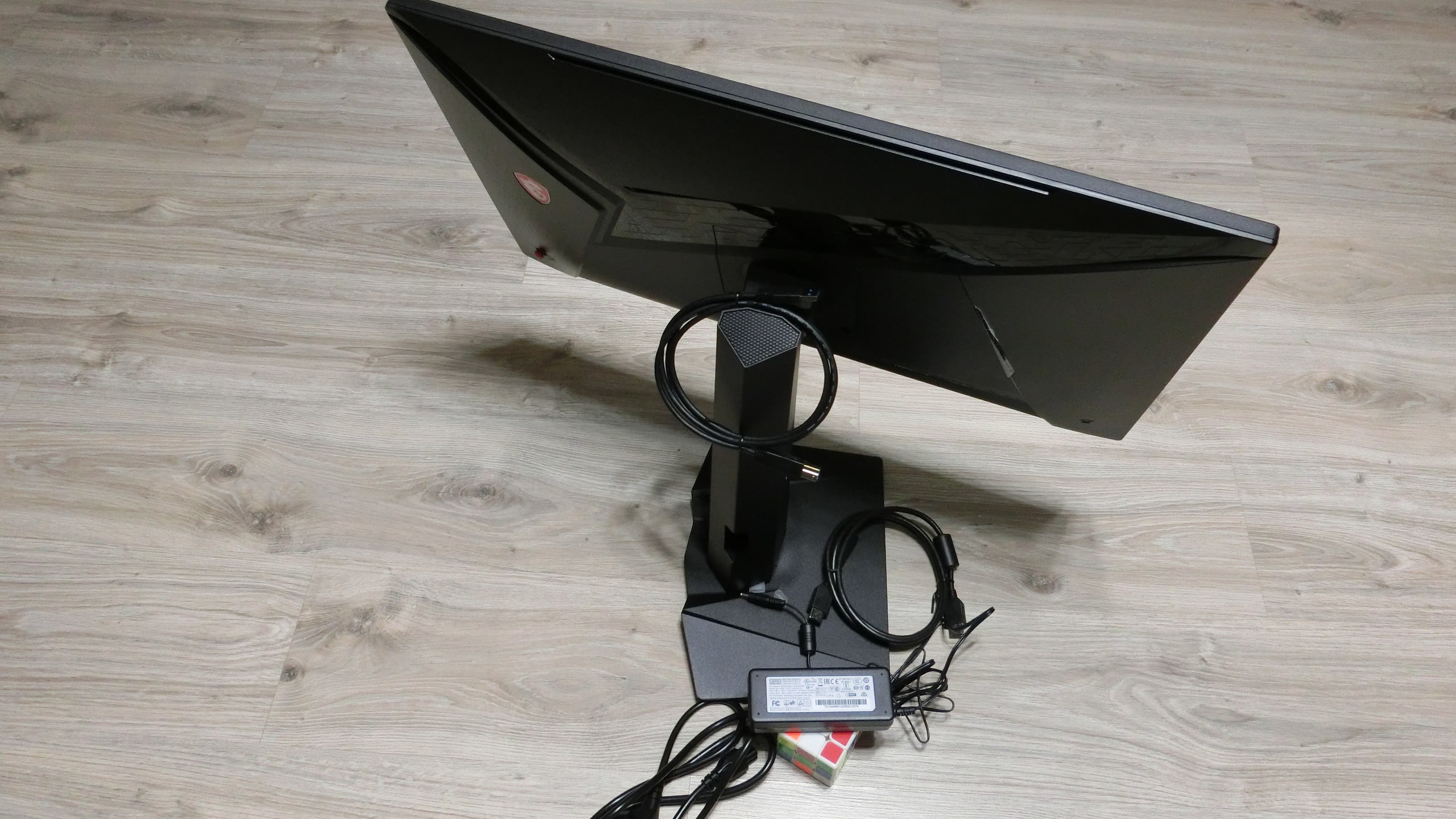
- External power supply with cable (separate).
- HDMI cable – 1 pc.
- USB cable – 1 pc.
- Screws for mounting the monitor to the stand – 4 pcs (although only 2 are used).
- Extension screws for mounting to VESA wall mount 100 mm – 4 pcs.
- Documentation – manual, warranty, promotional posters.
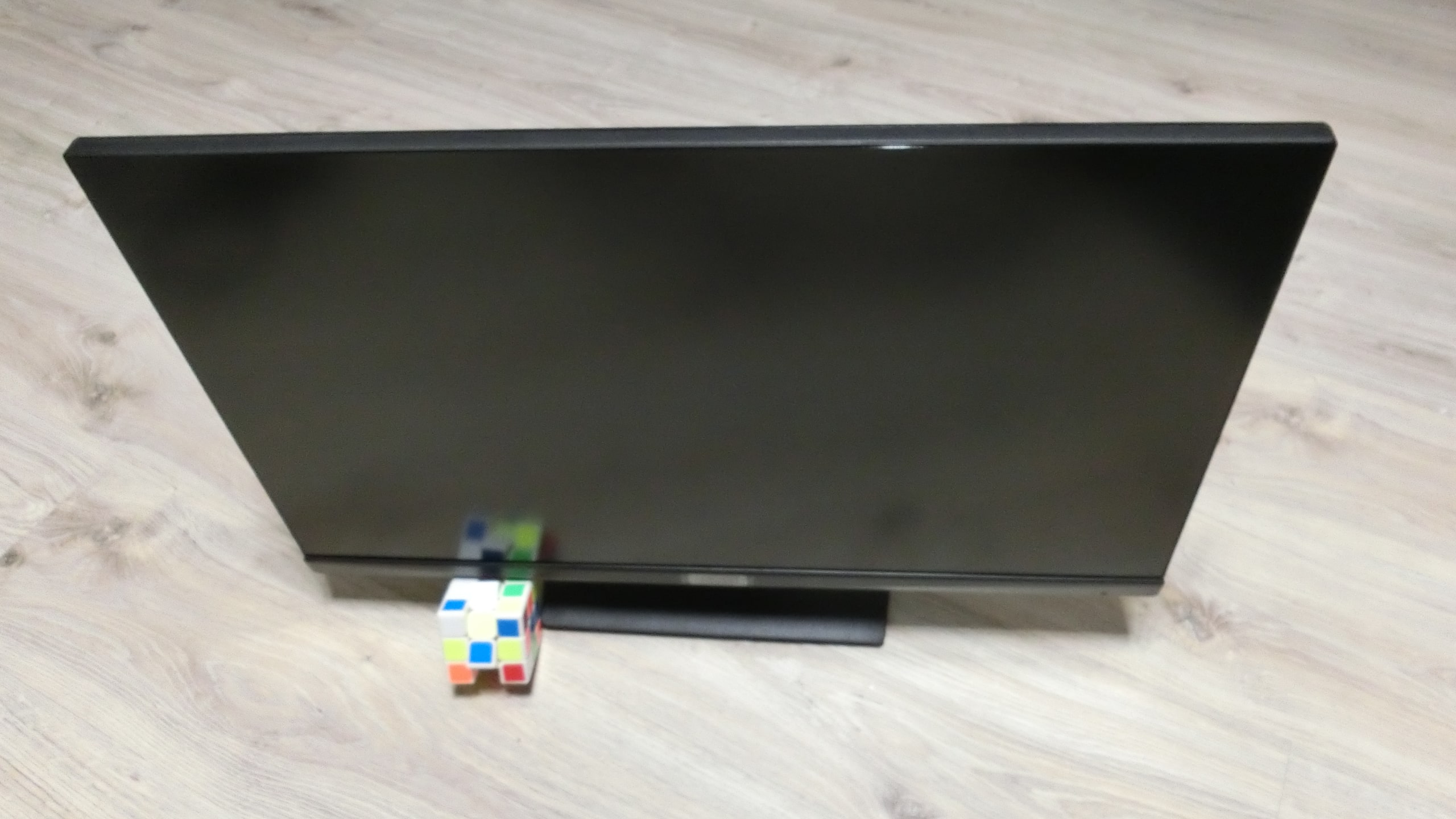
External overview of the MSI Optix MAG274R monitor
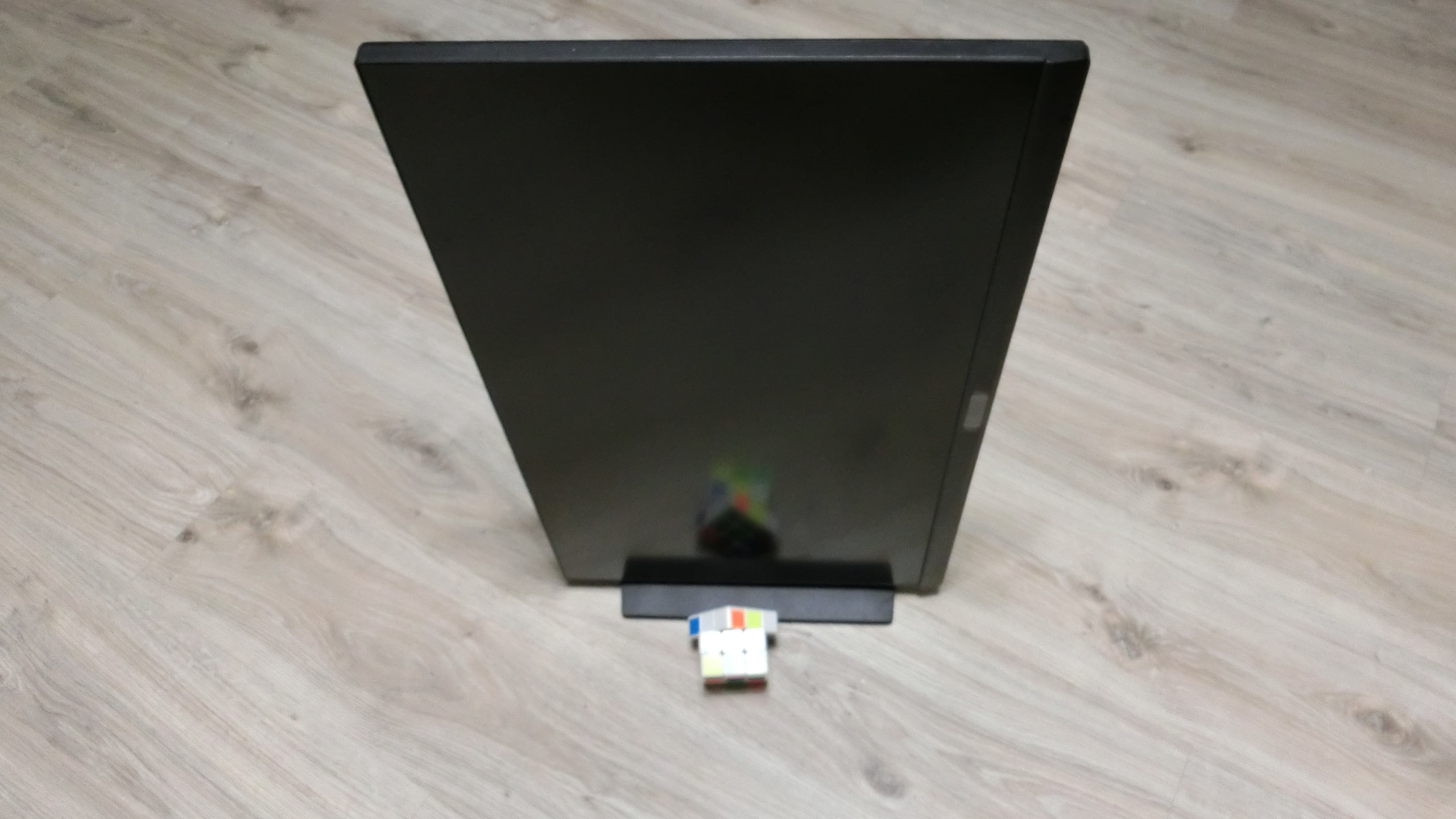
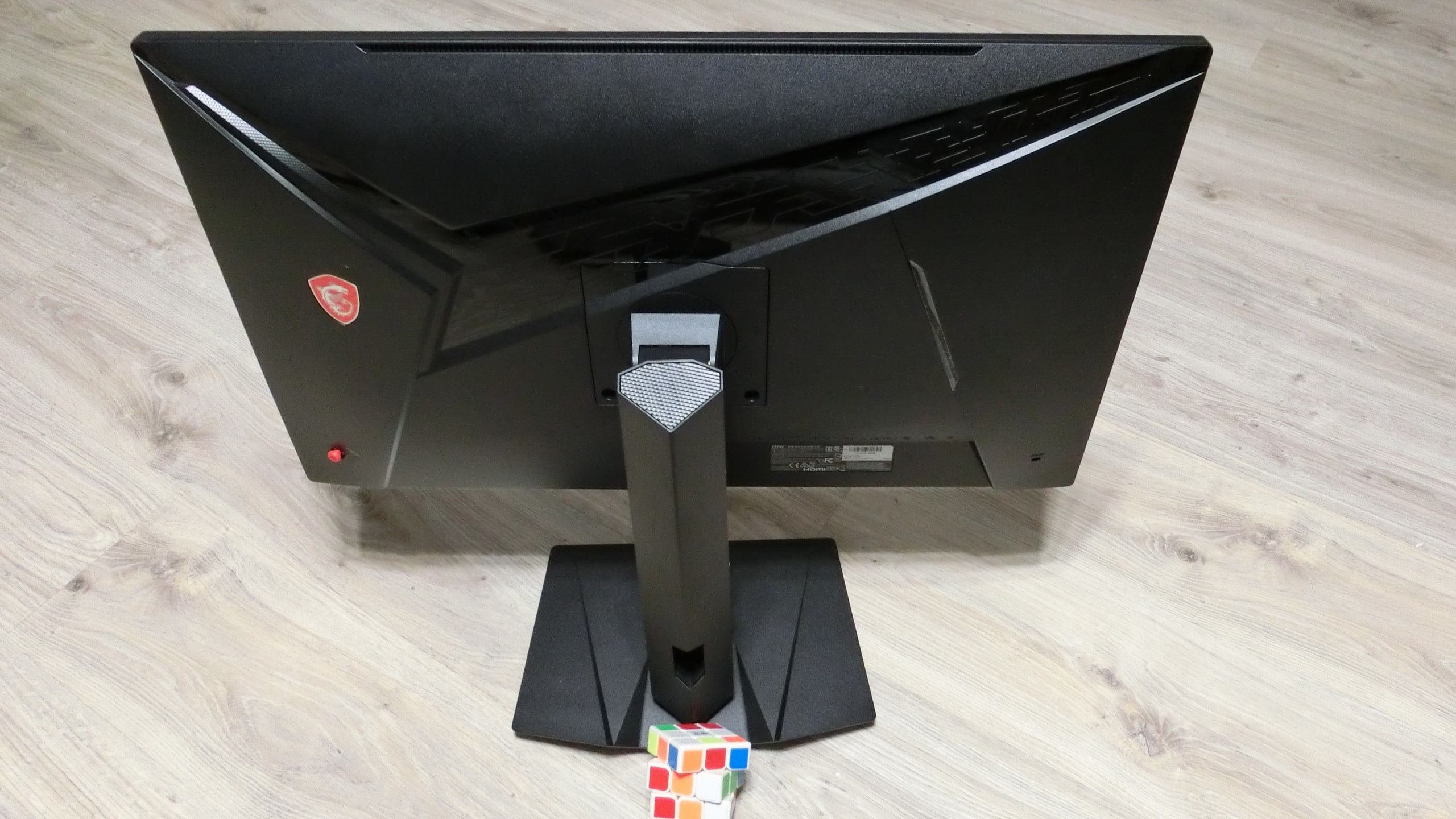
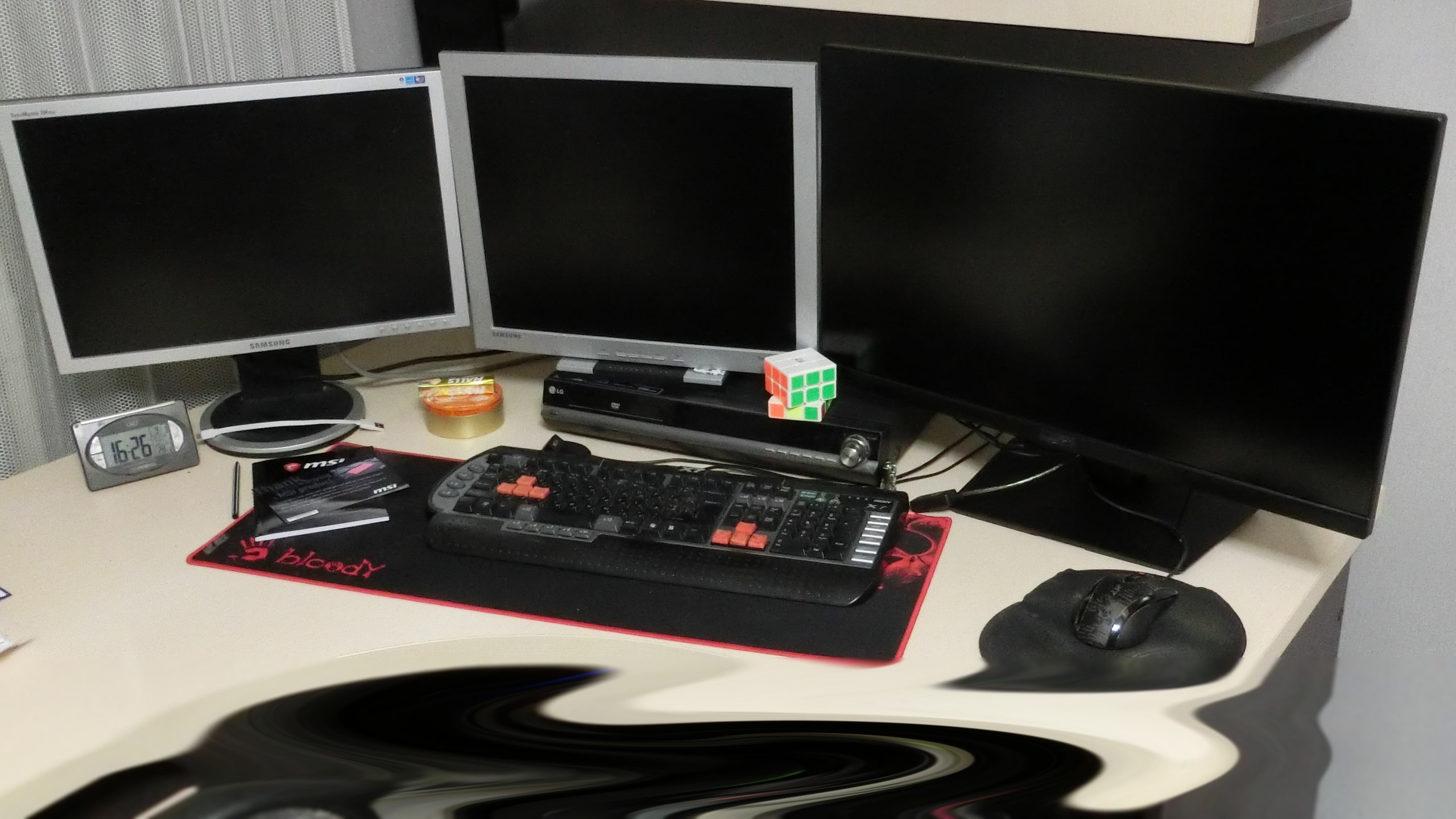
Don’t be afraid of the size when it comes to 27-inch monitors with narrow side bezels. Compared to similar-sized TVs, the monitor looks very compact. Besides technical specifications, the priority was the ability to adjust the screen height and rotate 90 degrees. Everything is implemented perfectly. Even better than expected – the stand can rotate around its axis by 270 degrees.
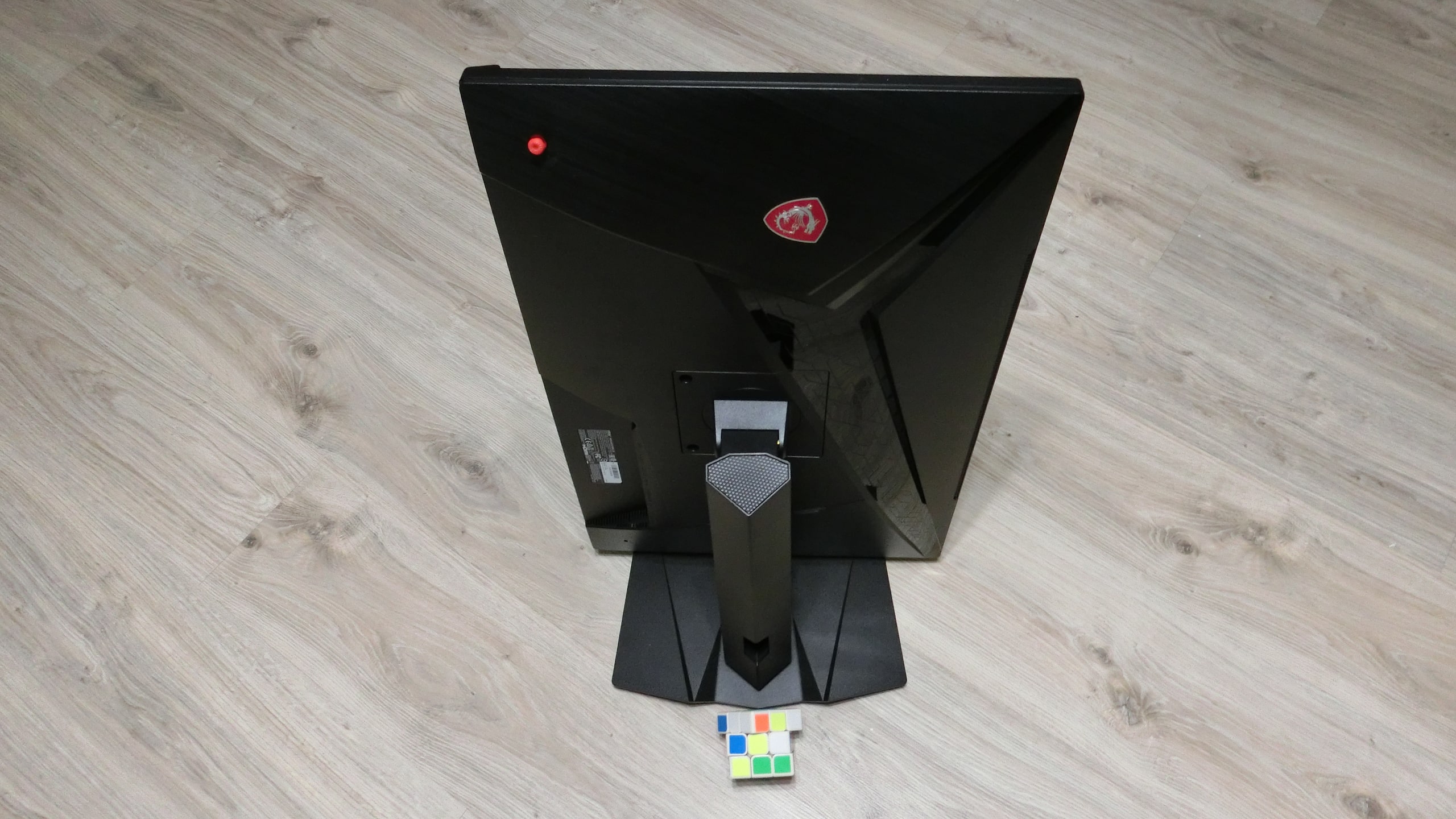
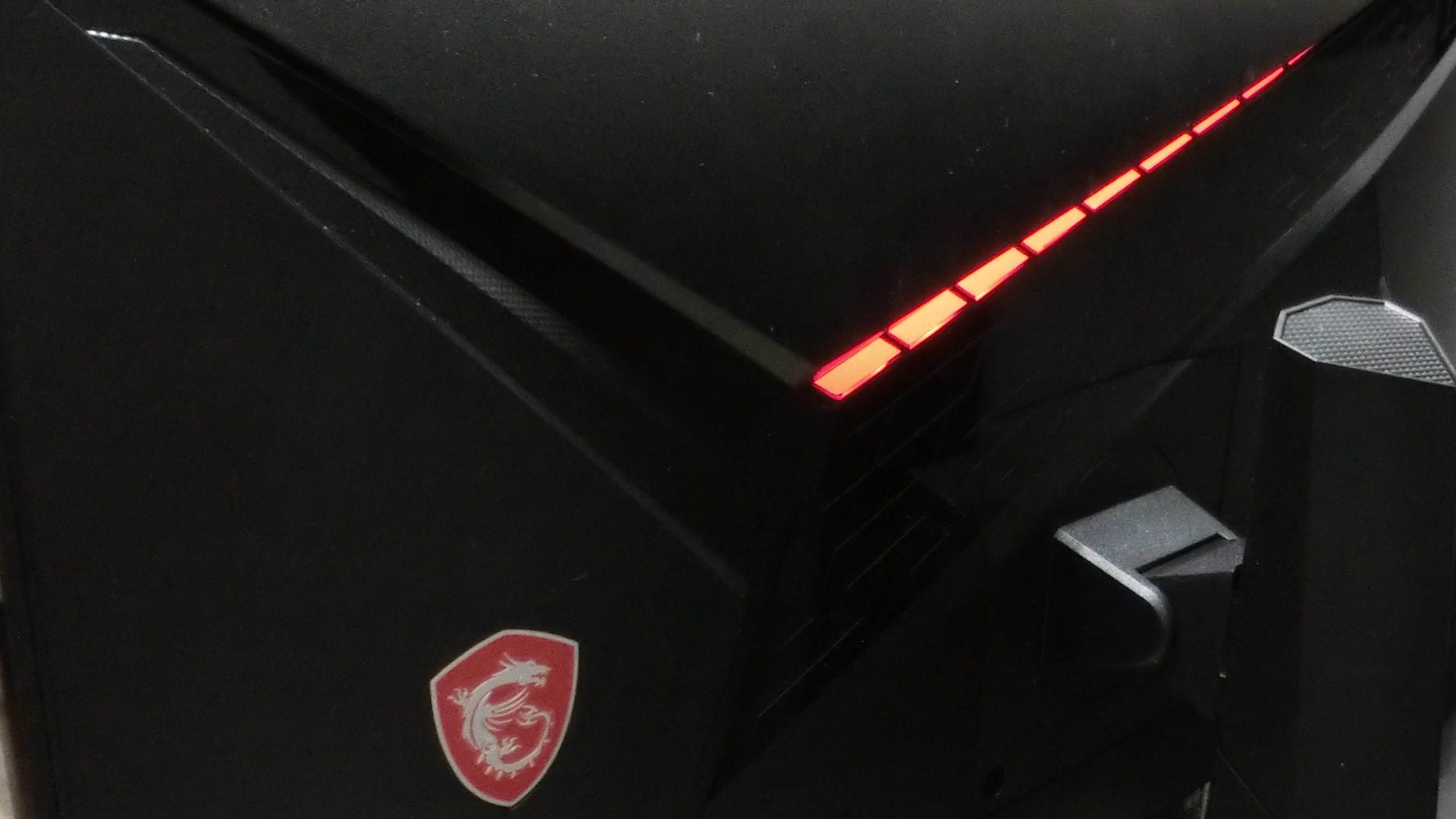
The assembly is good, with no extraneous scripts during physical manipulations of the screen. The MSI Optix MAG274R monitor’s appearance hints at gaming qualities. When turned on, there is even red backlighting on the rear panel. No questions about ergonomics – it’s an excellent and affordable solution for any work.

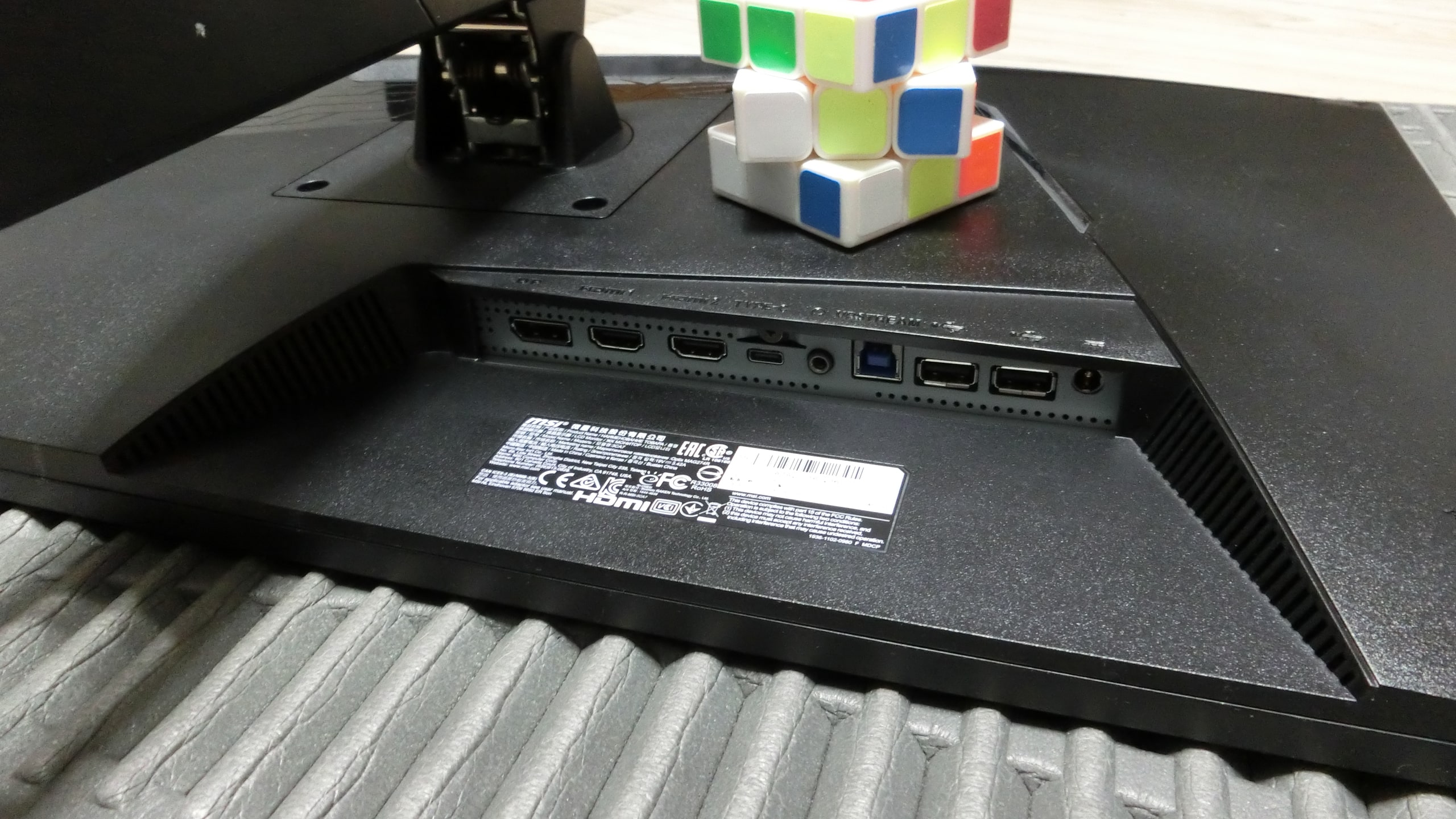
The MSI Optix MAG274R monitor is well-equipped with interfaces. But there are questions about port placement. Accessing the ports is problematic, so it’s better to set them up once and use extension cables.
There is a question for the manufacturer, who eloquently describes on their website the advantages of connecting to a PC via DisplayPort. But only an HDMI cable is included in the kit. It created an unpleasant feeling that we were deceived somewhere. But these are minor issues, as OEM cables are eventually replaced with branded ones.
Advantages of the MSI Optix MAG274R monitor
When purchasing, the primary goal was to obtain the highest quality picture for working with graphics and video. That is, the original white color and the matching shades displayed on the screen were important. Initially, a 24-inch monitor was planned. But it turned out that all monitors with this size have a weak color gamut. The maximum number of colors in 1 billion devices can only be displayed on screens 27 inches and larger.
The IPS matrix and Full HD resolution (1920×1080). Many will say – it’s better to buy a 4K monitor and they will be wrong. It’s just a marketing move. Even on a 40-inch screen, the user will not be able to distinguish the quality of the picture transmitted in Full HD and 4K formats. And there’s no point in paying one and a half times more for a 4K monitor.
Another feature that I really liked in the MSI Optix MAG274R monitor is the ability to select the signal source. All these HDMI, DisplayPort, and DisplayPort USB-C are not for compatibility with the graphics card. You can connect a server, home theater, laptop, and freely switch between devices.
And there is one more interesting feature not mentioned on the official website. Its name is “Wireless Display”. Yes, it’s the same function capable of transmitting images from mobile devices to TVs. And it works. The pairing of MSI Optix MAG274R and Samsung UE55NU7172 was quick and effective. This is very cool.
Disadvantages of the MSI Optix MAG274R monitor
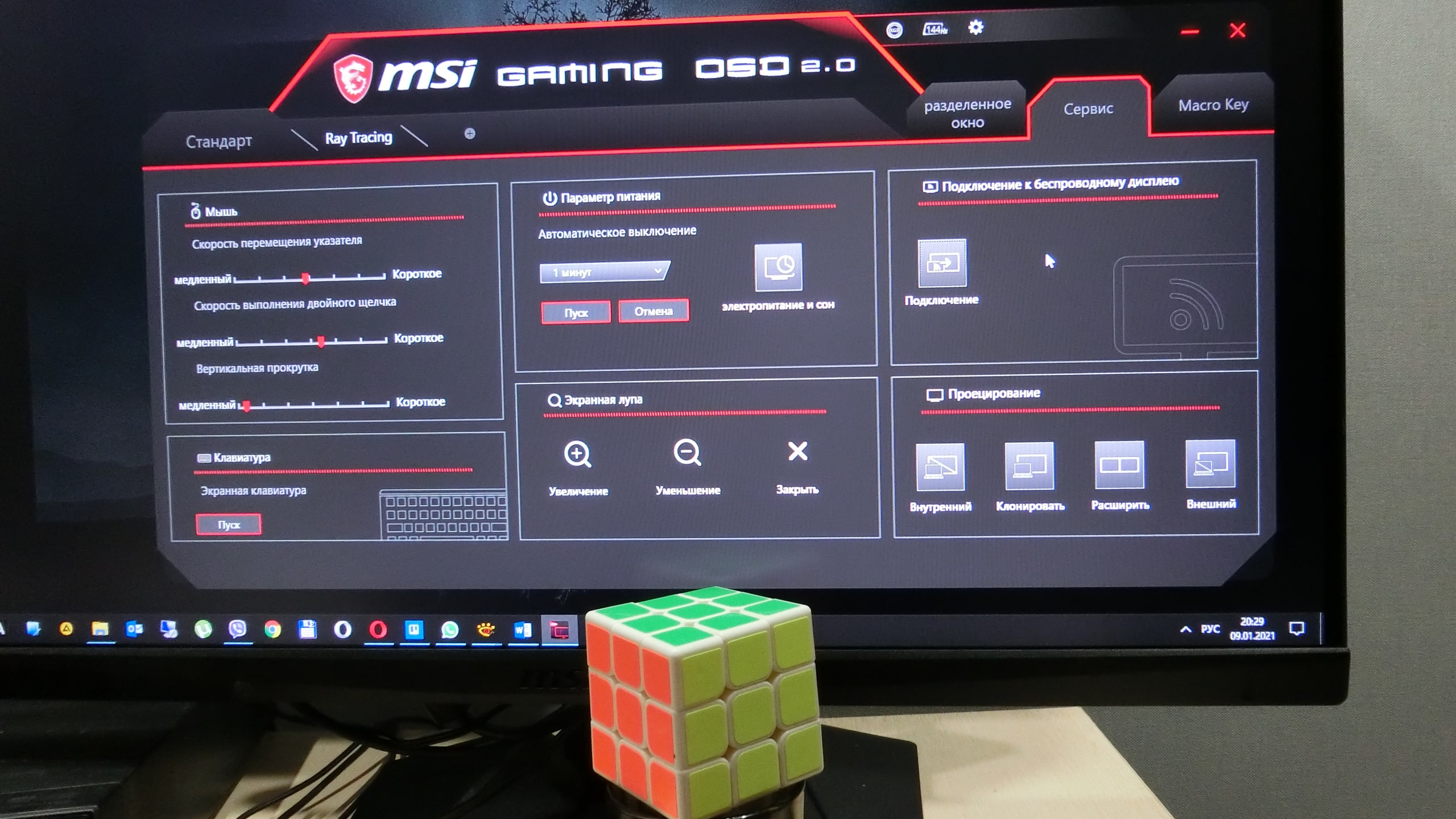
The customizable Gaming OSD menu is great. But the interface and functionality are poorly implemented. Many unnecessary elements, the purpose of which even the manual cannot explain. And the necessary functionality is missing. For example, the MSI Optix MAG274R monitor constantly tries to become a sound card for the system when the PC is turned on. But the Gaming OSD menu does not have such a function – to disable sound transmission. To stop this mess, I had to disable MSI sound at the driver level.
There is also a problem with the vertical refresh rate. The settings indicate that the monitor should operate at the maximum frequency – 144 Hz. And if some application demands lowering the frequency, do it. It lowers, but does not return to 144 Hz. After gaming, when FPS drops to 60, the monitor actually runs at 59 Hz. You need to manually set it in the menu. The issue was resolved after installing 120 Hz. But the money was paid for a 144 Hz monitor.
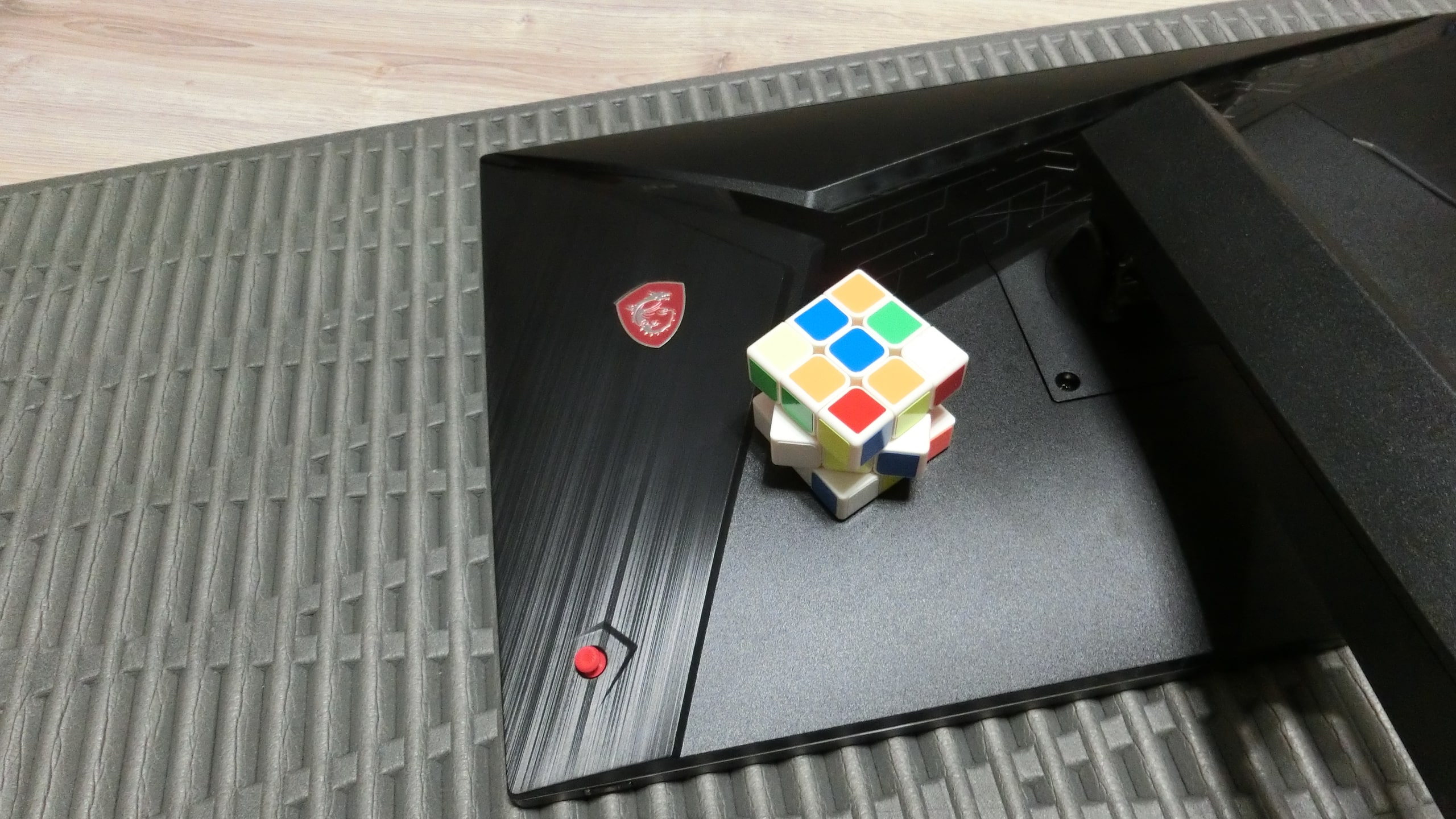
Additionally, on the back panel photo, there is a 4-position joystick. It is used for quick menu access and is configured in the Gaming OSD program. The idea is excellent, but the implementation is poor. The problem is limited functionality – only 8 options for settings. Do MSI’s engineers not test their inventions on children and adults? A little more functionality – and everyone is happy. The program itself detects all applications and suggests grouping them. Give the joystick access to these applications, and everything will be nice and in demand.
Conclusions on the MSI Optix MAG274R monitor
Overall, the device brought more positive emotions. Especially as a workhorse for graphic applications and video editors. Excellent color reproduction pleases the eye. And rotating the screen to portrait mode greatly simplifies working with graphics. Overall, there are no complaints about the picture quality.
If we talk about graphics in games, there are no questions. Even HDR works perfectly, although 12-bit (8 bits + FRC) is claimed. With an AMD RX580 graphics card, favorite games have become more realistic. But after exiting the game into normal mode, the MSI Optix MAG274R monitor’s frequency does not want to set to the maximum value – 144 Hz. This is a BUG – a software error. It may be fixed in an update. Or maybe not – it’s a lottery.
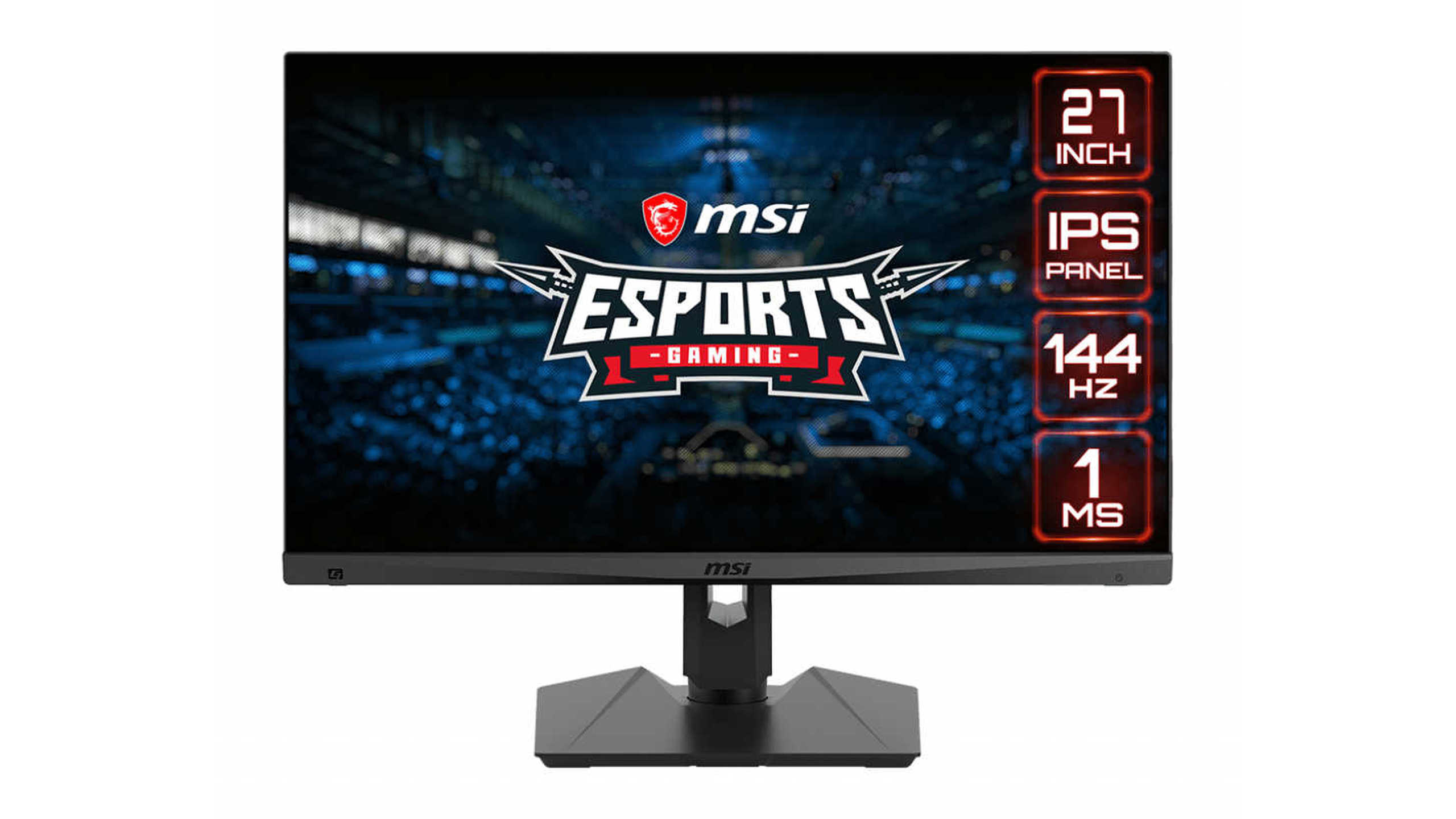
The price of the monitor at $350 makes it a worthwhile purchase. The MSI Optix MAG274R is worth its money. And even more – it’s excellent for any home tasks. The device has a great brightness and contrast reserve (it’s better to reduce it to 60% on first use). The official 36-month warranty hints that the monitor is designed to operate without failures. If you want to buy a cool gaming monitor with honest HDR 10-bit support – consider Asus TUF Gaming VG27AQ.