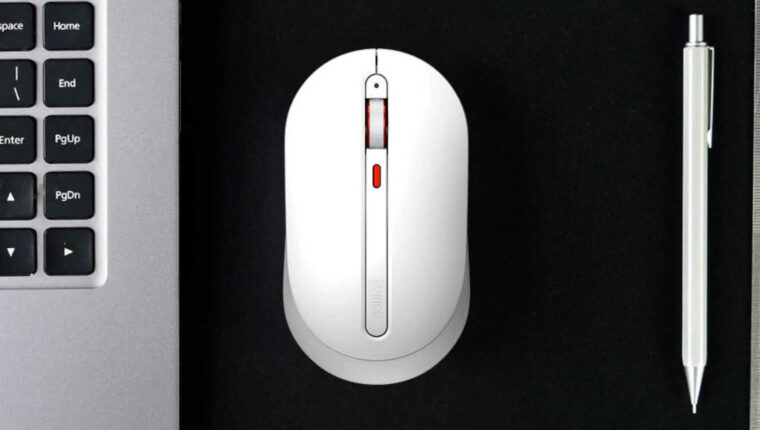
Chinese brand releases computer peripherals to the market almost every day. But we saw such an interesting gadget for the first time. The feature of the Xiaomi MiiiW Wireless Silent Mouse is its silent operation. The buttons of the mouse are made in such a way that they are silent when pressed. And there is a certain appeal for a specific category of users in this.

Xiaomi MiiiW Wireless Silent Mouse: Specifications
| Device Type | Wireless Mouse |
| Connection Type to PC | USB Transmitter |
| Wireless Technology | Wi-Fi at 2.4 GHz |
| Supported Operating Systems | Windows 10 and MacOS 10.10 |
| Power Supply for the Mouse | 2x AAA Batteries |
| Number of Buttons | 4 (left, right, under the wheel, and DPI modes) |
| DPI Adjustment | Yes: 800, 1200, 1600 DPI |
| Suitable for Left-Handed Use | Yes (symmetrical mouse) |
| LED Indicator on Body | Yes, DPI indicator, also shows battery level |
| Button Click Noise | 30-40 dB |
| Price (in China) | $6 |
The mouse is available in white and black colors. The red accents on the wheel and the LED indicator remain unchanged. The device is oriented towards office use and gaming.

Who is interested in the Xiaomi MiiiW Wireless Silent Mouse
The orientation of the mouse by the manufacturer is correct. It just needs to combine gaming with office work. A quiet mouse will appeal to those who enjoy entertainment at work and decided to play during office hours. The silence of the mouse clicks is very convenient here. Moreover, the device itself does not look like a gaming mouse. So, the department head will definitely not guess what the employee is doing in the office.
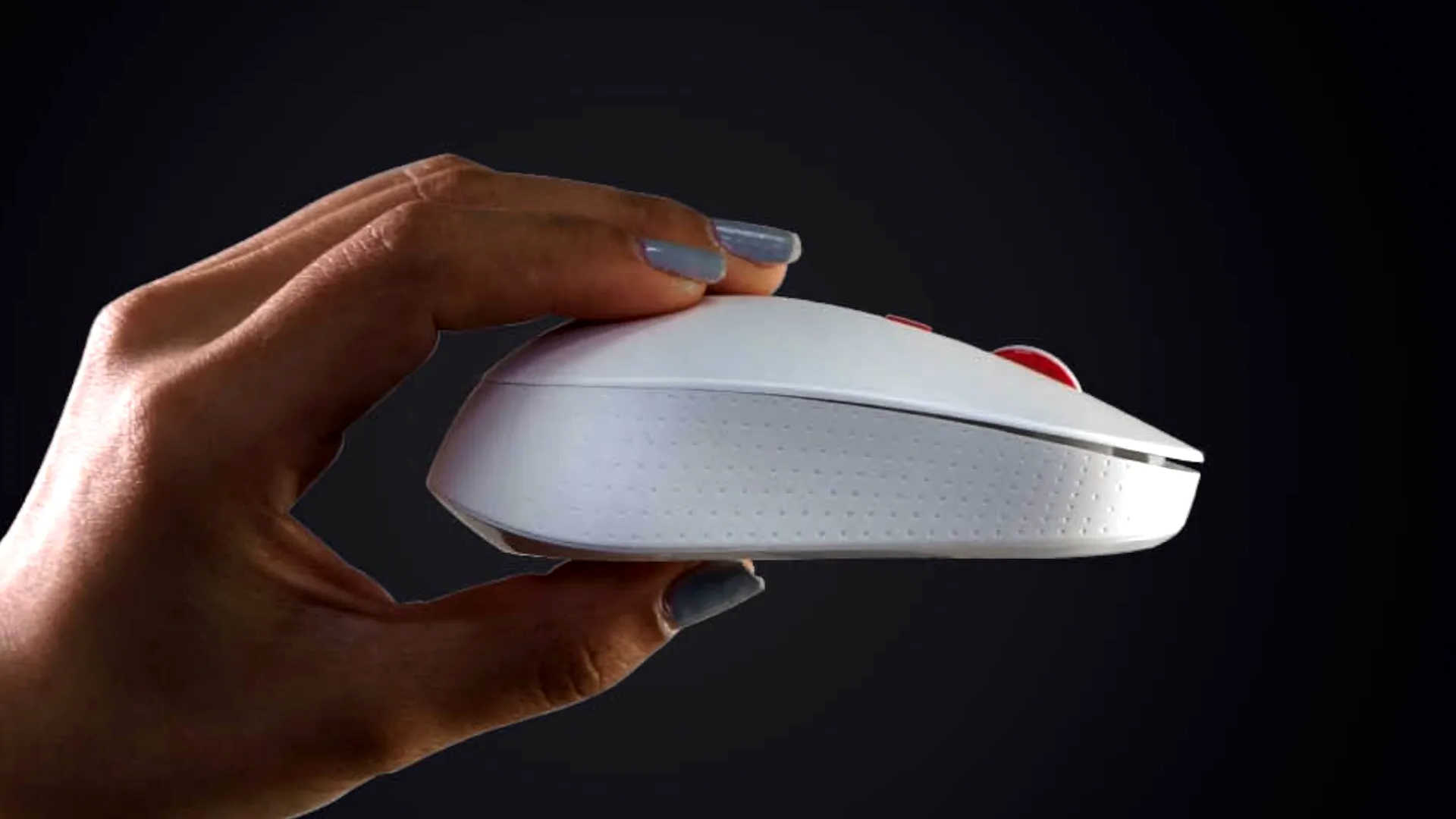
If we talk about office use, where you want to work quietly in a shared space, questions may arise. Besides the mouse, the keyboard also tends to produce unpleasant squeaking sounds. It would be good to offer a membrane button keyboard as a set with the Xiaomi MiiiW Wireless Silent Mouse. However, if a laptop keyboard is used, this issue naturally disappears.
Another point is the common problem with budget wireless mice operating on the same frequency as old routers. Before purchasing, we recommend ensuring that a modern router on the 5 GHz channel is used at home or in the office, not 2.4 GHz. Otherwise, signal interference may cause the mouse to malfunction.