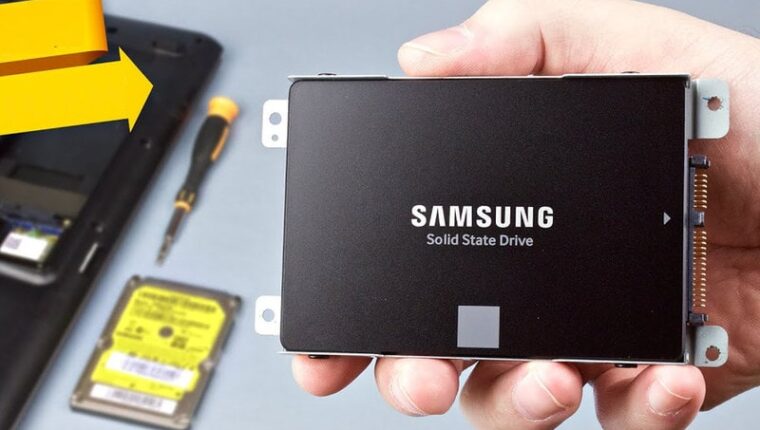
Let’s not waste time describing the advantages of SSDs over hard drives (HDD), and go straight to the point – which SSD for a laptop is better.
In pursuit of brands and technologies, the buyer misses one key point – the characteristics of the most portable device itself. More precisely, the technical capabilities of installing an SSD in a laptop. For example, equipment released before 2014 is more likely to have a SATA2 connector. The performance increase after installing any SSD will definitely be noticeable. But the ‘package of modern technologies’ packed into solid-state drives will not affect the result. Chasing speeds makes no sense. From the old interface, it is impossible to squeeze more than 250-300 MB per second. The increase will be, but insignificant. It’s better to get rid of an old laptop and buy a modern one, even if used.

SSD for Laptop: What to Pay Attention To
Markings TLC, MLC, V-NAND, 3D – these are types of cell recording that affect the pricing and durability of the drive itself. In short, MLC will last long (5-10 years), the rest are consumer-grade (3-5 years). As you noticed, the price varies significantly.
Write endurance (TBW) – the most important indicator for an SSD, which unscrupulous manufacturers often hide. The higher the number, the better. For example, brands like TEAM or LEVEN, which attract consumers with low prices, have this indicator at 20-40 TB. That means after writing that volume of data, the SSD will stop working within 1-2 years.

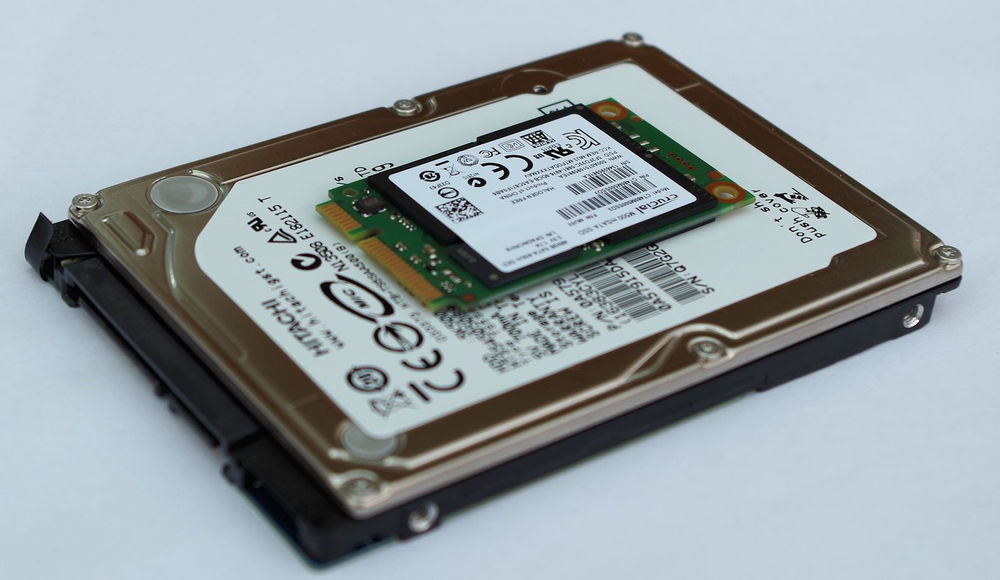
SATA3, M.2, mSATA – the type of laptop connector for installing the drive. The focus is usually on the first. But if you don’t want to replace the old disk and want to install an SSD, and an alternative connector is available, why not use it?
SSD for Laptop: Making the Right Choice
Professionals recommend providing parents with a cheap SSD of 120-240 GB capacity for laptops. This is enough for installing Windows, office applications, a browser, and multimedia. Among brands, preference is given to inexpensive manufacturers: TEAM, Kingston, Goodram, Apacer, made with TLC technology. An SSD will last for 5 years easily.
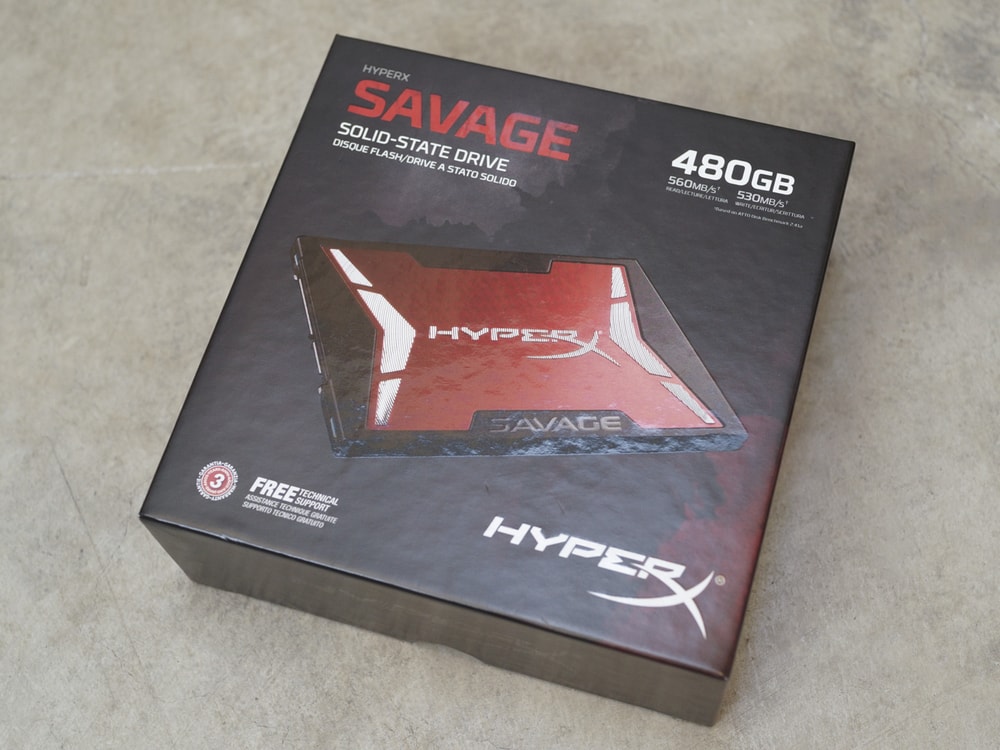
For gaming or work laptops, it is better to trust SSDs with MLC technology. Pay serious attention to the brand choice. Samsung 860 series or Kingston HyperX drives are excellent and durable solutions. The recommended capacity is 240-960 GB.
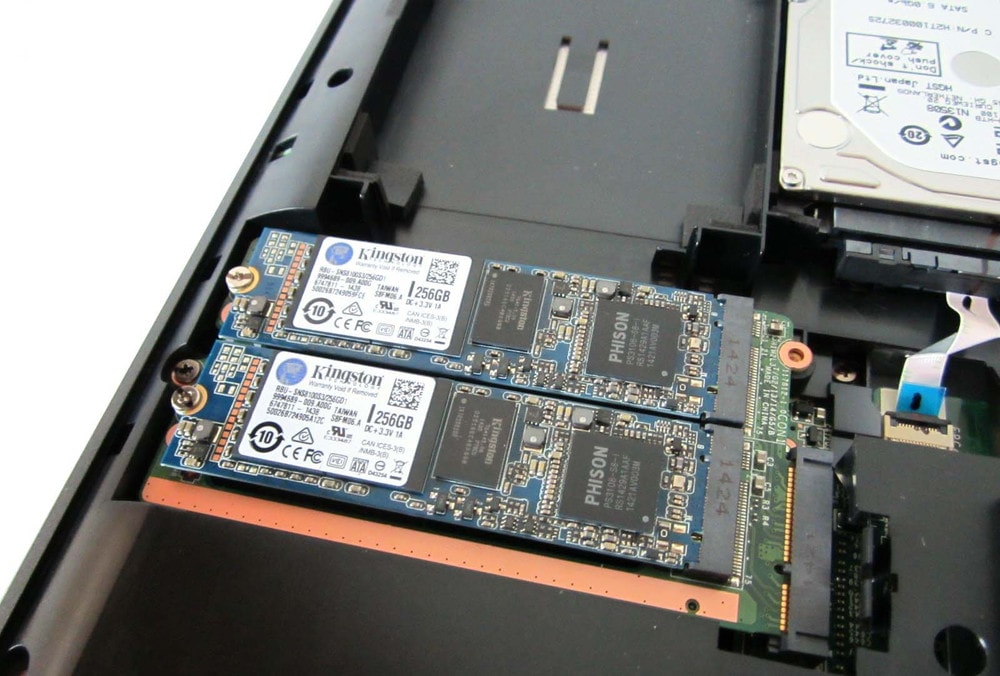
A business laptop requires a combined approach. For working with databases and large amounts of information, it is recommended to install 2 drives. An SSD for the system with applications, and an HDD for data storage. SSDs require constant activity of cells; otherwise, the disk’s capacity will diminish rapidly. Hard drives (HDD) are much more durable for file storage.