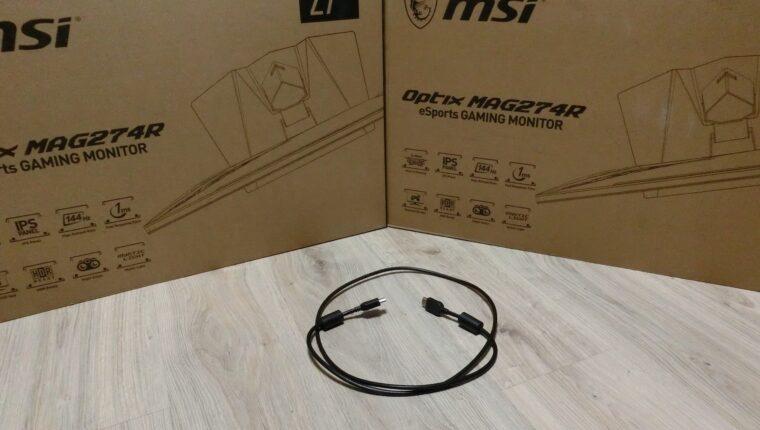
Buying two MSI Optix MAG274R monitors for our web studio was a real gift. The gaming series is perfect for working with graphics, videos, and texts. Very pleased with the reproduction of semi-tones and shades, which exactly match the desired ones on iPad screens. During the operation of MSI monitors, we encountered very strange problems. Sharing our experience.
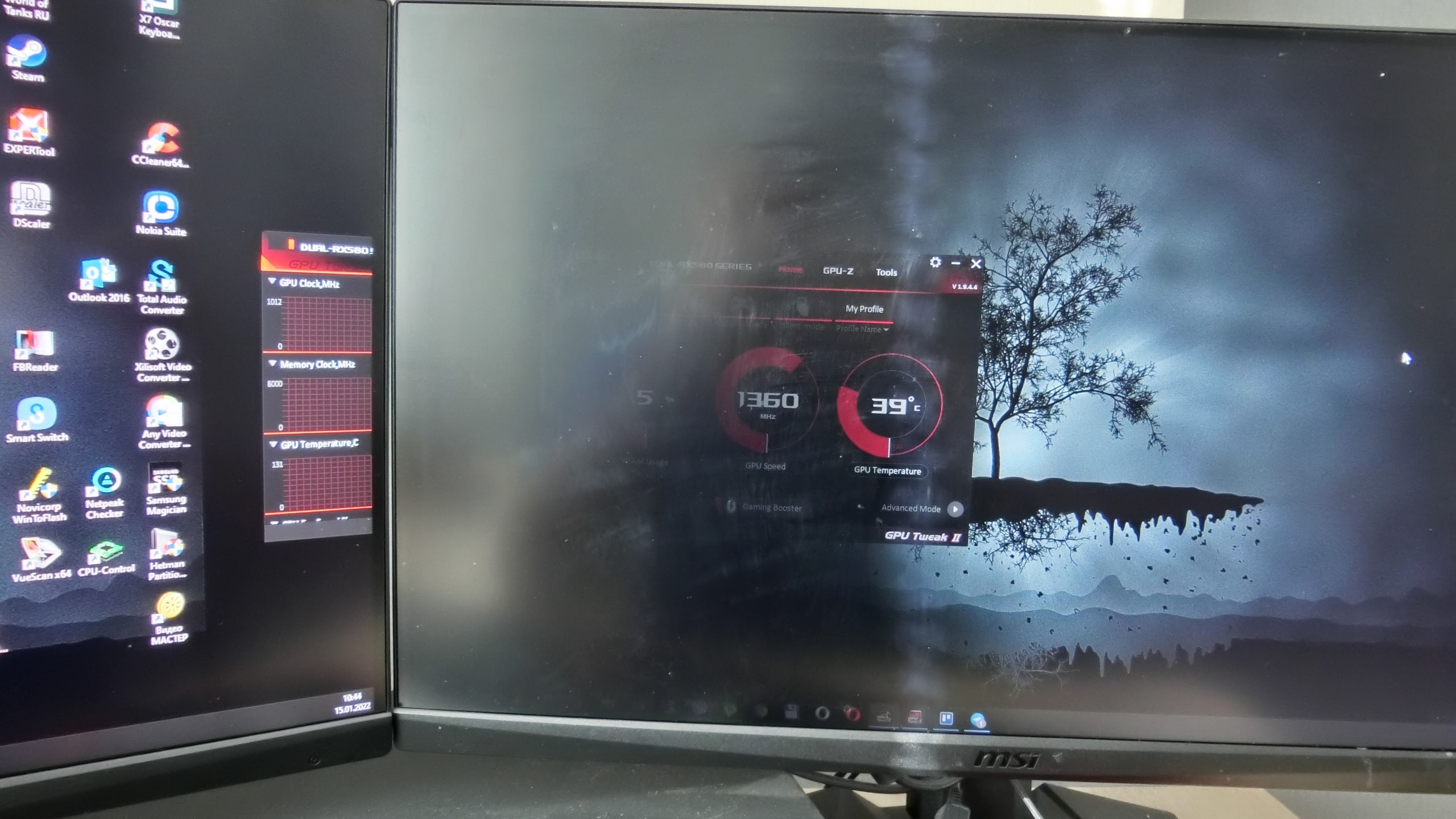
What we want from gaming monitors – “Bread and Circuses”
For a 27-inch diagonal, Full HD resolution, HDR, and 1 billion shades, a monitor priced at $350 is very decent. It was precisely because of these technical characteristics and cost that two monitors were purchased immediately. After extensive setup, good photo and video quality was achieved.
During operation, some flaws gradually appeared. Even those that are not always visible in budget segment monitors:
- Incorrect HDR operation in videos and games.
- Display refresh rate reset to 75 Hz after exiting a game (initially set to 144 Hz).
- The appearance of artifacts on the screen when turning on the monitor.
HDMI vs DisplayPort – Strange cost-cutting by MSI
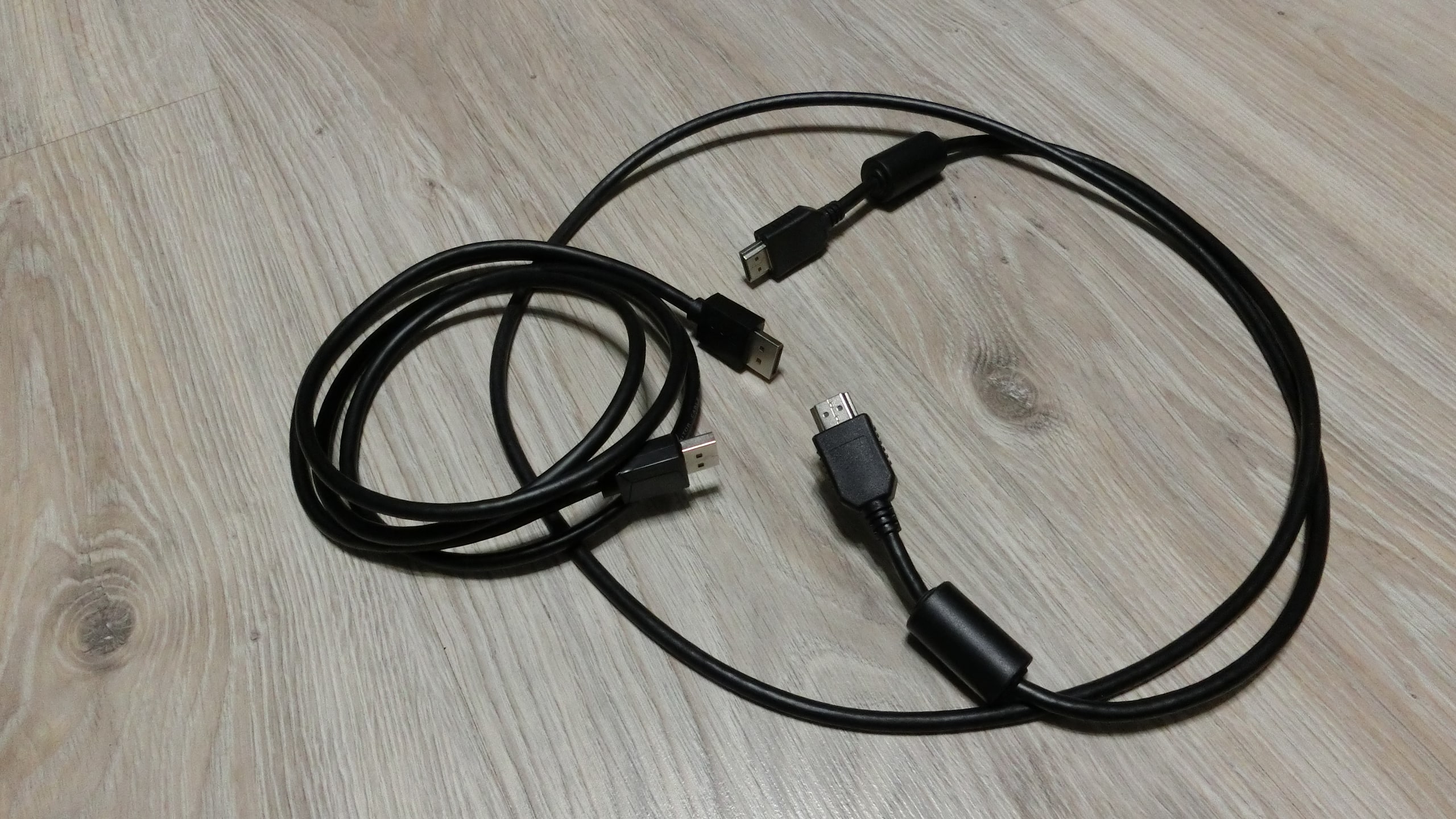
The MSI Optix MAG274R monitors come with an HDMI cable. It even has signal filters. But the HDMI version is not specified anywhere. It looks solid. As it turned out, the cable is only visually high-quality. Among different brands, the price of HDMI and DisplayPort cables of the same length is the same. The question is, why include only HDMI in the package? The DisplayPort connector is there – provide the corresponding cable.
If you are already offering to buy a gaming monitor, then ensure it comes with quality accessories. Let the equipment be $10-20 more expensive. The user will then receive the desired range of cables for connecting to a PC. Such an attitude to the buyer, who plans to keep the monitor for at least 5 years, is truly disheartening.
DisplayPort is better than HDMI – proven by experience
The first six months of monitor operation sometimes annoyed us with HDR malfunction and screen frequency drops. But otherwise, everything fully satisfied everyone in the web studio. The artifact problem appeared only on one monitor. It was a black vertical stripe in the middle of the screen when turned on, or a third of the screen darkened on the left side.
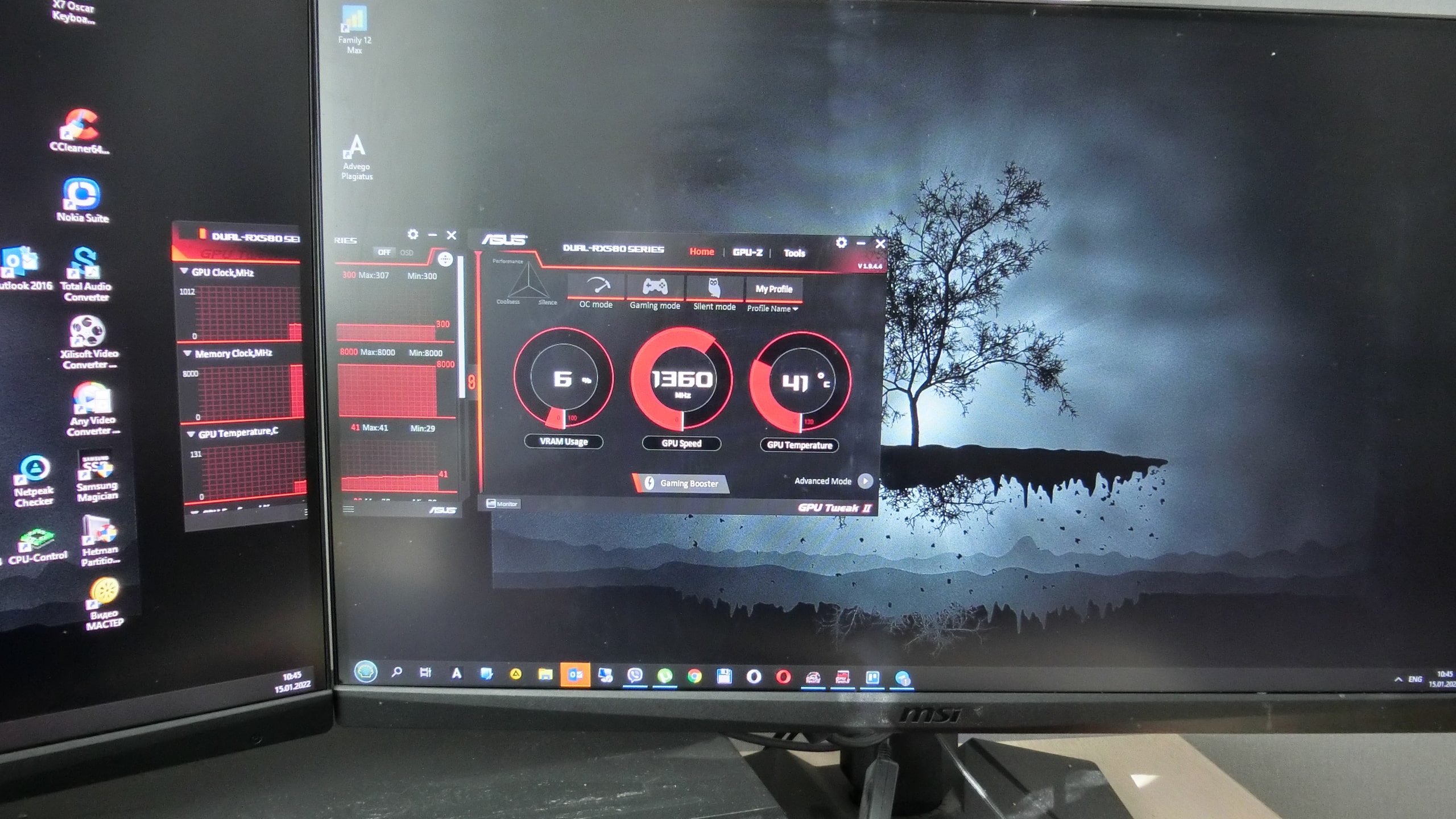
Taking this opportunity, we want to say hello to MSI technical support. What’s the point of creating it if it doesn’t work? We contacted, just for fun, the Asus service center. And they told us – replace the HDMI cable from the box with a proper DisplayPort. And that’s what we did.
Oh, miracle!
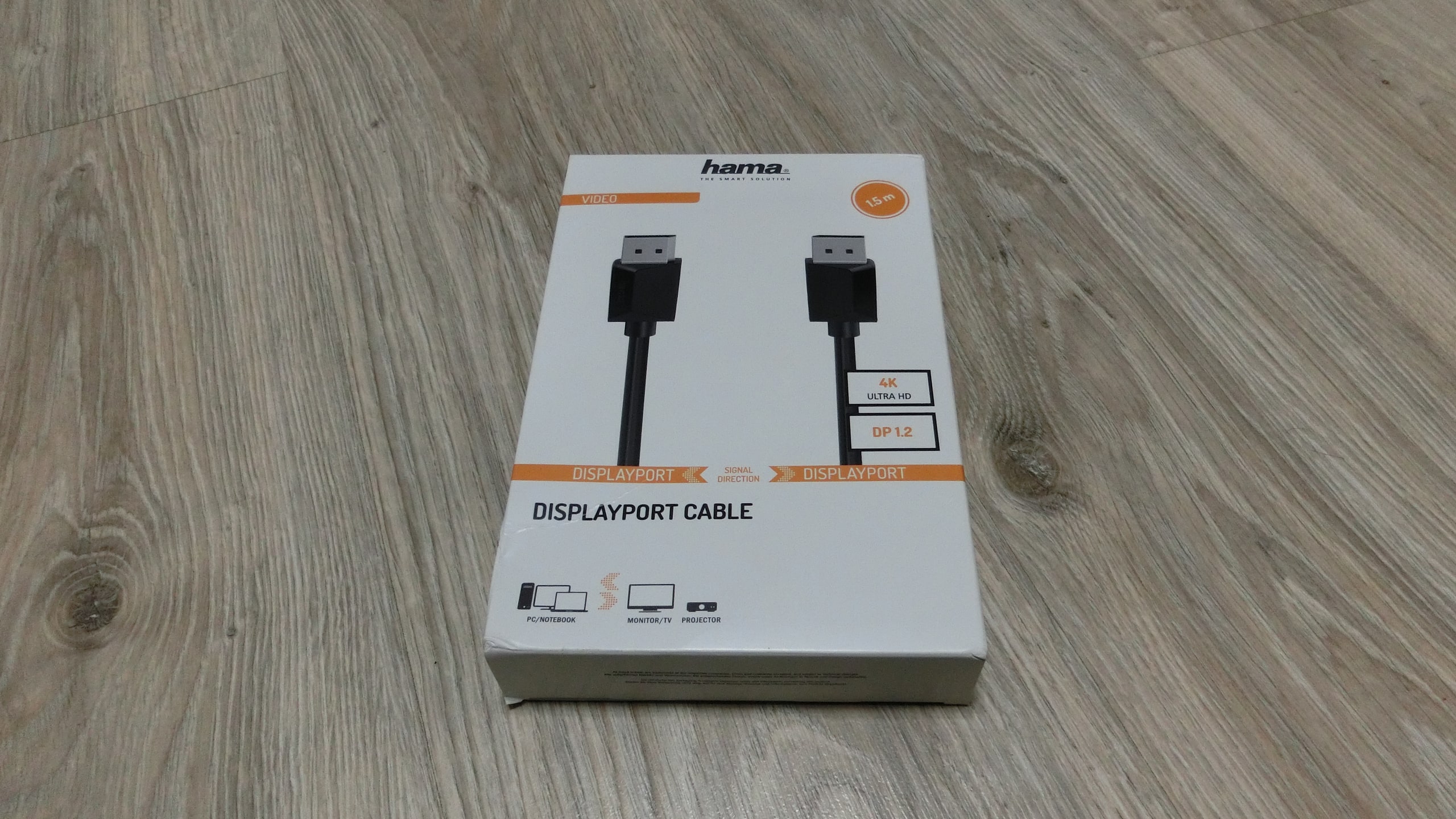
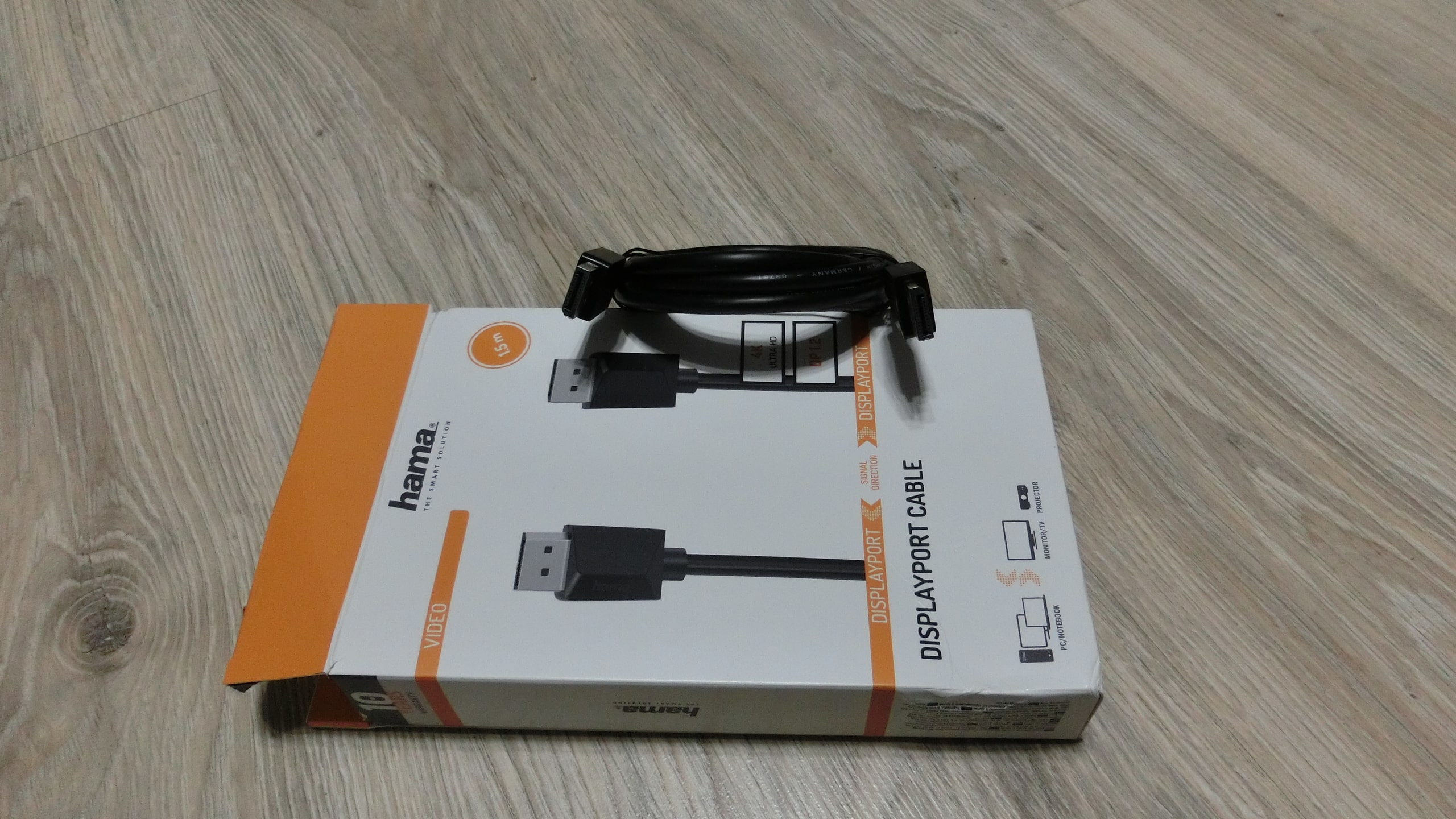
Our unpleasant artifact disappeared when turning on the monitor. HDR started working properly, the screen frequency stopped resetting itself after exiting games. The screen brightness noticeably increased, initially thought it was normal. Just one DisplayPort HAMA cable costing $15 solved all our problems.
We would also like to try a quality HDMI cable. But we don’t want to spend money just for testing. Perhaps a cable from a reputable brand will work just as well as the purchased DisplayPort. If interested – test it and tell us.
And we wish MSI well. You seem to make good monitors with the necessary technical specifications. But the packaging and service are just terrible. You might say we got an unlucky model. But we also used a DisplayPort cable on the second monitor. And there is a difference compared to HDMI. The problem is yours – fix it. And change your support staff – they don’t want to work.