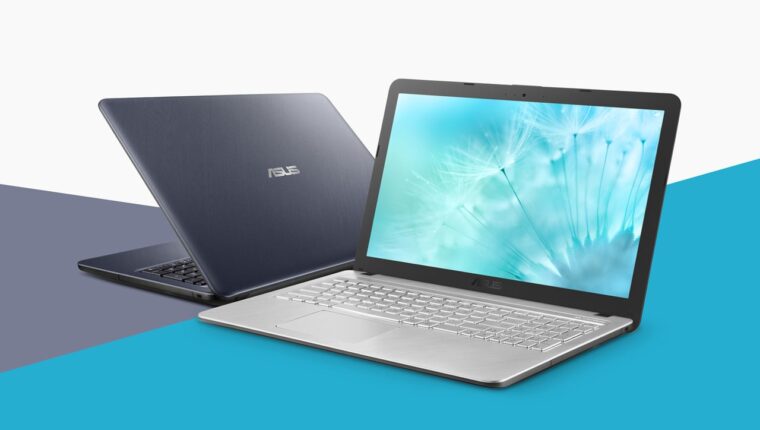
The budget segment of mobile computers has been replenished with another new product that immediately attracted attention. The ASUS Laptop X543UA (DM2143) is designed to clarify options for buyers seeking a decent balance between price and performance. However, Hewlett-Packard tried to do this earlier by releasing the HP 250 G7 gadget. But the Americans significantly overestimated the cost.

So, 400 US dollars for a powerful solution for office needs. The minimum hardware requirements are set by the end of 2019. This means that in 2020, all devices will transition to similar specifications for budget laptops. Those who refuse will lose their share in the global market.
- Display with a minimum resolution of Full HD (1920×1080 pixels per inch);
- Intel Core i3 family processor (currently 7th generation);
- 8 GB DDR4 RAM (minimum size for normal operation in Windows 10-64bit);
- SSD drive with at least 256 GB capacity;
- Wi-Fi module supporting 802.11 ac protocol
This configuration guarantees the user full functionality with any office applications. It includes enterprise management programs, accounting, office work, graphics, 3D modeling, and other software that does not utilize the video adapter resources.
ASUS Laptop X543UA (DM2143): Review
The mobile device has a plastic case with non-standard dimensions (381x251x27.2mm). Weight 1.9 kg. No external complaints. In short – ASUS. A brand that has built its reputation on quality and technology. It cannot be said that the laptop has a ultra-modern design. On the contrary. It is more classic. No frills except for textured coating and models in two color variations: silver and gray. A rather conservative budget model for office use without any special features.
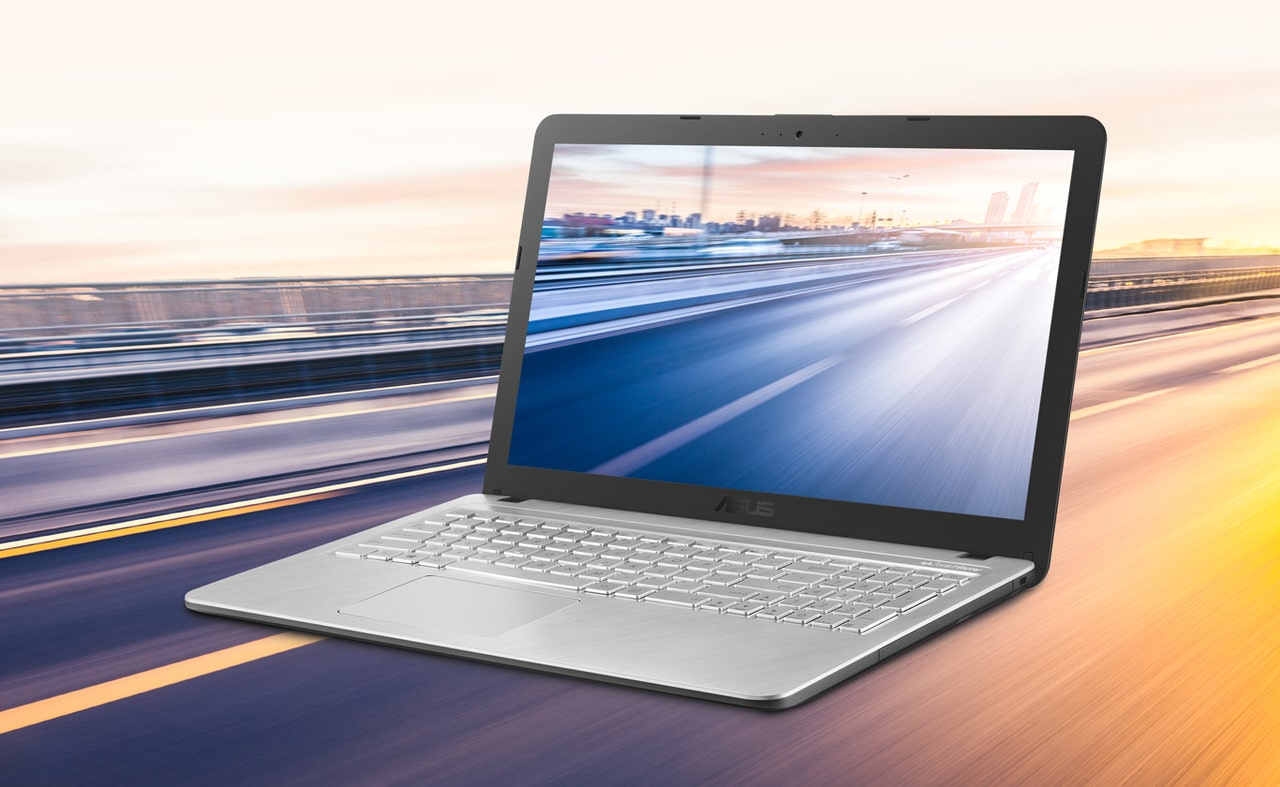
On the other hand, the ergonomics of the ASUS Laptop X543UA (DM2143) clearly indicate its office segment affiliation. Full-sized keyboard. No truncated keys or missing buttons, with functions accessed via Fn. A standard-sized numeric keypad. Keys for Alt, Ctrl, Shift are present on both sides. There are arrow keys, two Enter keys, and a large “plus” button for calculations. The keys are plastic with engraved letters that cannot be erased by female manicure. Key travel is 1.8 mm. Hands will not tire after long work with texts or documents.
The technical specifications are listed above. But it should be noted that they are more than enough for office needs. The laptop will definitely last 5 years or more (unless developers come up with more resource-intensive programs). Regarding performance, the ASUS Laptop X543UA is excellent for multimedia tasks. Videos, music, photos – no problems. Even simple games will run. The 2 GB onboard graphics card can handle races, strategy, RPG, adventure, and Tanks on medium graphics settings.

The cooling system is well thought out. More precisely, the placement of heat-generating components inside the case. The manufacturer claims IceCool technology – an innovation for quality airflow. In fact, all heating parts are located in the center of the laptop, with copper tubes distributed across the motherboard to ventilation windows. This system effectively cools the internals, and the case remains always cold when handled.
Innovations and Comfort
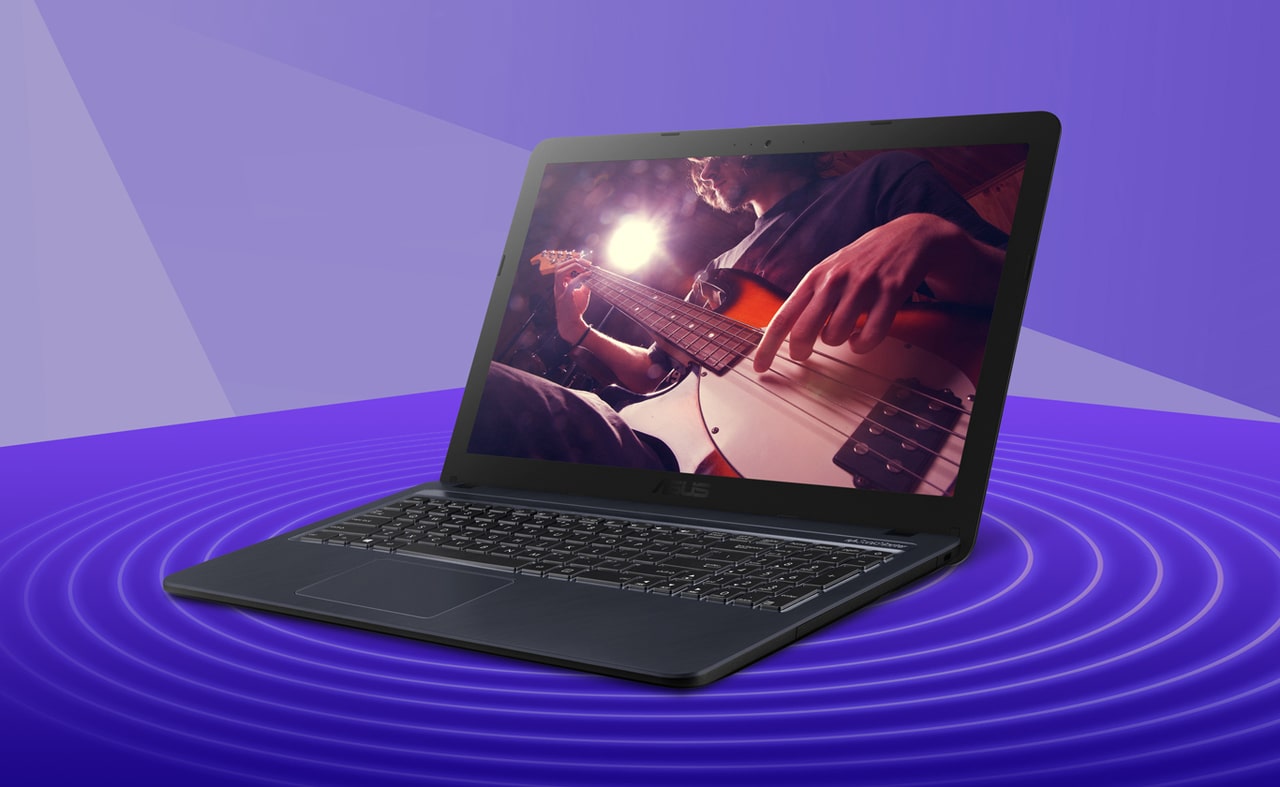
The budget laptop features a business-class sound system. The chip and speakers from more expensive models (SonicMaster technology) are simply installed in this new device. The result is excellent sound at high and low frequencies. Large speakers with resonant chambers (19 cubic centimeters) produce soft and deep bass, comparable to high-quality computer speakers.
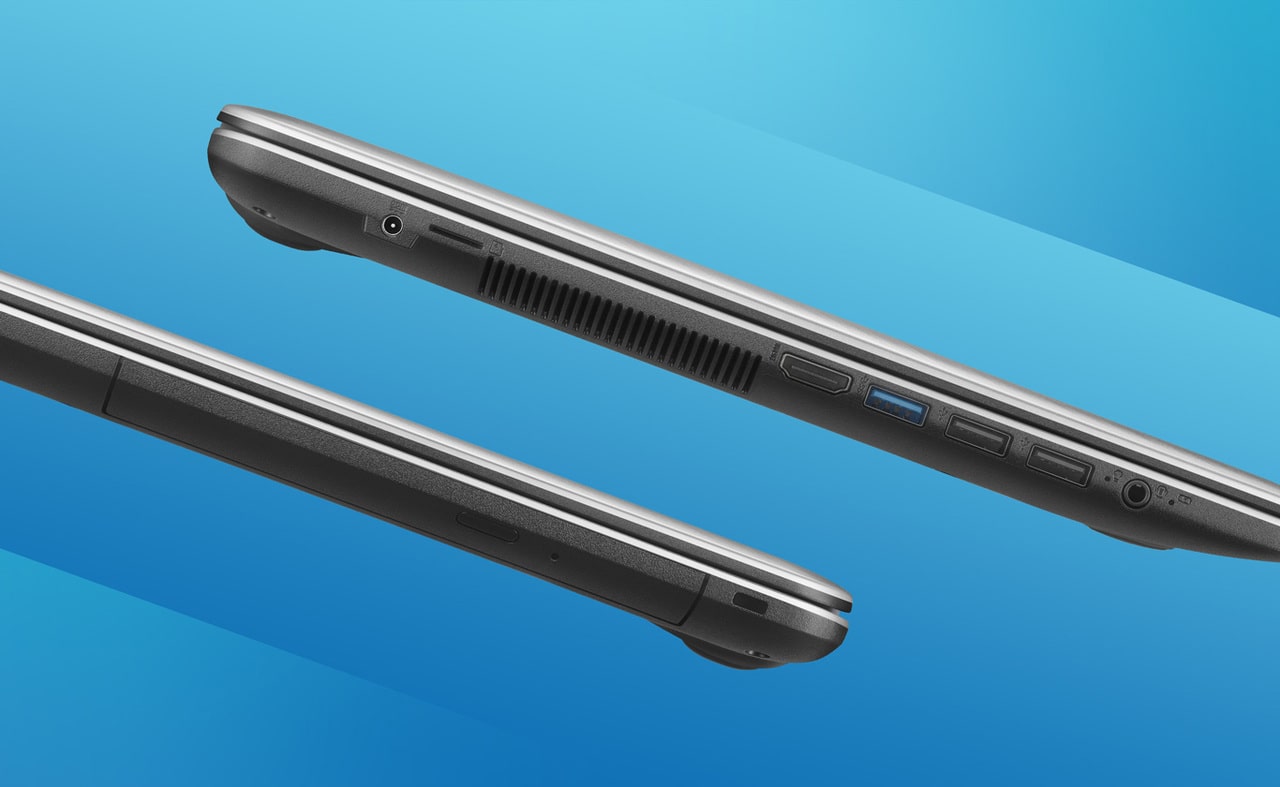
There is nothing new with interfaces. Standard audio jack, HDMI port, USB 2.0 and 3.1 ports, microSD slot. The DVD-Rom drive is available in a couple of laptop models.
The display modes are impressive. Like more expensive models, it features Splendid technology. In brief, you can choose preset settings for better display of photos, movies, text, and even reading books. There is a manual mode, but it offers little benefit.

The ASUS Laptop X543UA (DM2143) uses a TN+Film matrix. Although many sellers specify IPS in the description. The display in this gadget is made with a new technology. Visually, it appears to be an IPS matrix. This misleads many. Plus, the manufacturer’s packaging does not specify the type of LCD screen. Perhaps the brand chose not to emphasize this, leaving it to the user to determine quality by eye.
Ultimately, among all 15-inch budget devices, the ASUS representative took first place. Lenovo, Acer, Dell – all praised brands, in the $400 price segment, have solutions with worse technical specifications. This means that in 2-3 months, the equipment will leave the market at a throwaway price, as it will no longer be needed.